


Most buyers fixate on brand names first. That’s the wrong starting point.
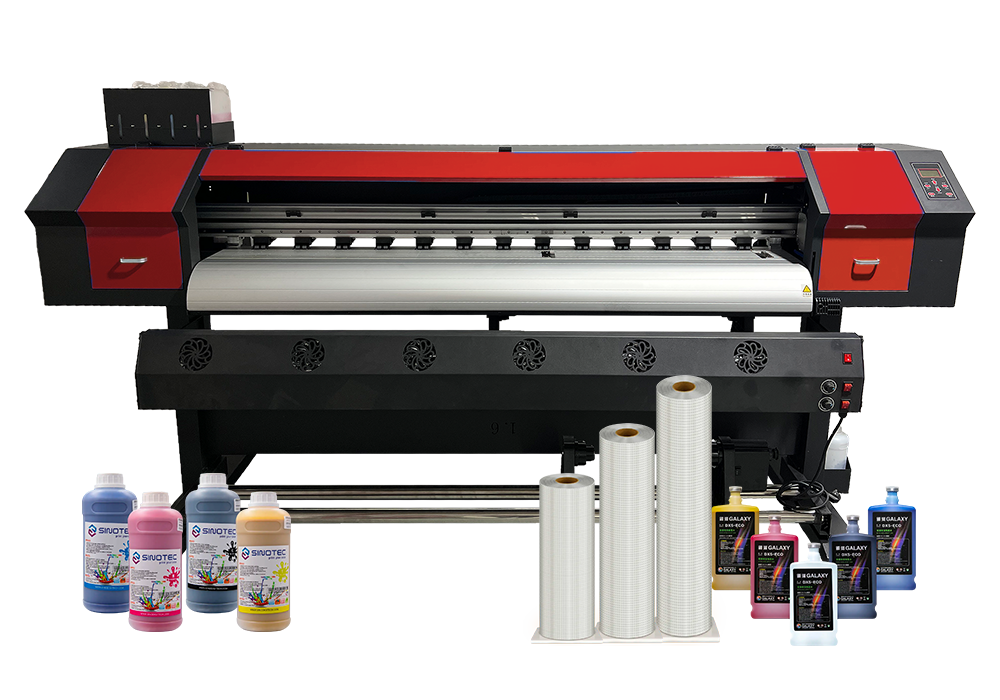
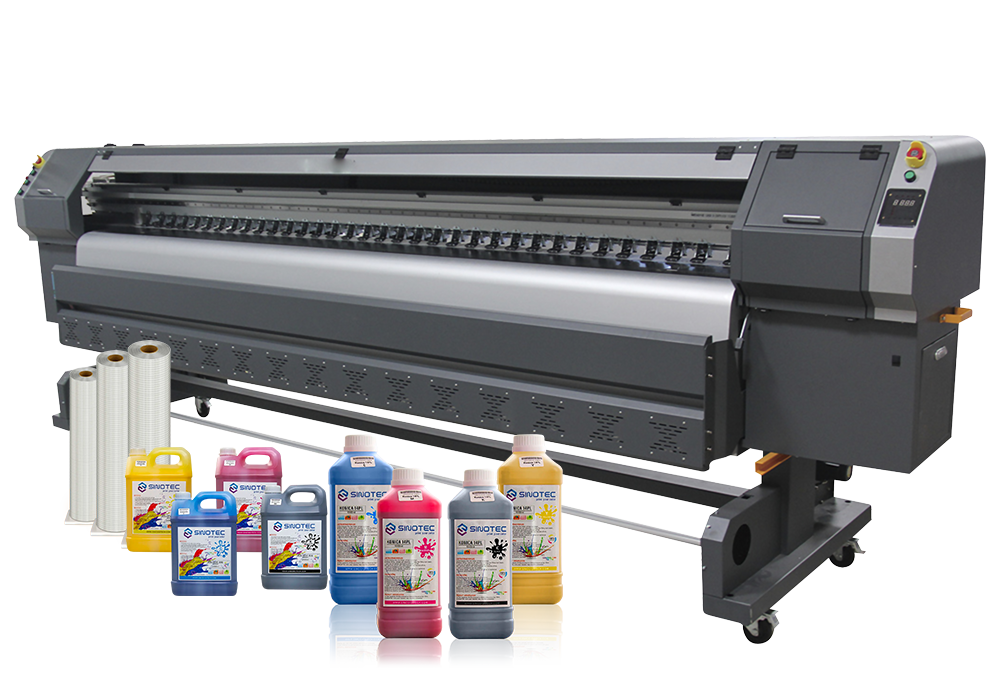
A large inkjet printer works by propelling microscopic droplets of ink — sometimes as small as 2 picoliters — through a printhead and onto a substrate with enough precision to hold fine lines, gradients, and photographic detail at widths that a desktop machine couldn’t touch. We’re talking 24 inches, 44 inches, 60 inches wide. Some roll-fed systems go wider still. The core technology sounds simple enough, but the variables underneath that basic description are where buyers consistently get burned: droplet size, printhead configuration, ink chemistry, media handling, and drying method all interact in ways that spec sheets don’t always explain clearly.
So here’s the thing about specs — they’re not just numbers to impress you at a trade show. A commercial inkjet printer running aqueous dye inks will produce stunning color on coated photo paper and look completely washed out on uncoated banner material. Swap to a solvent or latex ink system and suddenly you’ve got outdoor durability, but your fine-art reproduction quality takes a hit. Neither is universally better. It depends entirely on what you’re printing, how often, and on what surface.
And the “large plotter printer” category specifically adds another layer of complexity — these machines are built around precision drafting and technical output, where dimensional accuracy matters more than color gamut. An architectural firm printing CAD drawings has almost nothing in common with a print shop running retail signage, even if both are using a 36-inch wide-format machine from the same product family.
The table below breaks down the primary spec categories that actually affect real-world output quality — not the marketing highlights, but the functional differences worth comparing before you commit to a purchase:
| Spec Category | Why It Matters | What to Look For |
| Print Resolution (DPI) | Determines fine detail and edge sharpness | 1200 DPI minimum for photo/graphic work |
| Ink Type | Affects durability, color range, and media compatibility | Match ink chemistry to your primary substrate |
| Printhead Technology | Impacts speed, consistency, and maintenance cost | Piezo vs. thermal — piezo tends to last longer |
| Max Print Width | Sets the ceiling on your output format options | Buy wider than your current largest job requires |
| Media Handling | Determines substrate flexibility and workflow speed | Roll-to-roll vs. flatbed vs. hybrid configurations |
Print Width, Resolution, and Ink Systems — The Three Numbers You Can’t Ignore
Three numbers. That’s really what separates a machine that fits your operation from one that becomes an expensive paperweight six months in. Print width, resolution, and ink system — get all three right, and almost everything else is just fine-tuning.
Print width is the obvious one, but buyers consistently underestimate it. The rule of thumb that actually holds up in practice: buy wider than your biggest current job demands. If your largest regular output is 42 inches, look at a 54- or 60-inch machine. Why? Because the moment you start turning away a client because your large inkjet printer can’t physically fit their banner, you’ve already lost more than the machine’s cost differential. A large plotter printer running at 60 inches doesn’t cost dramatically more to operate than a 44-inch model — but the ceiling it removes from your revenue potential is significant.
Resolution is where people get tangled up in specs that don’t always translate to real-world results. Honest answer: 1200 DPI is a reasonable floor for graphics and photo work, but the printhead technology matters just as much as the number itself. A machine printing at 1200 DPI with a well-calibrated piezo head — Epson’s PrecisionCore architecture is a good reference point here — will outperform a thermal system rated at 2400 DPI that’s running with clogged nozzles. So don’t chase the bigger number blindly.
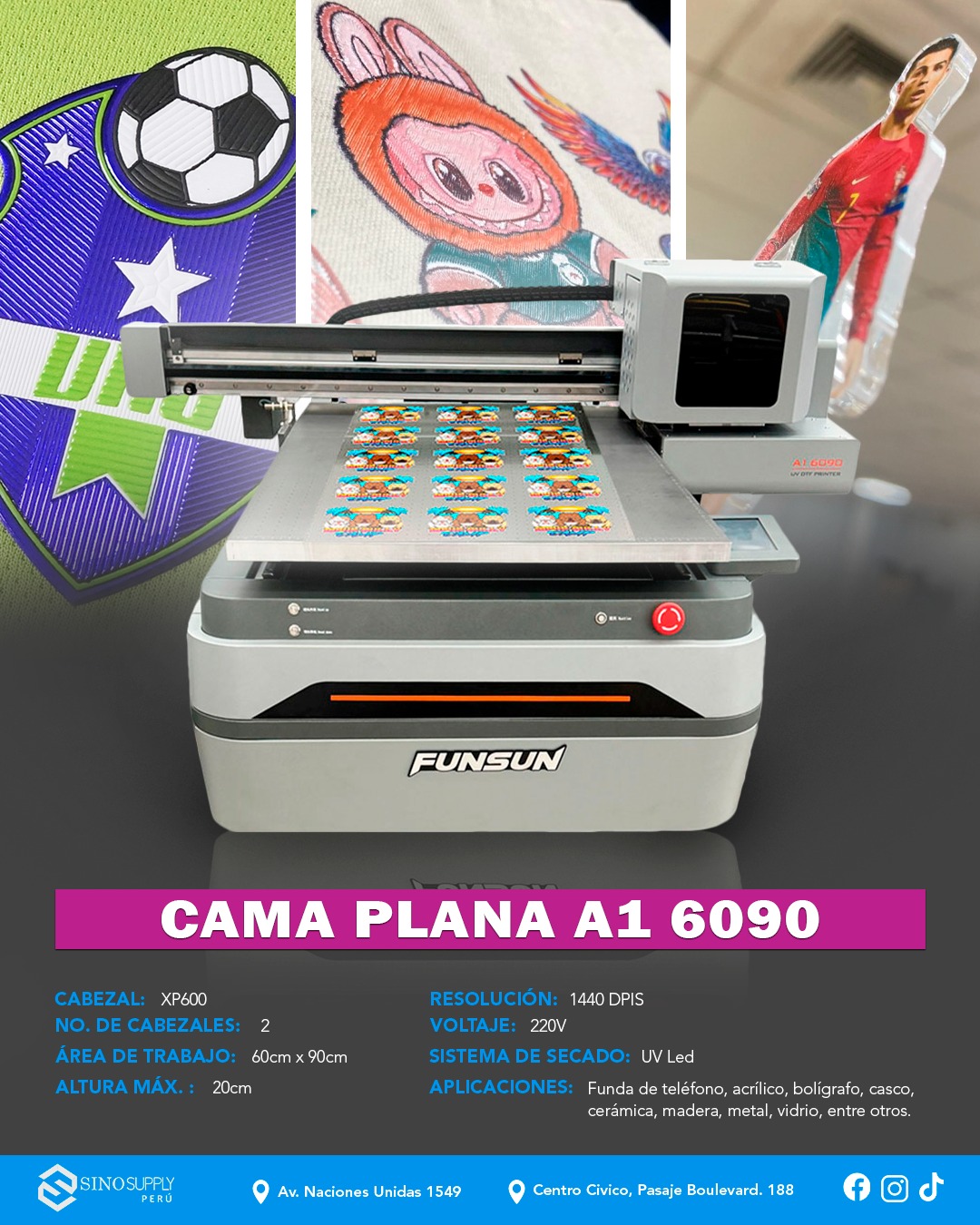
Ink chemistry is where things get genuinely complicated (and where a lot of buyers make expensive mistakes). Aqueous inks are excellent for indoor photo and fine art output but will fade or bleed on outdoor substrates. UV-curable inks adhere to rigid materials — acrylic, aluminum composite, foam board — and cure instantly under UV lamps, which speeds up workflow considerably. Solvent and eco-solvent inks sit somewhere in the middle: outdoor-durable, flexible enough for vehicle wraps, and compatible with a wide range of vinyl media. Any commercial inkjet printer running outdoor signage or fleet graphics work almost certainly needs solvent or UV capability.
Match the ink system to your primary substrate first. Everything else follows from that decision.
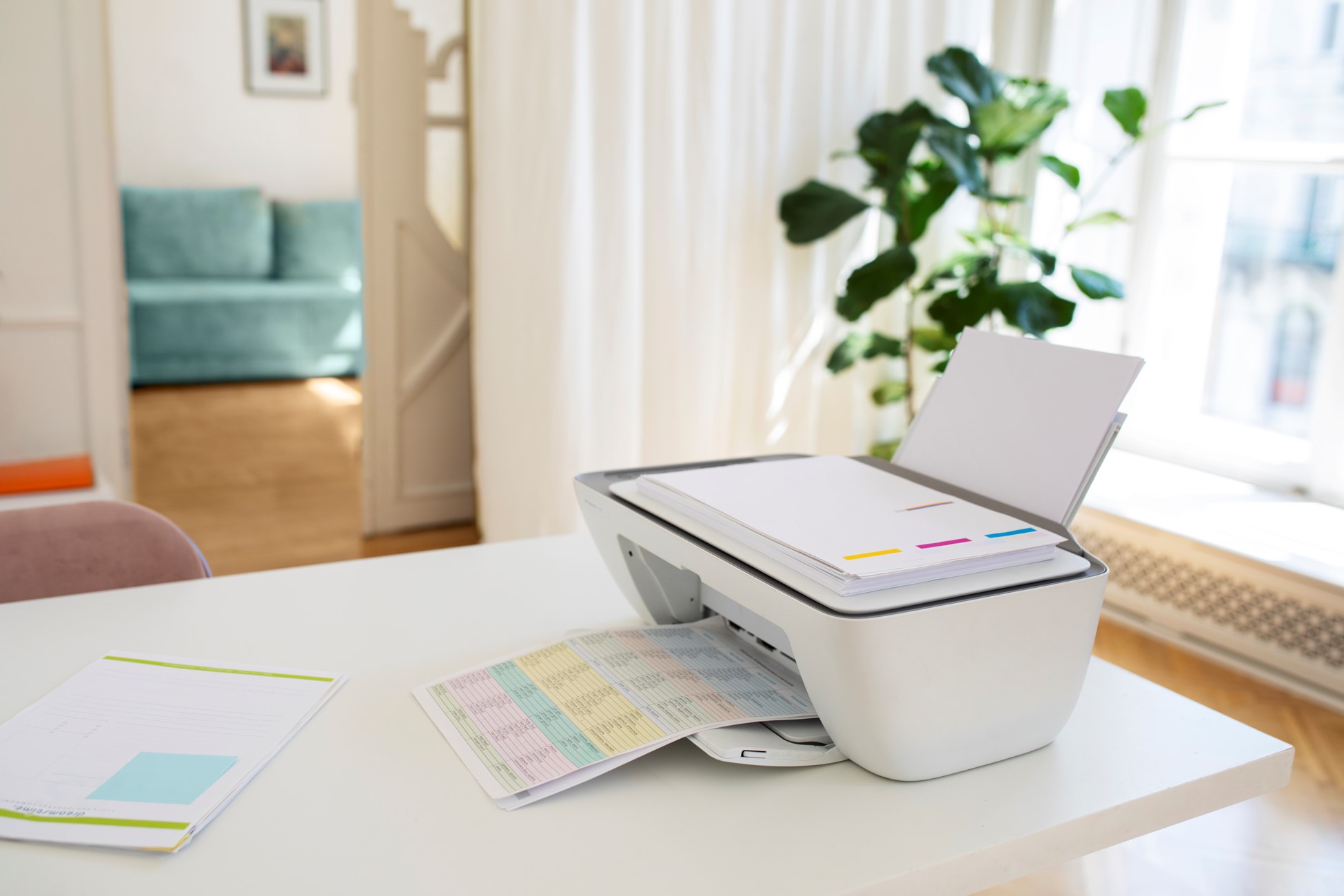
Where a Large Plotter Printer Fits vs. Where It Doesn’t
Fit matters more than features. A large plotter printer sitting in the wrong environment is just an expensive dust collector — and that’s not an exaggeration if you’re a small print shop running maybe 10-15 wide-format jobs a week on a machine built for 10x that volume.
So where does a large inkjet printer genuinely earn its keep? Commercial print shops, architectural firms, interior design studios, event production companies, and any operation doing consistent wide-format output at scale. These are environments where the throughput justifies the footprint, the maintenance overhead, and the media costs. A commercial inkjet printer running at near-capacity is a completely different value proposition than one sitting idle three days out of five.
Not every buyer fits that profile, though.
A freelance photographer who occasionally prints exhibition pieces doesn’t need a 64-inch roll-fed beast — a desktop photo printer at a fraction of the cost handles that workload without the ink maintenance headaches that come with machines left idle for extended periods (and yes, clogged heads are a real operational cost, not just an inconvenience). Same logic applies to small marketing teams who send maybe two or three banner jobs a year to an outside vendor. Outsourcing those runs is almost always cheaper than ownership when volume is that low.
But when volume crosses a certain threshold — say, daily print runs, consistent substrate variety, or tight turnaround requirements — in-house wide-format production starts making serious financial sense. Buyers sourcing through suppliers like SINOTEC often hit this crossover point when they’re scaling a regional print operation or building out commercial production capacity for OEM or contract work.
- High fit: print shops, trade show producers, signage companies, architectural visualization studios
- Low fit: occasional-use creative freelancers, small offices with minimal visual output needs
- Gray zone: mid-size marketing departments — depends entirely on monthly print volume and turnaround sensitivity
Honest answer? Most buyers overestimate their volume and underestimate their maintenance commitment. Know your actual monthly square footage before you commit to anything.
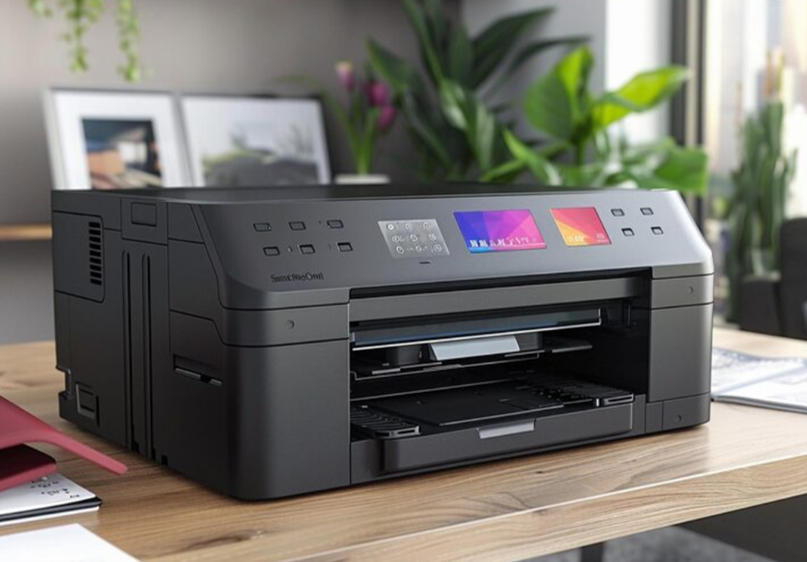
How to Match a Commercial Inkjet Printer to Your Real-World Output Needs
Matching the machine to the actual job — not the job you imagine you’ll have six months from now — is where most buyers go wrong. The spec sheet looks great. The demo print looks great. And then the printer sits at 40% utilization because the workload never materialized the way the purchase justification said it would.
So here’s a more grounded way to think about it. Start with your dominant output type, not your maximum output type. A commercial inkjet printer built around textile or backlit film production has a completely different ink system and media handling setup than one optimized for CAD drawings or technical schematics. These aren’t interchangeable — not without real performance trade-offs.
Three variables actually matter most when you’re trying to match a large inkjet printer to real commercial workloads:
- Media range — how many substrate types does your operation actually run per month? (If the honest answer is “mostly one or two,” you don’t need a hybrid machine.)
- Speed vs. quality balance — production signage can tolerate faster, lower-pass printing; fine art reproduction or architectural rendering cannot
- Ink system durability — pigment-based systems hold up better for outdoor applications; dye-based systems punch harder on color gamut for indoor display work
A large plotter printer in a high-volume technical environment — think engineering firms running daily blueprint output — has almost nothing in common with a wide-format unit serving a trade show graphics shop, even if both machines print at 60 inches wide. Same category. Completely different animal.
Buyers sourcing at scale, particularly those working with OEM-focused suppliers on customized builds, often find that nailing the ink system first simplifies every other decision downstream. Get that wrong and you’re fighting the machine on every job.
Not complicated. Just specific. The buyers who get this right are the ones who audit their actual job logs — real substrate types, real turnaround windows, real monthly square footage — before they ever open a product catalog.
Conclusion
The spec sheet is not your friend here. What actually matters — ink system, substrate range, real duty cycle — lives in your own job logs, not in a manufacturer’s marketing copy.
Buying a large inkjet printer without auditing your actual workload first is how businesses end up with expensive hardware that fights them on every run. Pigment or dye, roll-fed or flatbed, 44-inch or 64-inch — none of those calls are hard once you know what you’re genuinely printing, how often, and on what.
Get specific before you get shopping.
Frequently Asked Questions
Q: What is a large inkjet printer actually used for in a commercial setting?
A: Large inkjet printers handle output that desktop units can’t — think banners, trade show graphics, vehicle wraps, architectural drawings, fine art reproductions, and wide-format photography. The defining factor is print width, typically 24 inches and up, which is what separates them from standard office hardware. Most commercial buyers are running roll media, though flatbed configurations handle rigid substrates like foam board, acrylic, and aluminum composite.
Q: How much does a large inkjet printer cost?
A: Entry-level wide-format machines from brands like Epson or Canon start around $1,500–$3,000 for 24-inch models, but production-grade large inkjet printers — 44-inch to 64-inch roll-fed units — run $10,000 to $30,000+. Flatbed UV systems can push past $80,000 depending on bed size and ink configuration. The hardware price is only part of it; ink, media, and maintenance contracts stack up fast.
Q: What’s the difference between pigment and dye ink in a large inkjet printer?
A: Pigment ink sits on top of the substrate and resists UV fading — it’s what you want for outdoor signage or archival prints. Dye ink absorbs into the media and produces more vibrant color on coated papers, but it fades faster under direct light. Choosing the wrong ink system for your primary use case is one of the most expensive mistakes buyers make.
Q: How long do large inkjet prints actually last outdoors?
A: Unlaminated outdoor prints using quality pigment ink typically hold for 1–3 years under direct sun exposure. Add a UV-resistant laminate and that number climbs to 5–7 years on most vinyl substrates. Dye-based output degrades significantly faster — sometimes within months in high-UV environments — which is why substrate and ink pairing matters before you quote a client on durability.
Q: Can a large inkjet printer handle rigid materials like wood or metal?
A: Roll-fed printers can’t — that’s a flatbed UV inkjet job. Flatbed large inkjet printers use UV-curable ink that bonds directly to rigid surfaces including aluminum, glass, wood, ceramic tile, and even some plastics. If rigid media is a core part of your workload, a hybrid flatbed (which handles both roll and rigid) is worth the premium over a roll-only unit.
Q: Why do large inkjet printers have such high running costs?
A: Ink is the main culprit — wide-format machines consume it fast, and OEM cartridges aren’t cheap. A 64-inch production printer running full-coverage graphics can burn through hundreds of dollars in ink per day at volume. Add printhead maintenance, waste ink tanks, and media costs, and your cost-per-square-foot calculation looks very different from the spec sheet’s headline number. Buyers sourcing through OEM/ODM channels — suppliers like SINOTEC that work directly with manufacturers — sometimes find better ink pricing on compatible systems without sacrificing output quality.
Q: How do I know what size large inkjet printer I actually need?
A: Pull your last three months of job logs and find your most common output width — then buy one size up from that. Most shops think they need a 64-inch machine when a 44-inch unit would handle 90% of their actual volume with lower media waste and faster pass speeds. Overbuying on width is a real thing, and it costs you in media costs on every job that doesn’t fill the bed.
Q: Is it worth buying a used large inkjet printer instead of new?
A: It depends almost entirely on the printhead hours — that’s the number sellers don’t always volunteer. A used large inkjet printer with low head hours and documented maintenance can be a solid buy at 40–60% off retail. Skip anything with no service history, clogged heads, or a discontinued ink system; the repair and consumables situation turns ugly fast, and manufacturer support on discontinued models is essentially nonexistent.