


Why Color Consistency Fails in Industrial Sublimation Printing — and What It Actually Costs You
Color consistency failures don’t announce themselves dramatically. They accumulate — a slightly shifted magenta on one production run, a washed-out cyan on the next — until a client flags a rejected batch and the cost conversation begins in earnest. For procurement managers sourcing an industrial sublimation printer at commercial scale, this is one of the most financially consequential risks on the floor, and it’s routinely underestimated during the equipment evaluation stage.
The root causes are rarely mysterious. Temperature variance across the heating element is the primary culprit — even a deviation of a few degrees Celsius during the transfer process will alter dye migration rates enough to produce visible hue shifts. Substrate inconsistency compounds the problem further. Polyester content that varies between fabric rolls, even from the same supplier, responds differently to the same ink-and-heat combination. And then there’s sublimation printer ink formulation — if the ink chemistry doesn’t maintain stable viscosity across ambient temperature changes in the production environment, color output drifts regardless of how well-calibrated the machine is.
What does this actually cost? Consider the downstream effects:
- Rejected production runs that can’t be reworked — sublimation is a one-way process, and off-color output goes straight to waste
- Client chargebacks and reprint obligations that erode margin on the original order
- Unplanned machine downtime for recalibration between runs
- Ink overconsumption during test prints and correction cycles
- Reputational exposure when inconsistent output reaches end buyers in branded merchandise or sportswear applications
A sublimation inkjet printer operating in a high-volume commercial environment is only as reliable as the tightest link in its color management chain — which means hardware spec, ink quality, and substrate sourcing all need to be evaluated together, not in isolation. Procurement teams that assess these variables independently tend to discover the gaps after installation, which is exactly the wrong time.
Suppliers with serious OEM and ODM capabilities — the kind that support customized ink profiles and machine-specific color calibration documentation — give buyers a meaningful edge here. It shifts color management from a reactive maintenance task into something that can be built into the production workflow from day one.
The ICC Profile Problem: How Sublimation Inkjet Printer Calibration Determines Output Reliability
Color accuracy in sublimation printing doesn’t live in the hardware — it lives in the ICC profile. That file, often treated as an afterthought during equipment setup, is the translation layer between what a design file says and what actually comes out of the heat press. Get it wrong, and even a well-specced industrial sublimation printer will produce output that drifts from target color across shifts, substrate batches, and seasonal temperature changes.
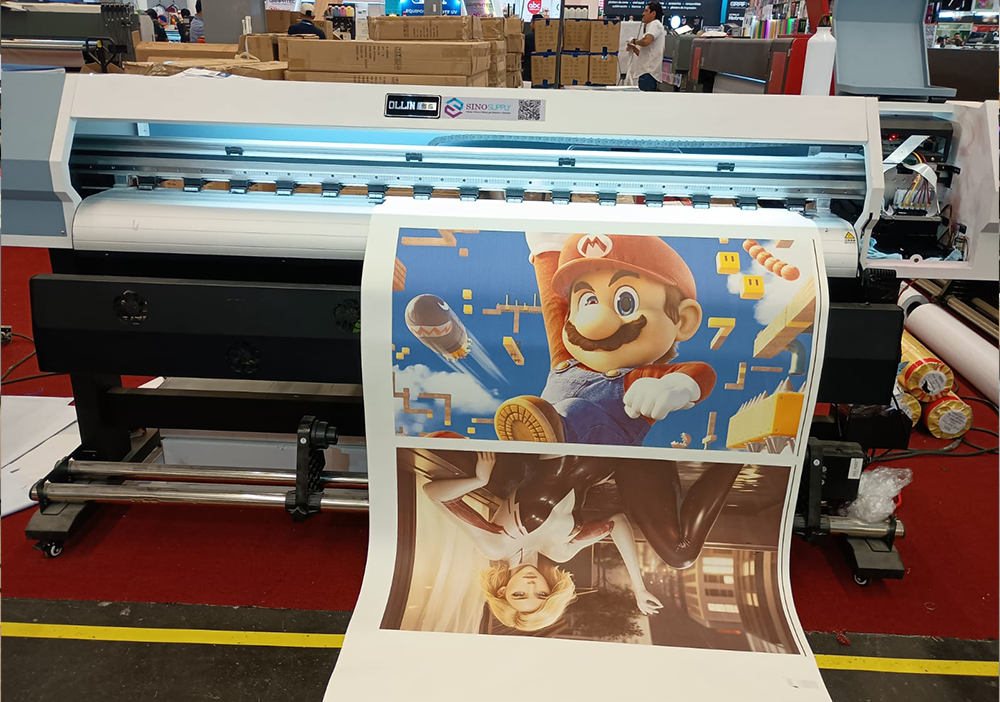
ICC profiles are substrate-specific, ink-specific, and machine-specific. A profile built for one polyester fabric won’t transfer cleanly to a different weave density or coating treatment — even if the material looks identical on a swatch card. This matters enormously for procurement teams sourcing at volume, because a supplier change mid-contract can invalidate an existing profile library entirely. That’s not a minor calibration adjustment; it’s a production interruption.
The calibration workflow itself has several points where things can break down:
- Spectrophotometer readings taken under inconsistent ambient lighting or temperature conditions produce unreliable baseline data
- Profiles built on a new machine that hasn’t completed a full warm-up cycle will drift once the printer reaches operational temperature
- Sublimation printer ink lot variations — even minor ones between batches from the same manufacturer — can shift color output enough to require profile re-linearization
- Transfer paper changes, particularly between suppliers, alter dye migration behavior and affect final color density independently of the ink
For buyers evaluating equipment or supply chain partners, the practical question is whether a supplier can deliver machine-matched ICC profiles alongside the hardware — not generic profiles, but profiles built against the actual ink set and substrate range the buyer intends to run. Suppliers operating with OEM and ODM depth, the kind that can document ink formulation consistency across production batches, give procurement teams something concrete to validate against rather than relying on field calibration after installation.
A sublimation inkjet printer that ships with verified color management documentation — spectrophotometer data, substrate-matched profiles, ink lot traceability — reduces the calibration burden significantly. It’s the difference between a controlled production environment and one that depends on operator skill to compensate for upstream inconsistency.
Profiling for commercial production runs vs. one-off samples
Production context changes everything about how color profiling gets approached — and procurement teams that treat both scenarios identically tend to inherit problems downstream. A one-off sample run tolerates a degree of manual adjustment. The operator can tweak curves, compensate for substrate variation, and re-proof until the output is acceptable. That flexibility is part of the point. But the moment a buyer moves into commercial production volumes, that same flexibility becomes a liability.
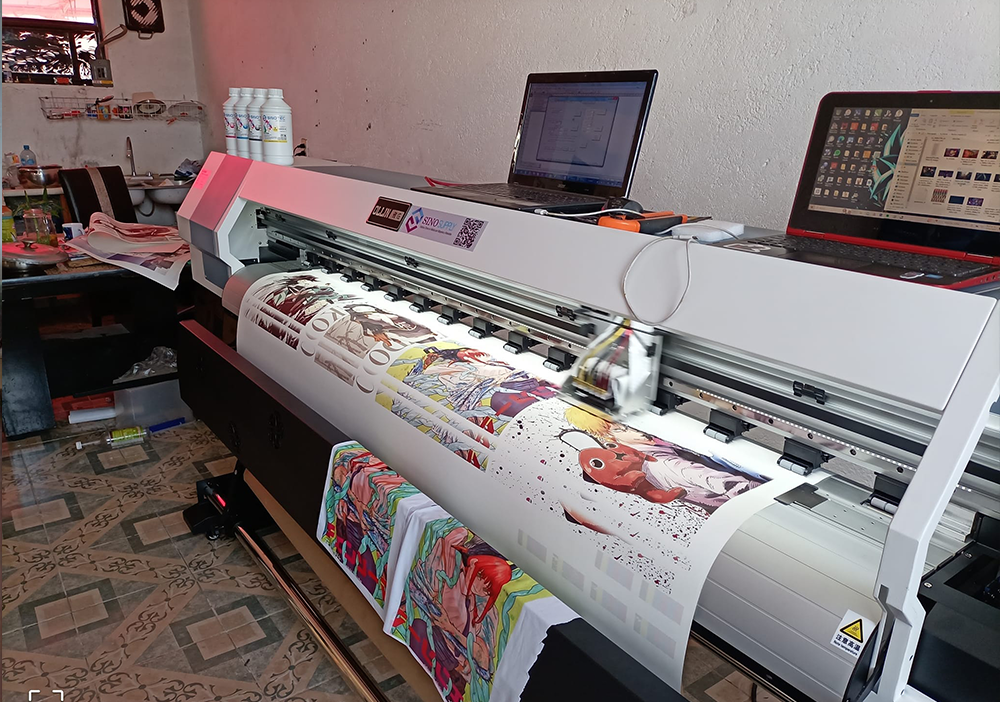
At scale, consistency is the benchmark — not peak quality on a single pass, but repeatable quality across thousands of passes with different operators, different shifts, and potentially different ink lots. A sublimation inkjet printer running commercial volumes needs profiles that are locked to the production environment: the specific substrate, the specific ink formulation, the press temperature window, and the dwell time. Any variable left open becomes a drift point.
There are a few practical distinctions worth building into supplier evaluation criteria:
- Sample profiles are acceptable as starting references — they confirm the machine can hit the color space. Production profiles need to be substrate-specific and validated against the actual sublimation printer ink formulation the facility will run continuously, not a demo ink set.
- One-off runs can absorb post-press correction. Production runs cannot — by the time a color deviation surfaces at volume, the remediation cost is already significant.
- Profile stability across ink lot changes matters at scale. Suppliers who document ink batch consistency give buyers a defensible basis for profile reuse rather than forcing re-profiling with every new ink delivery.
For procurement teams sourcing an industrial sublimation printer for high-throughput environments, the supplier’s ability to deliver production-grade profiles — not just sample-stage profiles — is a concrete differentiator. Ask specifically whether the supplier can provide profiles built against the same ink formulation and substrate range the buyer intends to commit to. Suppliers with OEM depth and documented batch traceability can answer that question directly. Those without it typically cannot, which is worth knowing before the purchase order is signed.
The sample-to-production gap is where color management either earns its value or exposes its gaps. Profiling strategy should be scoped to the production reality, not the demo environment.
When supplier-provided ICC profiles are not enough
Supplier-provided ICC profiles cover a defined baseline — the ink set, substrate range, and RIP configuration the supplier tested against. That baseline is useful. It is not always sufficient. Production environments introduce variables that no pre-built profile can fully anticipate: ambient humidity and temperature in the print hall, substrate batches sourced from a secondary supplier, RIP software versions that handle rendering intent differently, or heat press dwell times that drift across shifts. Each of these compresses or shifts the effective gamut in ways a generic profile was never calibrated to address.
The practical consequence shows up in color drift — not catastrophic failure, but the kind of incremental deviation that accumulates across a long production run and becomes visible only when panels are assembled or garments are compared side by side. For buyers operating an industrial sublimation printer at commercial volume, that drift carries real cost: reprints, client disputes, and the labor overhead of manual correction.
So what does “not enough” actually look like in procurement terms? A few scenarios worth recognizing:
- The supplied profile was built on a substrate the buyer no longer sources, and the current substrate has a different coating weight or surface texture.
- The sublimation inkjet printer has been reconfigured — printhead replacement, ink channel rebalancing, or a firmware update — and the original profile predates that change.
- The buyer has switched sublimation printer ink to a reformulated batch or an alternative supplier, which shifts dot gain and saturation even when the printer hardware remains identical.
- Production runs across multiple machines in parallel, and each unit has developed slightly different output characteristics over time.
In each of these cases, the correct response is custom profiling — spectrophotometer-based measurement against the actual production stack, not the demo stack. Some suppliers support this directly, providing profiling targets and RIP integration guidance as part of their technical service. Others treat it as out of scope. That distinction matters when evaluating supplier relationships for long-term industrial sublimation printer deployments, where color consistency is a contractual expectation rather than a best-effort outcome.
The question to put to any supplier shortlist: does their technical support extend to custom profile generation, and under what conditions? The answer will tell a procurement team more than the spec sheet.
Conclusion
The spec sheet will only get you so far. When you’re evaluating an industrial sublimation printer for serious production work, the real differentiator is what happens after installation — specifically, whether your supplier has the technical depth to support custom profiling, RIP integration, and consistent color output across your actual substrate stack, not their demo setup.
Color consistency at scale is a contractual reality, not a nice-to-have. Ask the hard questions before you commit.
Frequently Asked Questions
Q: What is an industrial sublimation printer and how does it differ from a desktop model?
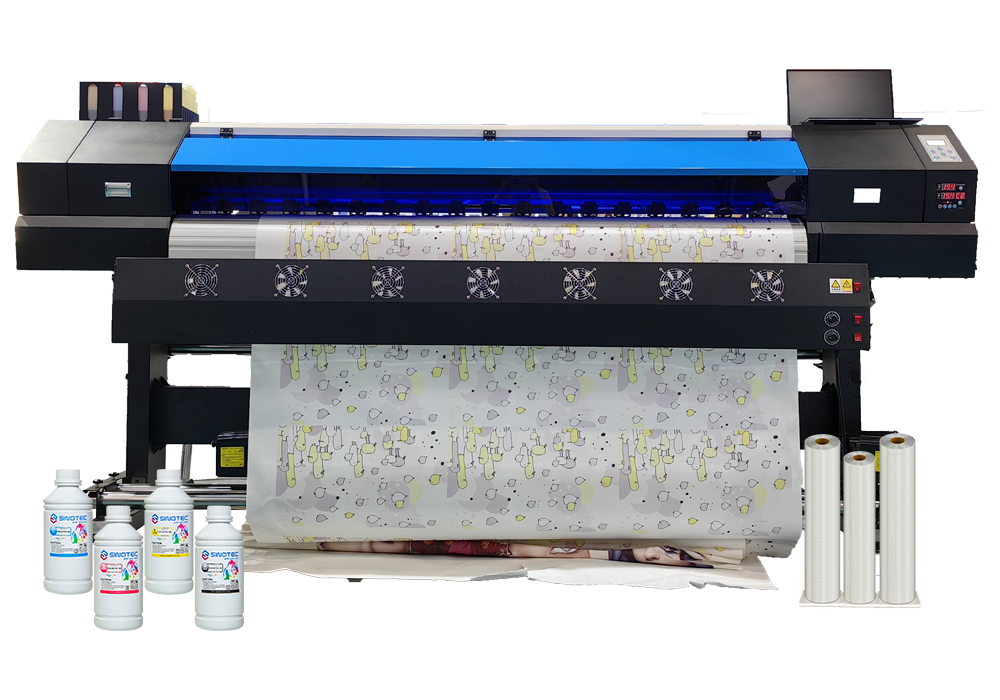
A: An industrial sublimation printer is a production-grade machine built for continuous, high-volume output — typically featuring wider print widths, more robust ink delivery systems, and thermal management that desktop units simply can’t match. The gap isn’t just about size; it’s about consistency across a full production run, where color drift, banding, and head clogging become real operational costs rather than minor inconveniences.
Q: How much does an industrial sublimation printer cost?
A: Entry-level industrial sublimation printers typically start somewhere in the mid-five-figure range, with high-end, wide-format rotary systems running well into six figures — and that’s before factoring in RIP software, profiling tools, and ongoing ink costs. Total cost of ownership is the number that actually matters, so build in maintenance contracts and substrate testing time before committing to a budget.
Q: What substrates can an industrial sublimation printer handle?
A: Polyester-based fabrics are the core use case, but modern industrial sublimation printers can also transfer onto polymer-coated hard surfaces — ceramics, aluminum panels, and certain rigid plastics. The catch is that substrate compatibility depends heavily on coating quality and press temperature calibration, so “compatible” on a spec sheet and “production-ready” in practice aren’t always the same thing.
Q: Why is color consistency such a challenge with industrial sublimation printing at scale?
A: Sublimation color output is sensitive to a trifecta of variables — ink density, transfer temperature, and dwell time — and any drift in one affects the others. At industrial volumes, even small calibration tolerances compound across thousands of meters of fabric, which is why custom ICC profiling per substrate isn’t optional; it’s the baseline for predictable, repeatable output.
Q: How long does an industrial sublimation printer typically last?
A: With proper maintenance — regular head cleaning, controlled operating environments, and genuine consumables — a well-built industrial sublimation printer can remain production-viable for seven to ten years. That said, printhead lifespan is the real variable; high-volume operations may need to factor in head replacement cycles as a recurring capital cost rather than an unexpected expense.
Q: Can an industrial sublimation printer handle custom or short-run orders efficiently?
A: This is where many buyers get caught off guard — industrial machines are optimized for throughput, and frequent job changeovers (different substrates, different ICC profiles, different color targets) eat into that efficiency fast. Some manufacturers and suppliers, including OEM-focused outfits that coordinate custom specifications for commercial buyers, offer configurations better suited to mixed production environments, but it’s worth asking specifically about job-switching overhead before purchasing.
Q: How do I choose the right RIP software for an industrial sublimation printer?
A: RIP software compatibility isn’t universal — the software needs to support your printer’s driver architecture, your ink set, and ideally allow custom profile import without locking you into proprietary color libraries. Prioritize solutions that offer substrate-specific linearization tools and can integrate with your existing workflow, rather than choosing based on interface aesthetics or bundled price alone.
Q: Is an industrial sublimation printer worth the investment for mid-size operations?
A: The business case hinges on volume thresholds and quality requirements — if your production demands consistent, contract-grade color output across high meterage runs, the per-unit economics of an industrial sublimation printer typically outperform outsourcing within a reasonable payback window. For operations still testing demand or running genuinely mixed-substrate work, a phased investment approach (starting with a mid-range wide-format unit and scaling up) often makes more practical sense than jumping straight to full industrial spec.