




How DTF Printing Works: Turning a Digital Design Into a Real Shirt
Pull back the curtain on DTF printing and the process is surprisingly straightforward — even if the technology behind it took years to get right. DTF stands for Direct-to-Film, and the name describes exactly what happens: a design gets printed onto a special transfer film before it ever touches fabric.
Here’s how the sequence actually runs:
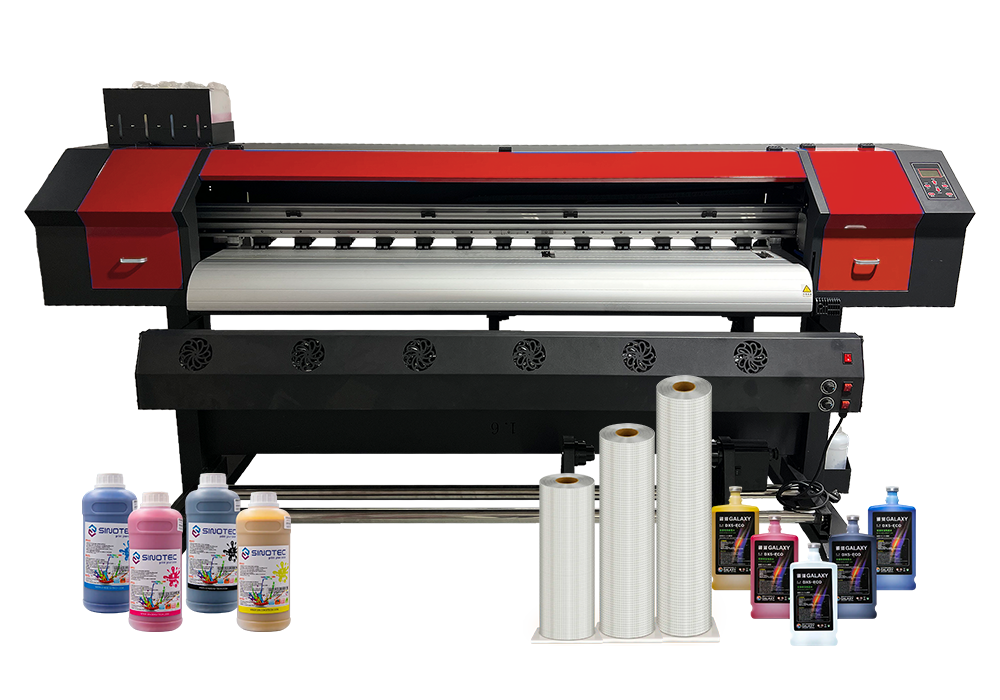
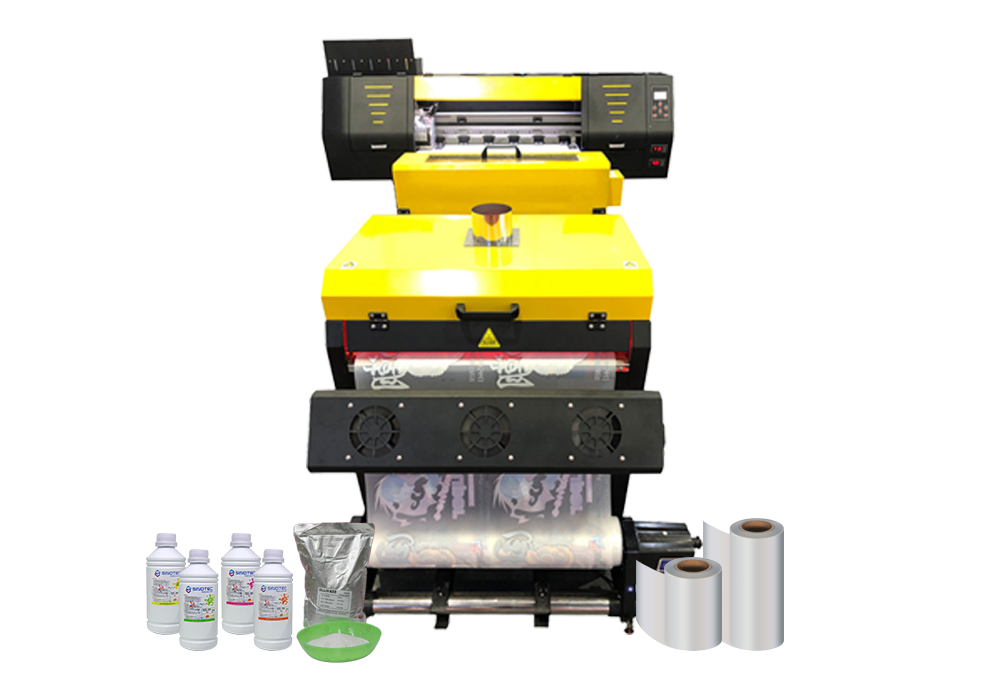
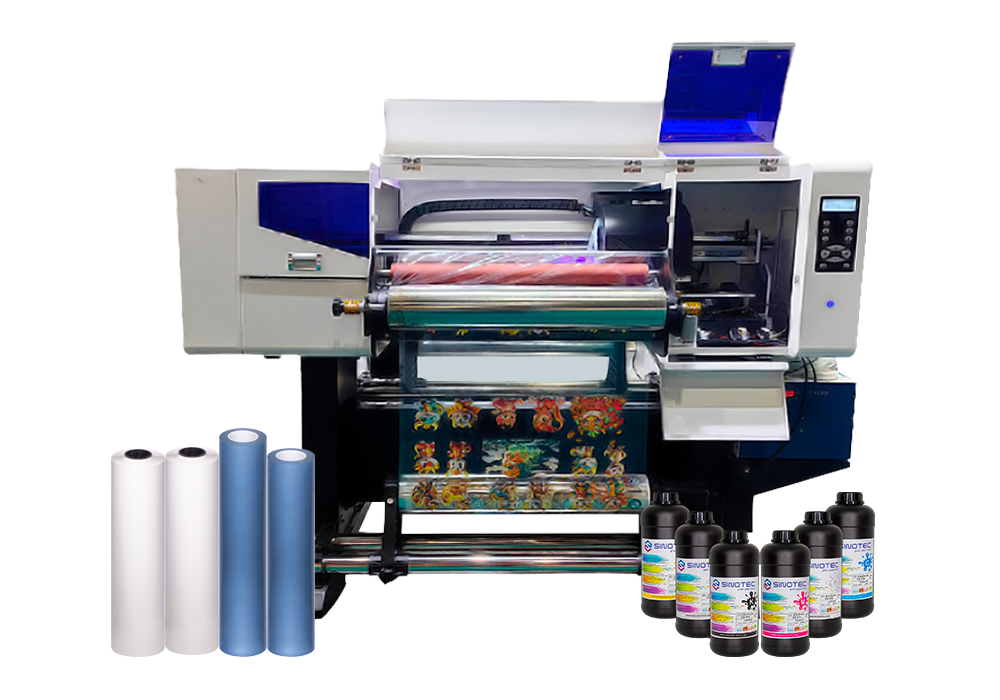
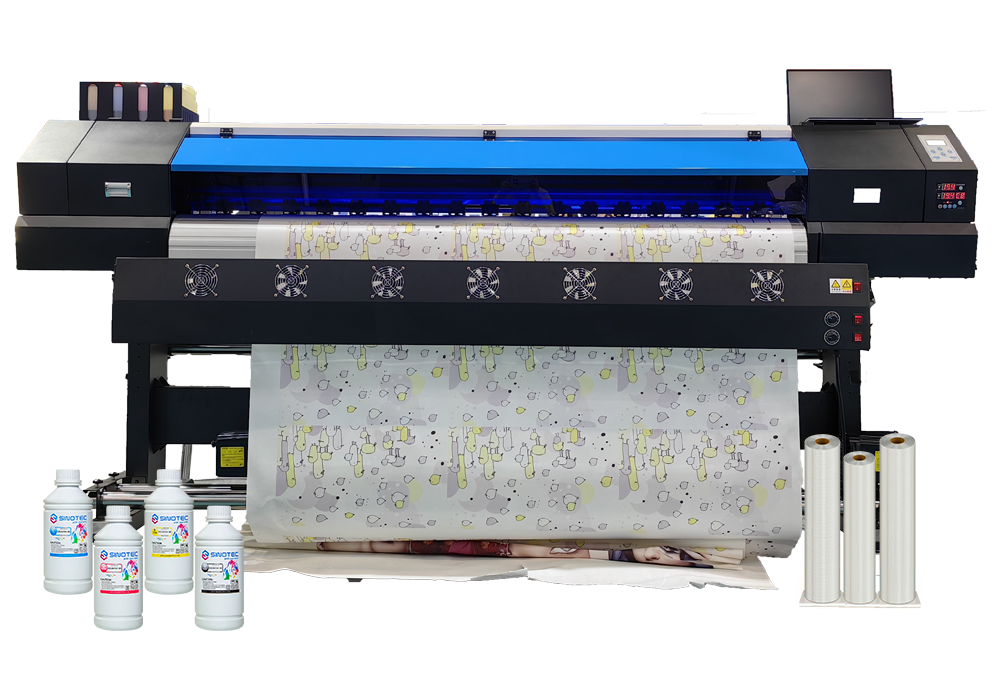
- A digital design file is sent to a DTF printer, which lays down water-based inks — including a white ink base layer — directly onto a clear PET film sheet.
- While the ink is still wet, a hot-melt adhesive powder gets applied across the printed surface. The powder sticks only where the ink is.
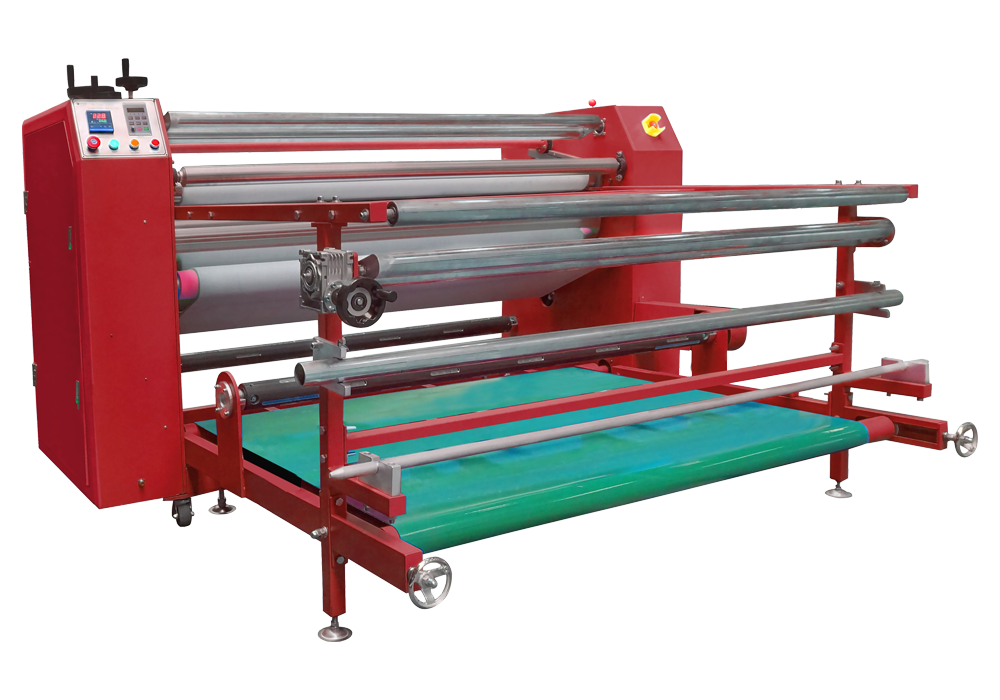
- The film passes through a curing oven (or under a heat source) that melts the powder into a smooth, flexible adhesive layer.
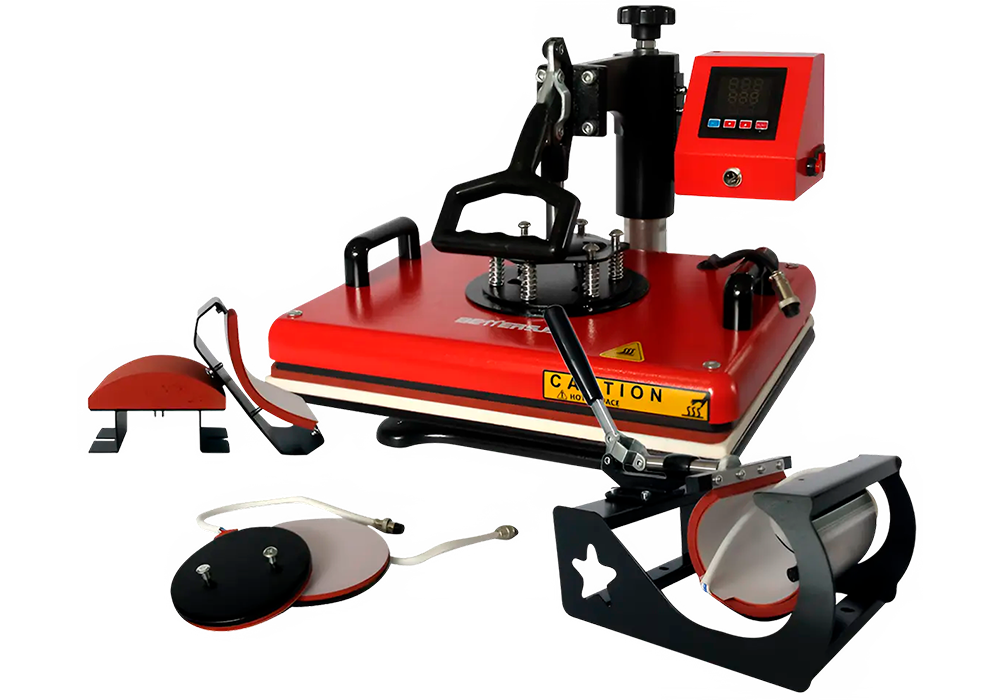
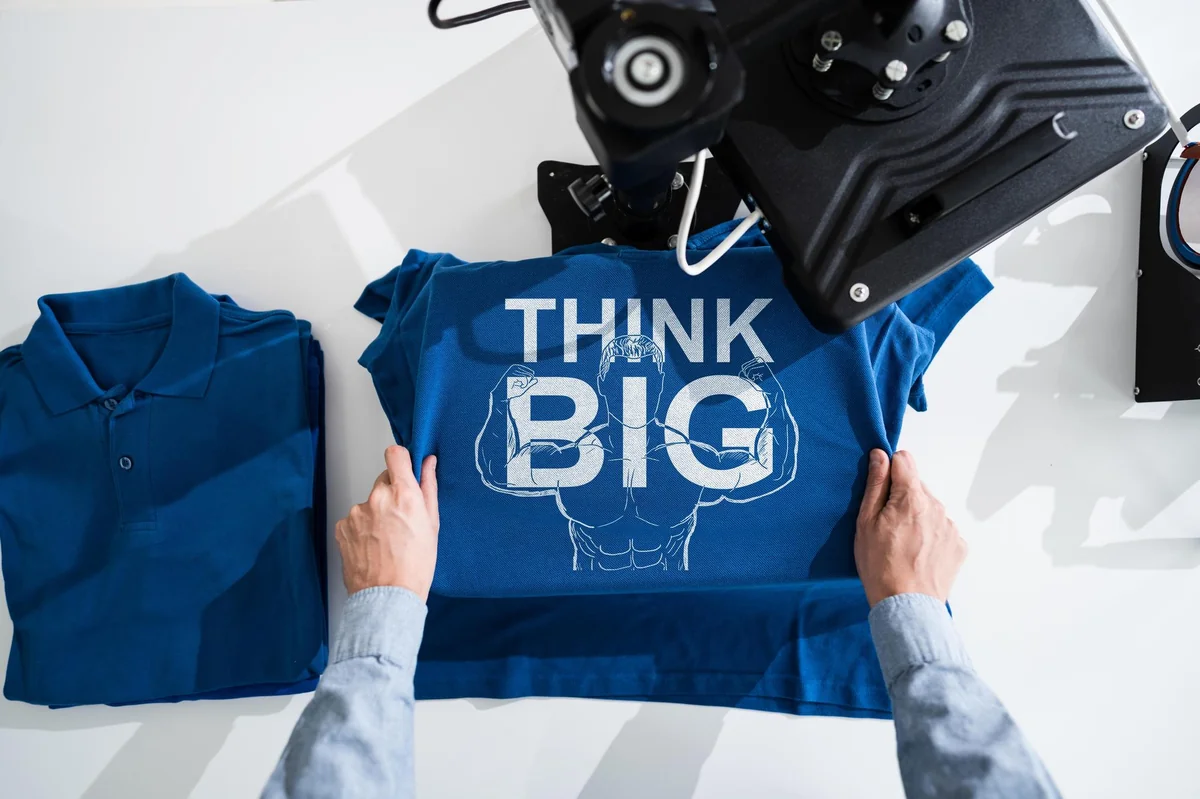
- The finished transfer is then pressed onto a shirt using a heat press — typically around 160–170°C for 10–15 seconds.
- Once it cools, the film peels away cleanly, leaving the design bonded directly to the fabric.
What makes this method genuinely useful for custom shirts is the white ink layer. Screen printing on dark fabric has always been a headache — you need that opaque base coat or colors look washed out. DTF handles it automatically, which means a full-color graphic on a black tee comes out just as vivid as it would on white. That’s not nothing.
The adhesive powder step is also worth understanding because it’s what separates DTF from older transfer methods. Traditional heat transfers often crack or peel after a handful of washes. The hot-melt adhesive in DTF printing creates a bond that flexes with the fabric rather than fighting it — so the print doesn’t shatter when the shirt stretches.
From a practical standpoint, apparel printing via DTF works across cotton, polyester, blends, and even some synthetic fabrics that sublimation printing can’t handle well. No screens, no minimum runs, no color limitations. You send a file, the machine does the rest.
What Makes DTF Printing Different From Screen Printing and Heat Transfer
Screen printing has been the default for custom shirts for decades — and for good reason. High-volume runs on simple designs are genuinely hard to beat on price when you’re ordering hundreds of identical pieces. But the setup cost is real. Each color in a design requires a separate screen, which means a five-color graphic adds up fast before a single shirt gets printed. For small runs or designs with gradients and photographic detail, that math stops working pretty quickly.
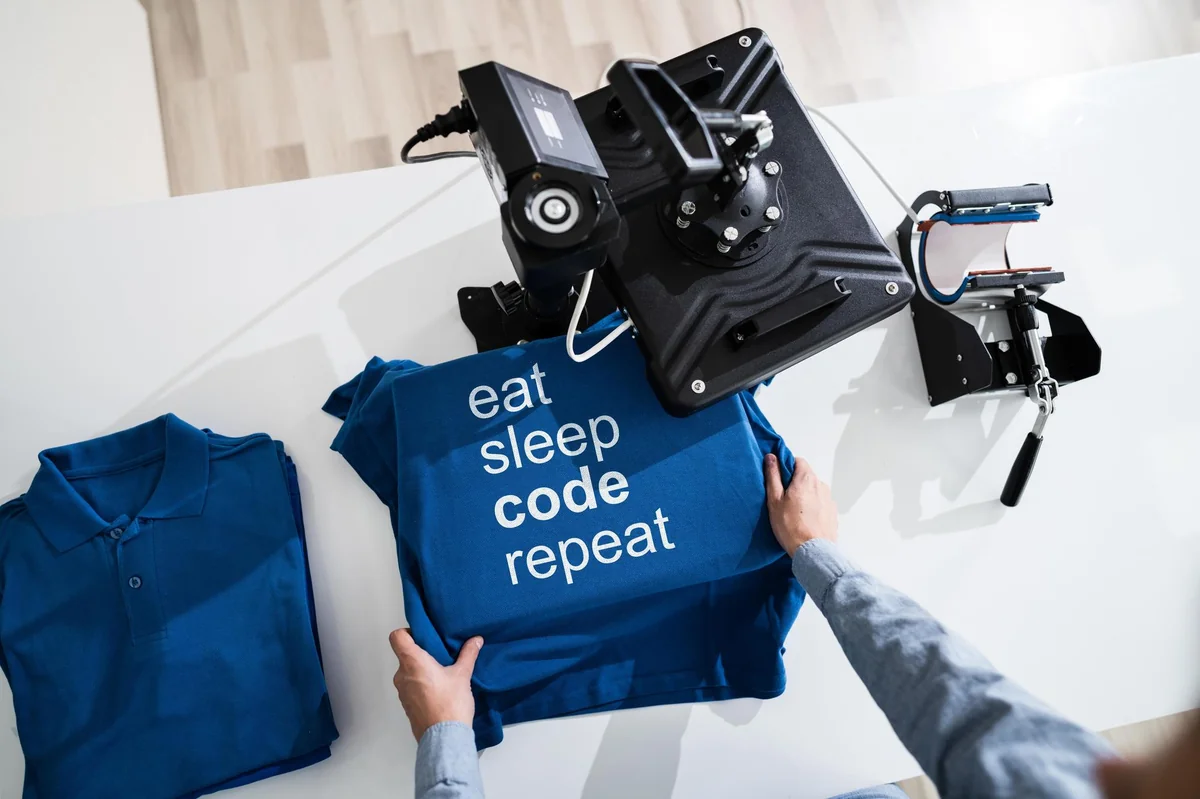
DTF printing sidesteps the screen process entirely. There’s no color separation, no screen exposure, no cleanup between jobs. A design goes straight from file to film, and the same printer handles two colors or twenty without any change in workflow or cost structure. That’s a meaningful shift for anyone ordering custom shirts in smaller quantities or experimenting with complex artwork.
Traditional heat transfer vinyl — the kind cut from rolls and pressed onto fabric — tells a different story. It works well for simple text and bold shapes, but it’s not built for full-color photorealistic prints. The cutting process limits how fine the detail can get, and layering multiple colors adds both time and thickness to the finished garment. DTF apparel printing doesn’t have those constraints. The ink sits directly in the adhesive layer, so even intricate designs come out flat and flexible rather than stacked and stiff.
| Method | Best For | Color Complexity | Minimum Run | Fabric Compatibility |
|---|---|---|---|---|
| Screen Printing | Large identical orders | Limited by screen count | High | Mainly cotton |
| Heat Transfer Vinyl | Simple text and shapes | Low | Low | Moderate |
| DTF Printing | Custom shirts, small runs, full-color art | Unlimited | None | Wide — cotton, poly, blends |
The practical takeaway: DTF printing isn’t trying to replace screen printing at scale. It fills the gap that screen printing and vinyl cutting leave open — detailed, on-demand apparel printing with no setup overhead and no compromise on color.
The Best Fabrics and Shirt Types for DTF Custom Printing
Fabric choice makes or breaks a DTF transfer — and this is where a lot of first-time buyers get tripped up. The print itself can be flawless, but if the shirt underneath isn’t suited to heat bonding, the result will peel, crack, or look dull within a few washes.
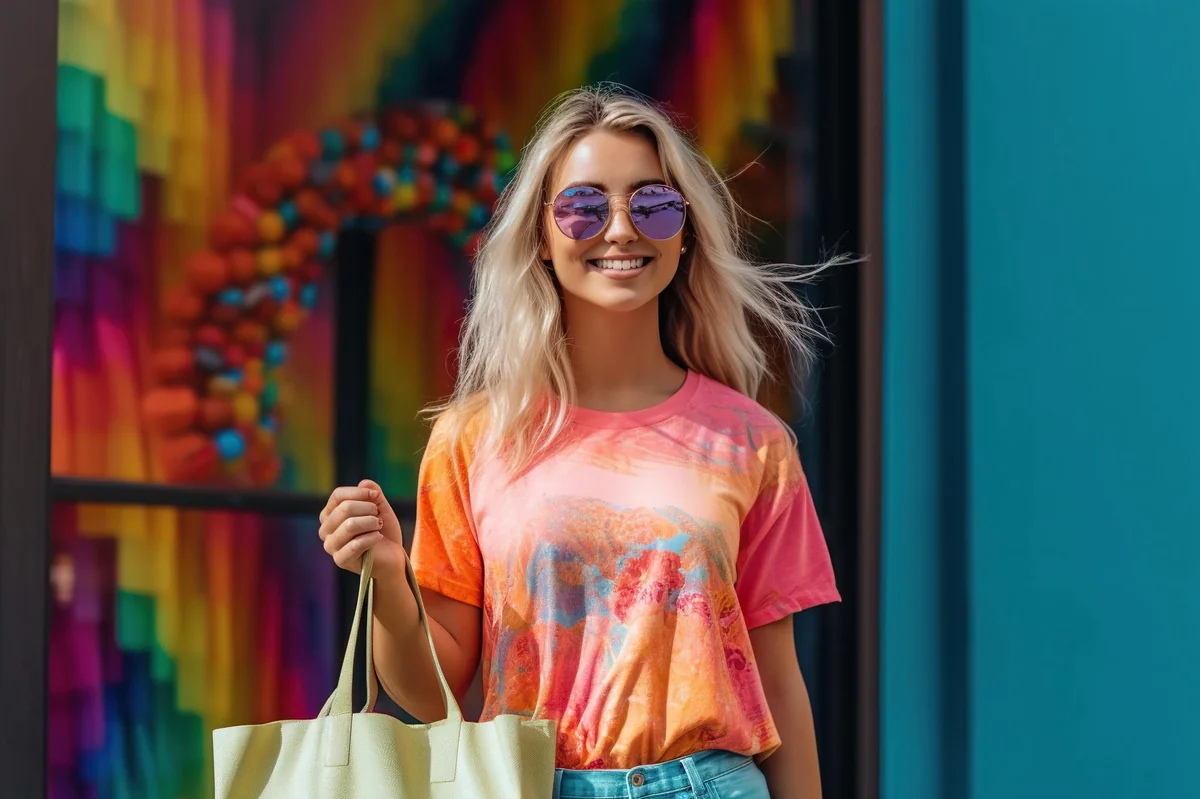
The good news: DTF printing works across a broader range of fabrics than almost any other apparel printing method. That said, some materials perform noticeably better than others.
- 100% cotton — The classic choice. Absorbs adhesive powder evenly, produces vibrant color, and holds up well through repeated washing. Ideal for everyday custom shirts and casual wear.
- Polyester and poly-heavy blends — DTF handles these where screen printing often struggles. Athletic wear, moisture-wicking shirts, and performance fabrics all accept DTF transfers cleanly without dye migration issues that plague other methods.
- Cotton-poly blends (50/50 or 60/40) — Probably the most forgiving fabric for DTF. The mix gives you the softness of cotton with the durability and shape retention of polyester. A reliable pick for anyone ordering custom shirts without a specific fabric preference.
- Nylon — Workable, but requires lower heat settings during application. Worth confirming with your printer beforehand.
- Denim and canvas — Heavier fabrics can accept DTF transfers well, though the texture of the weave can affect fine detail slightly. Great for tote bags, jackets, and workwear applications.
Fabric weight matters too. Mid-weight shirts — roughly in the 5 to 6 oz per square yard range — tend to give the cleanest results. Very lightweight fabrics can show the edges of a transfer more visibly, while extremely heavy materials may need longer press times to bond properly.
One thing to avoid: fabrics with a lot of surface texture or a high percentage of rayon and modal blends. These can be inconsistent under heat and pressure, and the adhesive layer sometimes doesn’t bond as reliably.
For most custom shirt and apparel printing projects, a quality cotton or cotton-poly blend is the practical default — it’s forgiving during production, comfortable to wear, and gives DTF transfers the surface they need to perform at their best over time.
What to Expect When Ordering a DTF Printed Shirt: Quality, Cost, and Turnaround
Ordering a custom DTF printed shirt for the first time raises a few predictable questions — how good will it actually look, what’s a fair price to pay, and how long before it shows up at the door? Each of those answers depends on a handful of factors that are worth knowing before placing an order.
Print quality is generally strong with DTF. The process handles fine lines, gradients, and multi-color artwork without the setup limitations that affect older methods like screen printing. What buyers sometimes don’t anticipate is that the final result is only as good as the file they submit — low-resolution artwork prints exactly as blurry as it looks on screen. A minimum of 300 DPI at actual print size is the standard expectation. Beyond file quality, the press operator’s settings matter. Uneven pressure or incorrect temperature during transfer can leave edges that lift prematurely or colors that look slightly off from the original design.
On pricing, DTF apparel printing sits at a comfortable middle ground — more affordable than embroidery for complex designs, and far more cost-effective than screen printing when quantities are small. Single-shirt orders are genuinely viable, which is one of the reasons DTF has become a go-to for custom shirts in small runs. Expect pricing to reflect the size of the design, the complexity of the artwork, and whether the printer is doing the garment sourcing or you’re supplying the blank.
Turnaround time varies more than most buyers expect. A rough breakdown looks like this:
| Order Type | Typical Turnaround | Notes |
|---|---|---|
| Single or small run (1–5 shirts) | 2–5 business days | Faster if artwork is print-ready |
| Mid-size run (6–50 shirts) | 5–10 business days | Batch processing affects scheduling |
| Larger custom orders | 10–20 business days | Depends on supplier capacity and garment availability |
Suppliers working in the digital products and custom apparel printing space — including those handling export-oriented orders — typically quote lead times based on print queue, not just production speed. Asking upfront about current queue length is always worthwhile, especially around peak seasons.
The short version: DTF printed shirts deliver reliable quality when the artwork is solid, the pricing scales reasonably with order size, and turnaround is predictable as long as expectations are set before production begins — not after.
Conclusion
DTF printing, custom shirts, and apparel printing have genuinely changed what’s possible for small orders — and the quality gap between “custom” and “professional” has basically closed, as long as your artwork is sorted before you hit send.
Get that part right and the rest — pricing, turnaround, durability — tends to fall into place.
If you’re placing an order for the first time, ask for a test print before committing to a full run. It costs almost nothing extra and saves a lot of frustration down the line.
Frequently Asked Questions
Q: What is DTF printing and how is it different from screen printing?
A: DTF printing — Direct to Film — transfers a full-color design onto fabric using a heat-applied adhesive film, which means there’s no screen setup, no color separation fees, and no minimum order headache. Screen printing still wins on large runs where per-unit cost matters, but for custom shirts with detailed artwork or small quantities, DTF printing closes the gap fast.
Q: How long do DTF printed shirts last after washing?
A: A well-applied DTF transfer on a properly prepped shirt typically holds up through dozens of washes without significant cracking or peeling — provided you wash inside-out in cold water and skip the dryer on high heat. The weak link is almost always application pressure and temperature during the transfer process, not the film itself.
Q: How much does custom apparel printing cost with DTF?
A: Pricing for DTF printing on custom shirts generally scales with print size and quantity — a small chest logo runs cheaper per piece than a full back print, and ordering 50 shirts costs noticeably less per unit than ordering five. Expect setup costs to be minimal compared to screen printing, which is exactly why DTF has become the go-to for short runs and one-offs.
Q: Can I use DTF printing on any fabric type?
A: DTF transfers bond well to cotton, polyester, cotton-poly blends, and even nylon — which gives it a real edge over direct-to-garment printing, which struggles on anything that isn’t mostly cotton. The one material to watch is anything with a heavily textured or waterproof surface; adhesion becomes unpredictable and the print may lift at the edges.
Q: Why does my DTF print look faded or dull compared to the original design?
A: This almost always comes back to artwork resolution — DTF printing reproduces exactly what it receives, so a low-resolution or poorly color-profiled file will print flat and lifeless regardless of how good the equipment is. Submit files at 300 DPI or higher in RGB color mode and ask your printer to confirm color output before running the full batch.
Q: How long does it take to get custom shirts made with DTF printing?
A: Turnaround for custom apparel printing via DTF typically ranges from a few business days to about two weeks, depending on order size and whether the artwork needs adjustments. Rush options exist at most print shops, but confirming your file is print-ready before submitting is the single fastest way to avoid delays — back-and-forth on artwork revisions is where most timelines slip.
Q: Is DTF printing worth it for small orders or one-off custom shirts?
A: For small quantities, DTF printing is genuinely one of the most cost-effective apparel printing methods available — there’s no per-color setup fee eating into your budget on a two-shirt order. The quality ceiling is high enough that even a single custom shirt can look completely professional, which wasn’t really true of older transfer methods.
Q: What file format should I send for DTF printing on custom shirts?
A: PNG with a transparent background is the standard for DTF printing — it preserves edge detail and eliminates the white box problem that shows up when a JPEG gets heat-pressed onto a colored shirt. Vector files (AI or PDF) work well too, especially for text-heavy designs where sharp edges matter at any scale.