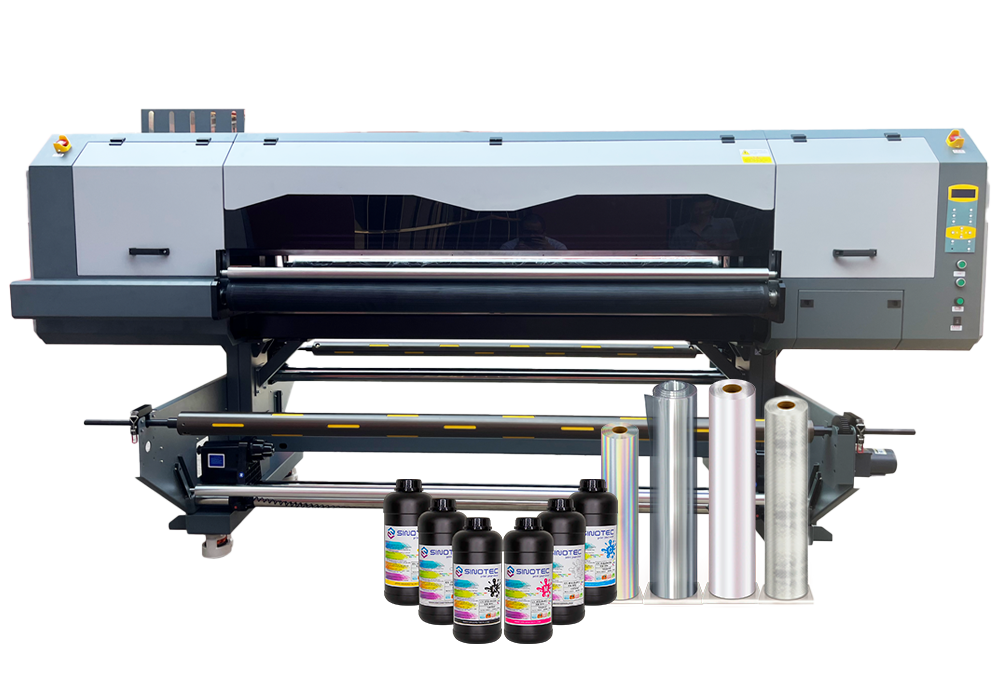
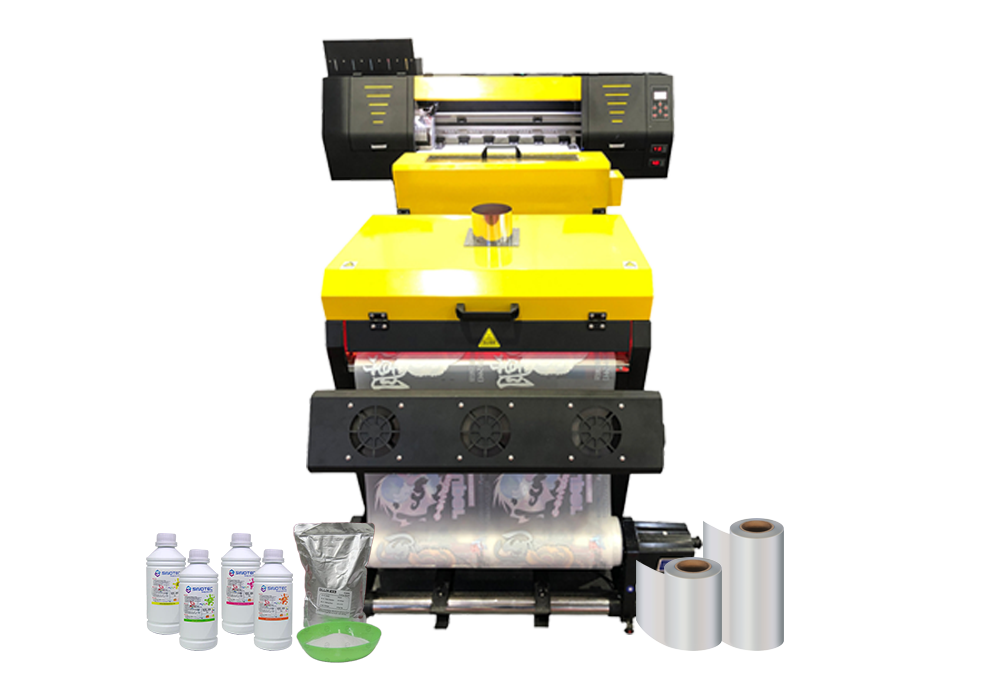
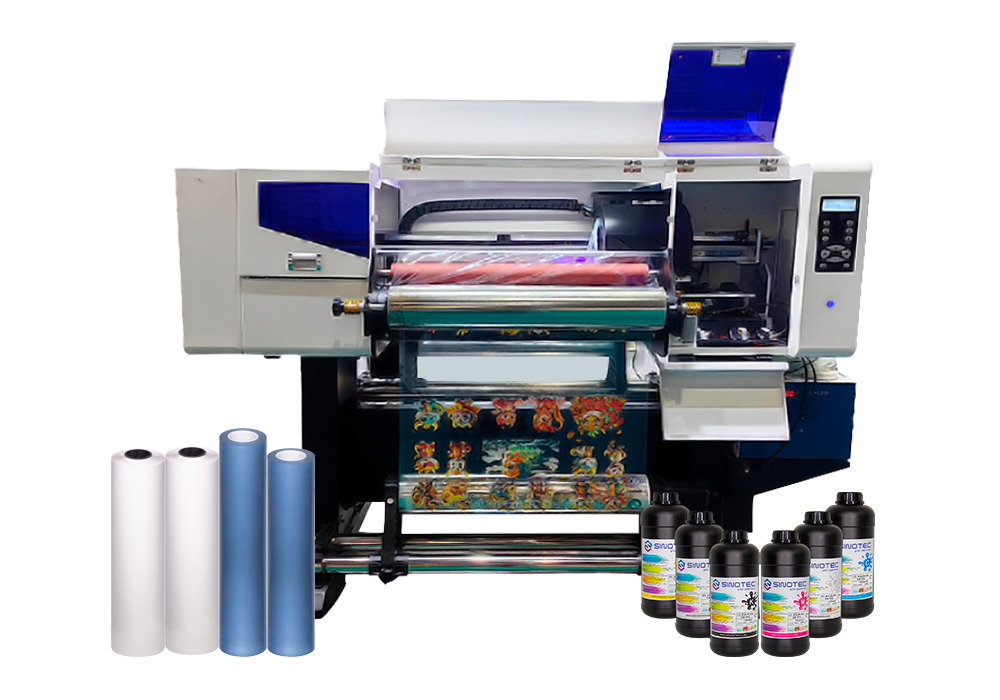
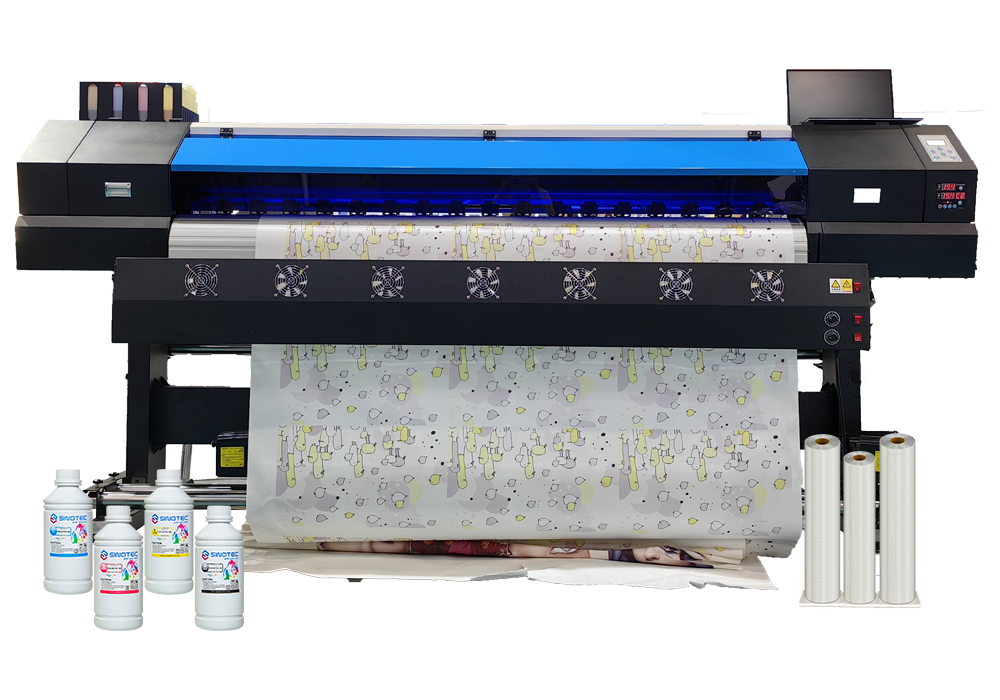



Every equipment decision made at the procurement stage creates a chain of operational consequences that buyers often don’t fully account for until production is already underway. The DTF printing machine you select doesn’t just determine print quality — it shapes your ink consumption model, your pretreatment workflow, your curing equipment requirements, your staff training curve, and ultimately your per-unit cost structure. Getting this wrong early is expensive to correct later.
Print width is a good example of a decision that looks simple on a spec sheet but ripples downstream. A wider-format machine increases throughput per pass, which sounds like a win — but it also demands larger heat press equipment, more gang sheet planning discipline, and higher ink volume per job. Buyers sourcing for smaller custom order volumes sometimes default to a small DTF printer precisely because the operational footprint stays manageable and the capital outlay is lower, but they need to stress-test that choice against projected order growth before committing.
Ink system architecture is another area where the downstream effects are underestimated. White ink recirculation — or the absence of it — directly affects nozzle clogging frequency, maintenance intervals, and the true cost of machine downtime. A desktop DTF printer designed for low-volume environments may handle intermittent use better than a mid-range machine that requires consistent daily throughput to keep ink channels clear. That’s a workflow constraint, not just a hardware spec.
Before finalizing any supplier conversation, procurement teams should map these interdependencies explicitly:
- Print width vs. available heat press capacity and gang sheet workflow
- Ink system type vs. expected daily print volume and maintenance staffing
- Film feed mechanism vs. roll media compatibility and substrate flexibility
- RIP software compatibility vs. existing design and prepress infrastructure
- Power and ventilation requirements vs. facility readiness
- OEM/ODM customization options vs. branded output requirements
Suppliers who support specification customization — adjusting configurations to match a buyer’s actual production environment rather than pushing a standard SKU — tend to reduce this downstream friction considerably. The checklist above isn’t exhaustive, but it reflects where most procurement decisions create unintended operational costs when left unexamined at the sourcing stage.
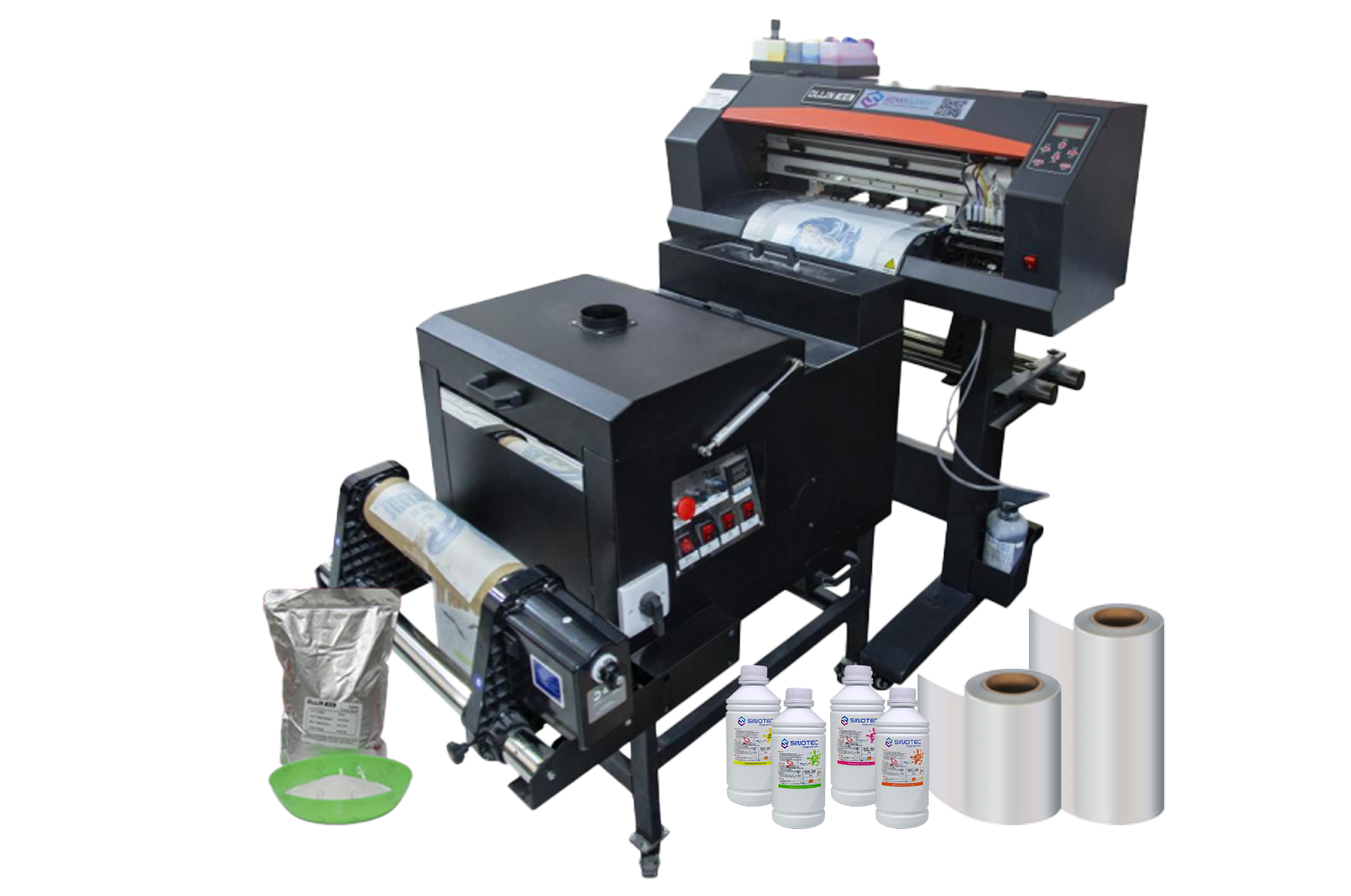
Small DTF Printer vs. Full-Scale Setup: Matching Equipment Scale to Production Volume and Budget
Scale mismatch is one of the more avoidable procurement errors in DTF printing — and yet it happens consistently. Buyers either over-specify for a production volume that doesn’t justify the capital outlay, or they under-buy and find themselves bottlenecked within the first quarter of operation. Neither outcome is acceptable when the equipment decision anchors a broader fulfillment workflow.
A small DTF printer — typically a single-head unit with a narrower print bed — suits operations running limited daily volumes, short-run custom orders, or sampling workflows where flexibility matters more than throughput. The entry point for these units is substantially lower, both in acquisition cost and in facility requirements. A desktop DTF printer takes this further: compact enough for constrained production spaces, it removes the ventilation, power, and floor-space overhead that larger roll-fed systems demand. For procurement managers sourcing equipment for regional decorators, startup fulfillment centers, or pilot programs, these formats offer a lower-risk entry into DTF production without committing to industrial-grade infrastructure.
Full-scale setups tell a different story. Multi-head configurations, wider print widths, and integrated powder-shaking and curing systems are built for sustained daily output — the kind of volume where per-unit economics only work if the machine runs near capacity. The capital cost is higher, the lead time on sourcing and installation is longer, and the staffing requirements shift meaningfully. These aren’t drawbacks — they’re simply the operating realities of production-grade DTF printing machine investment.
| Equipment Tier | Typical Use Case | Key Procurement Consideration |
| Desktop / Small Format | Sampling, short-run, pilot programs | Low overhead; evaluate upgrade path before committing |
| Mid-Range Single-Head | Small-batch commercial production | Balance between throughput and operational cost |
| Multi-Head / Wide Format | High-volume fulfillment operations | Facility readiness and staffing must be pre-qualified |
The practical question isn’t which tier is better — it’s which tier matches current volume with realistic growth headroom. Suppliers who offer modular configurations or phased upgrade paths give buyers considerably more room to scale without forcing a full equipment replacement cycle prematurely.
Desktop DTF Printer Procurement Criteria: Supplier Specs, Certifications, and What to Verify Before You Commit
Procurement decisions for a desktop DTF printer carry more risk than their compact footprint suggests. The unit cost may be lower than industrial-grade equipment, but the supplier relationship — and what it delivers in terms of documentation, post-sale support, and specification transparency — determines whether that machine earns its place in a production workflow or becomes an expensive liability within six months.
Start with certifications. Any DTF printing machine entering a regulated export market should carry CE marking for European distribution and FCC compliance for North American buyers at minimum. RoHS compliance matters too, particularly for buyers operating under corporate sustainability requirements or supplying retail chains with environmental sourcing policies. Suppliers who cannot produce current, verifiable certificates — not just logos on a product page — should be disqualified early in the evaluation process.
Specification verification is where most procurement errors happen. A supplier’s published spec sheet and the actual unit performance frequently diverge on print resolution, ink consumption rates, and duty cycle limits. Before committing, request third-party test reports or, where volume justifies it, arrange a factory sample run using your own artwork files. A small DTF printer marketed for commercial sampling should demonstrate consistent adhesion results across fabric types — not just on optimized demo substrates. If a supplier resists this, that tells you something.
The procurement checklist for this category should cover:
- OEM/ODM capability — can the supplier adjust printhead configuration, ink system, or firmware to match your operational requirements
- MOQ flexibility — especially relevant for buyers piloting a desktop DTF printer before scaling to higher-throughput configurations
- Lead time commitments documented in writing, not quoted verbally during sales calls
- Spare parts availability and documented service intervals for printheads and curing components
- Export compliance support — HS code documentation, packing standards, and freight coordination capacity
Suppliers with established export infrastructure — the kind that handles customs documentation, manages QC at the production stage, and maintains responsive project coordination — reduce the operational burden on the buyer’s side considerably. That’s not a minor convenience. For cross-border procurement, it’s a structural advantage that compounds over the life of the supplier relationship.
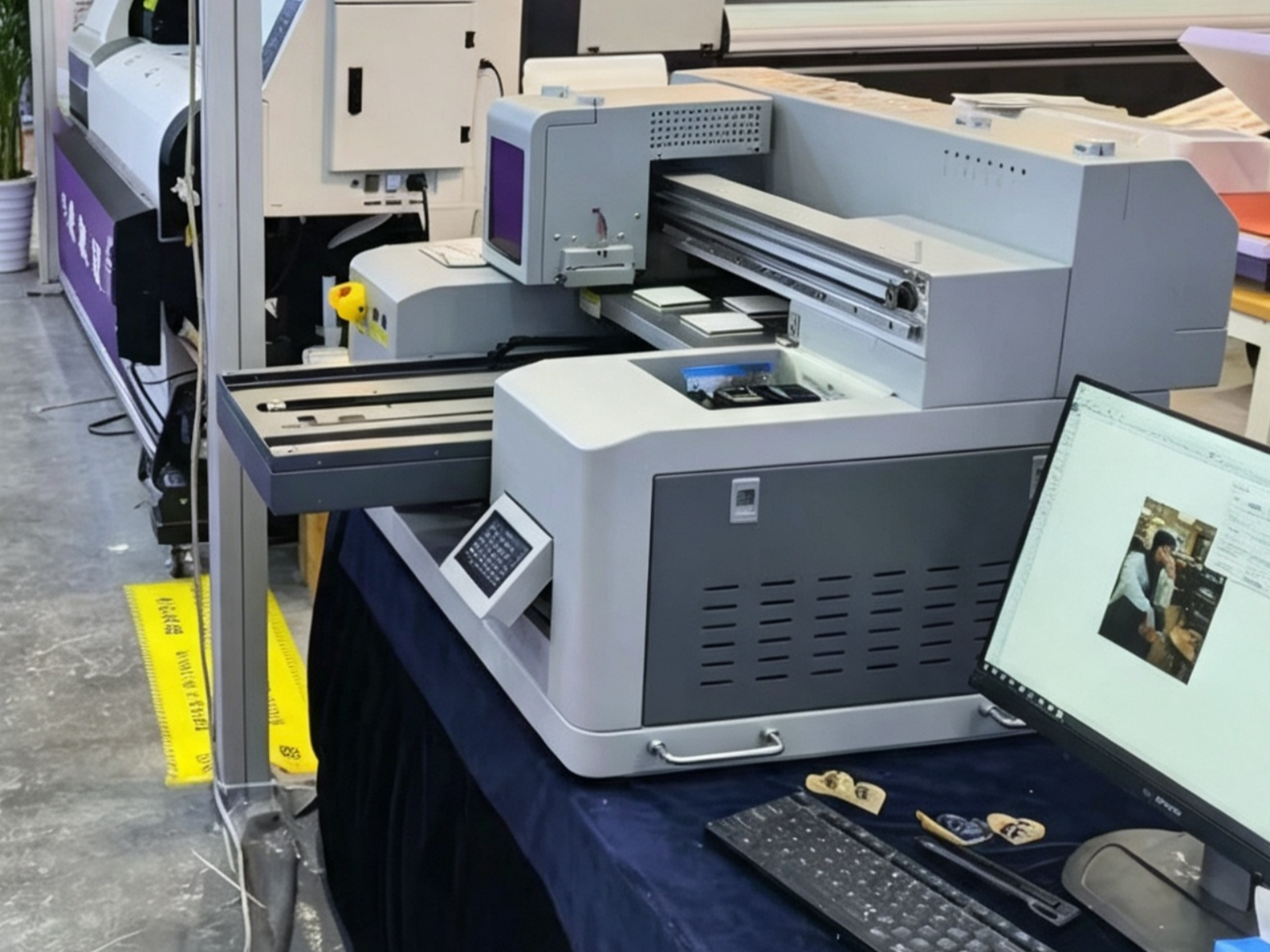
Shaker, Curing Unit, Heat Press, and Ventilation: How to Source the Full DTF Workflow Stack Without Gaps
The DTF printing machine gets most of the attention in procurement conversations — but the workflow gaps that actually stall production almost always sit in the peripheral equipment. A shaker, a curing unit, a heat press, and a properly ventilated workspace aren’t optional add-ons. They’re load-bearing components of a functional DTF operation, and sourcing them as an afterthought creates real operational risk.
Start with the powder shaker and curing unit. These two are often bundled with mid-range and high-volume DTF systems, but buyers scaling from a desktop DTF printer configuration frequently discover that the bundled unit doesn’t match their actual throughput. The shaker needs to distribute adhesive powder evenly across the printed film — inconsistent coverage at this stage causes adhesion failures downstream, regardless of print quality. Curing unit specs, particularly temperature uniformity and belt speed, must align with the ink and film combinations the printer uses. Mismatches here don’t show up as obvious defects; they show up as garments failing after the first wash cycle.
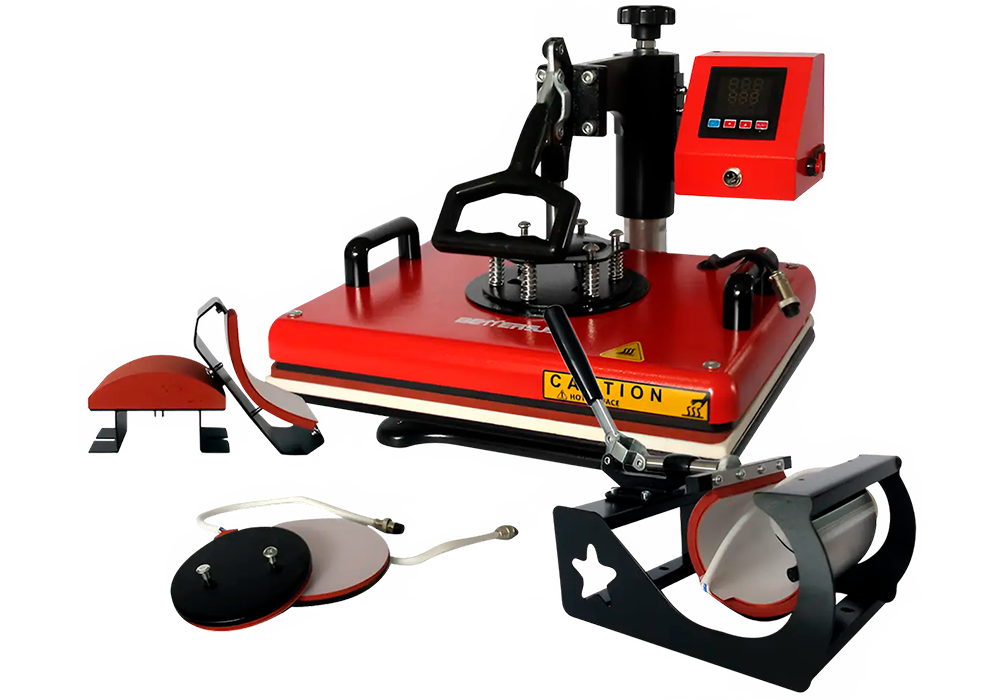
Heat press sourcing deserves its own evaluation process. Pressure consistency, platen size relative to the print format, and temperature accuracy across the full platen surface are the criteria that matter. A small DTF printer running A4-width film doesn’t require the same press spec as a 60cm roll-fed system — but both need a press that holds calibration under continuous commercial use, not just in a demo setting.
- Confirm that shaker belt dimensions match the film width your DTF printing machine outputs
- Request curing unit temperature uniformity data, not just rated temperature ranges
- Verify heat press platen size against your maximum print dimensions with margin
- Specify ventilation requirements to your facility manager before equipment arrives — fume extraction is a compliance issue in most commercial environments, not a preference
- Confirm that peripheral equipment lead times are coordinated with the main unit delivery, not treated as separate procurement tracks
Suppliers with integrated product lines — where the DTF printing machine, shaker, and curing components are designed and tested together — reduce compatibility risk considerably. For cross-border buyers, coordinating this full stack through a single supplier with export documentation capability also simplifies freight logistics and customs classification across multiple equipment categories.
Conclusion
The equipment itself is only half the decision — the peripheral stack around it determines whether your setup actually runs at production capacity or spends half its time compensating for compatibility gaps.
If there’s one thing worth repeating: don’t treat a DTF printing machine as a standalone purchase. Spec the shaker, curing unit, and heat press together, confirm temperature uniformity before you commit, and — especially for international buyers — coordinate lead times so nothing sits idle waiting on a component that got routed through a separate freight channel.
Get the full stack right from the start, and the production math takes care of itself.
Frequently Asked Questions
Q: What is a DTF printing machine and how does it work?
A: A DTF printing machine prints designs onto a special PET film using water-based inks, then a hot-melt adhesive powder is applied and cured — the finished transfer is then pressed onto fabric using a heat press. Unlike screen printing, there are no screens to burn and no minimum run requirements, which makes it practical for short runs and custom orders without the setup overhead.
Q: What materials can a DTF printing machine print on?
A: DTF transfers bond to a wide range of fabrics — cotton, polyester, nylon, denim, leather, and blends — without requiring the garment to be pre-treated. That versatility is one of the main reasons DTF has displaced DTG for buyers who work across multiple fabric types rather than cotton-only runs.
Q: How much does a DTF printing machine cost?
A: Entry-level desktop units typically start in the low thousands, while production-grade wide-format DTF printing machines can run considerably higher — and that’s before you factor in the shaker, curing unit, and heat press that the full workflow actually requires. Budget for the complete peripheral stack upfront rather than discovering the gaps after delivery.
Q: Why does a DTF printing machine need a powder shaker and curing oven?
A: The hot-melt adhesive powder won’t bond evenly to the film — or cure at the right melt point — without controlled agitation and heat. Skipping a dedicated shaker and curing unit and trying to improvise those steps is one of the fastest ways to end up with transfers that peel or crack after the first wash.
Q: How long do DTF transfers last on fabric?
A: A properly cured DTF transfer — pressed at the correct temperature and pressure — typically holds up through dozens of wash cycles without significant cracking or fading. Durability drops noticeably when the curing step is rushed or the heat press temperature is inconsistent, so temperature uniformity across the platen matters more than most buyers expect.
Q: Can a DTF printing machine replace a screen printing setup?
A: For short runs, multi-color designs, and on-demand fulfillment, a DTF printing machine is genuinely more efficient than screen printing — no film positives, no emulsion, no per-color setup cost. Screen printing still wins on unit economics at very high volumes for simple designs, so the honest answer depends entirely on your order profile.
Q: Is a DTF printing machine worth it for small businesses?
A: For operations doing custom apparel, promotional merchandise, or print-on-demand — even at modest volumes — the economics tend to work in DTF’s favor faster than most people expect. The real calculation isn’t just the machine cost; it’s whether your order volume justifies owning the full production stack versus outsourcing transfers from a trade supplier.
Q: How do I choose the right print width for a DTF printing machine?
A: Print width should match your most common substrate size — a 30cm unit handles standard garment graphics, while wider formats (60cm and above) open up all-over prints, cut-and-sew panels, and soft signage without tiling. Buyers sourcing through OEM channels — suppliers like SINOTEC who handle customized specifications — can often configure print width and ink channel layout to match a specific production use case rather than defaulting to a catalog spec.