


Understanding Your Textile Printing Machine Options: DTF vs Sublimation vs Wide-Format Inkjet Performance
OK so here’s the thing nobody tells you when you’re shopping for your first textile printer: the technology you pick matters way more than the brand name on the front. I learned this the hard way after spending six grand on a machine that was technically great but totally wrong for what I actually needed to print.
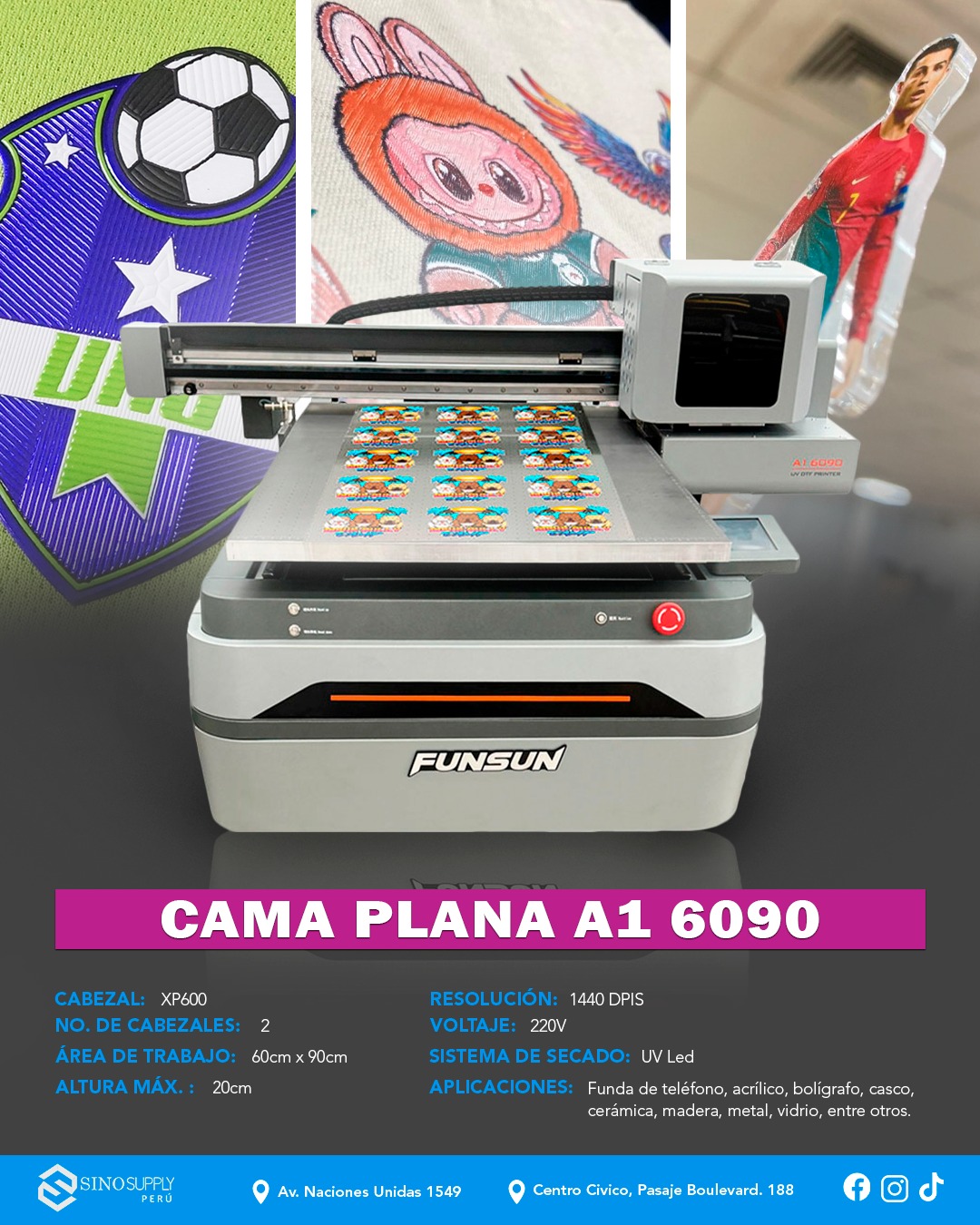
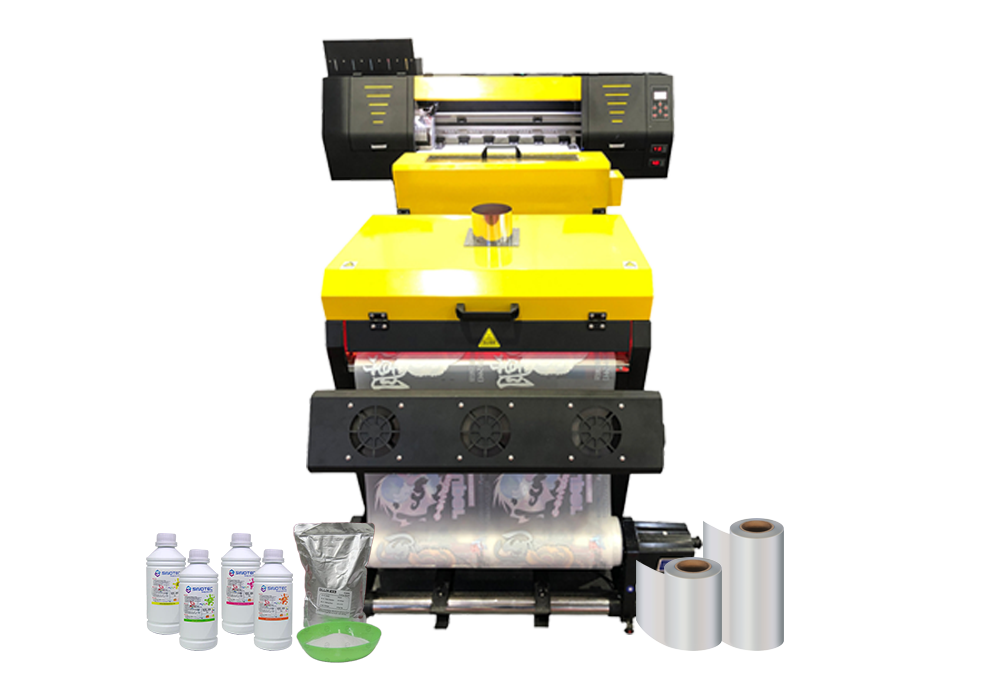
Direct-to-film (DTF) has basically taken over the custom apparel world in the last couple years — and for good reason. You print your design onto a special film, dust it with adhesive powder, cure it, then heat-press it onto pretty much any fabric. Cotton, poliéster, blends, even leather if you’re feeling adventurous. The initial investment runs anywhere from $3,000 to $15,000 depending on width and speed, but here’s what sold me: you can print white ink. Sounds simple, but that one feature opens up dark garments in a way other methods just can’t touch.
Sublimation is the other heavy hitter. Different beast entirely.
It only works on polyester or poly-coated surfaces (think mugs, phone cases, those weirdly popular car seat covers), but when it works, the colors are insane. Like, genuinely more vibrant than anything DTF can produce. The ink turns into gas under heat and bonds at a molecular level with the fabric — so it never cracks, never peels, never fades in the wash. But you’re locked into light-colored poly fabrics. That’s the trade-off.
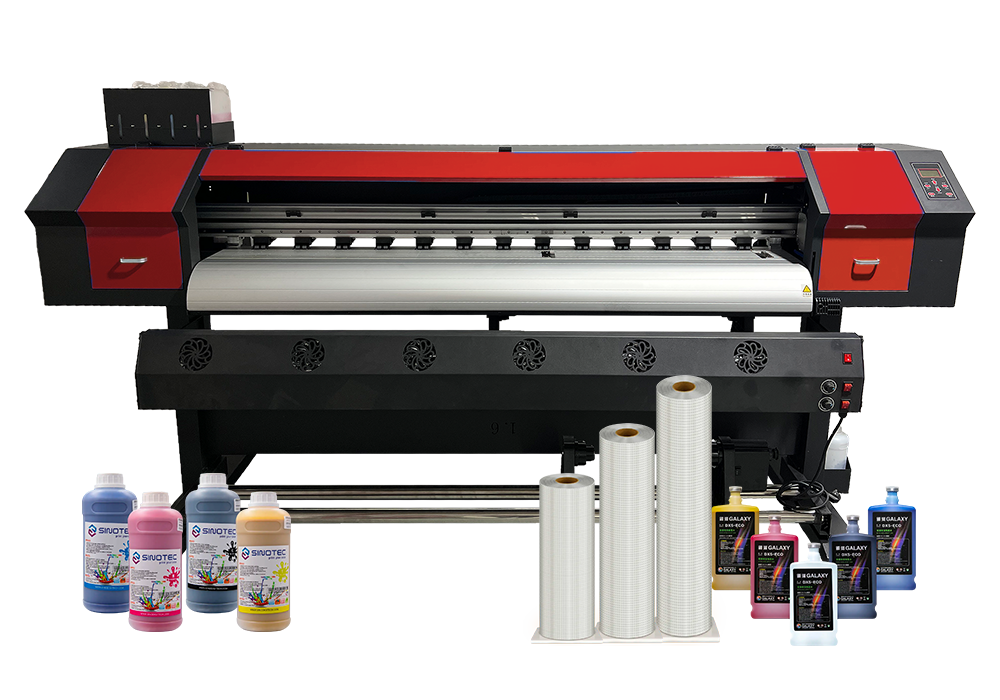
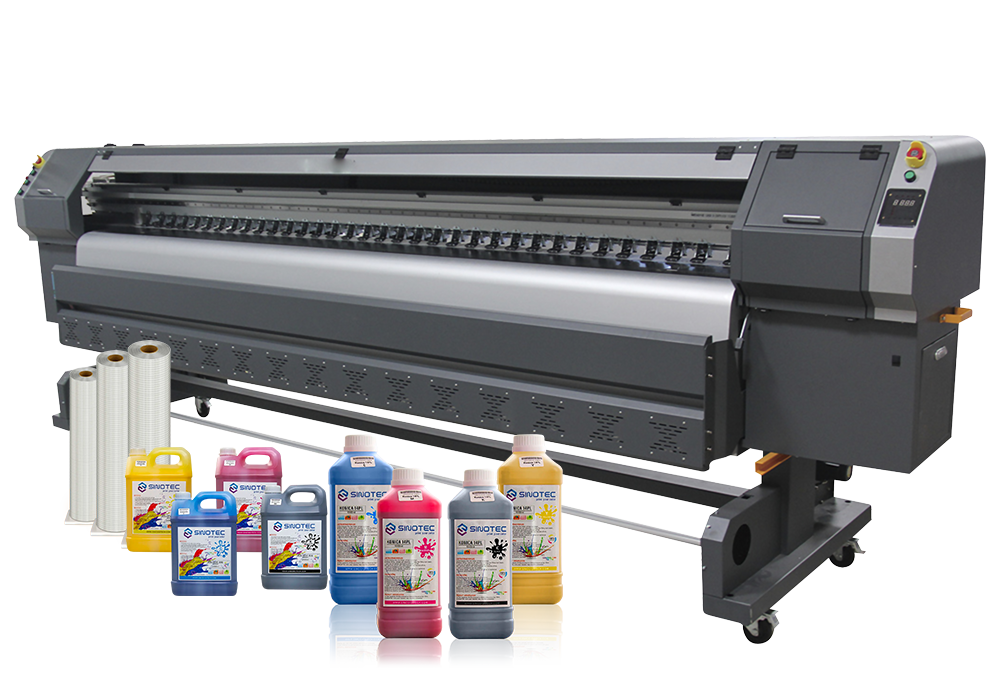
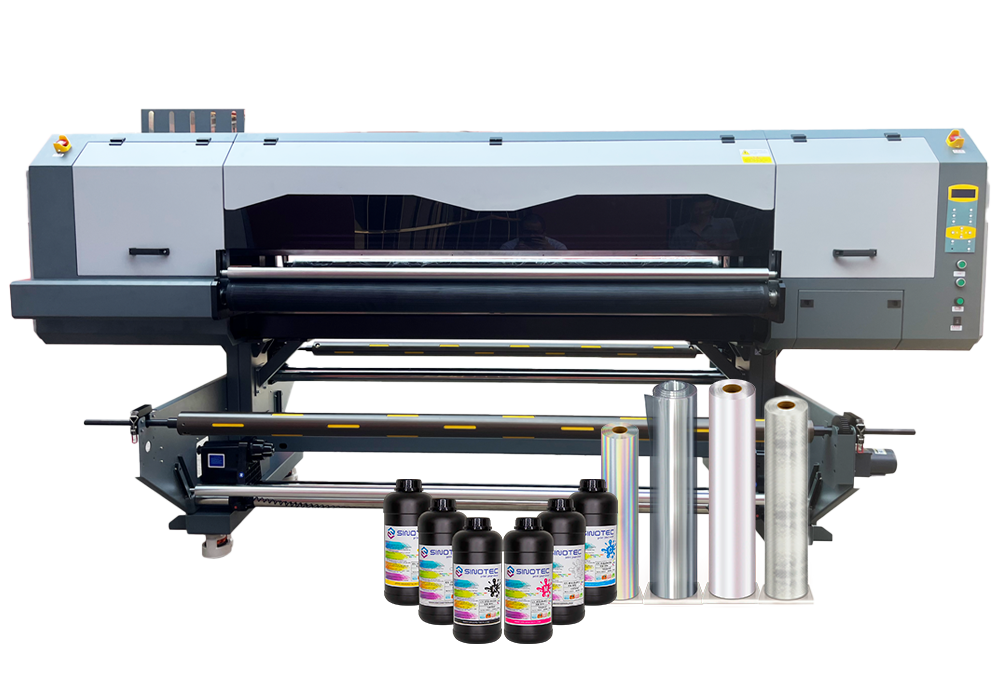
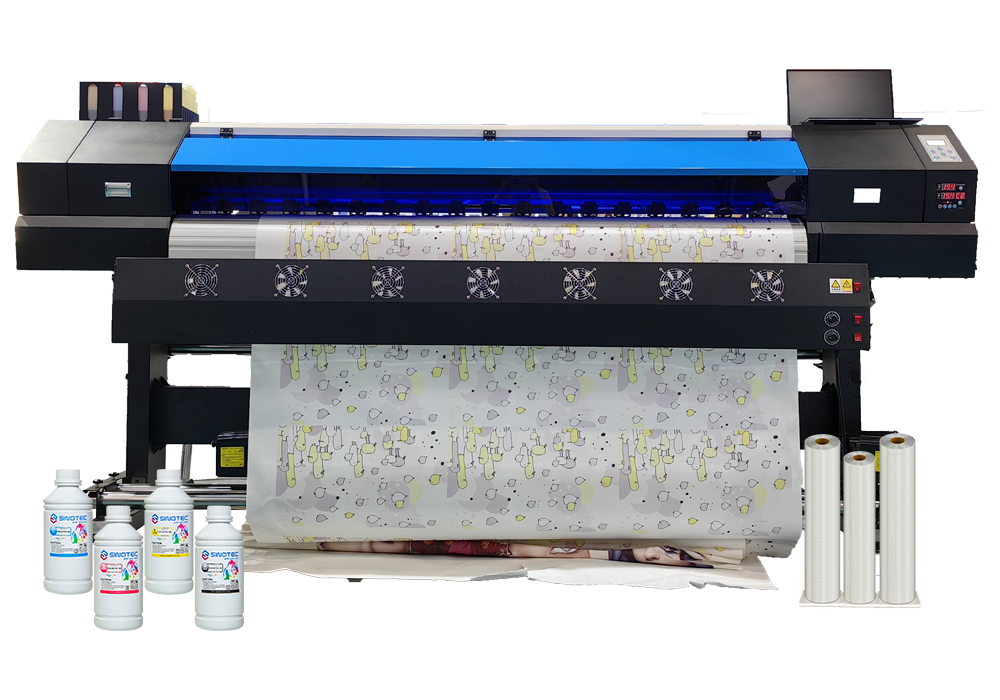
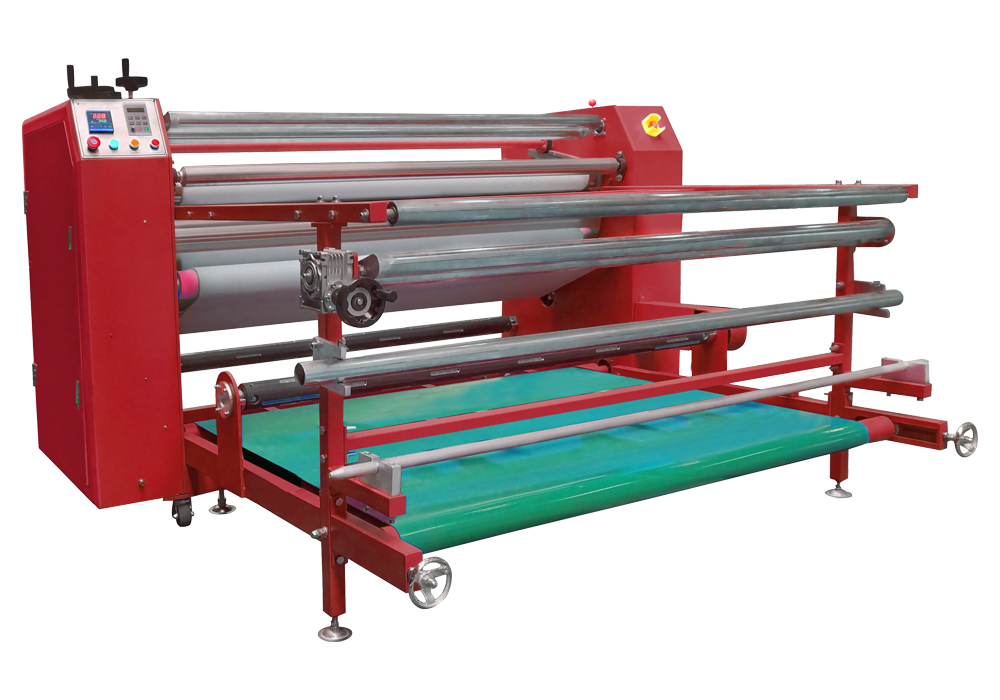
Then there’s wide-format inkjet, which is basically a Graphic Printing Machine that someone convinced to print on fabric instead of vinyl banners. These things are massive (some hit 64 inches wide), crazy fast, and they’ll handle soft signage, flags, backdrops, trade show graphics. Not really for t-shirts unless you’re doing all-over prints or cutting and sewing custom patterns. Think industrial scale — I’ve seen shops running 500-yard orders on these.
Each technology has its lane. DTF for custom apparel with no minimums. Sublimation for poly products with permanent, photo-quality color. Wide-format for big textile runs where speed matters more than garment versatility. Choose based on what you’re actually selling, not what sounds coolest.
Which Graphic Printing Machine Technology Actually Matches Your Production Volume and Fabric Types
I watched a startup blow $40,000 on a dye-sublimation setup last year because someone told them it was “the future of textile printing.” They were printing mostly cotton tees. Sublimation doesn’t work on cotton. At all. The machine sat there for three months before they sold it at a loss.
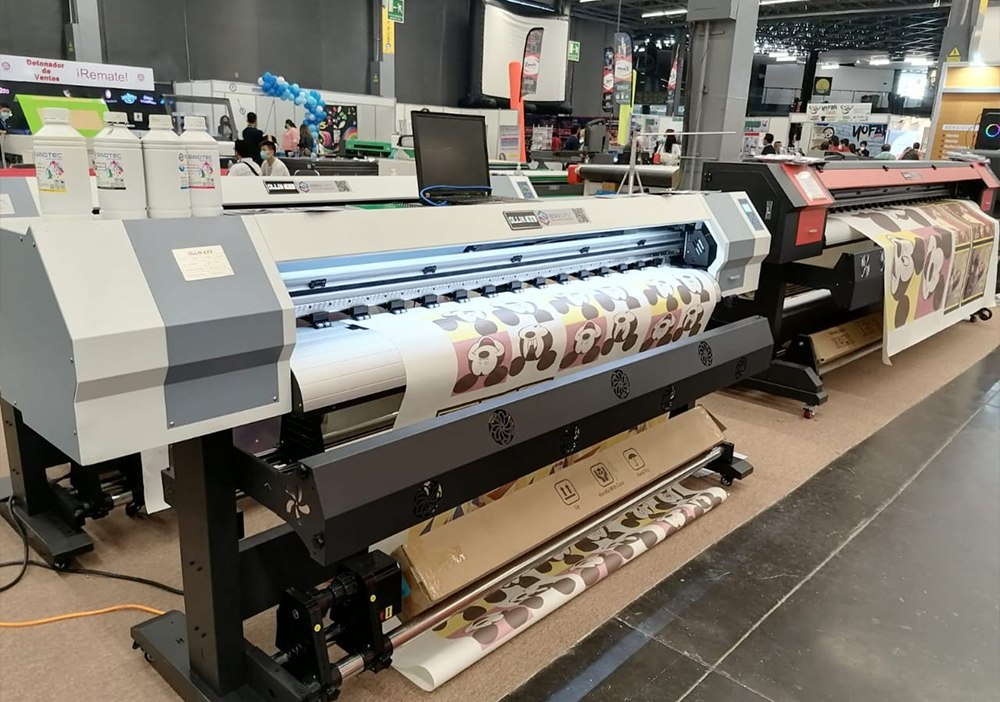
So let’s talk real numbers and actual fabric compatibility, because the Graphic Printing Machine you pick needs to match what you’re physically printing — not what you think you might print someday.
DTG (direct-to-garment) handles low-to-medium volume really well. We’re talking 20-200 pieces per day if you’re running efficiently. Cotton, cotton blends, anything with natural fibers — DTG loves that stuff. Polyester? Not so much. The ink sits on top instead of bonding, and you get this weird plasticky feel. I’ve seen shops push 300 shirts in a day on a good industrial DTG unit, but you’re babysitting the thing constantly (white underbase clogs, print heads need cleaning, the usual drama). Best for on-demand operations or small custom runs where setup time matters more than raw speed.
Dye-sublimation is the opposite animal. High volume only makes sense here — you need at least 100-piece runs to justify the setup. But if you’re doing polyester all day (athletic wear, performance fabrics, promotional items), nothing touches it for permanence. The color literally becomes part of the fabric. I tested a sublimated jersey that went through 50 wash cycles with zero fade. Zero. The catch? Polyester only. Maybe poly-blends if you’re OK with muted colors on the natural fiber percentage.
Screen printing still wins for massive runs — 500+ pieces of the same design. Cotton, poly, blends, doesn’t matter much. And honestly, for simple 1-3 color jobs on heavy fabric like hoodies or canvas bags, nothing beats the durability. Setup time kills you on small orders, no entanto. Anything under 50 pieces and you’re losing money on labor.
Wide-format textile printers (the ones that look like they belong in a print shop, not a garment factory) are for soft signage, bandeiras, trade show backdrops — basically anything that’s fabric but not a garment. These run 100+ yards per hour on polyester or treated cotton. Not your tool for t-shirts unless you’re cutting and sewing custom patterns afterward.
Match the technology to your actual daily workload. Not your dream workload. Your actual orders from last month.
Real-World Cost Breakdown: Comparing Initial Investment and Per-Print Economics for DTF, Sublimação, and Inkjet Systems
I burned through $18,000 learning this the hard way, so let me save you the tuition.
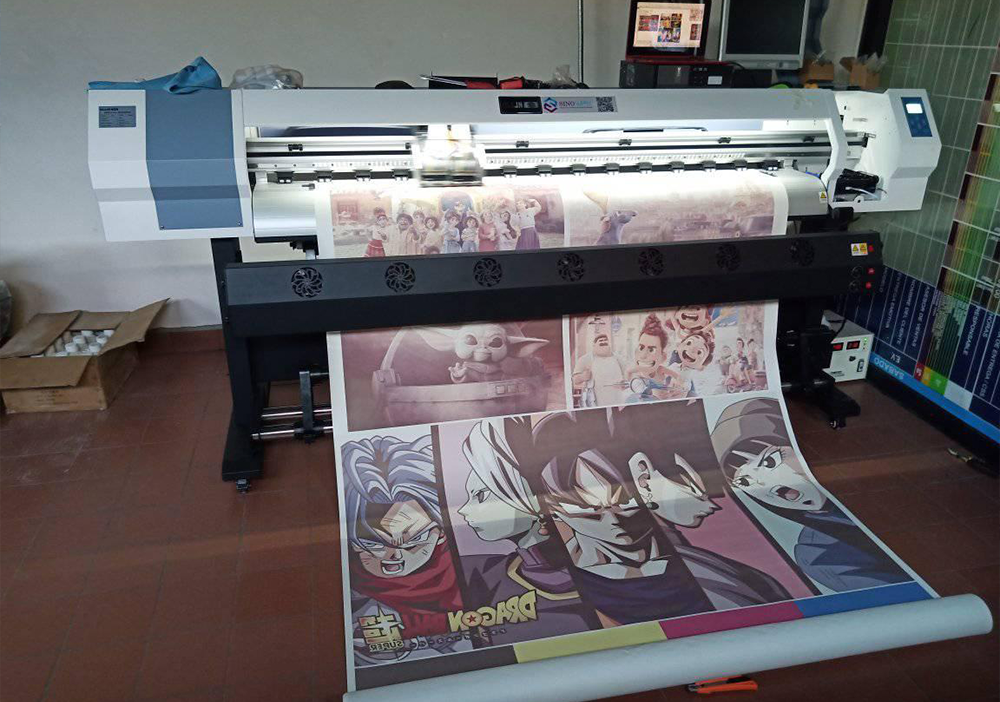
DTF printers look cheap up front — you can get a decent A3 setup for around $4,500 — but the consumables will murder you if you’re not careful. Powder, film, ink, hot-melt adhesive sheets. I was paying $0.85 per print for an 11×15 transfer once you factor everything in. That’s before labor. The break-even point for me was around 40-50 shirts per design, which worked great for local sports teams but tanked my margins on custom one-offs. And the film waste? You’re throwing away at least 15% on trimming and failed prints while you dial in your settings.
Sublimation is the opposite math. Entry cost is lower — a solid 13-inch Sawgrass setup runs about $2,800 — and your per-print cost drops to maybe $0.30 for an average design (ink and paper, that’s it). But here’s the catch: polyester only. White polyester, ideally. I watched a friend buy a $12,000 wide-format sublimation printer for “custom activewear” and then realize 60% of his inquiries were for cotton hoodies. Expensive mistake.
| Technology | Initial Investment | Cost Per Print (11×15) | Break-Even Volume |
| DTF (A3 system) | $4,500–$8,000 | $0.75–$1.20 | 40–60 units/design |
| Sublimação (13″ impressora) | $2,800–$5,500 | $0.25–$0.45 | 20–30 units/design |
| Modified Inkjet (Epson ET-8550) | $600–$1,200 | $0.15–$0.30 | 10–20 units/design |
Modified inkjet setups — basically hacking an Epson EcoTank with sublimation or pigment inks — are how most people actually start. Low upfront cost. Stupidly cheap per print. But you’re limited to 13×19 max, and if you’re running a graphic printing machine all day, the printheads will clog on you every 6-8 weeks (ask me how I know). Fine for side hustles. Not fine for production.
So calculate your monthly volume first, then work backward to the technology. Not the other way around.
Matching Textile Printing Machine Capabilities to Your Business Model — Custom Orders, High Volume, or Multi-Substrate Flexibility
I watched a guy drop $48,000 on a DTG flatbed last year because “it looked professional” — then realize three months later he was doing 90% custom tote bags and maybe 12 T-shirts a month. Wrong machine. Completely wrong.
Your business model dictates the tech stack, not the other way around. If you’re running a print-on-demand storefront with 200 SKUs and orders trickling in one or two at a time, you need a different textile printing machine than someone cranking out 500 identical hoodies for a corporate client. And both of those are wildly different from a contract printer doing fashion samples on silk one day and canvas totes the next.
Custom orders — the Etsy crowd, the wedding favor people, the guy who makes ironic dad hats — need speed-to-first-print and low setup waste. DTG wins here. You’re not doing prepress. You’re not mixing Pantone inks. You upload a file, hit print, cure it, done. A single-head DTG can handle 8–12 custom garments an hour if you’re moving. The per-unit cost sucks compared to screen printing, but setup time is zero, so your margins still work on one-offs.
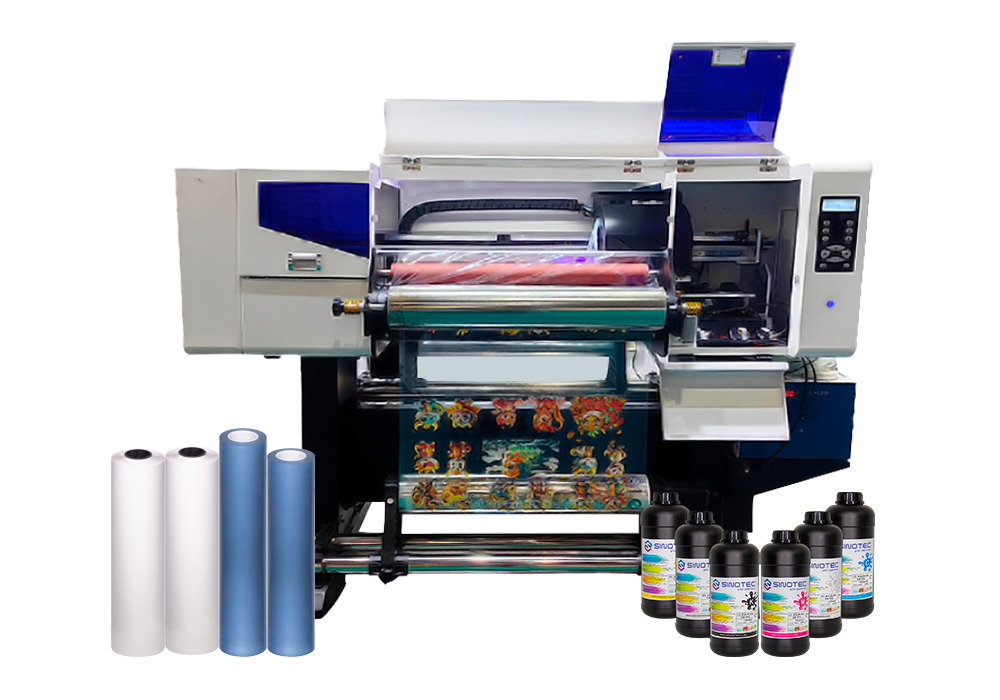
High-volume shops — think merch for bands, company uniforms, bulk blanks for resellers — should be looking at automatic screen presses or hybrid UV-DTF systems. Once you’re past 50 units per design, screen printing demolishes everything on cost per piece. An 8-color auto can do 250+ shirts an hour. But setup takes 45 minutes and you’re eating the cost of screens, so anything under 24 units doesn’t pencil out. (I’ve seen shops refuse orders under 48 pieces for this exact reason.)
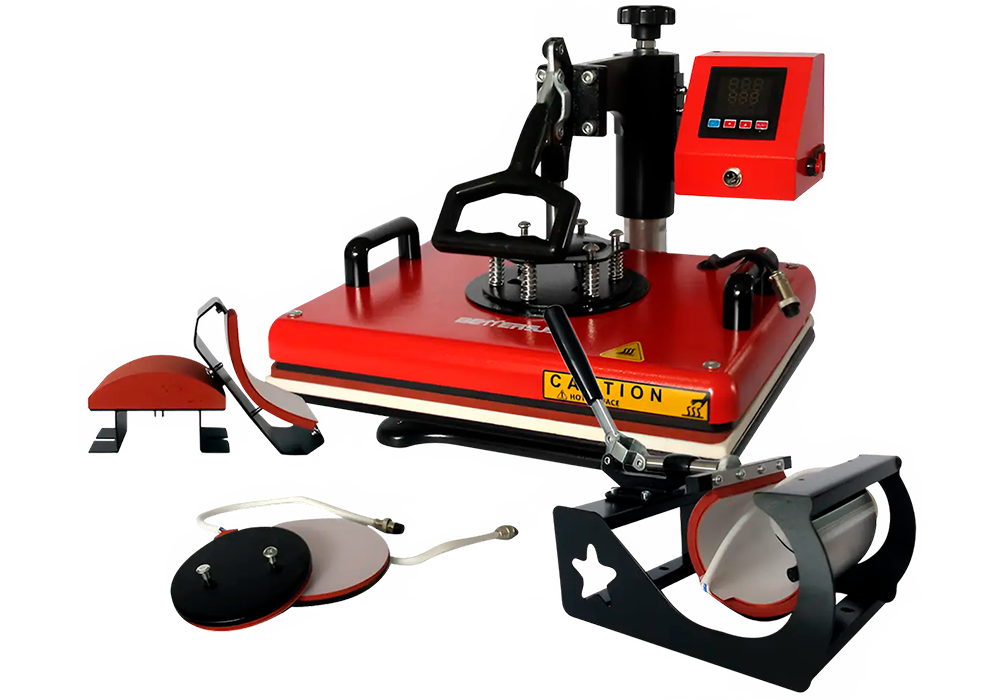
Multi-substrate flexibility is where it gets weird. If you’re printing on cotton e poliéster e madeira e ceramic — yeah, sublimation or a modded graphic printing machine with pigment inks is your only real play. You lose some color vibrancy on natural fibers, but you gain the ability to say yes to almost any substrate. A 13-inch sublimation printer with a heat press will handle fabric, canecas, mouse pads, and metal prints. Jack of all trades. Master of none — but sometimes that’s exactly what a startup needs.
Conclusão
Here’s the truth: most people overthink this decision. If you’re printing on cotton and doing small batches, DTG is still king. High volume on polyester blends? Screen or UV-DTF wins every time. The Textile Printing Machine that’s “best” is whichever one matches your actual order mix — not the one with the flashiest spec sheet.
I’ve watched shops drop $40K on equipment that sits idle because they chased capability instead of capacity. Start with your real numbers: what substrates are you actually printing on, what’s your average order size, and how fast do you need to scale. Those three answers will narrow your field to maybe two machines.
And if you’re still torn? Rent first. Most distributors offer 30-day trials now. Run your actual jobs through it before you sign anything.
Frequently Asked Questions
P: How much does a Textile Printing Machine actually cost?
A: Entry-level DTG machines start around $15K (Epson F2100 territory), mid-range direct-to-film setups run $25K–$45K, and industrial screen printing automatics can hit $80K–$150K. The real cost isn’t the machine though — it’s the consumables, maintenance contracts, and whether you’re financing or paying cash. I’ve seen shops spend more on ink and pretreatment in year two than they did on the equipment itself.
P: What’s the difference between DTG and DTF printing?
A: DTG (direct-to-garment) prints straight onto fabric using modified inkjet tech — think of it like a giant printer that eats t-shirts. DTF (direct-to-film) prints onto a special film first, then heat-transfers that image onto the garment. DTG gives you softer prints on cotton but needs pretreatment; DTF works on damn near anything (poliéster, nylon, couro) but feels slightly thicker.
P: Can I run a Textile Printing Machine from home?
A: Technically yes, but your neighbors might hate you. Most machines need dedicated 220V power, proper ventilation (those fumes are no joke), and climate control — humidity kills print quality fast. I know three people running DTG setups in converted garages, and all of them wish they’d gone straight to a commercial space. The noise alone from a conveyor dryer will end friendships.
P: How long does it take to print one shirt?
A: A DTG Textile Printing Machine takes 2–4 minutes per shirt depending on design complexity (full-color photorealistic images eat more time). Screen printing is way faster once you’re set up — maybe 20 seconds per piece — but setup eats an hour. UV-DTF is the sweet spot for speed: 30–45 seconds per transfer, no pretreatment needed.
P: What fabrics work best with textile printing machines?
A: 100% cotton is still the gold standard for DTG — the ink bonds beautifully and the hand-feel stays soft. Poly-cotton blends (50/50 or 60/40) work but you’ll see some color shift and need white underbase. Straight polyester needs either sublimation equipment or DTF transfers; trying to DTG print on poly is like writing with a Sharpie on wax paper.
P: Is buying a used Textile Printing Machine worth the risk?
A: Depends entirely on the print head hours and maintenance records. A two-year-old machine with 500 hours and documented cleaning logs? Solid deal at 40% off retail. A five-year-old unit with mystery service history and a “works great!” description on Facebook Marketplace? Pass — you’re buying someone else’s expensive problem. Always get a tech inspection before you wire money.
P: Why do some prints crack or fade after washing?
A: Usually it’s a curing issue — you didn’t hit the right temperature long enough, or your conveyor dryer speed was too fast. Cheap ink matters too (I learned this the expensive way with a bulk supplier in 2026). The other culprit is fabric prep: oil, sizing chemicals, or fabric softener residue will wreck ink adhesion no matter how perfect your Textile Printing Machine settings are.