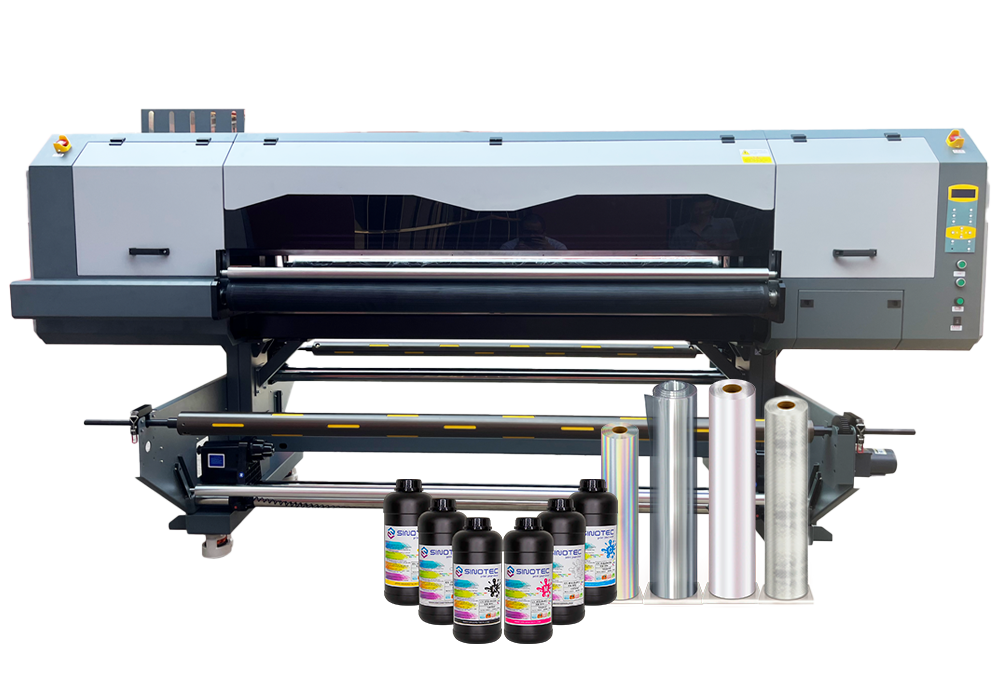
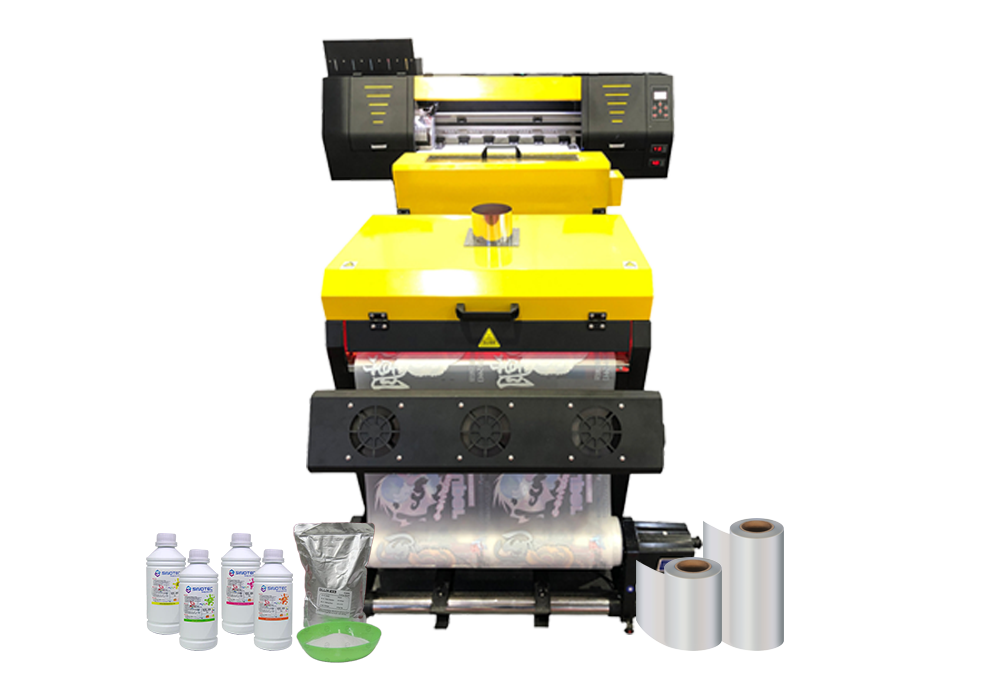
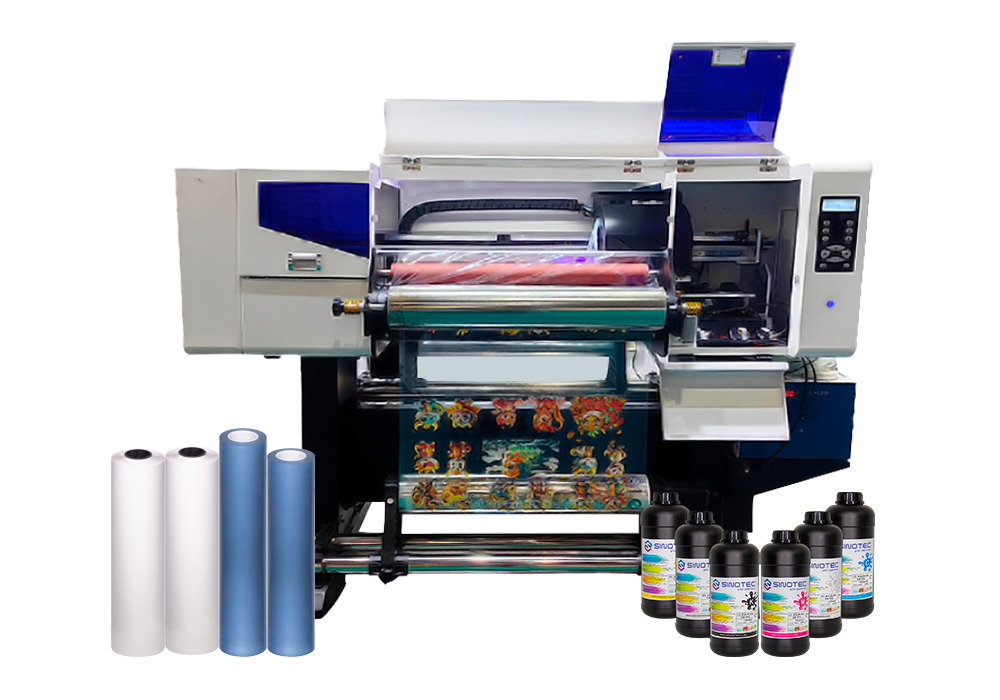
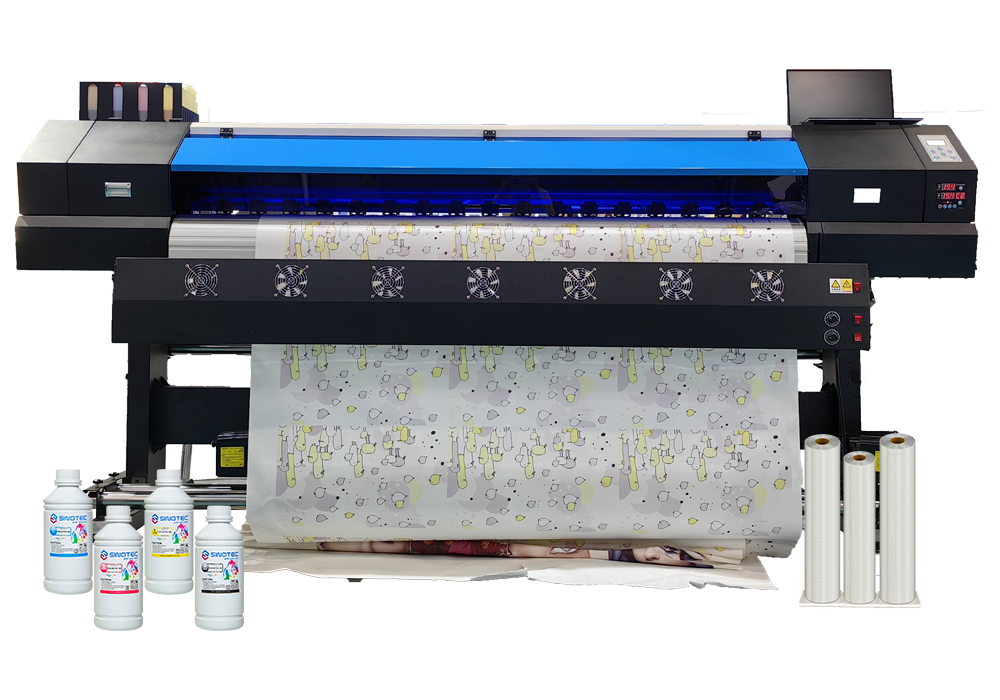



Qualifying a Impressora UV supplier is not a single conversation — it’s a structured evaluation that separates vendors who can fulfill a one-time order from partners who can support long-term production demands. The stakes are higher than most buyers expect, particularly when the end application involves specialized substrates, tight color tolerances, or regulated industries where output consistency is non-negotiable.
Start with capability verification, not pricing. A supplier quoting aggressively on a commercial UV printer configuration means very little if they cannot demonstrate ink adhesion performance across the substrate range your operation actually uses. Request sample outputs on your specific materials — rigid boards, textured surfaces, curved panels — before any commercial discussion moves forward. Suppliers with genuine production depth will accommodate this without hesitation.
Certifications matter more at the industrial end of the market. When sourcing an industrial UV printer for high-volume or export-facing production, relevant compliance documentation — CE marking, RoHS conformity, or regional electrical safety standards — directly affects your ability to deploy equipment across different markets without regulatory friction. Ask for documentation upfront, not as an afterthought during contract review.
There are four operational criteria worth pressing on during supplier qualification:
- Lead time transparency — confirmed production and shipping timelines, not estimated ranges that shift after deposit
- OEM/ODM flexibility — whether the supplier can accommodate custom configurations, ink system modifications, or branded hardware specifications
- After-sales infrastructure — availability of spare parts, firmware support, and technical response time for equipment faults
- MOQ and order scalability — minimum order thresholds and whether pricing structures hold as volume increases
Suppliers like SINOTEC — operating out of China with an export-oriented fulfillment model — illustrate what responsive project coordination can look like at the sourcing stage: customized specifications managed before production, not corrected after delivery. That kind of upstream involvement reduces costly rework cycles and keeps procurement timelines intact.
One detail buyers routinely underweight: quality control protocols at the factory level. A supplier’s internal inspection process — print resolution checks, UV lamp output verification, substrate feed calibration — is a direct proxy for the consistency you’ll receive across repeat orders. Ask how defects are caught, not just how they’re handled after the fact.
What Actually Separates a Reliable UV Printer Supplier from a Risky One
Supplier reliability in the UV printer category isn’t something you can assess from a product listing alone. The gaps — the ones that cause missed deadlines, inconsistent output, or warranty disputes — almost always trace back to operational factors that never appear on a spec sheet.
Start with production transparency. A credible supplier should be able to walk you through their manufacturing process for a commercial UV printer: how print heads are sourced and tested, what substrate compatibility validation looks like, and whether QC checkpoints exist mid-production or only at final inspection. Suppliers who can only speak to the end result — not the process — are a procurement risk.
Certifications matter, but context matters more. CE, RoHS, and FCC markings confirm baseline compliance for target export markets. What they don’t confirm is whether a given supplier’s industrial UV printer line has been validated for the specific substrates, ink formulations, or duty cycles your operation requires. Push for documentation that’s specific to your use case, not just general compliance certificates attached to a product category.
- Request production audit reports or third-party inspection records — not just supplier-authored datasheets
- Confirm whether OEM/ODM customization is handled in-house or subcontracted, as subcontracting adds opacity to quality control
- Clarify lead times for both standard and custom configurations — and whether those timelines hold during peak export periods
- Ask specifically how the supplier handles specification deviations discovered post-production
Responsiveness during the pre-order phase is a reliable signal. Suppliers who engage seriously with technical questions before a purchase order is placed — adjusting specifications, flagging compatibility issues, coordinating on packaging or export documentation — tend to carry that same rigor into production. Suppliers who only become communicative after payment rarely improve from there.
The distinction between a manageable supplier relationship and a costly one often comes down to upstream involvement. Buyers sourcing through export-oriented suppliers — particularly those offering structured OEM support — benefit most when that coordination begins at the specification stage, not after the first shipment arrives with problems that were entirely avoidable.
How to Evaluate Commercial UV Printer Specs Against Your Real Production Needs
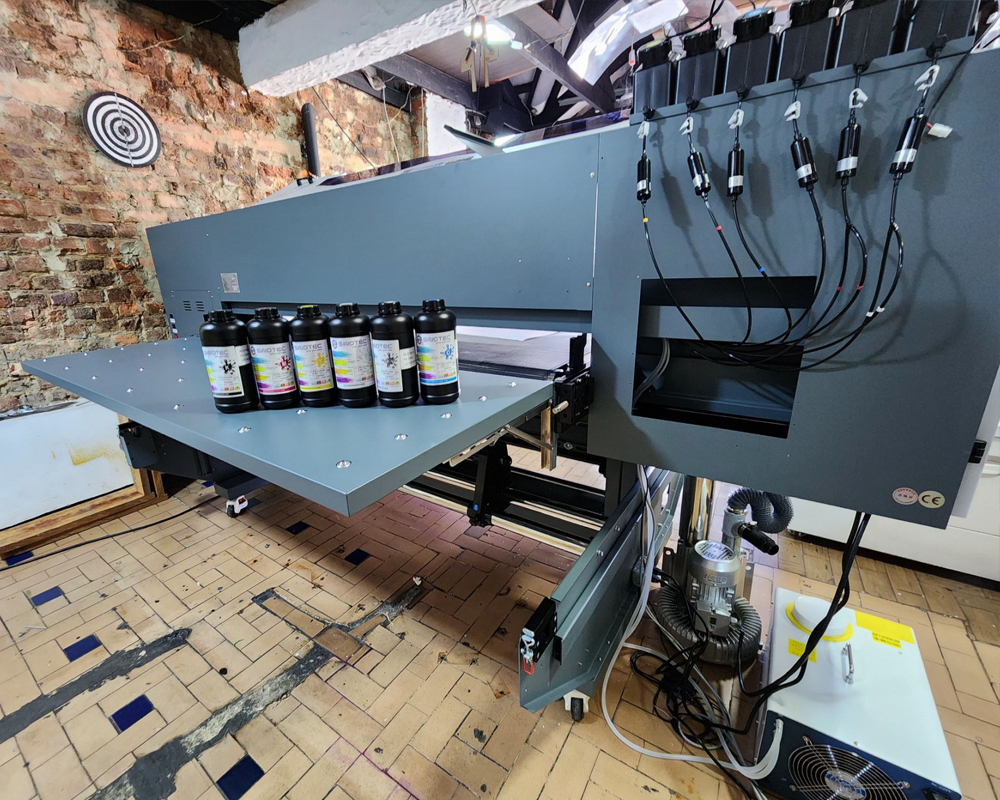
Spec sheets for a commercial UV printer are designed to impress — and they usually succeed, at least on paper. The practical question for procurement managers is whether those specifications map to what production actually demands, week over week, at volume. That gap between headline specs and operational reality is where most sourcing decisions go wrong.
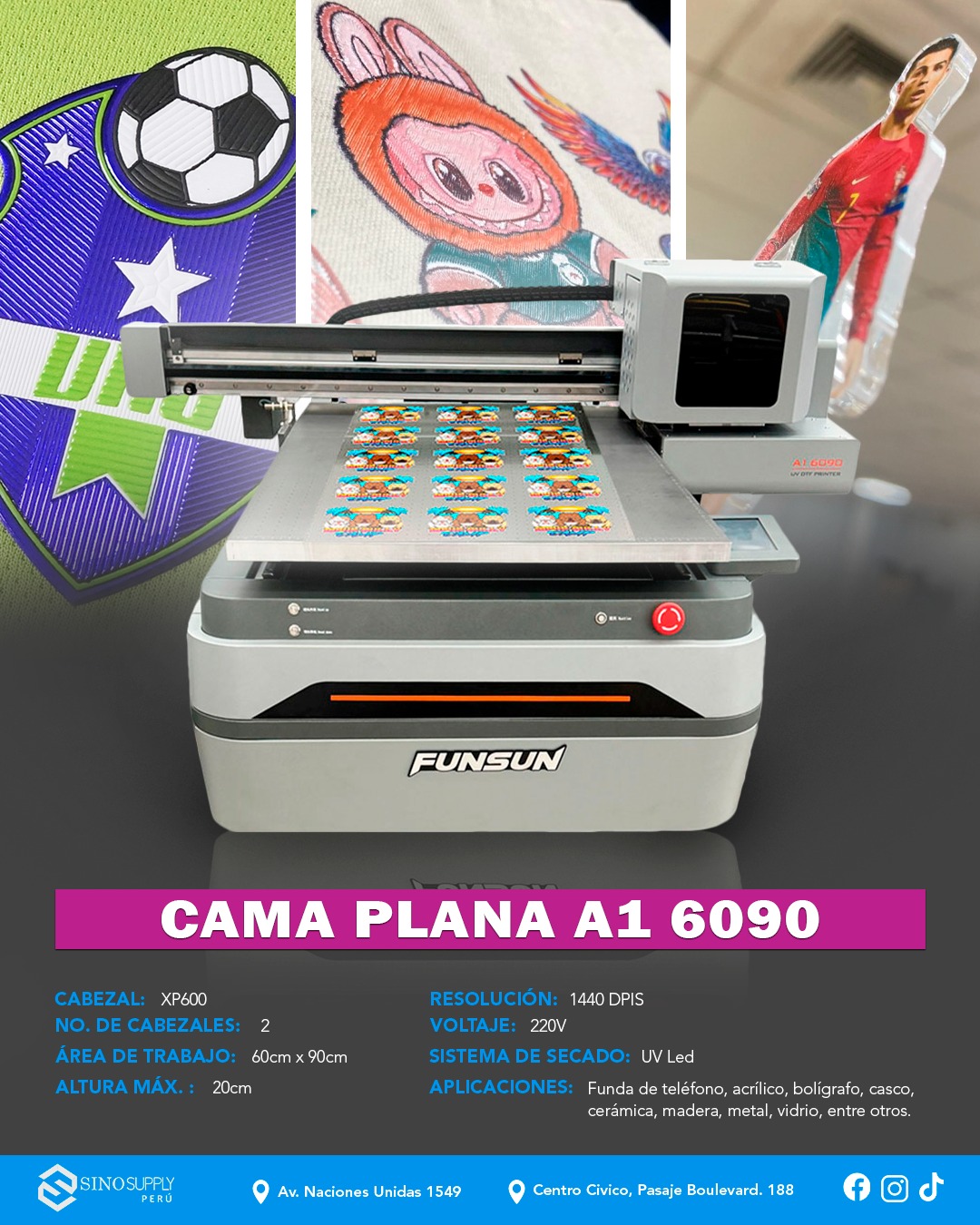
Print resolution is the obvious starting point, but it’s rarely the limiting factor. A UV printer rated at 1440 dpi is meaningless if the substrate handling system can’t maintain registration on rigid materials, or if the curing lamp intensity degrades faster than the manufacturer’s warranty implies. Buyers sourcing for high-throughput applications — signage, packaging prototypes, industrial components — should weight throughput speed and duty cycle far more heavily than peak resolution figures.
A few evaluation criteria tend to separate genuinely capable machines from those that look strong on a datasheet:
- Printable area versus usable print area — some machines lose significant working space at the edges due to carriage mechanics
- Ink system compatibility — whether the machine is locked to proprietary inks, and what that means for long-term consumable costs
- Curing system type and lamp lifespan — UV LED systems run cooler and last longer than mercury-arc alternatives, which matters for heat-sensitive substrates
- Maximum substrate thickness and weight — often understated in marketing materials but critical for industrial UV printer applications involving rigid or layered materials
- Software integration — RIP software compatibility, file format support, and whether color profiles are included or sold separately
Duty cycle deserves particular attention. A machine rated for intermittent commercial use will degrade noticeably under continuous production schedules — and the cost of unplanned downtime in a production environment compounds fast. Buyers should request documentation on mean time between failures and ask suppliers directly how the machine performs under sustained load, not just during demonstration runs.
Suppliers with structured OEM and specification support — the kind that can adjust configurations to match a buyer’s substrate range or ink requirements before production — tend to surface these trade-offs early. That upstream technical engagement is worth factoring into supplier selection, not just the per-unit price.
Industrial UV Printer Certifications, MOQs, and Lead Times: What to Demand Before You Commit
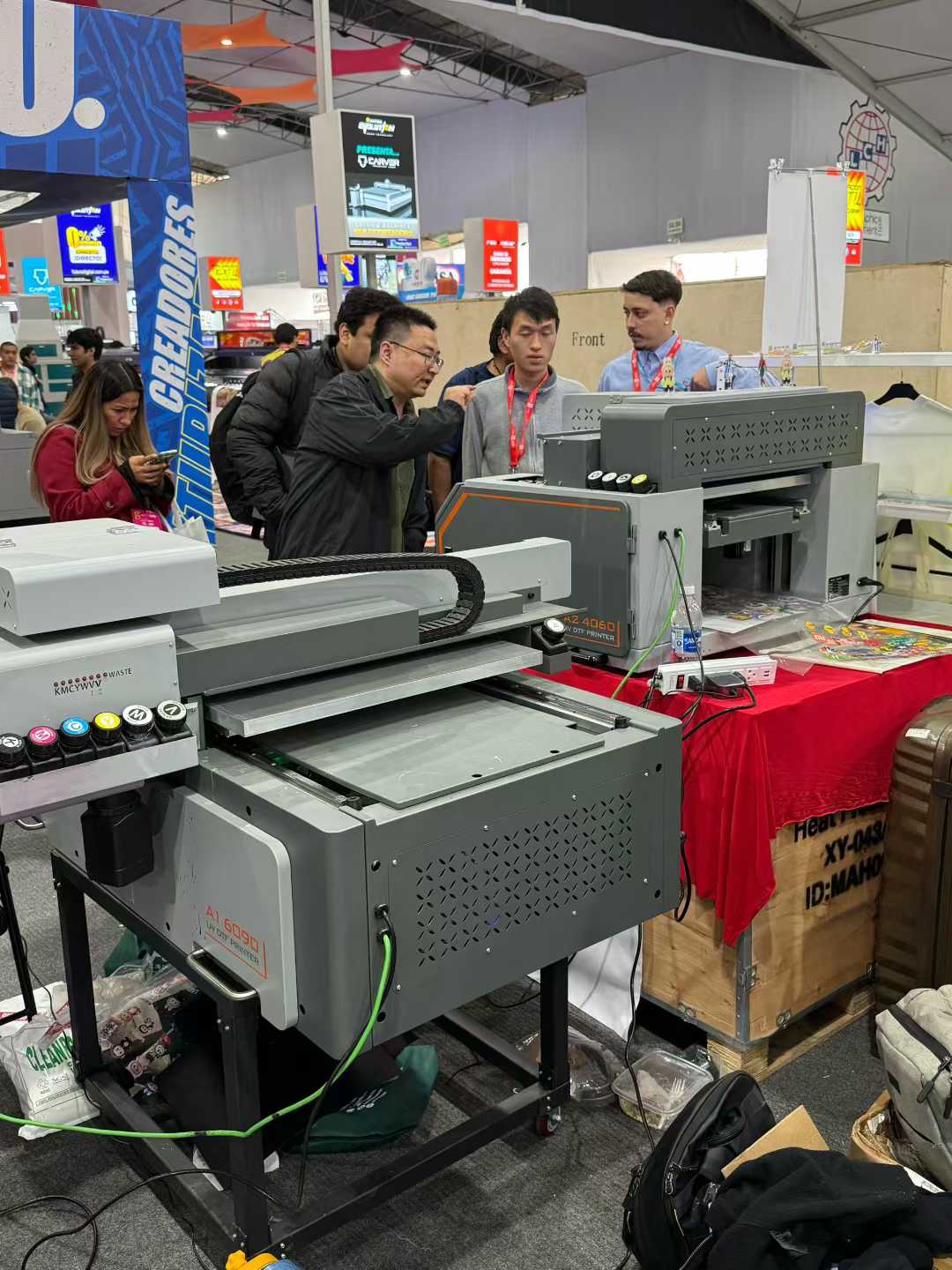
Certifications are not paperwork formalities — they are operational risk controls. For any Industrial UV Printer destined for a regulated production environment, the relevant compliance marks (CE for European markets, FCC for North American electrical standards, RoHS for hazardous substance restrictions) tell a buyer whether the machine can legally operate in their facility and whether the ink chemistry meets environmental obligations. Asking a supplier for certification documentation before signing a purchase order is standard practice; accepting verbal assurances in place of actual certificates is not.
Beyond compliance, UV printer certifications also signal something about the manufacturer’s internal quality discipline. A supplier who has maintained ISO 9001 certification across multiple audit cycles has demonstrated process consistency — which matters when you are ordering at volume and cannot inspect every unit before it ships.
MOQ structures vary considerably across the supplier landscape. Some manufacturers set minimum order quantities at a single unit for commercial-grade models, particularly where the machine price already reflects a significant capital commitment. Others — especially those offering OEM or customized specification builds — require minimum runs of three to five units before they will absorb tooling or configuration costs. Buyers sourcing a Commercial UV Printer for a multi-site rollout should negotiate MOQ terms early, since the threshold directly affects cash flow planning and phased deployment schedules.
- Request written certification copies, not just model numbers listed on a spec sheet
- Confirm whether certifications apply to the specific configuration being ordered, not just the base model
- Clarify whether MOQ applies per SKU or across a combined order
- Get lead time commitments in writing — standard production runs versus peak-season delays are rarely the same figure
Lead times deserve the same scrutiny. A UV printer supplier quoting four to six weeks under normal conditions may quietly extend that window during high-demand periods without proactive communication. Procurement managers should establish contractual lead time benchmarks with defined escalation clauses — and ask specifically whether the quoted timeline covers production only, or includes pre-shipment quality inspection and export documentation. Suppliers with established export workflows and dedicated project coordination tend to absorb those logistics variables more reliably than those handling international orders on an ad hoc basis.
Conclusão
The right UV printer purchase comes down to two things: honest spec verification and a supplier who treats lead times as a commitment, not an estimate.
So much of the frustration buyers run into — mismatched configurations, blown timelines, certification gaps — traces back to questions that weren’t asked early enough. Get those answers in writing before the order is placed, not after the deposit clears. Suppliers with real export infrastructure and dedicated project coordination will answer those questions without hesitation. The ones who hedge or deflect? That’s your answer too.
Do your homework upfront, and the hardware almost takes care of itself.
Frequently Asked Questions
P: What is a UV printer and how does it work?
A: A UV printer uses ultraviolet light to instantly cure — or harden — ink as it’s deposited onto a surface, rather than letting it air-dry or absorb into the material. That curing process is what makes UV printing so versatile: the ink bonds to almost any substrate, rigid or flexible, without soaking in. The result is sharp, durable output that traditional inkjet simply can’t replicate on non-porous materials.
P: What materials can a UV printer print on?
A: The substrate range is genuinely broad — wood, vidro, metal, acrílico, couro, ceramic tile, phone cases, and most rigid plastics are all fair game. Some UV printers also handle flexible materials like TPU or certain fabrics when paired with the right ink formulation. The main limitation is surface flatness and the machine’s Z-axis clearance (the maximum object height it can accommodate).
P: How much does a UV printer cost?
A: Entry-level desktop UV printers typically start in the low thousands, while mid-range flatbed units for commercial use often land somewhere between mid-five and low-six figures depending on print area and ink channel configuration. Industrial-grade wide-format UV printers can go considerably higher. The hardware price is only part of the equation — ink costs, maintenance contracts, and replacement lamp or LED components add up over the machine’s lifespan.
P: Is a UV printer worth it for small businesses?
A: It depends almost entirely on order volume and product mix. A UV printer earns its keep quickly when you’re producing customized promotional items, sinalização, or personalized products at consistent volume — the per-unit cost drops fast once setup costs are absorbed. For very low-volume or highly irregular work, outsourcing UV print jobs often makes more financial sense than owning the equipment outright.
P: How long do UV printer prints last?
A: UV-cured prints are generally more resistant to fading, moisture, and abrasion than solvent or dye-based alternatives — outdoor-rated UV inks on properly prepared substrates can hold up for several years under direct exposure. Indoor applications with no UV stress typically last much longer. Longevity is also affected by surface prep, ink quality, and whether a protective varnish layer was applied during printing.
P: Can a UV printer print white ink?
A: Most commercial UV printers include a dedicated white ink channel — this is essential for printing on dark, transparent, or metallic surfaces where CMYK alone would be invisible or washed out. White ink does require more maintenance than color channels; it tends to settle and clog faster, so machines need regular circulation or purging cycles to keep it printing cleanly. Buyers sourcing through OEM or wholesale channels should confirm white ink channel support before finalizing specs.
P: Why is my UV printer leaving streaks or missing lines?
A: Streaking and banding almost always trace back to one of three culprits: clogged or partially blocked printheads, incorrect media height settings, or UV lamp output that’s degraded below effective curing intensity. Running a nozzle check and printhead cleaning cycle is the first step — if that doesn’t resolve it, check lamp hours against the manufacturer’s replacement threshold. Consistent environmental conditions (temperature and humidity) matter more than most buyers realize when it comes to UV ink behavior.
P: How do I choose the right UV printer for my application?
A: Start with your substrate requirements and maximum object dimensions, then work backward to print area, Z-axis clearance, and ink configuration. Resolution specs matter, but they’re often overstated in marketing — real-world output quality depends as much on ink chemistry and printhead type as on the DPI figure. Suppliers with genuine OEM and customization capability, like those coordinating export-oriented orders for international buyers, can often adjust configurations to match specific production requirements rather than forcing a standard SKU.
SEO Metadata Reference
SEO Title: Fornecimento de impressora UV: Como qualificar o fornecedor certo
Meta Description: Learn UV printer supplier qualification the right way — verify capabilities, check certifications, and avoid costly sourcing mistakes before signing anything.