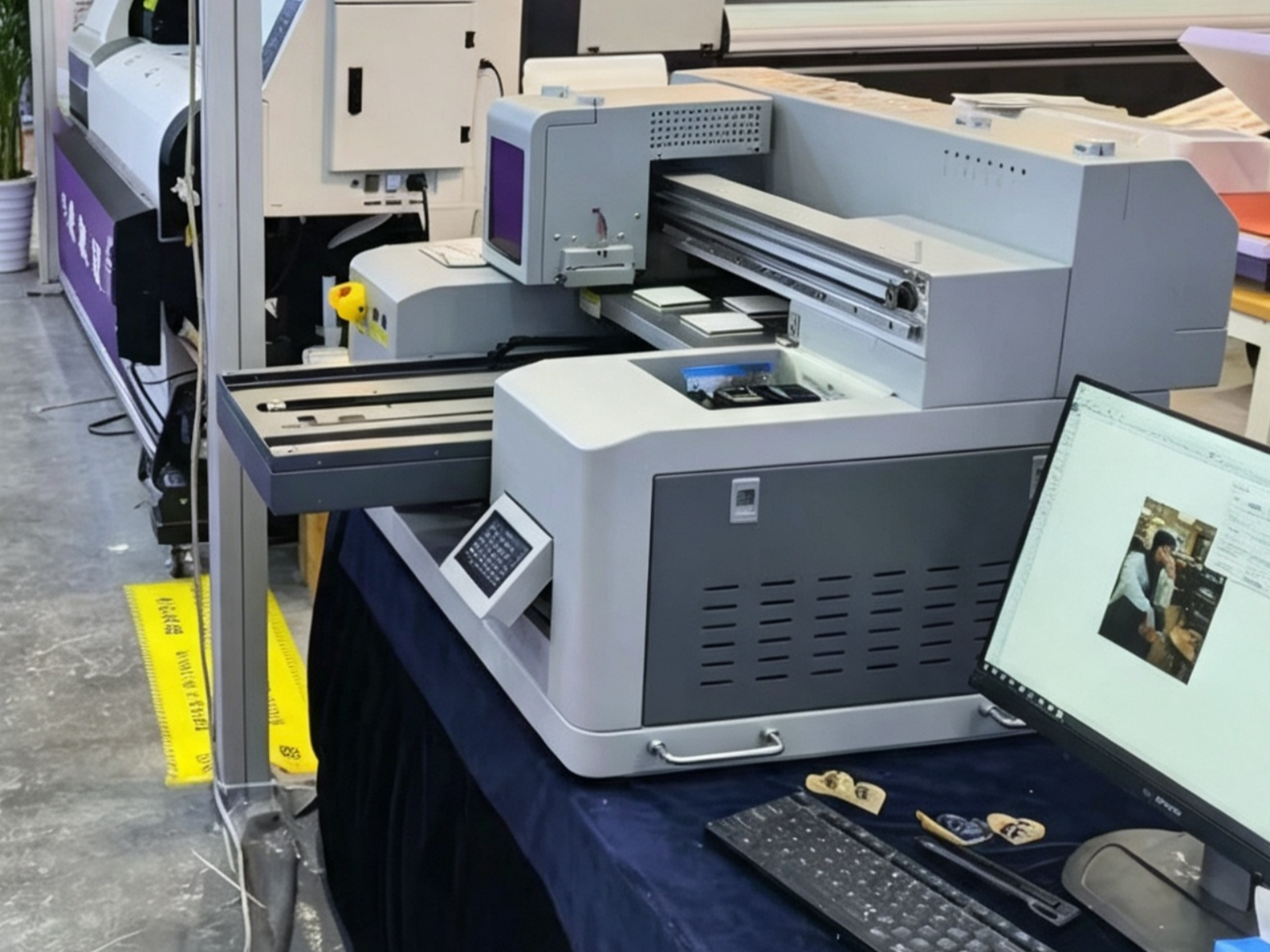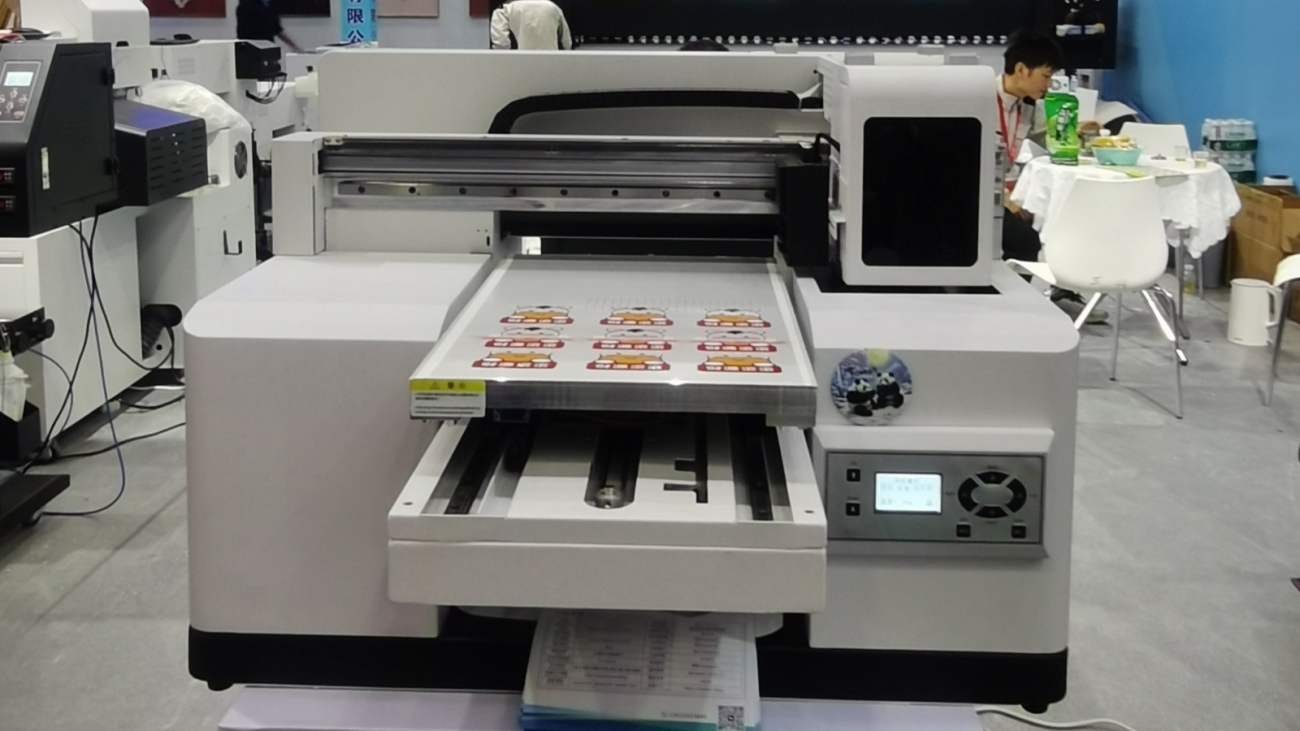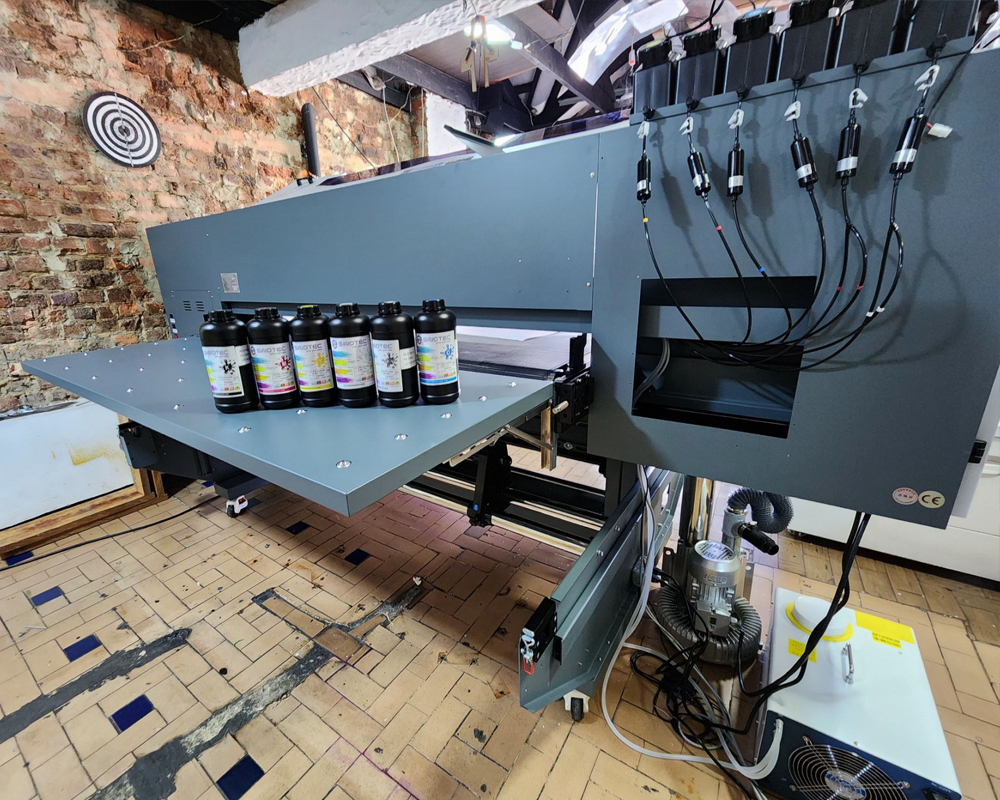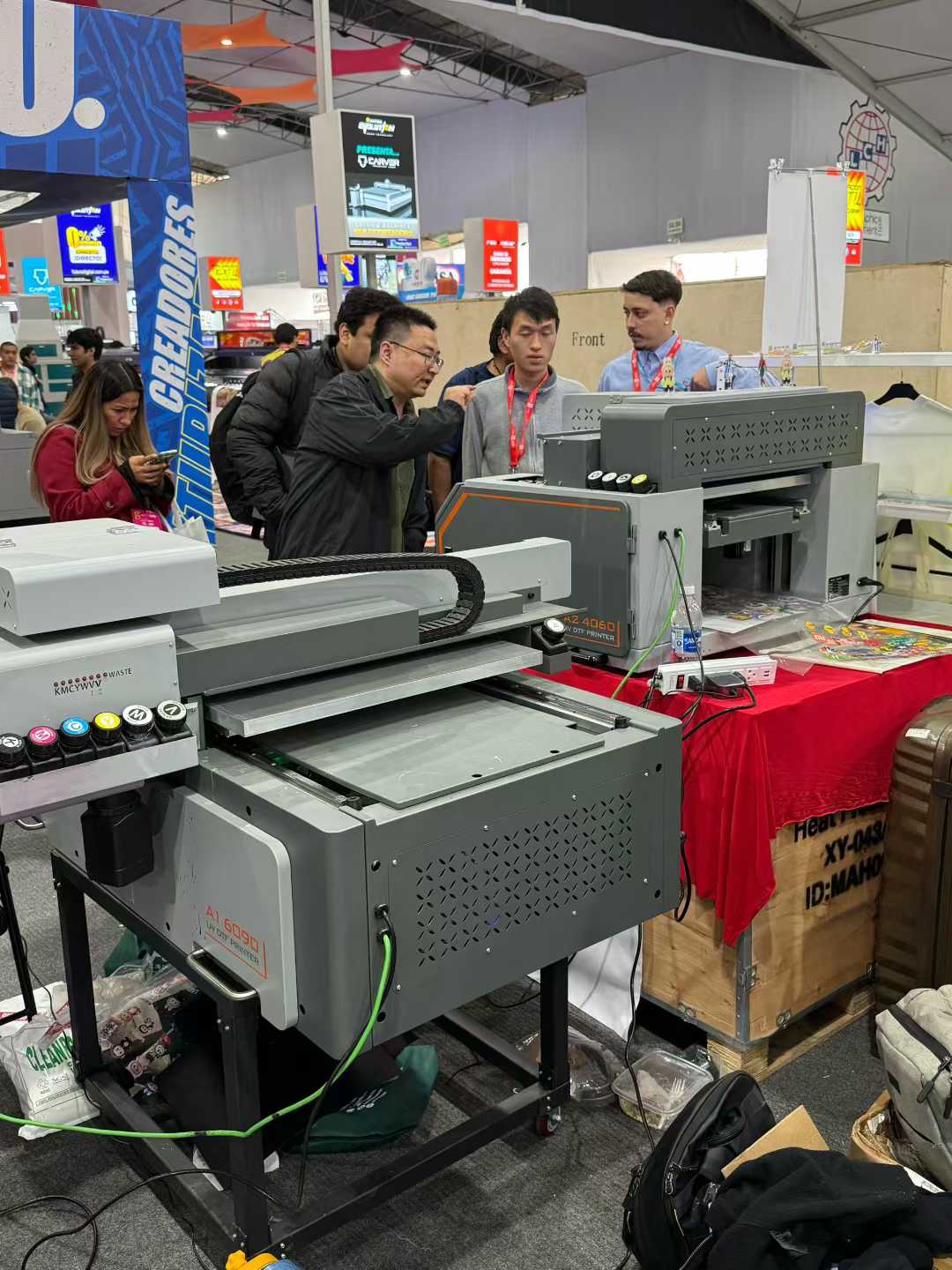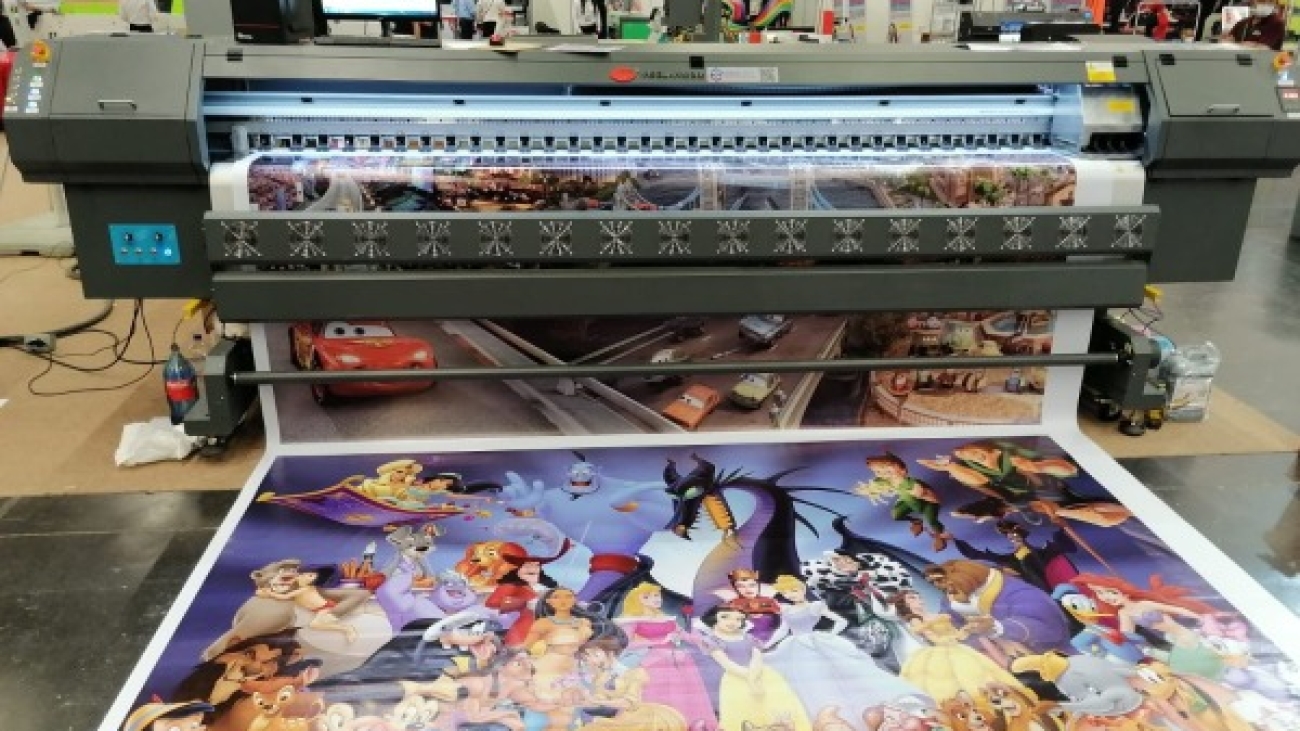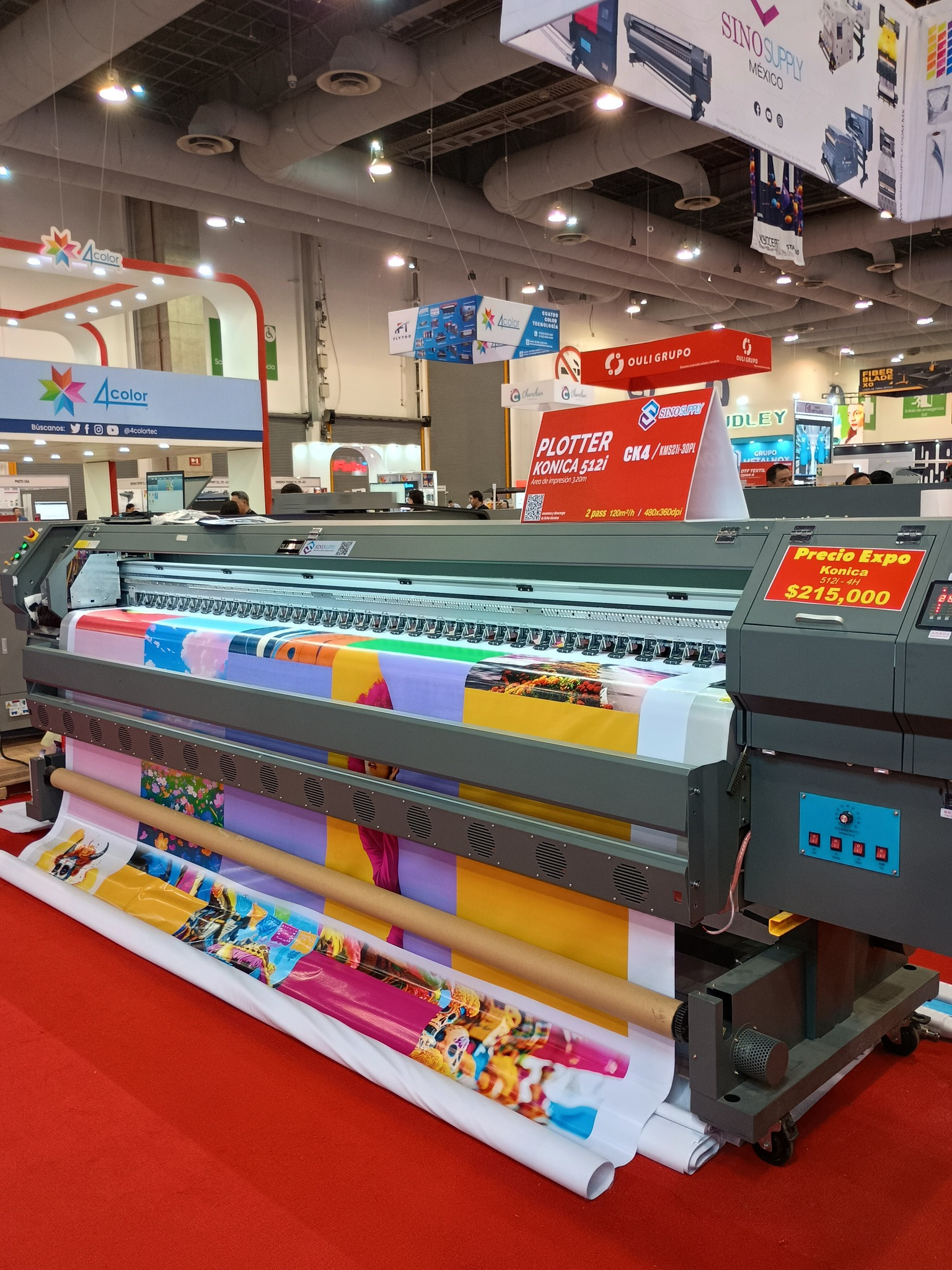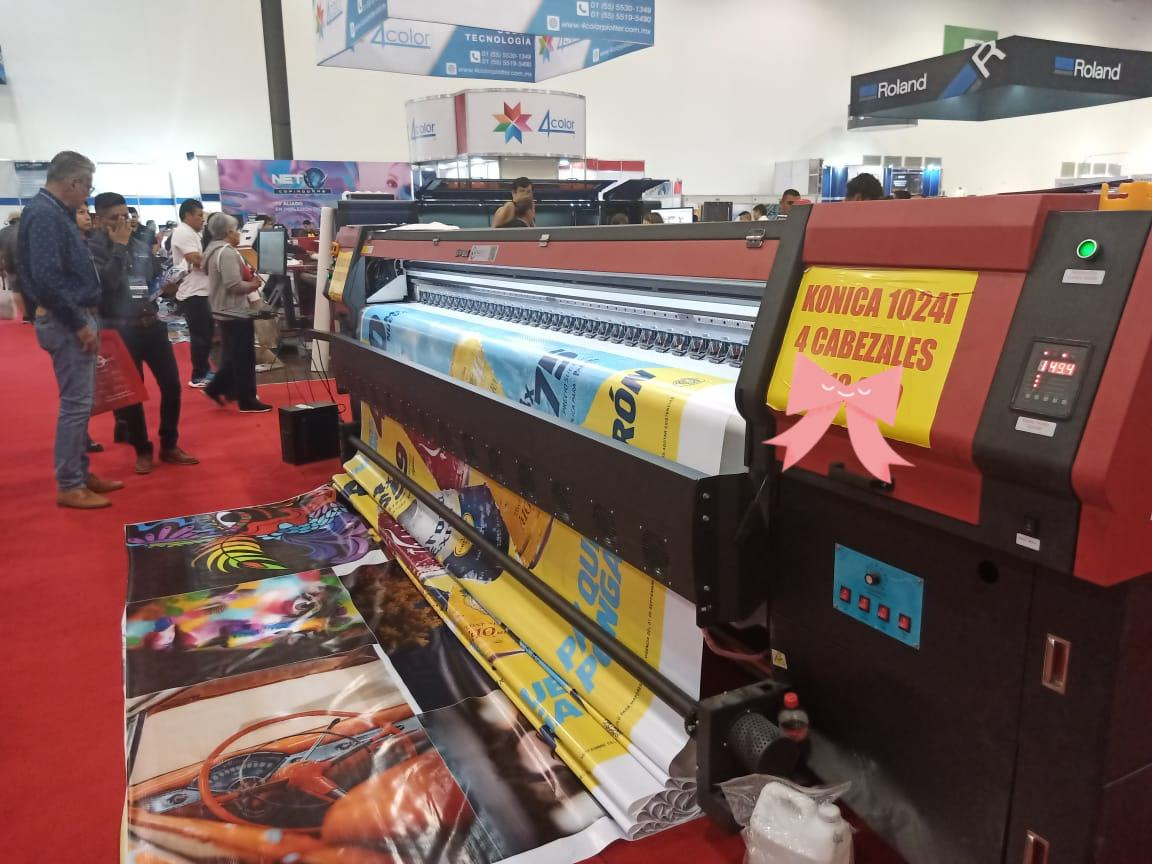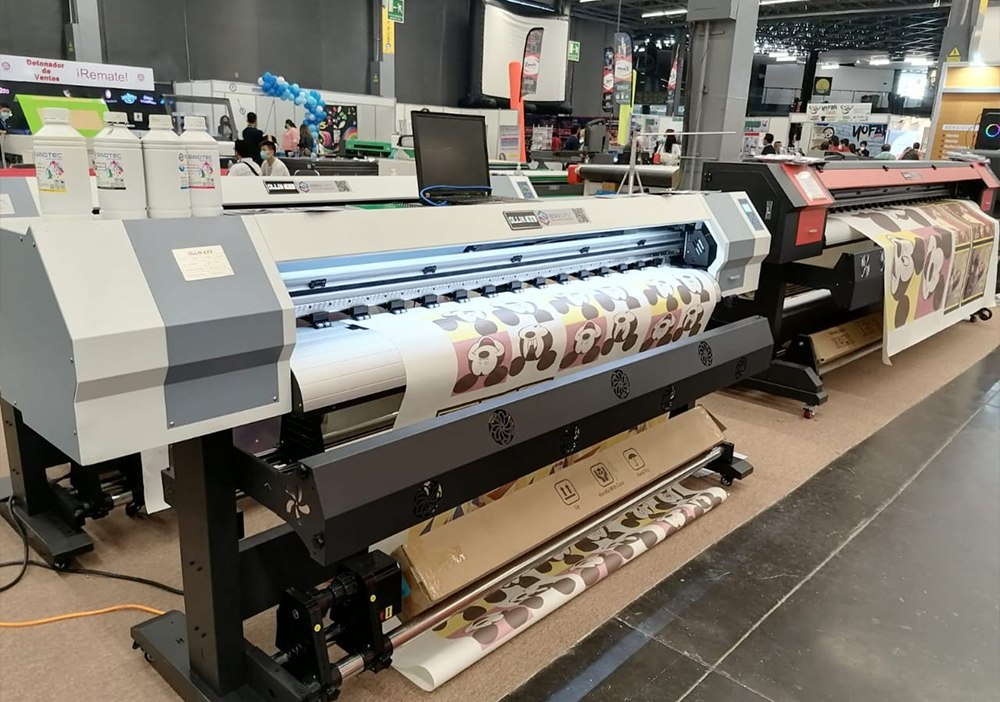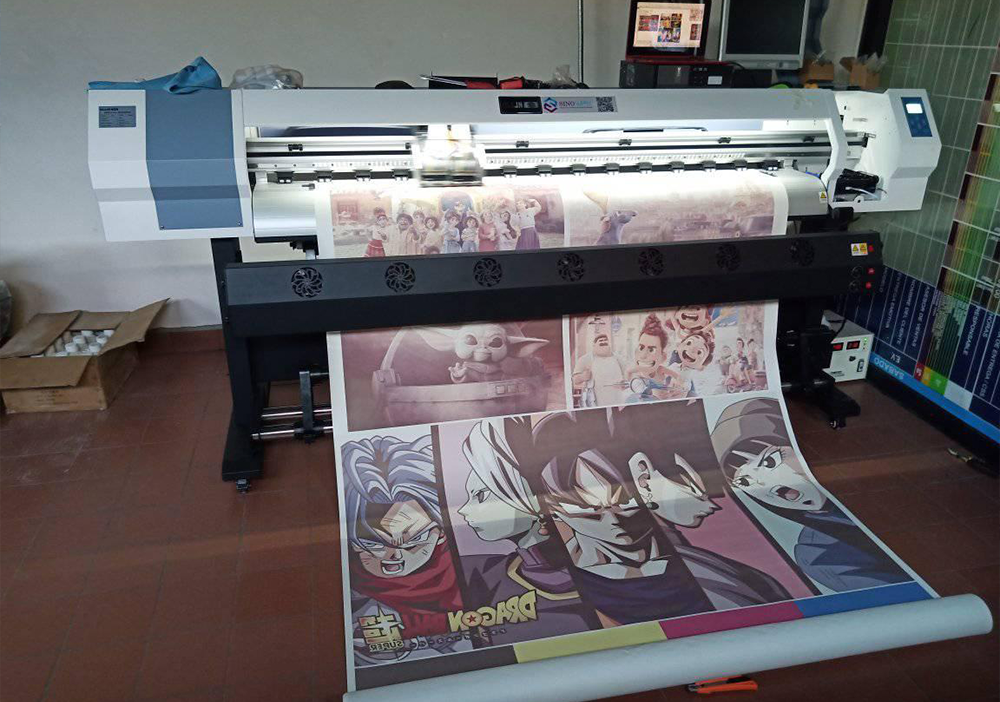
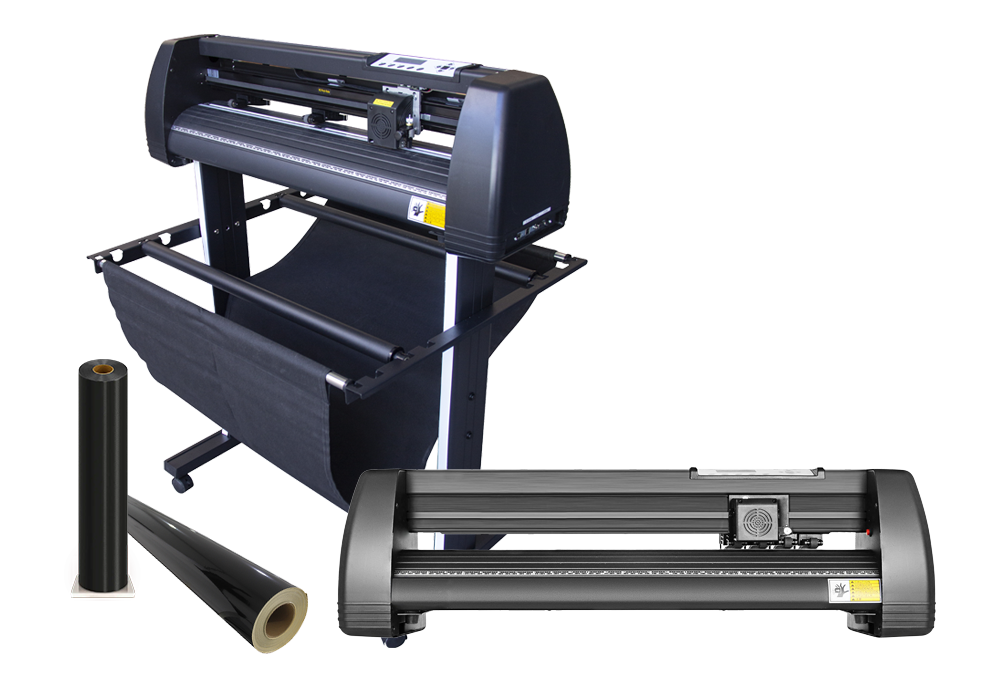
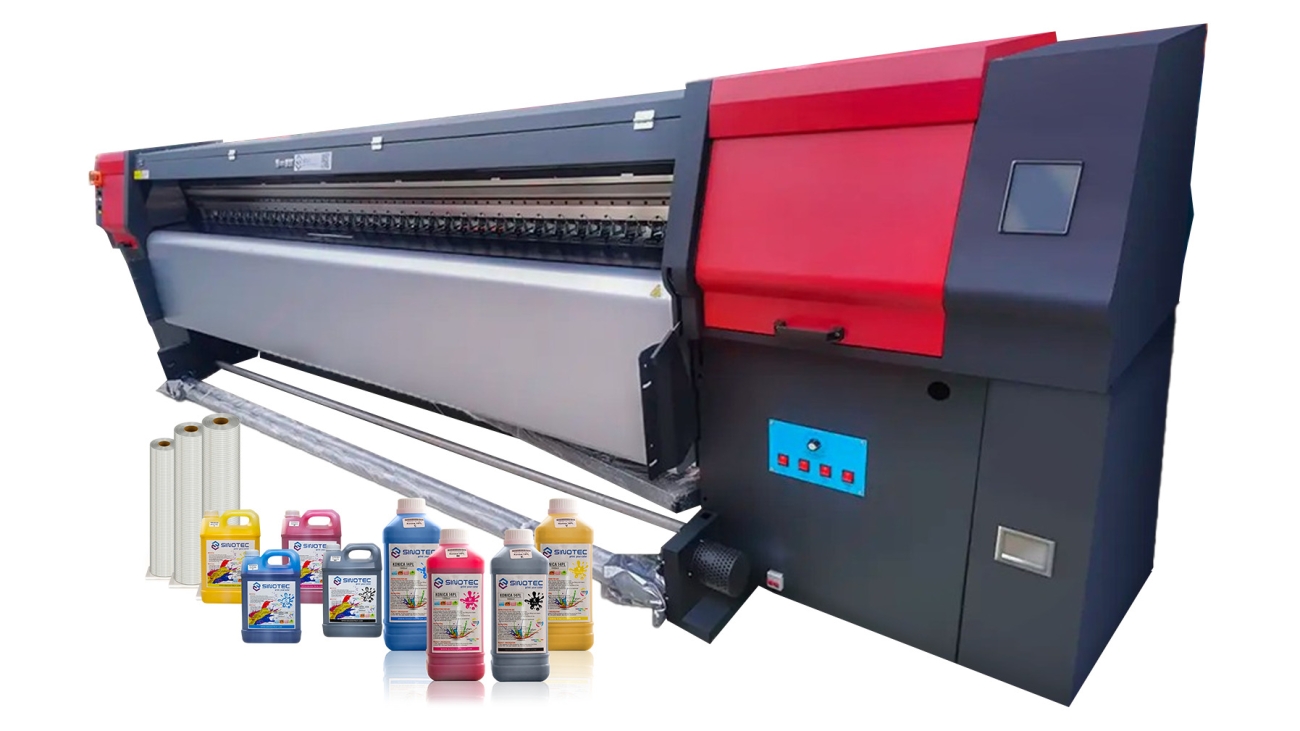
Konica 512i solvent printer

Konica 512i solvent printer vs. 1024i: Selecting by Throughput and Maintenance Resources

Konica 512i vs. 1024i Solvent Printer: What the Nozzle Count Actually Means for Daily Output

Nozzle count is one of those specs that gets buried in a datasheet — but for a production floor running multi-shift schedules, it’s arguably the single most consequential number on the page. The Konica 512i solvent printer takes its name directly from its printhead configuration: 512 nozzles per head, arranged to deliver a balance of speed and resolution that suits mid-to-high volume commercial print environments. The Konica 1024i solvent printer doubles that count, and while the math sounds simple, the operational implications branch out in ways that procurement teams need to think through carefully before committing to either platform.

Start with throughput. More nozzles mean more ink deposited per pass, which translates — under comparable conditions — to faster linear output at equivalent resolution settings. A shop producing large-format banners, vehicle wraps, or rigid substrate graphics at volume will feel that difference across a full production week. But raw speed isn’t the whole picture. Nozzle redundancy also matters: a higher nozzle count provides more fallback capacity when individual nozzles clog or drop out, which reduces the frequency of visible banding and the downtime required for maintenance cycles.

Specification Factor Konica 512i Konica 1024i
Nozzles per head 512 1,024
Relative throughput Mid-to-high volume High-to-ultra-high volume
Nozzle redundancy Moderate Higher
Typical application fit Banners, wraps, signage Industrial runs, high-speed wide format
Capital cost entry point Lower Higher

For buyers sourcing OEM-configured or wholesale print equipment — the kind of procurement where minimum order quantities, lead times, and long-term parts availability all factor into the decision — the 512i configuration often represents the more practical starting point. It covers the majority of commercial use cases without the capital overhead of the 1024i platform. Suppliers like SINOTEC, which coordinates customized specifications and quality control for export-oriented buyers, typically field strong demand for both configurations — but the 512i remains the more frequently specified head in mid-market procurement orders.

The decision ultimately comes down to projected daily output. If current or forecasted job volumes are pushing the ceiling of what a 512-nozzle system can sustain across two shifts, the step up to 1024i is a defensible ROI argument. If not, the additional capital expenditure rarely pays back within a reasonable horizon.

Print Volume Benchmarks — Matching the Konica 1024i Solvent Printer to Your Production Load

Production load matching is where procurement decisions get concrete. A Konica 512i solvent printer running dual printheads at standard resolution handles mid-range commercial volumes reliably — banner production, fleet graphics, retail POS runs — without the thermal stress that comes from pushing a system beyond its designed duty cycle. The question isn’t whether the hardware can keep up on any given day. It’s whether it can sustain that output across months of continuous operation without accelerating wear on heads or ink delivery components.

Konica 512i solvent printer

The benchmark thresholds worth tracking are daily square-meter output and shift utilization rate. A 512i configuration operating across two shifts typically supports operations running up to a defined ceiling before print queue bottlenecks begin compressing margins — slower turnaround, higher rework rates, operator fatigue from manual job management. Once a facility approaches that ceiling consistently, the cost-per-square-meter equation starts shifting in favor of a higher-capacity platform.

That’s the scenario where the Konica 1024i solvent printer enters the conversation as a production argument rather than a spec upgrade. The 1024i’s doubled nozzle count isn’t just about raw speed — it’s about maintaining quality consistency at higher throughput without sacrificing resolution on detail-sensitive substrates. For operations running three shifts or managing large-format contract work with tight deadlines, that capacity headroom has real operational value.

Production Profile Recommended Configuration Key Consideration
Single-shift, mixed-format commercial runs Konica 512i solvent printer Lower capital outlay, strong ROI at moderate volumes
Dual-shift, high-volume banner or signage Konica 512i solvent printer (optimized) Duty cycle management becomes critical
Three-shift or contract large-format work 1024i platform Throughput headroom justifies additional capital

Buyers sourcing through export-oriented suppliers — including those coordinating OEM configurations and quality control for international orders — should request documented duty cycle ratings alongside print speed specifications. Rated throughput under controlled lab conditions and sustained throughput across real production environments are rarely the same number. That gap is where procurement decisions either hold up or fall apart.

Maintenance Burden, Downtime Risk, and the Real Operational Cost Between Both Heads

Maintenance profiles between the 512i and higher-density configurations are not dramatically different in kind — but they differ significantly in scale and consequence. The Konica 512i solvent printer runs fewer nozzles per bar, which means any individual nozzle failure affects a smaller share of total output. Recovery from a clog or partial blockage is generally faster, and the cleaning cycles required to maintain print quality are less demanding on consumable volumes. For procurement managers building service cost models, that’s a meaningful variable — not just an operational footnote.

Konica 512i solvent printer

Downtime risk follows a similar logic. Fewer active nozzles means fewer simultaneous failure points during a production run. In environments where a single machine carries the full production load — a mid-size signage shop running one shift, for example — that reliability profile matters more than raw speed. A head failure mid-job on a high-density platform can stall a larger volume of work, and replacement lead times for printhead components are rarely short, regardless of supplier.

The Konica 1024i solvent printer, by contrast, carries a heavier maintenance overhead. More nozzles, more ink channels, more surface area to manage. Cleaning frequency increases with density, and the cost of individual head replacements — when they occur — is proportionally higher. Buyers sourcing at scale through OEM channels should factor component availability and regional service support into total cost of ownership, not just the unit price.

  • Printhead replacement cost and regional parts availability
  • Cleaning cycle frequency and solvent consumption per maintenance event
  • Mean time between failures under actual production duty cycles
  • Supplier support response time — particularly for export buyers with no local service network
  • Compatibility of third-party ink formulations with warranty and head longevity

Operational cost, when calculated extends well past the invoice. A Konica 512i solvent printer running at consistent utilization with predictable maintenance intervals can outperform a higher-spec machine that requires more frequent intervention — especially where technical support infrastructure is thin. The procurement decision isn’t just about what a head can do at peak. It’s about what it costs to keep it there.

Sourcing Considerations: OEM Support, Lead Times, and Supplier Fit for Each Printhead Configuration

Printhead configuration shapes the sourcing conversation well before a purchase order is raised. Whether a buyer is specifying a single-bar Konica 512i solvent printer for a regional print operation or scaling toward a multi-head setup — or evaluating the higher-channel-count Konica 1024i solvent printer for wider-format throughput — the supplier relationship needs to carry the same weight as the hardware spec itself.

OEM support is the first pressure point. Genuine Konica Minolta printheads move through a relatively controlled distribution chain, which means lead times on replacement units can vary significantly depending on where a supplier sits in that chain. Buyers sourcing through export-oriented intermediaries should confirm stocking positions directly — not just listed availability. A supplier quoting a two-week lead time based on back-order inventory is a different proposition than one holding buffer stock for repeat commercial accounts.

For procurement managers evaluating supplier fit, a few criteria cut through the noise:

  • Verified access to OEM or certified-equivalent printhead inventory, with documentation on sourcing provenance
  • Stated lead times for both standard orders and urgent replacement scenarios
  • MOQ flexibility — particularly relevant for buyers running pilot deployments or managing regional distribution across multiple machine types
  • OEM/ODM capability if custom integration or printer assembly is part of the scope
  • Export compliance experience, including handling of certifications relevant to the buyer’s destination market

Suppliers like SINOTEC, which operate specifically in the export-oriented digital equipment space, tend to offer more responsive project coordination than generalist distributors — a practical advantage when a production line in a different time zone needs a sourcing answer quickly.

Configuration fit also matters at the contract level. A supplier structured to support a Konica 512i solvent printer deployment should be able to speak to ink compatibility requirements, spare parts scheduling, and any OEM specification constraints that affect warranty standing. That conversation — not just the unit price — is where supplier fit actually shows up. Buyers who evaluate on price alone tend to absorb the difference later, in downtime and unplanned procurement cycles.

Conclusion

The Konica 512i solvent printer earns its reputation in production environments where throughput and print quality aren’t negotiable — but the hardware is only part of the equation. Sourcing it through a supplier who can actually support the deployment — ink specs, spare parts, export compliance, the whole picture — is what separates a smooth rollout from an expensive lesson.

Don’t optimize on unit price alone. That’s where most procurement headaches start.

If you’re spec’ing this head for a commercial or OEM build, get the supplier conversation right before you lock in the order. The technical details matter, and so does who picks up the phone when something needs resolving fast.

Frequently Asked Questions

Q: What is the Konica 512i solvent printer head and what makes it different from other printheads?

A: The Konica 512i is a piezoelectric printhead designed for high-speed, wide-format solvent printing — built around a 512-nozzle configuration that delivers both throughput and print quality without forcing a trade-off between the two. What separates it from older-generation heads is its ability to handle aggressive solvent inks without the rapid degradation you’d see in heads designed for aqueous environments. It’s widely used in OEM builds for outdoor signage, vehicle wraps, and banner production.

Q: How long does a Konica 512i printhead typically last?

A: Lifespan depends heavily on ink quality, maintenance habits, and daily print volume — but under reasonable operating conditions, these heads are generally rated for hundreds of millions of actuations. Skimping on compatible ink or running the head dry even once can cut that lifespan dramatically. Regular purging cycles and proper storage when idle make a measurable difference.

Q: What ink types are compatible with the Konica 512i solvent printer?

A: The Konica 512i solvent printer is engineered for mild to eco-solvent inks — not harsh solvent formulations that would corrode internal components. Ink viscosity and surface tension specs matter more than most buyers realize; running off-spec ink is one of the fastest ways to void any warranty and shorten head life. Always confirm ink compatibility with your supplier before sourcing in bulk, especially for OEM configurations.

Q: Why do some Konica 512i solvent printer heads fail prematurely?

A: Premature failure almost always traces back to one of three things: incompatible ink, inconsistent maintenance, or poor initial setup — particularly incorrect voltage and waveform settings during integration. The head is precise hardware; it doesn’t forgive sloppy commissioning. Sourcing from a supplier who provides proper technical documentation (not just the unit) is what prevents most of these failures before they happen.

Q: How much does a Konica 512i printhead cost?

A: Pricing varies depending on the channel — OEM integrators, wholesale distributors, and aftermarket suppliers all price differently, and volume commitments typically shift the number significantly. What’s worth knowing is that the cheapest option rarely accounts for the full cost: compatibility risk, lead time on replacements, and the absence of technical support can turn a lower unit price into a much larger operational expense.

Q: Can I use a Konica 512i printhead in a custom or OEM printer build?

A: The Konica 512i solvent printer head is a popular choice for OEM and custom wide-format builds precisely because it’s well-documented and widely integrated — suppliers like SINOTEC work with international buyers on exactly this kind of spec-and-build scenario, including customized configurations and export-ready fulfillment. That said, successful integration requires matching the head to the right control board, ink delivery system, and waveform profile. Getting the electronics wrong at the start creates problems that are expensive to diagnose later.

Q: How do I know if a Konica 512i printhead is genuine or a counterfeit?

A: Counterfeit heads are a real problem in this market — they’re often visually indistinguishable from genuine units until they fail, usually fast and catastrophically. Genuine heads from authorized channels come with verifiable serial numbers and proper documentation; if a supplier can’t provide either, that’s the answer. Buying through established wholesale or OEM suppliers with traceable supply chains is the most reliable way to avoid this entirely.

Q: Is the Konica 512i solvent printer head still worth specifying for new production builds?

A: For high-volume commercial applications — outdoor signage, fleet graphics, large-format retail display — the Konica 512i solvent printer head remains a strong specification choice, largely because the ecosystem around it (compatible inks, spare parts, integration knowledge) is mature and well-supported. Newer heads exist, but maturity in a production environment has real value: fewer surprises, faster troubleshooting, more sourcing options. The question isn’t whether it’s ; it’s whether it fits the production requirements, and for many buyers, it still does.

Printhead Cleaning

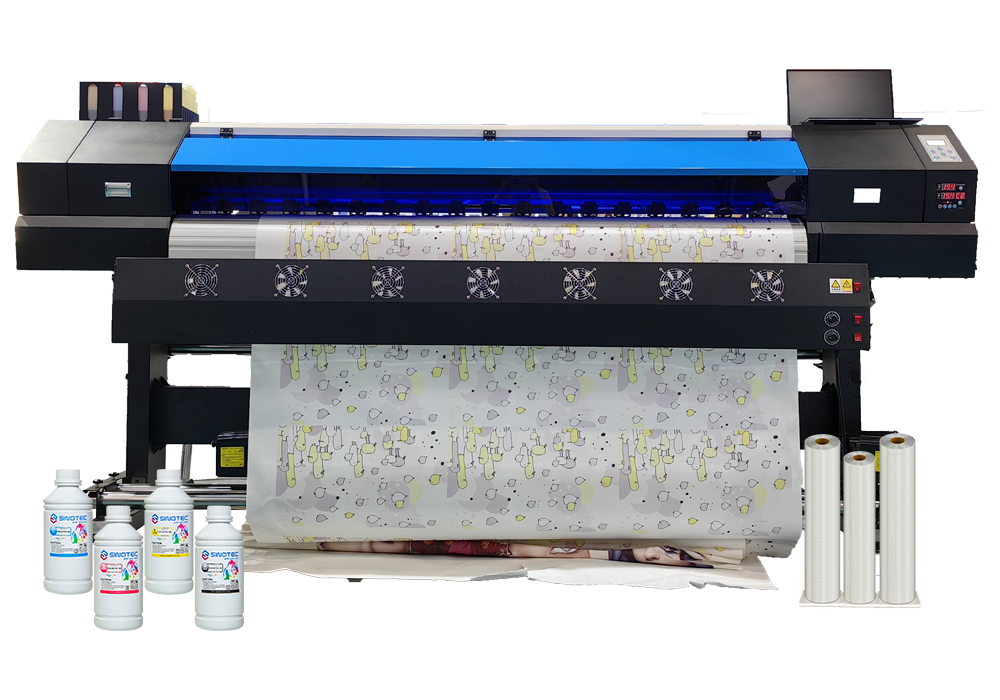
Dye Sublimation Printer Line Guide: Matching Printing, Drying, Pressing, Paper, and Ink

What a Dye Sublimation Printer Line Actually Involves (And Why Matching Components Matters)

Sourcing a dye sublimation printer for commercial use is rarely a single-product decision. What buyers are actually procuring is a production line — a coordinated set of components that only perform reliably when they’re matched to each other and to the specific application at hand. Treat any one element as an afterthought, and the whole workflow pays for it in downtime, reprints, and margin erosion.

The core equipment typically includes the sublimation printing machine itself, heat press or calendar equipment, sublimation transfer paper, and ink systems — each with its own specification requirements. A sublimation printing machine rated for high-volume output, for instance, demands an ink delivery system engineered to match that throughput. Mismatches here don’t just slow production; they create inconsistent color profiles that are nearly impossible to troubleshoot without systematically isolating each variable.

Format is another dimension that procurement teams often underestimate at the sourcing stage. A large format sublimation printer operates under fundamentally different mechanical and thermal conditions than a desktop or mid-range unit — different media tension requirements, different heating zone tolerances, different ICC profile management. Buyers sourcing for soft signage, sportswear cut-and-sew production, or wide-format home textiles need to confirm that every downstream component — paper roll widths, heat calendar belt speeds, ink viscosity ratings — is specified for that format class. Suppliers who can advise on this alignment, rather than simply fulfilling a line-item order, are worth prioritizing.

Component compatibility also has direct implications for certification and compliance. Inks, papers, and machine firmware interact in ways that affect whether a finished product can meet OEKO-TEX, REACH, or other market-entry standards. Procurement managers working with export-focused suppliers — particularly those coordinating OEM or ODM configurations — should request documentation that covers the full system, not just the printer unit itself.

  • Confirm ink system compatibility with the specific printer model and print head generation
  • Verify paper specifications match the machine’s media feed and tension tolerances
  • Request system-level compliance documentation, not component-level only
  • Clarify whether the supplier supports calibration and ICC profile setup for your substrate range

Getting this alignment right at the sourcing stage — before MOQs are committed and lead times locked in — is what separates a functional production setup from one that spends its first months being corrected.

How to Choose the Right Sublimation Printing Machine, Press, and Dryer for Your Production Line

Selecting a sublimation printing machine isn’t a decision that starts with the printer spec sheet — it starts with your production targets. Print volume per shift, substrate range, and finishing throughput all determine which combination of equipment actually makes sense. Buying a high-speed dye sublimation printer and pairing it with an undersized heat press is one of the more common — and expensive — mismatches procurement teams encounter at setup.
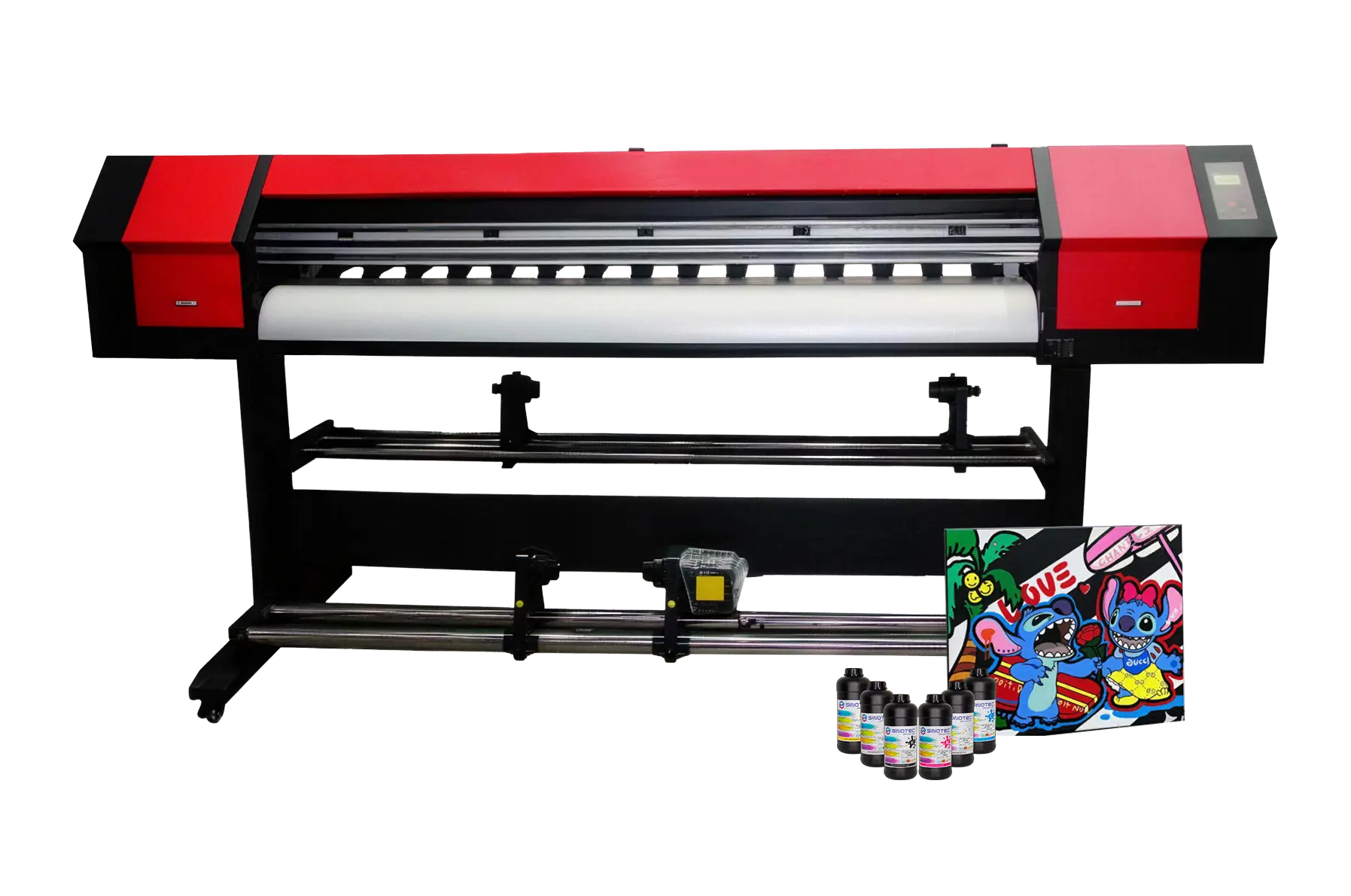
Digital printing equipment

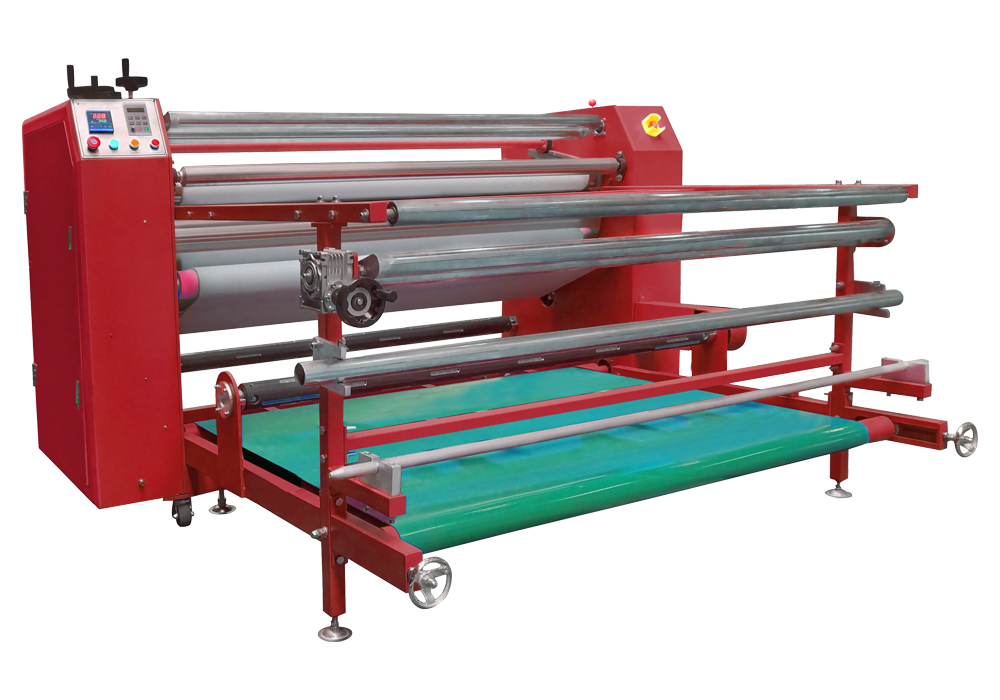
The press is where most of the quality variables actually live. Temperature uniformity across the platen, dwell time precision, and pressure consistency directly affect transfer quality in ways that no amount of print head resolution can compensate for. For buyers sourcing a large format sublimation printer to handle wide-width fabric or hard substrate runs, the press dimensions need to match or exceed the printer’s maximum output width — otherwise you’re creating a bottleneck that limits your entire line to the smallest component in it.

Dryers are frequently treated as an afterthought. They shouldn’t be. In high-humidity production environments or facilities running continuous shifts, inadequate drying capacity leads to ink smearing, paper curl, and registration failures downstream. The dryer spec — airflow capacity, temperature range, belt speed — needs to be selected in parallel with the sublimation printing machine, not after it arrives on the floor.

A few criteria worth building into any equipment RFQ at this stage:

  • Confirm that press platen dimensions are matched to your printer’s maximum print width, with margin for substrate alignment
  • Verify dryer airflow and temperature specs against the ink system’s recommended cure parameters
  • Request system-level energy consumption data — press and dryer combined — not just the printer unit
  • Clarify lead times for press and dryer separately, since these often ship from different manufacturing sources
  • Ask whether the supplier supports integrated commissioning across all three components, or only the dye sublimation printer itself

Export-focused suppliers with OEM or ODM coordination capability — the kind that handle specification alignment across multiple equipment categories — tend to surface these compatibility gaps earlier in the process. That coordination matters most when procurement timelines are tight and there’s limited room to correct specification mismatches after equipment has cleared customs.

Large Format Sublimation Printer Sourcing: Paper, Ink Compatibility, and Supplier Qualification Criteria

Sourcing a large format sublimation printer involves more than comparing print widths and resolution specs. The consumables chain — specifically sublimation paper and ink — determines whether a machine performs to its rated output in actual production conditions, and suppliers who treat these as afterthoughts tend to create downstream procurement headaches that are difficult to unwind mid-contract.
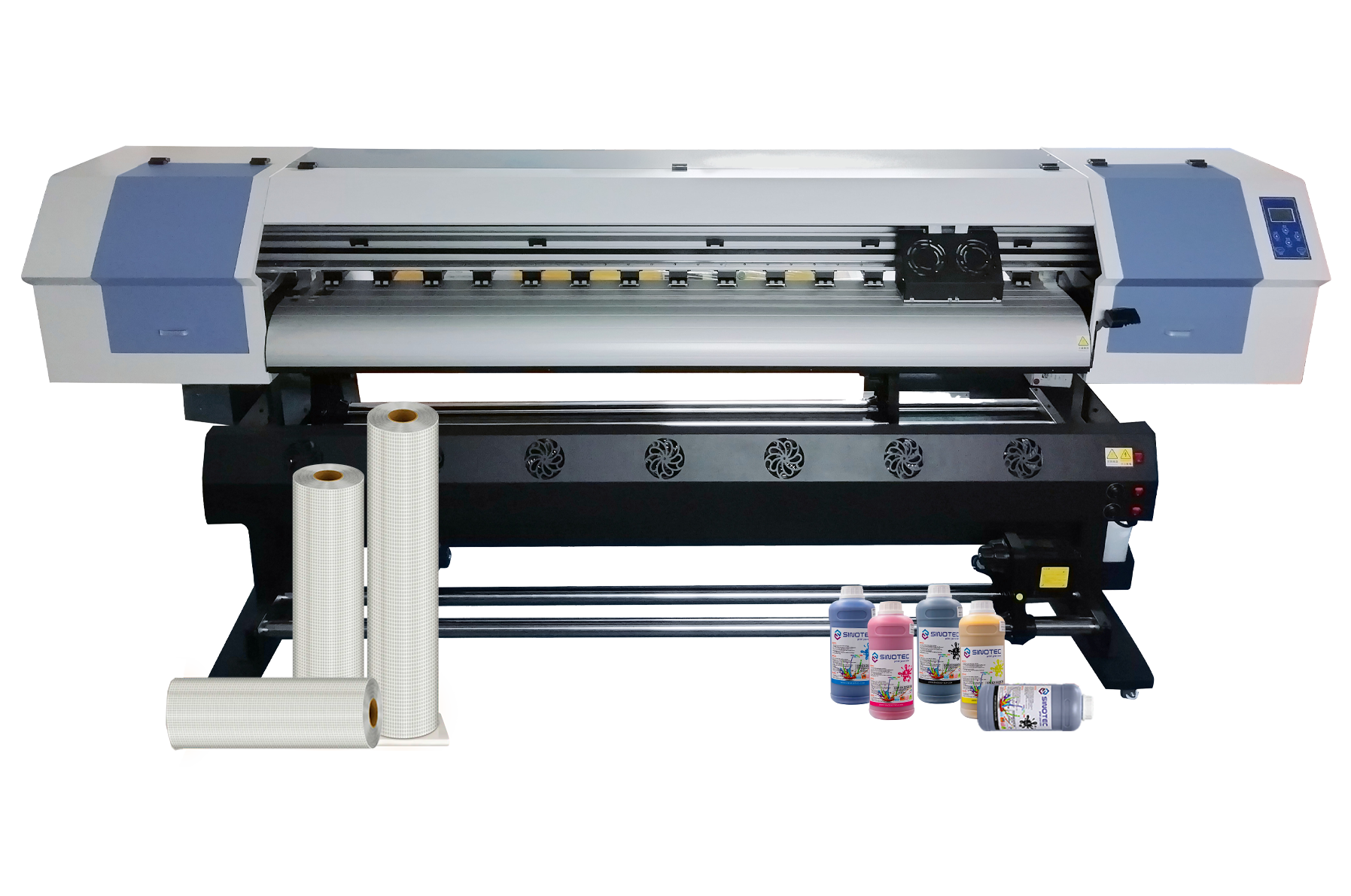
Digital printing equipment

Paper compatibility is a pressure point that procurement teams frequently underestimate. Not all sublimation paper releases ink at the same rate or temperature range, and a mismatch with the dye sublimation printer’s default heat profile will produce inconsistent color transfer — often without any obvious error flag from the machine itself. When qualifying a supplier, request documentation on which paper weights and coating types the equipment has been validated against. If the supplier cannot produce this, that’s a meaningful gap.

Ink compatibility carries similar risk. Sublimation ink formulations vary by viscosity, pigment concentration, and drying behavior — and most printhead manufacturers maintain their own approved ink lists that directly affect warranty coverage. A sublimation printing machine running off-spec ink may print acceptably for weeks before printhead degradation becomes measurable. By that point, warranty claims get complicated fast.

  • Confirm whether the supplier offers ink supply chain continuity — single-source or multi-source — and what the replenishment lead time looks like for your operating region
  • Request validated paper-ink pairing documentation, not just a general compatibility claim
  • Ask whether the supplier can support custom ink profiles or ICC profile calibration for your specific substrate range
  • Clarify MOQ thresholds for ink and paper separately — some suppliers bundle these with equipment orders, others treat them as independent SKUs
  • Verify certifications relevant to your end market: OEKO-TEX, REACH compliance, or equivalent, depending on where finished goods ship

Supplier qualification at this stage should also factor in export coordination capability. Suppliers experienced in OEM and ODM fulfillment — those accustomed to aligning consumable specifications across international buyer requirements — are generally better positioned to flag ink or paper incompatibilities before an order ships, rather than after installation. That early-stage coordination is where procurement risk actually gets managed.

Operational ROI and Procurement Checklist for Dye Sublimation Line Buyers

Procurement decisions on a dye sublimation printer line carry consequences well beyond the initial capital outlay — consumable burn rates, downtime exposure, and substrate compatibility gaps all compound over a production cycle in ways that aren’t visible on a spec sheet. The operational ROI calculation has to account for all of it.

Start with throughput realism. Rated print speeds on a sublimation printing machine are typically measured under ideal lab conditions — single substrate, optimal temperature, fresh heads. Real production environments introduce variables: media changeovers, ink refill intervals, heat press cycle times, and operator transitions. Buyers should request production benchmarks from suppliers that reflect their actual substrate mix, not a best-case scenario.

Total cost of ownership is where many procurement teams underestimate exposure. Ink yield per milliliter varies meaningfully between equipment configurations, and a large format sublimation printer running high-coverage graphics at scale will consume ink at a rate that shifts the unit economics considerably. Factor in:

  • Ink yield per square meter across your most common print profiles
  • Replacement head frequency and sourcing lead time for that specific model
  • Heat press or calendar maintenance intervals and associated downtime windows
  • Software licensing or RIP system costs if not bundled with the equipment
  • Freight, customs classification, and import duty exposure for cross-border equipment orders

Before finalizing any supplier shortlist, run a structured qualification pass against the criteria that actually determine production reliability — not just price per unit. The checklist below covers the core commercial and operational variables worth confirming directly with prospective suppliers of any dye sublimation printer configuration:

  1. Confirmed MOQ for equipment, ink, and transfer paper — independently, not bundled
  2. Lead time commitments in writing, including seasonal capacity constraints
  3. OEM/ODM support scope: what can be customized, what cannot
  4. Export documentation capability: CE, FCC, or regional certification availability
  5. Post-sale technical support channel and average response time
  6. Sample order or pilot run policy before full production commitment

Suppliers with structured export fulfillment experience — particularly those coordinating OEM specifications across international buyer requirements — tend to surface compatibility and compliance issues early in the process. That upstream coordination is where procurement risk is actually absorbed, rather than inherited on the production floor.

Conclusion

The checklist matters, but so does who you’re buying from. A dye sublimation printer is only as reliable as the supply chain behind it — and that includes ink consistency, transfer media compatibility, and whether your supplier can actually handle export documentation without making it your problem.

Get the sample run. Always.

Suppliers who flag compliance gaps before production starts are worth paying attention to. The ones who surface those issues after you’ve committed? That’s where projects stall, costs spike, and timelines collapse. Ask the hard questions upfront — it’s genuinely the only part of this process you fully control.

Frequently Asked Questions

Q: What is a dye sublimation printer and how does it work?

A: A dye sublimation printer uses heat to convert solid dye into gas — bypassing the liquid stage entirely — which then bonds directly into the surface of polyester-coated substrates. The result is a print that’s embedded in the material rather than sitting on top of it, which is why the colors are so durable and the finish feels smooth rather than printed.

Q: What materials can a dye sublimation printer actually print on?

A: The short answer: anything with a polyester coating or a high polyester content. That includes fabrics, ceramic mugs, aluminum panels, phone cases, and certain types of rigid signage — but natural fibers like 100% cotton won’t hold the dye, which catches a lot of buyers off guard. The substrate’s coating spec matters as much as the printer itself.

Q: How much does a dye sublimation printer cost?

A: Entry-level desktop units can sit well under a thousand dollars, but commercial-grade wide-format machines — the kind used for soft signage, sportswear production, or large-run custom apparel — typically run into the tens of thousands. The printer price is rarely the full picture; ink, transfer paper, and heat press equipment add to the real cost of entry.

Q: Why are my dye sublimation prints coming out faded or washed out?

A: Nine times out of ten, it’s a temperature or time calibration issue at the heat press stage — too low, and the dye never fully sublimates; too high, and you can scorch the substrate or blow out the color. Ink-media mismatch is the other common culprit: using transfer paper that isn’t matched to your ink profile will kill color density before the print even hits the heat press.

Q: Is a dye sublimation printer worth it for small businesses?

A: For businesses with consistent, repeatable product lines — custom merchandise, branded sportswear, personalized gifts — the economics make sense faster than most people expect. Where it gets tricky is low-volume, high-variety work, because setup time and ink waste per run can quietly erode margins. The business case strengthens significantly when substrate and ink sourcing are locked in with a reliable supplier rather than bought ad hoc.

Q: Can I use any ink in a dye sublimation printer?

A: No — and this is where procurement decisions get expensive fast. Sublimation ink is chemically distinct from pigment or dye-based inkjet ink, and running the wrong ink through a sublimation system can clog printheads and void warranties. Even within sublimation inks, different formulations are optimized for different printhead types, so compatibility with your specific machine model isn’t optional to verify.

Q: How long do dye sublimation prints last?

A: When the process is done correctly, sublimation prints are among the most durable in the digital printing category — the dye is part of the substrate, not a layer on top of it, so it won’t crack, peel, or fade the way screen prints or vinyl transfers can. Outdoor applications are the exception; UV exposure will degrade color over time, and prints intended for exterior use typically need an additional UV-protective coating on the substrate.

Q: How do I choose the right dye sublimation printer for production volume?

A: Start with your weekly output target and work backward — desktop units are generally suited for low-volume custom work, while roll-to-roll wide-format printers are designed for continuous production runs where downtime costs real money. Beyond print speed, look hard at ink capacity, media width, and whether the supplier can provide consistent ink and transfer paper specs at scale (inconsistent consumables are where production quality quietly drifts).
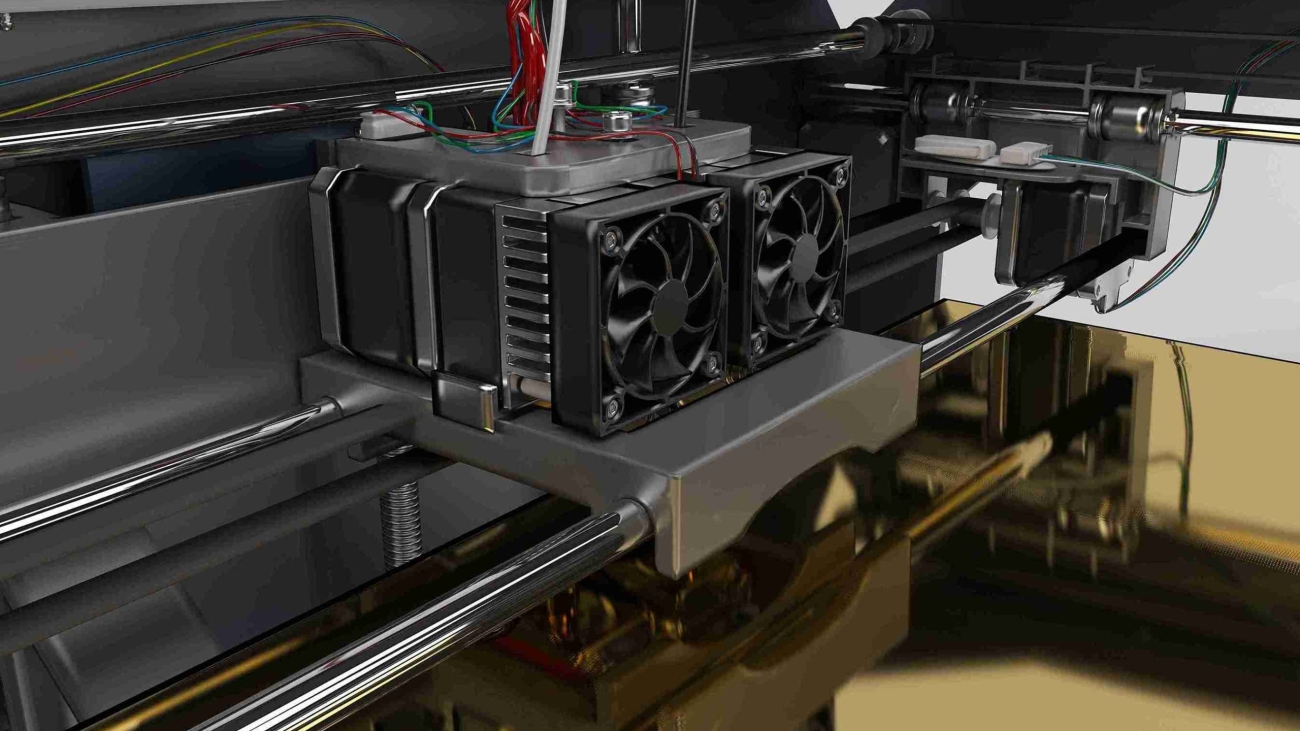
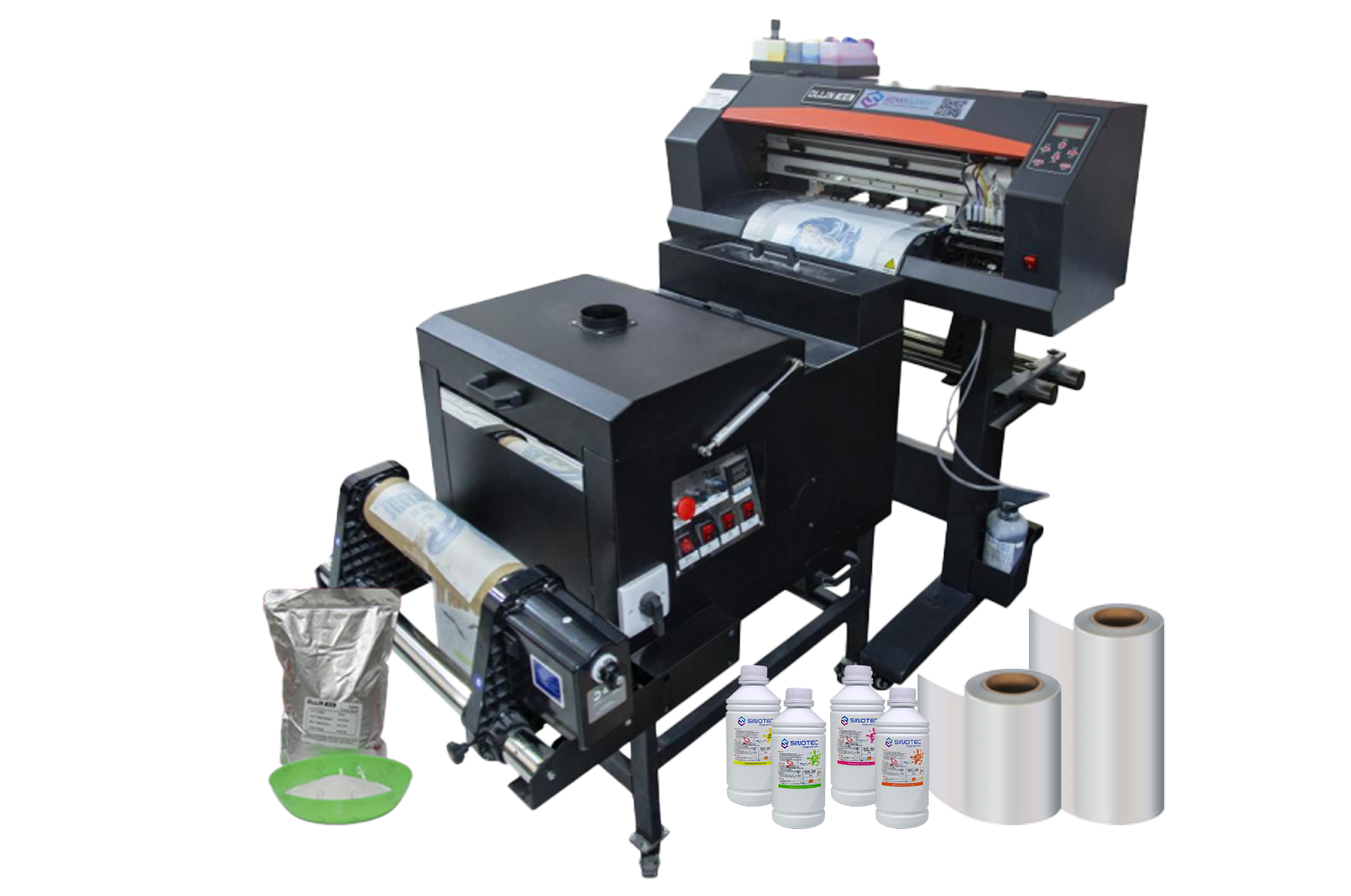
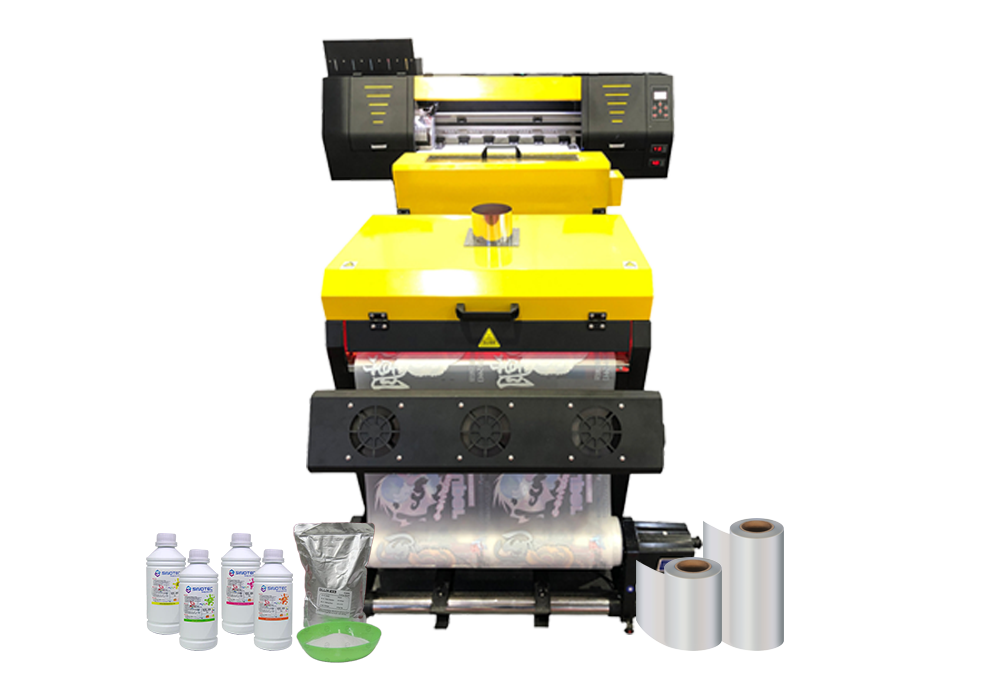
DTF Printing Machine

DTF Printing Machine Startup Checklist: What Every Equipment Decision Actually Affects Downstream

Every equipment decision made at the procurement stage creates a chain of operational consequences that buyers often don’t fully account for until production is already underway. The DTF printing machine you select doesn’t just determine print quality — it shapes your ink consumption model, your pretreatment workflow, your curing equipment requirements, your staff training curve, and ultimately your per-unit cost structure. Getting this wrong early is expensive to correct later.

Print width is a good example of a decision that looks simple on a spec sheet but ripples downstream. A wider-format machine increases throughput per pass, which sounds like a win — but it also demands larger heat press equipment, more gang sheet planning discipline, and higher ink volume per job. Buyers sourcing for smaller custom order volumes sometimes default to a small DTF printer precisely because the operational footprint stays manageable and the capital outlay is lower, but they need to stress-test that choice against projected order growth before committing.

Ink system architecture is another area where the downstream effects are underestimated. White ink recirculation — or the absence of it — directly affects nozzle clogging frequency, maintenance intervals, and the true cost of machine downtime. A desktop DTF printer designed for low-volume environments may handle intermittent use better than a mid-range machine that requires consistent daily throughput to keep ink channels clear. That’s a workflow constraint, not just a hardware spec.

Before finalizing any supplier conversation, procurement teams should map these interdependencies explicitly:

  • Print width vs. available heat press capacity and gang sheet workflow
  • Ink system type vs. expected daily print volume and maintenance staffing
  • Film feed mechanism vs. roll media compatibility and substrate flexibility
  • RIP software compatibility vs. existing design and prepress infrastructure
  • Power and ventilation requirements vs. facility readiness
  • OEM/ODM customization options vs. branded output requirements

Suppliers who support specification customization — adjusting configurations to match a buyer’s actual production environment rather than pushing a standard SKU — tend to reduce this downstream friction considerably. The checklist above isn’t exhaustive, but it reflects where most procurement decisions create unintended operational costs when left unexamined at the sourcing stage.

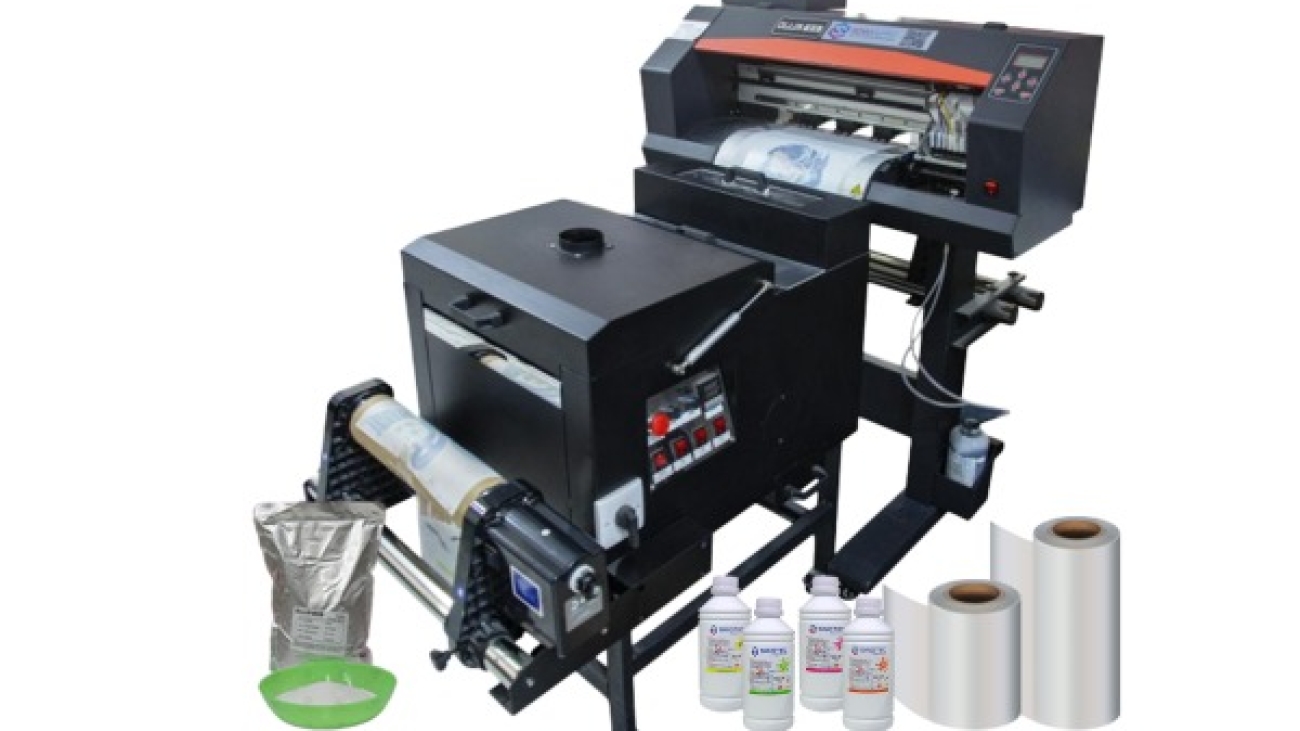
DTF printing machine

Small DTF Printer vs. Full-Scale Setup: Matching Equipment Scale to Production Volume and Budget

Scale mismatch is one of the more avoidable procurement errors in DTF printing — and yet it happens consistently. Buyers either over-specify for a production volume that doesn’t justify the capital outlay, or they under-buy and find themselves bottlenecked within the first quarter of operation. Neither outcome is acceptable when the equipment decision anchors a broader fulfillment workflow.

A small DTF printer — typically a single-head unit with a narrower print bed — suits operations running limited daily volumes, short-run custom orders, or sampling workflows where flexibility matters more than throughput. The entry point for these units is substantially lower, both in acquisition cost and in facility requirements. A desktop DTF printer takes this further: compact enough for constrained production spaces, it removes the ventilation, power, and floor-space overhead that larger roll-fed systems demand. For procurement managers sourcing equipment for regional decorators, startup fulfillment centers, or pilot programs, these formats offer a lower-risk entry into DTF production without committing to industrial-grade infrastructure.

Full-scale setups tell a different story. Multi-head configurations, wider print widths, and integrated powder-shaking and curing systems are built for sustained daily output — the kind of volume where per-unit economics only work if the machine runs near capacity. The capital cost is higher, the lead time on sourcing and installation is longer, and the staffing requirements shift meaningfully. These aren’t drawbacks — they’re simply the operating realities of production-grade DTF printing machine investment.

Equipment TierTypical Use CaseKey Procurement Consideration
Desktop / Small FormatSampling, short-run, pilot programsLow overhead; evaluate upgrade path before committing
Mid-Range Single-HeadSmall-batch commercial productionBalance between throughput and operational cost
Multi-Head / Wide FormatHigh-volume fulfillment operationsFacility readiness and staffing must be pre-qualified

The practical question isn’t which tier is better — it’s which tier matches current volume with realistic growth headroom. Suppliers who offer modular configurations or phased upgrade paths give buyers considerably more room to scale without forcing a full equipment replacement cycle prematurely.

Desktop DTF Printer Procurement Criteria: Supplier Specs, Certifications, and What to Verify Before You Commit

Procurement decisions for a desktop DTF printer carry more risk than their compact footprint suggests. The unit cost may be lower than industrial-grade equipment, but the supplier relationship — and what it delivers in terms of documentation, post-sale support, and specification transparency — determines whether that machine earns its place in a production workflow or becomes an expensive liability within six months.

Start with certifications. Any DTF printing machine entering a regulated export market should carry CE marking for European distribution and FCC compliance for North American buyers at minimum. RoHS compliance matters too, particularly for buyers operating under corporate sustainability requirements or supplying retail chains with environmental sourcing policies. Suppliers who cannot produce current, verifiable certificates — not just logos on a product page — should be disqualified early in the evaluation process.

Specification verification is where most procurement errors happen. A supplier’s published spec sheet and the actual unit performance frequently diverge on print resolution, ink consumption rates, and duty cycle limits. Before committing, request third-party test reports or, where volume justifies it, arrange a factory sample run using your own artwork files. A small DTF printer marketed for commercial sampling should demonstrate consistent adhesion results across fabric types — not just on optimized demo substrates. If a supplier resists this, that tells you something.

The procurement checklist for this category should cover:

  • OEM/ODM capability — can the supplier adjust printhead configuration, ink system, or firmware to match your operational requirements
  • MOQ flexibility — especially relevant for buyers piloting a desktop DTF printer before scaling to higher-throughput configurations
  • Lead time commitments documented in writing, not quoted verbally during sales calls
  • Spare parts availability and documented service intervals for printheads and curing components
  • Export compliance support — HS code documentation, packing standards, and freight coordination capacity

Suppliers with established export infrastructure — the kind that handles customs documentation, manages QC at the production stage, and maintains responsive project coordination — reduce the operational burden on the buyer’s side considerably. That’s not a minor convenience. For cross-border procurement, it’s a structural advantage that compounds over the life of the supplier relationship.

DTF Printing Machine

Shaker, Curing Unit, Heat Press, and Ventilation: How to Source the Full DTF Workflow Stack Without Gaps

The DTF printing machine gets most of the attention in procurement conversations — but the workflow gaps that actually stall production almost always sit in the peripheral equipment. A shaker, a curing unit, a heat press, and a properly ventilated workspace aren’t optional add-ons. They’re load-bearing components of a functional DTF operation, and sourcing them as an afterthought creates real operational risk.

Start with the powder shaker and curing unit. These two are often bundled with mid-range and high-volume DTF systems, but buyers scaling from a desktop DTF printer configuration frequently discover that the bundled unit doesn’t match their actual throughput. The shaker needs to distribute adhesive powder evenly across the printed film — inconsistent coverage at this stage causes adhesion failures downstream, regardless of print quality. Curing unit specs, particularly temperature uniformity and belt speed, must align with the ink and film combinations the printer uses. Mismatches here don’t show up as obvious defects; they show up as garments failing after the first wash cycle.

Heat press sourcing deserves its own evaluation process. Pressure consistency, platen size relative to the print format, and temperature accuracy across the full platen surface are the criteria that matter. A small DTF printer running A4-width film doesn’t require the same press spec as a 60cm roll-fed system — but both need a press that holds calibration under continuous commercial use, not just in a demo setting.

  • Confirm that shaker belt dimensions match the film width your DTF printing machine outputs
  • Request curing unit temperature uniformity data, not just rated temperature ranges
  • Verify heat press platen size against your maximum print dimensions with margin
  • Specify ventilation requirements to your facility manager before equipment arrives — fume extraction is a compliance issue in most commercial environments, not a preference
  • Confirm that peripheral equipment lead times are coordinated with the main unit delivery, not treated as separate procurement tracks

Suppliers with integrated product lines — where the DTF printing machine, shaker, and curing components are designed and tested together — reduce compatibility risk considerably. For cross-border buyers, coordinating this full stack through a single supplier with export documentation capability also simplifies freight logistics and customs classification across multiple equipment categories.

Conclusion

The equipment itself is only half the decision — the peripheral stack around it determines whether your setup actually runs at production capacity or spends half its time compensating for compatibility gaps.

If there’s one thing worth repeating: don’t treat a DTF printing machine as a standalone purchase. Spec the shaker, curing unit, and heat press together, confirm temperature uniformity before you commit, and — especially for international buyers — coordinate lead times so nothing sits idle waiting on a component that got routed through a separate freight channel.

Get the full stack right from the start, and the production math takes care of itself.

Frequently Asked Questions

Q: What is a DTF printing machine and how does it work?

A: A DTF printing machine prints designs onto a special PET film using water-based inks, then a hot-melt adhesive powder is applied and cured — the finished transfer is then pressed onto fabric using a heat press. Unlike screen printing, there are no screens to burn and no minimum run requirements, which makes it practical for short runs and custom orders without the setup overhead.

Q: What materials can a DTF printing machine print on?

A: DTF transfers bond to a wide range of fabrics — cotton, polyester, nylon, denim, leather, and blends — without requiring the garment to be pre-treated. That versatility is one of the main reasons DTF has displaced DTG for buyers who work across multiple fabric types rather than cotton-only runs.

Q: How much does a DTF printing machine cost?

A: Entry-level desktop units typically start in the low thousands, while production-grade wide-format DTF printing machines can run considerably higher — and that’s before you factor in the shaker, curing unit, and heat press that the full workflow actually requires. Budget for the complete peripheral stack upfront rather than discovering the gaps after delivery.

Q: Why does a DTF printing machine need a powder shaker and curing oven?

A: The hot-melt adhesive powder won’t bond evenly to the film — or cure at the right melt point — without controlled agitation and heat. Skipping a dedicated shaker and curing unit and trying to improvise those steps is one of the fastest ways to end up with transfers that peel or crack after the first wash.

Q: How long do DTF transfers last on fabric?

A: A properly cured DTF transfer — pressed at the correct temperature and pressure — typically holds up through dozens of wash cycles without significant cracking or fading. Durability drops noticeably when the curing step is rushed or the heat press temperature is inconsistent, so temperature uniformity across the platen matters more than most buyers expect.

Q: Can a DTF printing machine replace a screen printing setup?

A: For short runs, multi-color designs, and on-demand fulfillment, a DTF printing machine is genuinely more efficient than screen printing — no film positives, no emulsion, no per-color setup cost. Screen printing still wins on unit economics at very high volumes for simple designs, so the honest answer depends entirely on your order profile.

Q: Is a DTF printing machine worth it for small businesses?

A: For operations doing custom apparel, promotional merchandise, or print-on-demand — even at modest volumes — the economics tend to work in DTF’s favor faster than most people expect. The real calculation isn’t just the machine cost; it’s whether your order volume justifies owning the full production stack versus outsourcing transfers from a trade supplier.

Q: How do I choose the right print width for a DTF printing machine?

A: Print width should match your most common substrate size — a 30cm unit handles standard garment graphics, while wider formats (60cm and above) open up all-over prints, cut-and-sew panels, and soft signage without tiling. Buyers sourcing through OEM channels — suppliers like SINOTEC who handle customized specifications — can often configure print width and ink channel layout to match a specific production use case rather than defaulting to a catalog spec.

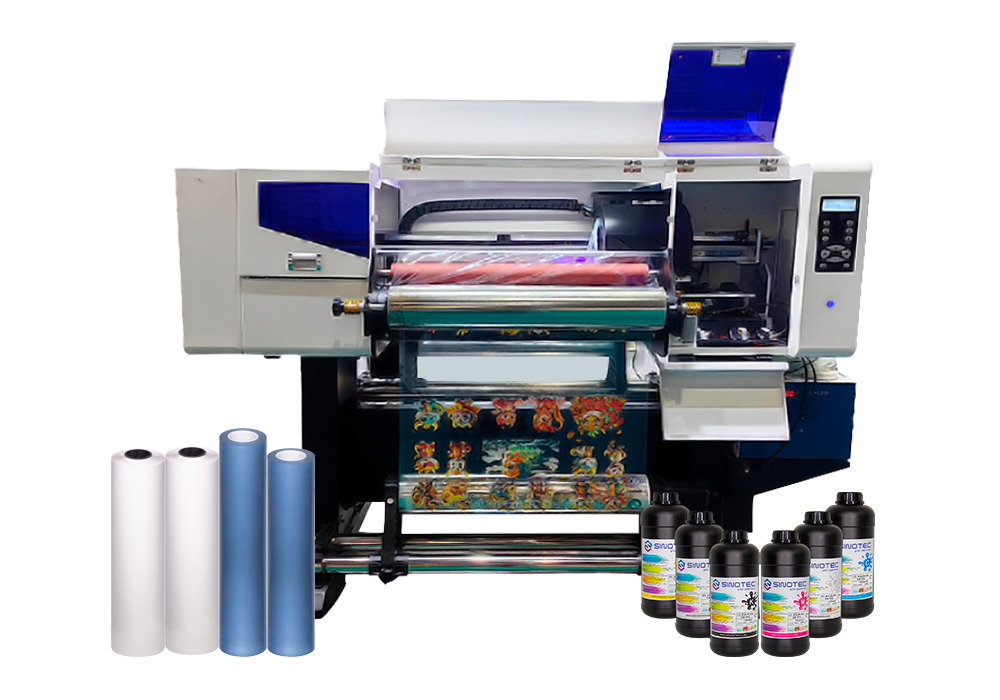
UV Printer

UV Printer Sourcing: How to Qualify the Right Supplier

Qualifying a UV printer supplier is not a single conversation — it’s a structured evaluation that separates vendors who can fulfill a one-time order from partners who can support long-term production demands. The stakes are higher than most buyers expect, particularly when the end application involves specialized substrates, tight color tolerances, or regulated industries where output consistency is non-negotiable.

Start with capability verification, not pricing. A supplier quoting aggressively on a commercial UV printer configuration means very little if they cannot demonstrate ink adhesion performance across the substrate range your operation actually uses. Request sample outputs on your specific materials — rigid boards, textured surfaces, curved panels — before any commercial discussion moves forward. Suppliers with genuine production depth will accommodate this without hesitation.

Certifications matter more at the industrial end of the market. When sourcing an industrial UV printer for high-volume or export-facing production, relevant compliance documentation — CE marking, RoHS conformity, or regional electrical safety standards — directly affects your ability to deploy equipment across different markets without regulatory friction. Ask for documentation upfront, not as an afterthought during contract review.

There are four operational criteria worth pressing on during supplier qualification:

  • Lead time transparency — confirmed production and shipping timelines, not estimated ranges that shift after deposit
  • OEM/ODM flexibility — whether the supplier can accommodate custom configurations, ink system modifications, or branded hardware specifications
  • After-sales infrastructure — availability of spare parts, firmware support, and technical response time for equipment faults
  • MOQ and order scalability — minimum order thresholds and whether pricing structures hold as volume increases

Suppliers like SINOTEC — operating out of China with an export-oriented fulfillment model — illustrate what responsive project coordination can look like at the sourcing stage: customized specifications managed before production, not corrected after delivery. That kind of upstream involvement reduces costly rework cycles and keeps procurement timelines intact.

One detail buyers routinely underweight: quality control protocols at the factory level. A supplier’s internal inspection process — print resolution checks, UV lamp output verification, substrate feed calibration — is a direct proxy for the consistency you’ll receive across repeat orders. Ask how defects are caught, not just how they’re handled after the fact.

What Actually Separates a Reliable UV Printer Supplier from a Risky One

Supplier reliability in the UV printer category isn’t something you can assess from a product listing alone. The gaps — the ones that cause missed deadlines, inconsistent output, or warranty disputes — almost always trace back to operational factors that never appear on a spec sheet.

Start with production transparency. A credible supplier should be able to walk you through their manufacturing process for a commercial UV printer: how print heads are sourced and tested, what substrate compatibility validation looks like, and whether QC checkpoints exist mid-production or only at final inspection. Suppliers who can only speak to the end result — not the process — are a procurement risk.

Certifications matter, but context matters more. CE, RoHS, and FCC markings confirm baseline compliance for target export markets. What they don’t confirm is whether a given supplier’s industrial UV printer line has been validated for the specific substrates, ink formulations, or duty cycles your operation requires. Push for documentation that’s specific to your use case, not just general compliance certificates attached to a product category.

  • Request production audit reports or third-party inspection records — not just supplier-authored datasheets
  • Confirm whether OEM/ODM customization is handled in-house or subcontracted, as subcontracting adds opacity to quality control
  • Clarify lead times for both standard and custom configurations — and whether those timelines hold during peak export periods
  • Ask specifically how the supplier handles specification deviations discovered post-production

Responsiveness during the pre-order phase is a reliable signal. Suppliers who engage seriously with technical questions before a purchase order is placed — adjusting specifications, flagging compatibility issues, coordinating on packaging or export documentation — tend to carry that same rigor into production. Suppliers who only become communicative after payment rarely improve from there.

The distinction between a manageable supplier relationship and a costly one often comes down to upstream involvement. Buyers sourcing through export-oriented suppliers — particularly those offering structured OEM support — benefit most when that coordination begins at the specification stage, not after the first shipment arrives with problems that were entirely avoidable.

UV Printer

How to Evaluate Commercial UV Printer Specs Against Your Real Production Needs

Spec sheets for a commercial UV printer are designed to impress — and they usually succeed, at least on paper. The practical question for procurement managers is whether those specifications map to what production actually demands, week over week, at volume. That gap between headline specs and operational reality is where most sourcing decisions go wrong.

Print resolution is the obvious starting point, but it’s rarely the limiting factor. A UV printer rated at 1440 dpi is meaningless if the substrate handling system can’t maintain registration on rigid materials, or if the curing lamp intensity degrades faster than the manufacturer’s warranty implies. Buyers sourcing for high-throughput applications — signage, packaging prototypes, industrial components — should weight throughput speed and duty cycle far more heavily than peak resolution figures.

A few evaluation criteria tend to separate genuinely capable machines from those that look strong on a datasheet:

  • Printable area versus usable print area — some machines lose significant working space at the edges due to carriage mechanics
  • Ink system compatibility — whether the machine is locked to proprietary inks, and what that means for long-term consumable costs
  • Curing system type and lamp lifespan — UV LED systems run cooler and last longer than mercury-arc alternatives, which matters for heat-sensitive substrates
  • Maximum substrate thickness and weight — often understated in marketing materials but critical for industrial UV printer applications involving rigid or layered materials
  • Software integration — RIP software compatibility, file format support, and whether color profiles are included or sold separately

Duty cycle deserves particular attention. A machine rated for intermittent commercial use will degrade noticeably under continuous production schedules — and the cost of unplanned downtime in a production environment compounds fast. Buyers should request documentation on mean time between failures and ask suppliers directly how the machine performs under sustained load, not just during demonstration runs.

Suppliers with structured OEM and specification support — the kind that can adjust configurations to match a buyer’s substrate range or ink requirements before production — tend to surface these trade-offs early. That upstream technical engagement is worth factoring into supplier selection, not just the per-unit price.

UV Printer

Industrial UV Printer Certifications, MOQs, and Lead Times: What to Demand Before You Commit

Certifications are not paperwork formalities — they are operational risk controls. For any Industrial UV Printer destined for a regulated production environment, the relevant compliance marks (CE for European markets, FCC for North American electrical standards, RoHS for hazardous substance restrictions) tell a buyer whether the machine can legally operate in their facility and whether the ink chemistry meets environmental obligations. Asking a supplier for certification documentation before signing a purchase order is standard practice; accepting verbal assurances in place of actual certificates is not.

Beyond compliance, UV printer certifications also signal something about the manufacturer’s internal quality discipline. A supplier who has maintained ISO 9001 certification across multiple audit cycles has demonstrated process consistency — which matters when you are ordering at volume and cannot inspect every unit before it ships.

MOQ structures vary considerably across the supplier landscape. Some manufacturers set minimum order quantities at a single unit for commercial-grade models, particularly where the machine price already reflects a significant capital commitment. Others — especially those offering OEM or customized specification builds — require minimum runs of three to five units before they will absorb tooling or configuration costs. Buyers sourcing a Commercial UV Printer for a multi-site rollout should negotiate MOQ terms early, since the threshold directly affects cash flow planning and phased deployment schedules.

  • Request written certification copies, not just model numbers listed on a spec sheet
  • Confirm whether certifications apply to the specific configuration being ordered, not just the base model
  • Clarify whether MOQ applies per SKU or across a combined order
  • Get lead time commitments in writing — standard production runs versus peak-season delays are rarely the same figure

Lead times deserve the same scrutiny. A UV printer supplier quoting four to six weeks under normal conditions may quietly extend that window during high-demand periods without proactive communication. Procurement managers should establish contractual lead time benchmarks with defined escalation clauses — and ask specifically whether the quoted timeline covers production only, or includes pre-shipment quality inspection and export documentation. Suppliers with established export workflows and dedicated project coordination tend to absorb those logistics variables more reliably than those handling international orders on an ad hoc basis.

Conclusion

The right UV printer purchase comes down to two things: honest spec verification and a supplier who treats lead times as a commitment, not an estimate.

So much of the frustration buyers run into — mismatched configurations, blown timelines, certification gaps — traces back to questions that weren’t asked early enough. Get those answers in writing before the order is placed, not after the deposit clears. Suppliers with real export infrastructure and dedicated project coordination will answer those questions without hesitation. The ones who hedge or deflect? That’s your answer too.

Do your homework upfront, and the hardware almost takes care of itself.

Frequently Asked Questions

Q: What is a UV printer and how does it work?

A: A UV printer uses ultraviolet light to instantly cure — or harden — ink as it’s deposited onto a surface, rather than letting it air-dry or absorb into the material. That curing process is what makes UV printing so versatile: the ink bonds to almost any substrate, rigid or flexible, without soaking in. The result is sharp, durable output that traditional inkjet simply can’t replicate on non-porous materials.

Q: What materials can a UV printer print on?

A: The substrate range is genuinely broad — wood, glass, metal, acrylic, leather, ceramic tile, phone cases, and most rigid plastics are all fair game. Some UV printers also handle flexible materials like TPU or certain fabrics when paired with the right ink formulation. The main limitation is surface flatness and the machine’s Z-axis clearance (the maximum object height it can accommodate).

Q: How much does a UV printer cost?

A: Entry-level desktop UV printers typically start in the low thousands, while mid-range flatbed units for commercial use often land somewhere between mid-five and low-six figures depending on print area and ink channel configuration. Industrial-grade wide-format UV printers can go considerably higher. The hardware price is only part of the equation — ink costs, maintenance contracts, and replacement lamp or LED components add up over the machine’s lifespan.

Q: Is a UV printer worth it for small businesses?

A: It depends almost entirely on order volume and product mix. A UV printer earns its keep quickly when you’re producing customized promotional items, signage, or personalized products at consistent volume — the per-unit cost drops fast once setup costs are absorbed. For very low-volume or highly irregular work, outsourcing UV print jobs often makes more financial sense than owning the equipment outright.

Q: How long do UV printer prints last?

A: UV-cured prints are generally more resistant to fading, moisture, and abrasion than solvent or dye-based alternatives — outdoor-rated UV inks on properly prepared substrates can hold up for several years under direct exposure. Indoor applications with no UV stress typically last much longer. Longevity is also affected by surface prep, ink quality, and whether a protective varnish layer was applied during printing.

Q: Can a UV printer print white ink?

A: Most commercial UV printers include a dedicated white ink channel — this is essential for printing on dark, transparent, or metallic surfaces where CMYK alone would be invisible or washed out. White ink does require more maintenance than color channels; it tends to settle and clog faster, so machines need regular circulation or purging cycles to keep it printing cleanly. Buyers sourcing through OEM or wholesale channels should confirm white ink channel support before finalizing specs.

Q: Why is my UV printer leaving streaks or missing lines?

A: Streaking and banding almost always trace back to one of three culprits: clogged or partially blocked printheads, incorrect media height settings, or UV lamp output that’s degraded below effective curing intensity. Running a nozzle check and printhead cleaning cycle is the first step — if that doesn’t resolve it, check lamp hours against the manufacturer’s replacement threshold. Consistent environmental conditions (temperature and humidity) matter more than most buyers realize when it comes to UV ink behavior.

Q: How do I choose the right UV printer for my application?

A: Start with your substrate requirements and maximum object dimensions, then work backward to print area, Z-axis clearance, and ink configuration. Resolution specs matter, but they’re often overstated in marketing — real-world output quality depends as much on ink chemistry and printhead type as on the DPI figure. Suppliers with genuine OEM and customization capability, like those coordinating export-oriented orders for international buyers, can often adjust configurations to match specific production requirements rather than forcing a standard SKU.

SEO Metadata Reference

SEO Title: UV Printer Sourcing: How to Qualify the Right Supplier

Meta Description: Learn UV printer supplier qualification the right way — verify capabilities, check certifications, and avoid costly sourcing mistakes before signing anything.

eco solvent printing machine

Eco Solvent Printing Machine Specs That Actually Move the Needle on ROI

Specs on paper are cheap. Every supplier has a datasheet that looks impressive until you actually try to map it against a real production environment and realize half the numbers are best-case-scenario figures measured under lab conditions nobody operates in.

So here’s what actually matters when you’re evaluating an eco solvent printing machine for commercial ROI — and it’s not the headline resolution figure everyone leads with.

Print speed-to-quality ratio is the first real lever. A machine rated at 60 sqm/hr in “production mode” might drop to 28 sqm/hr the moment you push it to a quality tier your clients actually accept. That gap — between rated speed and usable speed — is where margins quietly disappear. Ask suppliers for output figures at draft, production, and high-quality modes separately. If they can only give you one number, that’s a red flag worth noting.

Ink consumption per square meter is the other number that procurement teams consistently underweight at the sourcing stage. Eco-solvent ink isn’t the cheapest consumable in your supply chain, and on a large eco solvent printer running banner and fleet graphics work at volume, a 15% difference in ink draw between two machines translates to a surprisingly significant annual cost delta — easily $8,000–$12,000 over a three-year run depending on throughput.

Then there’s media compatibility. Wider carriage width (1.6m vs. 1.8m vs. 2.5m+) isn’t just a size spec — it determines which substrate categories you can serve. An eco solvent digital printer that handles vinyl, canvas, backlit film, and floor graphics without constant head-height recalibration keeps your setup time low and your operator frustration lower.

Spec CategoryWhat Buyers Usually CheckWhat Actually Drives ROI
Print SpeedMax rated sqm/hrUsable speed at production-quality mode
Ink SystemNumber of colorsInk consumption per sqm at working mode
Media WidthMax roll widthSubstrate range without manual reconfiguration
MaintenanceWarranty periodHead cleaning cycle frequency and ink waste volume

And the maintenance angle is genuinely underrated (most buyers don’t ask about it until they’re already losing hours to it). Printhead cleaning cycles that waste 3–5ml of ink per purge, multiplied across daily operations, add up fast. Suppliers who can provide documented maintenance schedules with real consumable cost breakdowns — not just warranty language — are the ones worth having a longer conversation with.

eco solvent printing machine

Which Eco Solvent Digital Printer Specs Translate Directly to Lower Cost-Per-Print

Spec sheets lie. Not deliberately — but a printer rated at 50 sqm/hr in “production mode” and one rated at 32 sqm/hr in “quality mode” aren’t actually that far apart once you’re running real jobs on real substrates. The number that matters isn’t peak throughput. It’s throughput at the resolution your clients actually need.

So here’s where procurement managers tend to leave money on the table: they optimize for purchase price and ignore the specs that drive ongoing cost-per-print. A large eco solvent printer with a lower sticker price but a 4-pass minimum for acceptable outdoor quality will cost you more per square meter over 18 months than a mid-range unit hitting the same output in 2 passes. The math is unflattering and it compounds fast.

The specs that actually move the needle on cost-per-print:

  • Ink drop size (picoliters) — smaller drops (3–7pl variable) mean less ink wasted on coverage you don’t need
  • Pass count at working resolution — fewer passes at your target DPI = more output per shift
  • Printhead channel count — more channels per head reduces redundant passes on wide-format jobs
  • Ink consumption rate at production mode — documented ml/sqm figures, not marketing estimates
  • Drying and curing speed — a slow cure system bottlenecks your finishing line regardless of print speed

The drying spec is one buyers consistently underweight (especially on roll-to-roll setups where media piles up if the heater can’t keep pace). An eco solvent digital printer running at 35 sqm/hr with an underpowered heating array is effectively running slower than that — because your operator is waiting on the output end.

And ink system architecture matters more than color count alone. An 8-color system with poor channel isolation will still waste ink on every purge cycle. Suppliers who publish actual ml-per-purge figures — not just “low ink waste” in the brochure — are telling you something real about how the machine was engineered. SINOTEC, for example, provides documented consumable specs as part of its OEM configuration process, which makes this comparison actually possible before you commit.

Bottom line: match the spec to the job type. Not the other way around.

Large Eco Solvent Printer Configurations: Matching Print Width and Throughput to Commercial Volume

Print width is one of those specs that looks simple on paper and turns into a real operational headache if you get it wrong at the procurement stage. A large eco solvent printer running a 3.2-meter carriage might sound like future-proofing — and sometimes it is — but if your average job is 1.6-meter banner stock, you’re heating a platen twice the size you need on every single run. That’s not a minor inefficiency. That compounds.

So here’s how to think about this practically. Commercial volume breaks into three rough tiers: high-mix/low-volume shops (signage, event graphics, short runs), mid-volume production environments (fleet graphics, retail POS, recurring contracts), and dedicated high-throughput facilities running continuous shifts. Each tier has a different answer for optimal print width — and honestly, optimal throughput spec too.

Operation TypeRecommended Print WidthTarget ThroughputKey Configuration Priority
High-mix / short run1.6m – 1.8m20–35 sqm/hrMedia flexibility, fast job switching
Mid-volume production1.8m – 2.5m35–60 sqm/hrConsistent output quality, ink economy
High-throughput / continuous2.5m – 3.2m60–100+ sqm/hrDual-head arrays, automated media handling

And this is where buyer conversations with suppliers often go sideways. Procurement teams ask for the highest throughput number available — understandable — without asking what configuration produces that number. Peak throughput figures on an eco solvent digital printer spec sheet are almost always measured in draft or production mode, not in the print quality setting your actual clients will expect. Big difference. Worth asking explicitly.

Configuration matters beyond just the carriage. Dual-CMYK head layouts, tandem printing modes, and automated take-up systems are what separate a machine rated at 80 sqm/hr that actually delivers 80 sqm/hr from one that tops out at 55 under real conditions. Suppliers like SINOTEC who support OEM configuration give buyers the ability to spec these elements upfront — not retrofit them later at cost.

Fit the machine to the volume you have now, with a ceiling for where you’ll realistically be in two years. Not the theoretical maximum. That’s the procurement call that actually pays off.

eco solvent printing machine

Supplier Evaluation Criteria for Eco Solvent Printing Machines: Certifications, Lead Times, and OEM Flexibility

Certifications are not a formality. For procurement managers sourcing an eco solvent printing machine across borders, they’re the first real filter — and a lot of suppliers know how to look compliant without actually being compliant.

So here’s what to actually check. CE marking matters for European import. RoHS compliance tells you the electronics aren’t going to create a disposal headache three years from now. ISO 9001 certification on the manufacturing process — not just claimed, but audited — is the baseline for any serious volume order. And if you’re buying a large eco solvent printer destined for a North American market, confirm UL or ETL electrical certification before the unit ships, not after it clears customs (that mistake costs more than the freight).

Lead times are where a lot of sourcing decisions quietly fall apart. Standard production lead times from Chinese manufacturers on an eco solvent digital printer typically run 15 to 35 working days depending on configuration complexity and order volume. But that number assumes your specs are locked, your deposit is cleared, and there’s no CNY window or peak export season involved. Ask for a production schedule in writing. Ask what happens if a printhead is backordered — Epson i3200 heads, for instance, have had supply constraints that rippled into delivery delays across the industry.

OEM flexibility is where suppliers actually separate themselves. Not every manufacturer will touch custom firmware, rebadged control panels, or spec-built ink delivery systems. Suppliers like SINOTEC operate specifically within OEM and ODM frameworks, which means buyers can negotiate configurations upfront rather than inheriting a standard build and working around its limitations.

  • Minimum order quantities for OEM runs — know the threshold before you negotiate
  • Sample unit availability before full production commitment
  • Documentation support: CE declarations, test reports, user manuals in your market language
  • After-sales terms: parts warranty period, remote tech support, and local service partner availability

Rigid. That’s what a supplier with no OEM flexibility is. And that rigidity compounds every time your client brief changes.

Conclusion

Buying an eco solvent printing machine isn’t complicated — but buying the right one absolutely is. Ink compatibility, media handling, and supplier flexibility aren’t checkbox items; they’re the difference between a machine that earns its place on your floor and one that quietly drains your margins through workarounds and downtime.

OEM flexibility matters more than most buyers realize until it’s too late.

So before you commit: push your supplier on configurations, ask for a sample unit, and get the after-sales terms in writing. The specs on a datasheet are just the starting point — what happens after the invoice is where the real story begins.

Frequently Asked Questions

Q: What is an eco solvent printing machine and how is it different from a regular solvent printer?

A: An eco solvent printing machine uses a milder, petroleum-derived ink that produces far fewer volatile organic compounds than traditional harsh-solvent printers — so you can run it in a standard workspace without industrial ventilation. The trade-off is that eco solvent inks are slightly less aggressive on media adhesion, but for most commercial signage and vehicle wrap applications, the difference is negligible.

Q: How long does eco solvent ink actually last on outdoor prints?

A: Unlaminated, you’re realistically looking at 2–3 years of outdoor durability before fading becomes noticeable. Add a UV-protective laminate and that figure jumps to 5+ years — which is why most professional print shops laminate anything going on a vehicle or storefront.

Q: How much does an eco solvent printing machine cost?

A: Entry-level desktop units start around $3,000–$5,000, but a production-grade wide-format eco solvent printer — something from Roland, Mimaki, or a configurable OEM unit — will run anywhere from $12,000 to $40,000 depending on print width, speed, and ink configuration. Don’t anchor on sticker price alone; ink cost per liter and head replacement intervals are where the real margin math happens.

Q: Can I use third-party inks in an eco solvent printing machine?

A: Technically yes, practically — it depends on the machine’s firmware and whether your supplier locks the ink system. Some OEM-configured units, particularly those sourced through suppliers like SINOTEC that offer open ink system options, give you that flexibility from the start. Going third-party on a locked system risks voiding your warranty and, worse, clogging printheads that cost $800–$2,000 to replace.

Q: Why does my eco solvent printer keep clogging printheads?

A: Nine times out of ten it’s one of three things: the machine sat idle for too long without a maintenance flush, the ambient temperature dropped below the ink’s operating range (most eco solvent inks want 64–86°F), or there’s an ink compatibility issue. Run a nozzle check every morning before printing — it takes 90 seconds and saves you from a $1,500 head replacement.

Q: Is an eco solvent printing machine worth it for a small print shop?

A: For a shop doing vehicle wraps, banners, or retail POS graphics — absolutely. The output quality is strong enough for high-margin work, and you’re not dealing with the safety overhead of aggressive solvent systems. Where it gets dicey is if your volume is genuinely low; a machine sitting idle eats ink through maintenance cycles and the ROI math gets ugly fast.

Q: What media can an eco solvent printing machine print on?

A: The range is broad — vinyl (cast and calendered), banner material, canvas, coated paper, window film, and most transfer substrates. What it won’t handle is uncoated textiles or rigid boards thicker than roughly 1mm, since eco solvent is a roll-fed format. If you’re regularly printing on rigid substrates, you’d need a UV flatbed in your lineup.

Q: How do I choose between a 64-inch and a 54-inch eco solvent printing machine?

A: Print width should follow your most common job size, not your wishful thinking about future jobs. A 64-inch machine costs more to buy, more to maintain, and wastes media if 80% of your work fits in 54 inches — but if vehicle wraps are a core service, the extra width isn’t optional, it’s essential. Map your actual order history before you spec the machine.