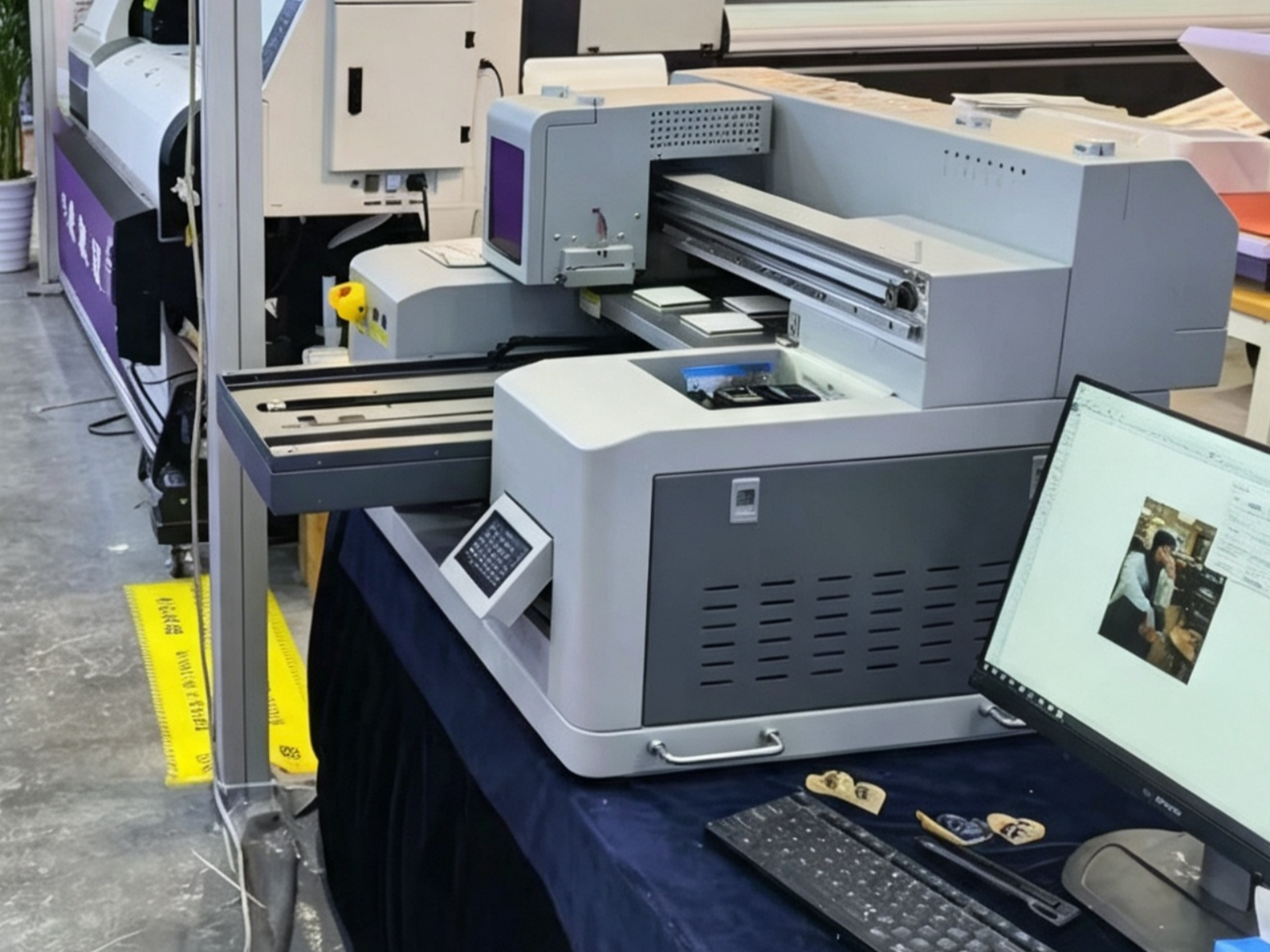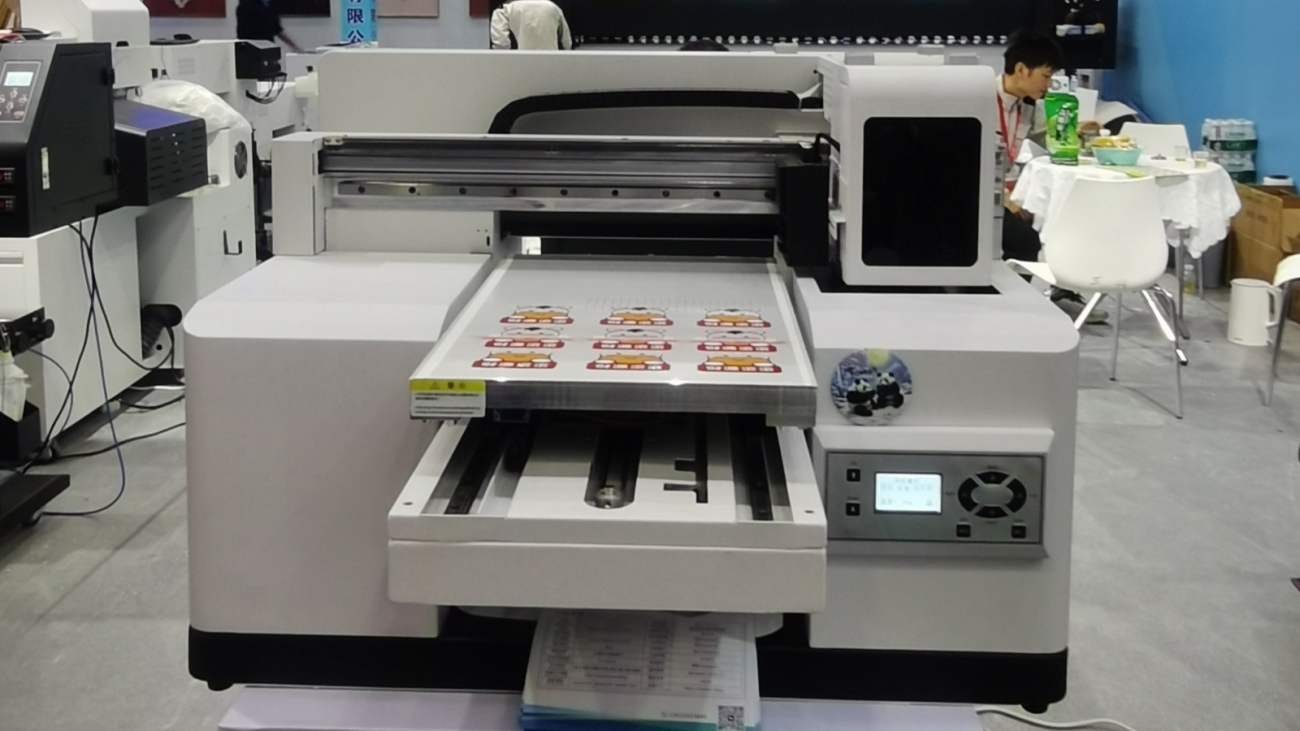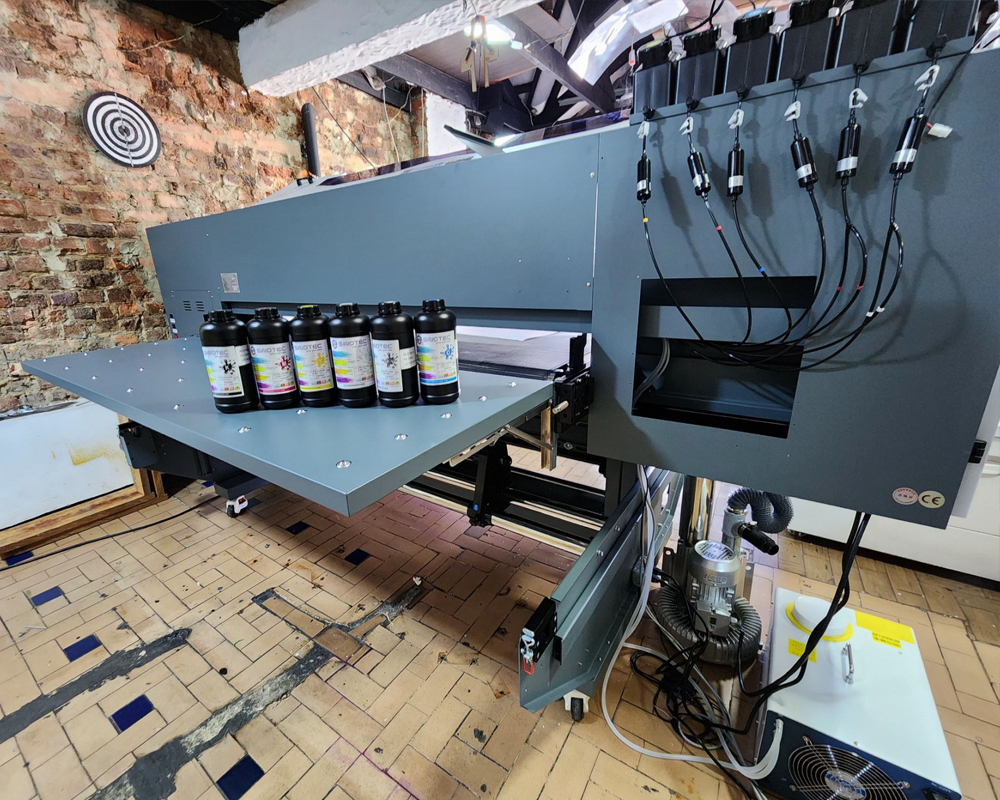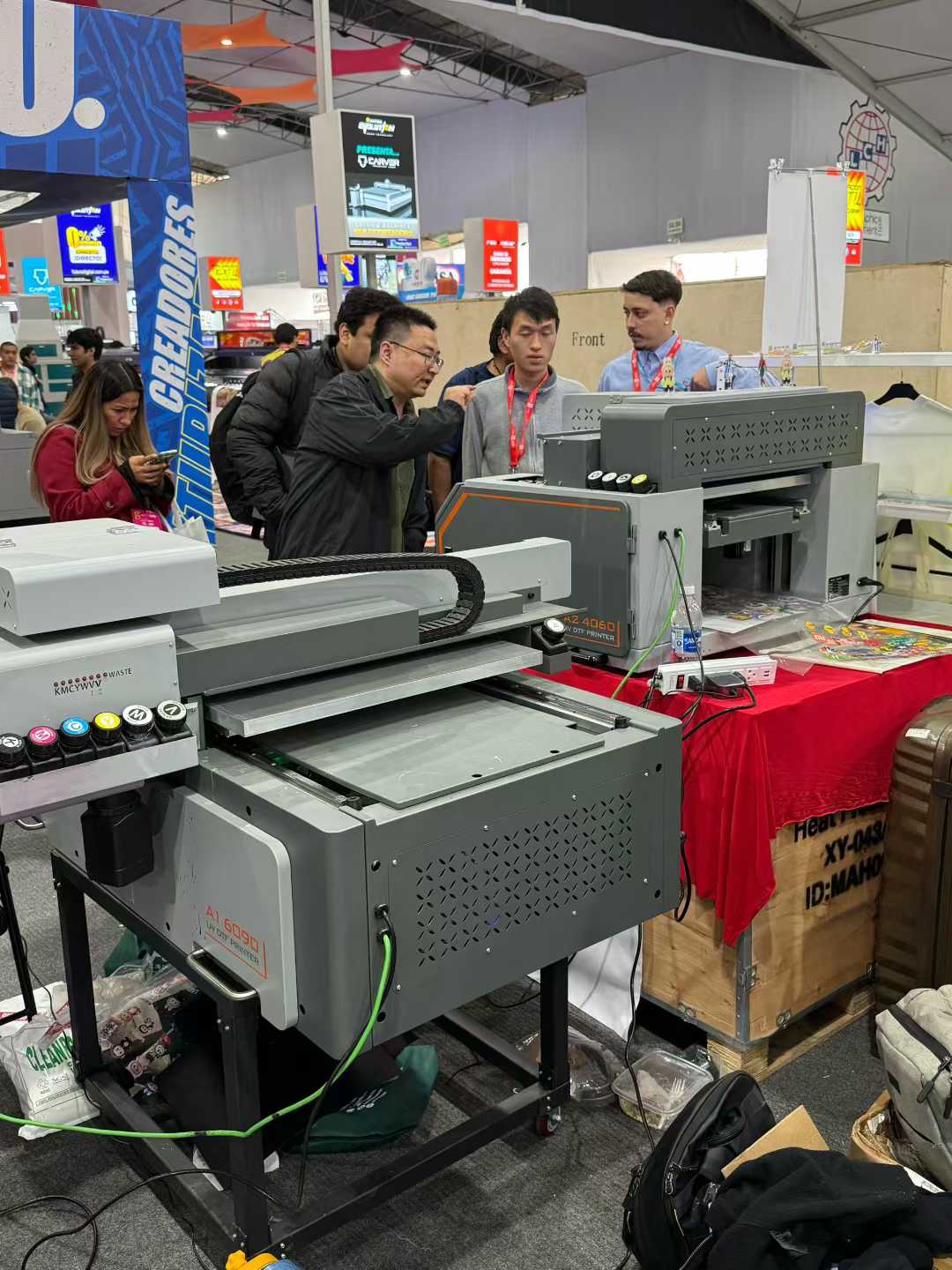
Limpieza del cabezal de impresión

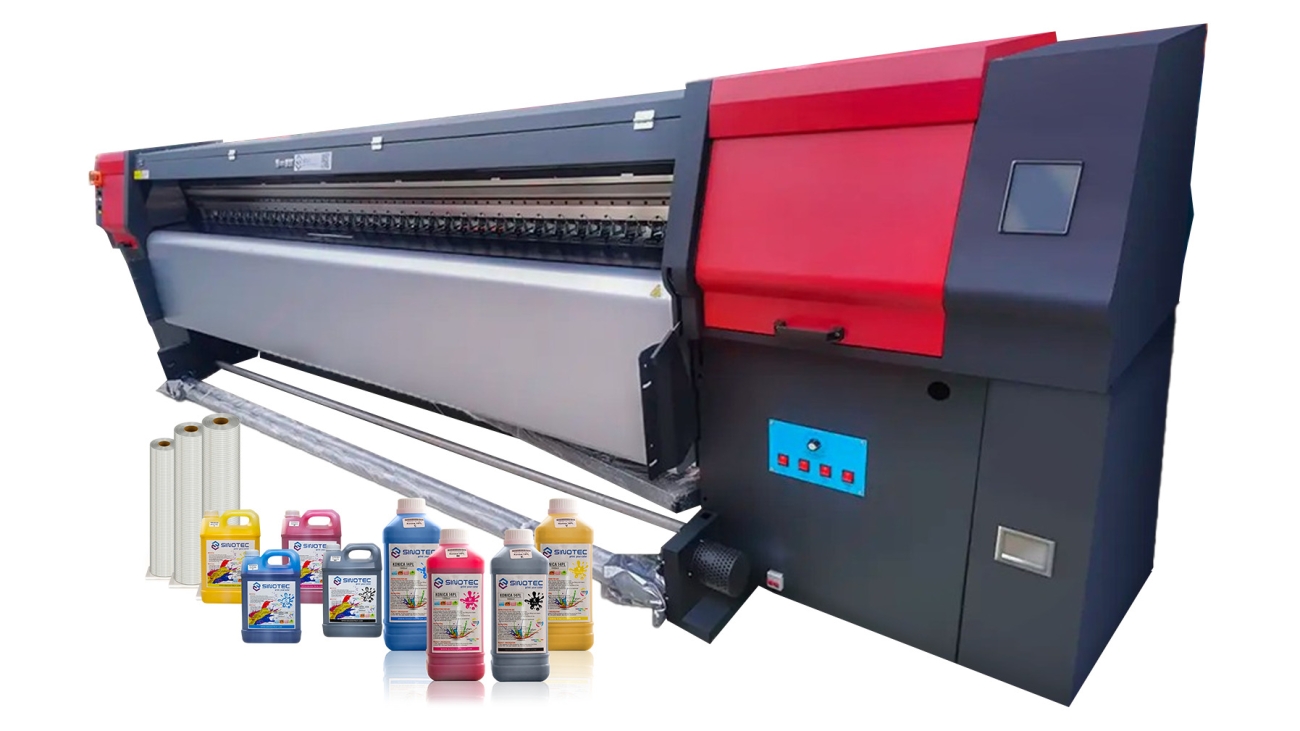
Guía de la línea de impresoras de sublimación de tinta: Impresión a juego, El secado, Prensado, Papel, y tinta

What a Dye Sublimation Printer Line Actually Involves (And Why Matching Components Matters)

Sourcing a dye sublimation printer for commercial use is rarely a single-product decision. What buyers are actually procuring is a production line — a coordinated set of components that only perform reliably when they’re matched to each other and to the specific application at hand. Treat any one element as an afterthought, and the whole workflow pays for it in downtime, reprints, and margin erosion.

The core equipment typically includes the sublimation printing machine itself, heat press or calendar equipment, sublimation transfer paper, and ink systems — each with its own specification requirements. A sublimation printing machine rated for high-volume output, for instance, demands an ink delivery system engineered to match that throughput. Mismatches here don’t just slow production; they create inconsistent color profiles that are nearly impossible to troubleshoot without systematically isolating each variable.

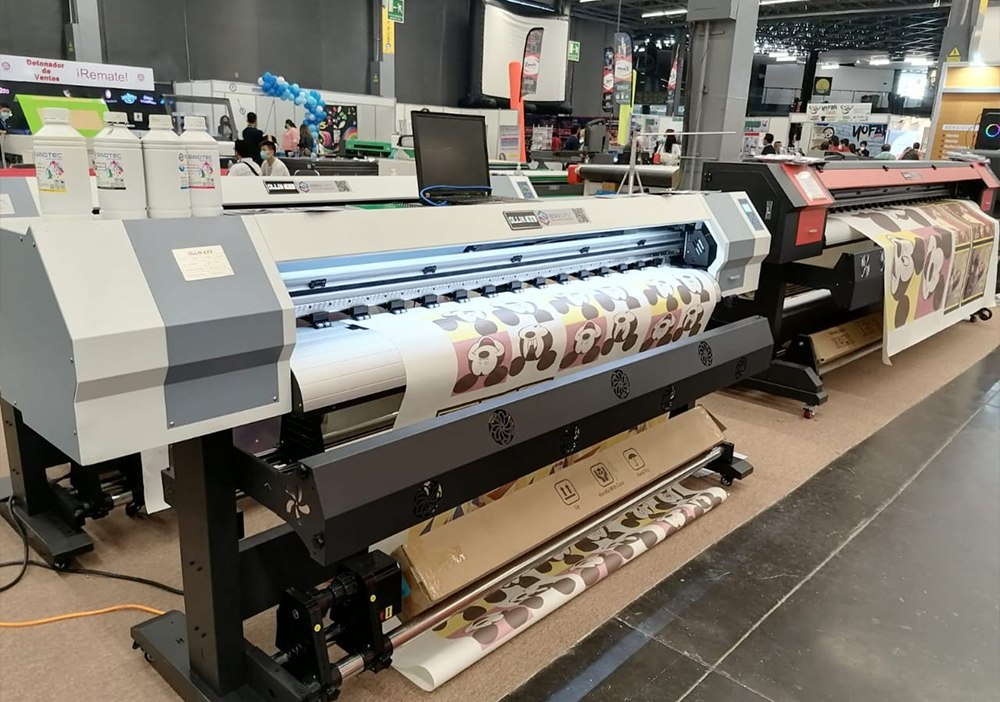
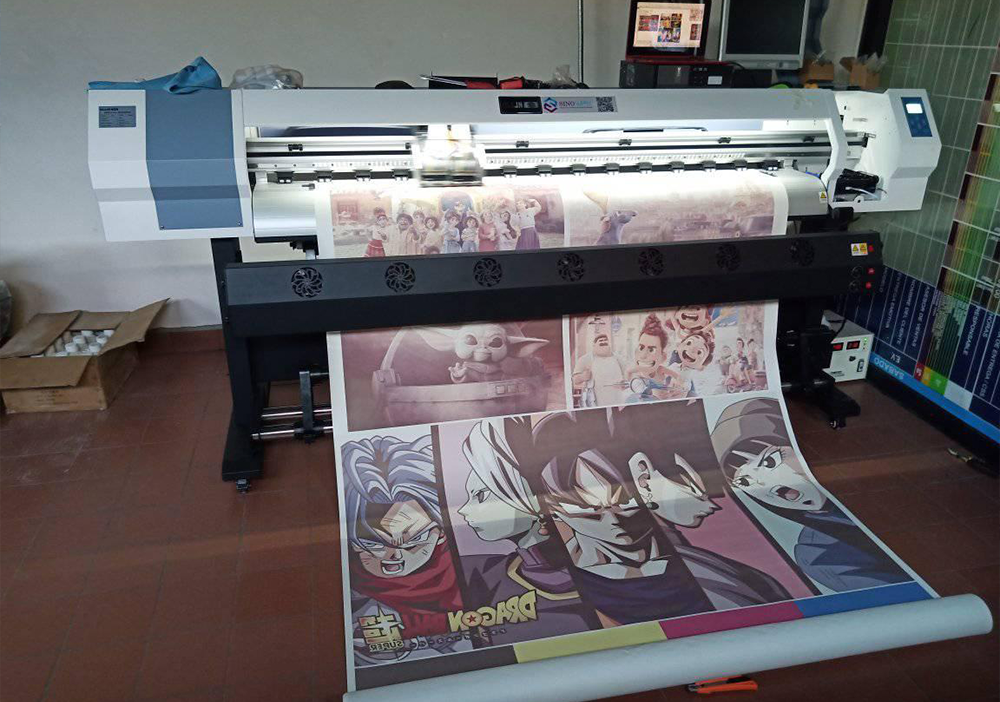
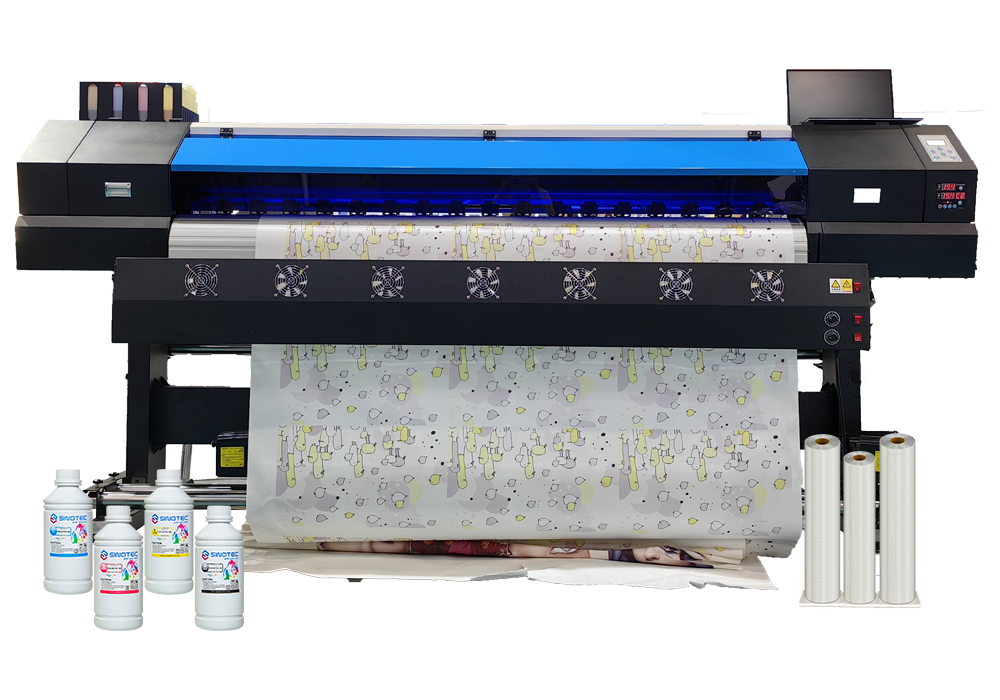
Format is another dimension that procurement teams often underestimate at the sourcing stage. A large format sublimation printer operates under fundamentally different mechanical and thermal conditions than a desktop or mid-range unit — different media tension requirements, different heating zone tolerances, different ICC profile management. Buyers sourcing for soft signage, sportswear cut-and-sew production, or wide-format home textiles need to confirm that every downstream component — paper roll widths, heat calendar belt speeds, ink viscosity ratings — is specified for that format class. Suppliers who can advise on this alignment, rather than simply fulfilling a line-item order, are worth prioritizing.

Component compatibility also has direct implications for certification and compliance. Inks, papers, and machine firmware interact in ways that affect whether a finished product can meet OEKO-TEX, REACH, or other market-entry standards. Procurement managers working with export-focused suppliers — particularly those coordinating OEM or ODM configurations — should request documentation that covers the full system, not just the printer unit itself.

  • Confirm ink system compatibility with the specific printer model and print head generation
  • Verify paper specifications match the machine’s media feed and tension tolerances
  • Request system-level compliance documentation, not component-level only
  • Clarify whether the supplier supports calibration and ICC profile setup for your substrate range

Getting this alignment right at the sourcing stage — before MOQs are committed and lead times locked in — is what separates a functional production setup from one that spends its first months being corrected.

How to Choose the Right Sublimation Printing Machine, Press, and Dryer for Your Production Line

Selecting a sublimation printing machine isn’t a decision that starts with the printer spec sheet — it starts with your production targets. Print volume per shift, substrate range, and finishing throughput all determine which combination of equipment actually makes sense. Buying a high-speed dye sublimation printer and pairing it with an undersized heat press is one of the more common — and expensive — mismatches procurement teams encounter at setup.
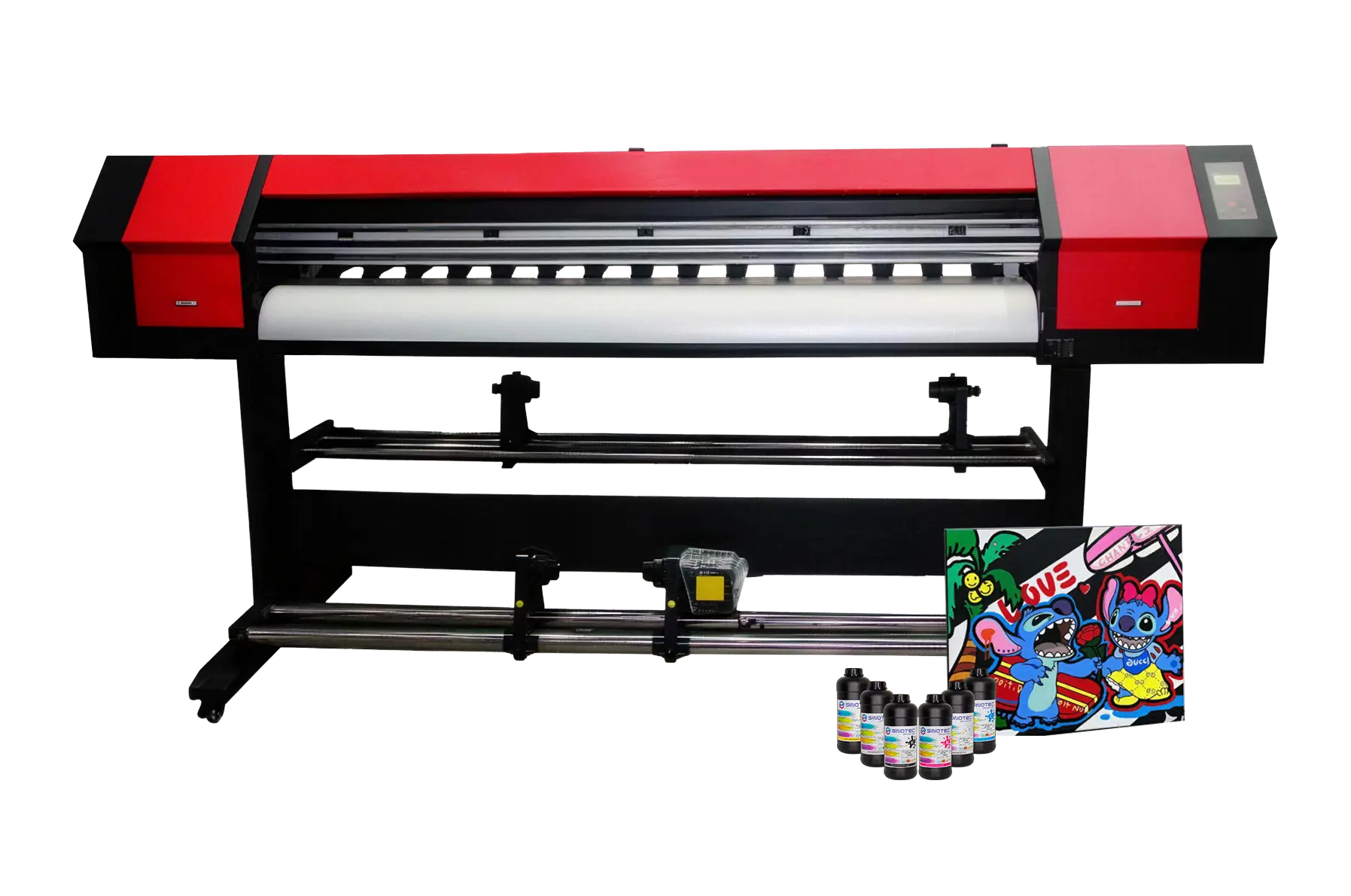
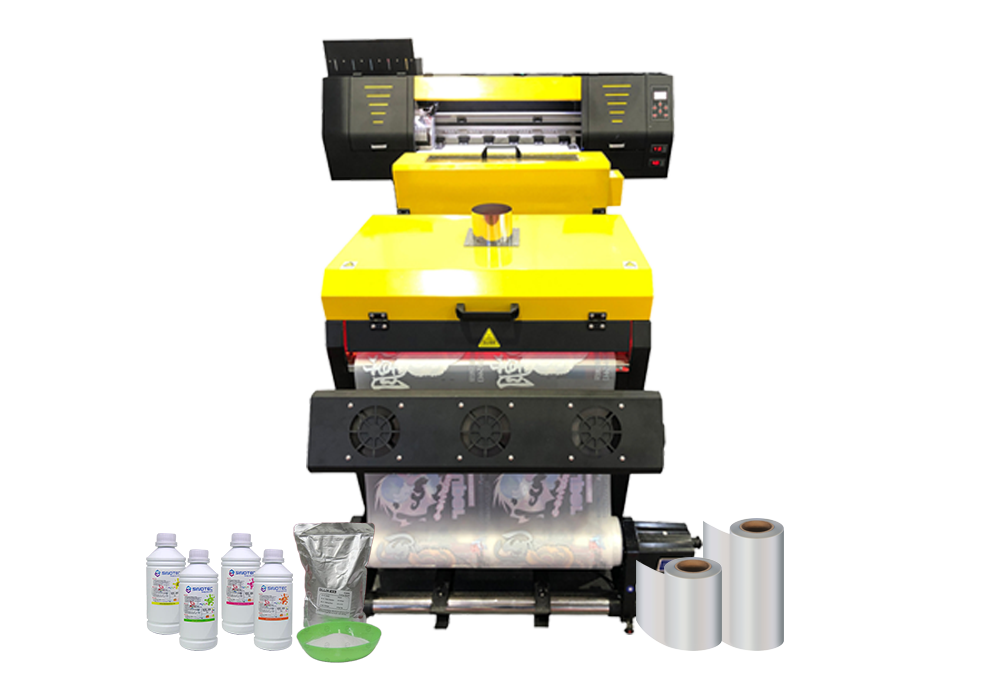
Equipos de impresión digital.

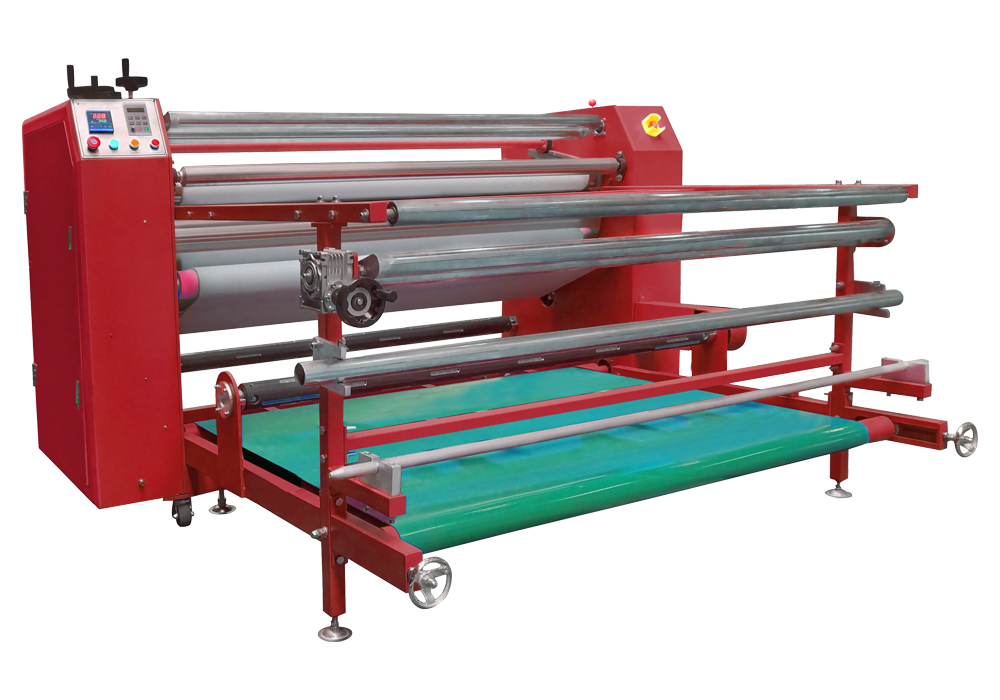
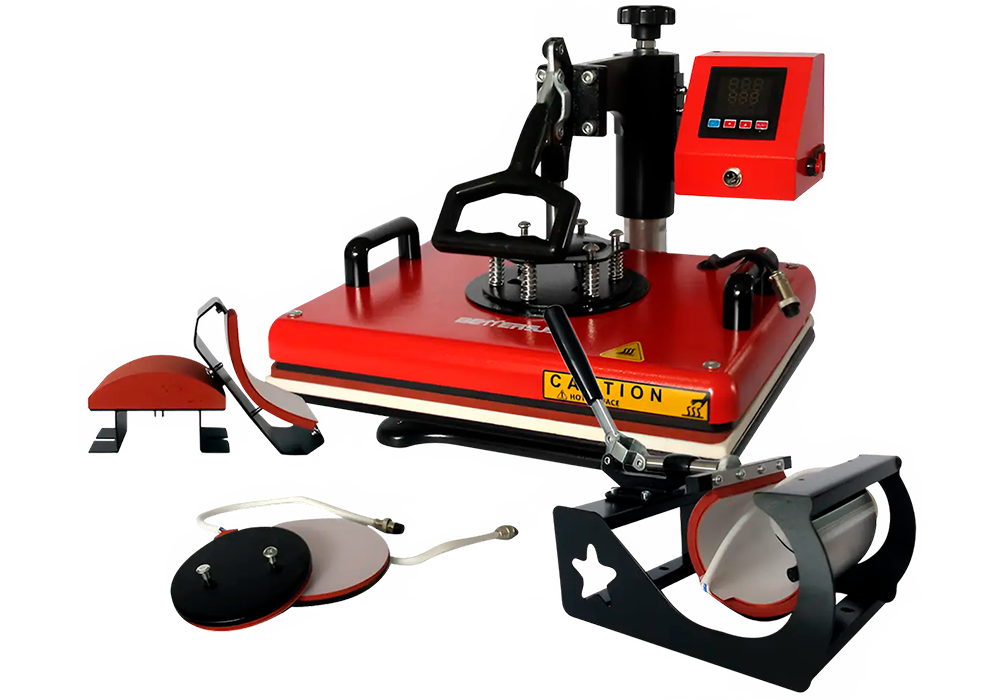
The press is where most of the quality variables actually live. Temperature uniformity across the platen, dwell time precision, and pressure consistency directly affect transfer quality in ways that no amount of print head resolution can compensate for. For buyers sourcing a large format sublimation printer to handle wide-width fabric or hard substrate runs, the press dimensions need to match or exceed the printer’s maximum output width — otherwise you’re creating a bottleneck that limits your entire line to the smallest component in it.

Dryers are frequently treated as an afterthought. They shouldn’t be. In high-humidity production environments or facilities running continuous shifts, inadequate drying capacity leads to ink smearing, paper curl, and registration failures downstream. The dryer spec — airflow capacity, temperature range, belt speed — needs to be selected in parallel with the sublimation printing machine, not after it arrives on the floor.

A few criteria worth building into any equipment RFQ at this stage:

  • Confirm that press platen dimensions are matched to your printer’s maximum print width, with margin for substrate alignment
  • Verify dryer airflow and temperature specs against the ink system’s recommended cure parameters
  • Request system-level energy consumption data — press and dryer combined — not just the printer unit
  • Clarify lead times for press and dryer separately, since these often ship from different manufacturing sources
  • Ask whether the supplier supports integrated commissioning across all three components, or only the dye sublimation printer itself

Export-focused suppliers with OEM or ODM coordination capability — the kind that handle specification alignment across multiple equipment categories — tend to surface these compatibility gaps earlier in the process. That coordination matters most when procurement timelines are tight and there’s limited room to correct specification mismatches after equipment has cleared customs.

Large Format Sublimation Printer Sourcing: Papel, Ink Compatibility, and Supplier Qualification Criteria

Sourcing a large format sublimation printer involves more than comparing print widths and resolution specs. The consumables chain — specifically sublimation paper and ink — determines whether a machine performs to its rated output in actual production conditions, and suppliers who treat these as afterthoughts tend to create downstream procurement headaches that are difficult to unwind mid-contract.
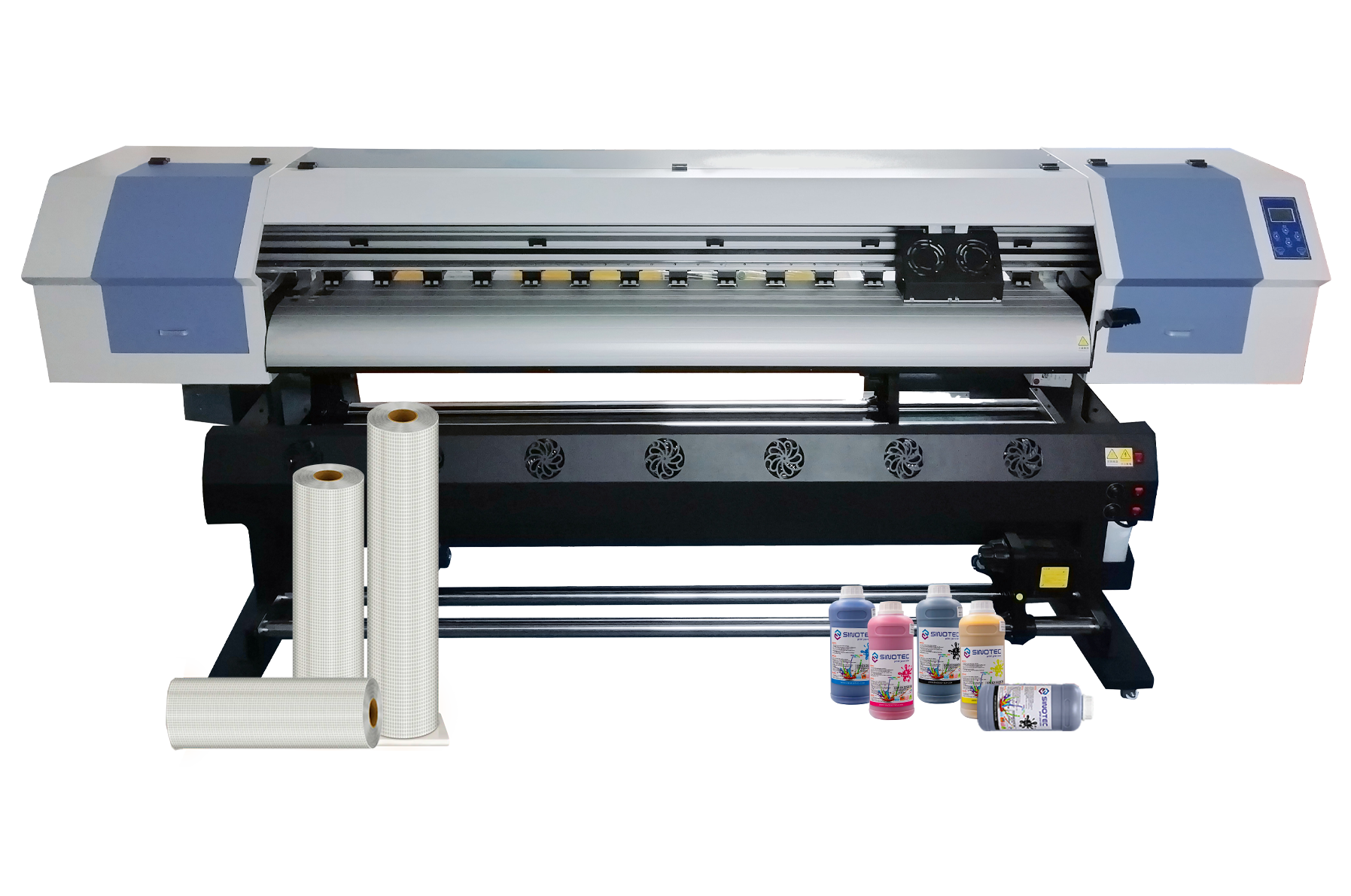
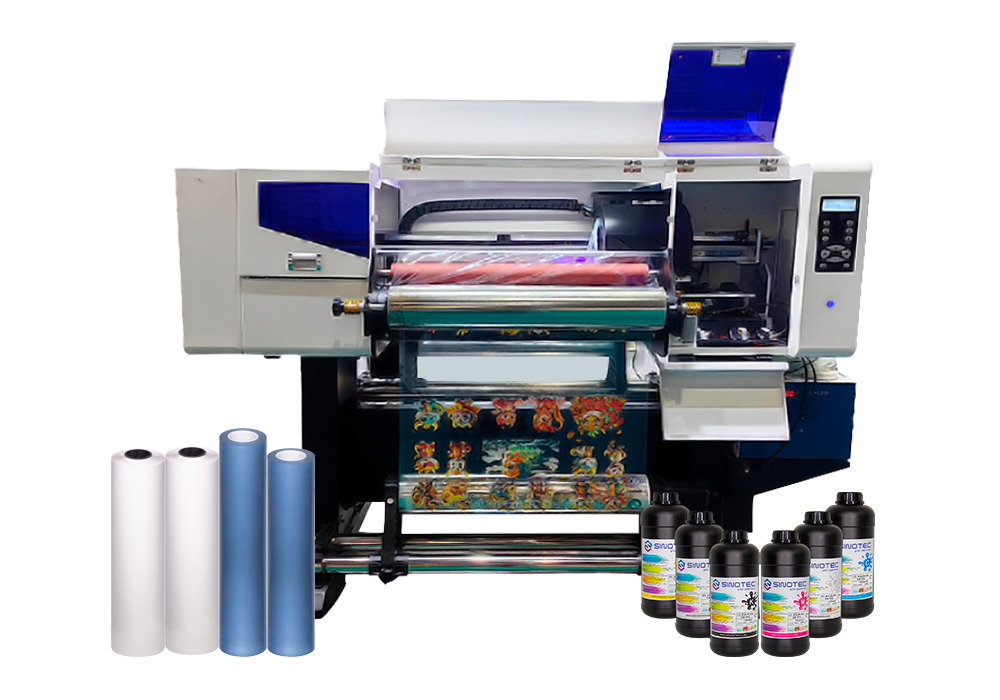
Equipos de impresión digital.

Paper compatibility is a pressure point that procurement teams frequently underestimate. Not all sublimation paper releases ink at the same rate or temperature range, and a mismatch with the dye sublimation printer’s default heat profile will produce inconsistent color transfer — often without any obvious error flag from the machine itself. When qualifying a supplier, request documentation on which paper weights and coating types the equipment has been validated against. If the supplier cannot produce this, that’s a meaningful gap.

Ink compatibility carries similar risk. Sublimation ink formulations vary by viscosity, pigment concentration, and drying behavior — and most printhead manufacturers maintain their own approved ink lists that directly affect warranty coverage. A sublimation printing machine running off-spec ink may print acceptably for weeks before printhead degradation becomes measurable. By that point, warranty claims get complicated fast.

  • Confirm whether the supplier offers ink supply chain continuity — single-source or multi-source — and what the replenishment lead time looks like for your operating region
  • Request validated paper-ink pairing documentation, not just a general compatibility claim
  • Ask whether the supplier can support custom ink profiles or ICC profile calibration for your specific substrate range
  • Clarify MOQ thresholds for ink and paper separately — some suppliers bundle these with equipment orders, others treat them as independent SKUs
  • Verify certifications relevant to your end market: OEKO-TEX, REACH compliance, or equivalent, depending on where finished goods ship

Supplier qualification at this stage should also factor in export coordination capability. Suppliers experienced in OEM and ODM fulfillment — those accustomed to aligning consumable specifications across international buyer requirements — are generally better positioned to flag ink or paper incompatibilities before an order ships, rather than after installation. That early-stage coordination is where procurement risk actually gets managed.

Operational ROI and Procurement Checklist for Dye Sublimation Line Buyers

Procurement decisions on a dye sublimation printer line carry consequences well beyond the initial capital outlay — consumable burn rates, downtime exposure, and substrate compatibility gaps all compound over a production cycle in ways that aren’t visible on a spec sheet. The operational ROI calculation has to account for all of it.

Start with throughput realism. Rated print speeds on a sublimation printing machine are typically measured under ideal lab conditions — single substrate, optimal temperature, fresh heads. Real production environments introduce variables: media changeovers, ink refill intervals, heat press cycle times, and operator transitions. Buyers should request production benchmarks from suppliers that reflect their actual substrate mix, not a best-case scenario.

Total cost of ownership is where many procurement teams underestimate exposure. Ink yield per milliliter varies meaningfully between equipment configurations, and a large format sublimation printer running high-coverage graphics at scale will consume ink at a rate that shifts the unit economics considerably. Factor in:

  • Ink yield per square meter across your most common print profiles
  • Replacement head frequency and sourcing lead time for that specific model
  • Heat press or calendar maintenance intervals and associated downtime windows
  • Software licensing or RIP system costs if not bundled with the equipment
  • Freight, customs classification, and import duty exposure for cross-border equipment orders

Before finalizing any supplier shortlist, run a structured qualification pass against the criteria that actually determine production reliability — not just price per unit. The checklist below covers the core commercial and operational variables worth confirming directly with prospective suppliers of any dye sublimation printer configuration:

  1. Confirmed MOQ for equipment, tinta, and transfer paper — independently, not bundled
  2. Lead time commitments in writing, including seasonal capacity constraints
  3. OEM/ODM support scope: what can be customized, what cannot
  4. Export documentation capability: CE, FCC, or regional certification availability
  5. Post-sale technical support channel and average response time
  6. Sample order or pilot run policy before full production commitment

Suppliers with structured export fulfillment experience — particularly those coordinating OEM specifications across international buyer requirements — tend to surface compatibility and compliance issues early in the process. That upstream coordination is where procurement risk is actually absorbed, rather than inherited on the production floor.

Conclusión

The checklist matters, but so does who you’re buying from. A dye sublimation printer is only as reliable as the supply chain behind it — and that includes ink consistency, transfer media compatibility, and whether your supplier can actually handle export documentation without making it your problem.

Get the sample run. Always.

Suppliers who flag compliance gaps before production starts are worth paying attention to. The ones who surface those issues after you’ve committed? That’s where projects stall, costs spike, and timelines collapse. Ask the hard questions upfront — it’s genuinely the only part of this process you fully control.

Preguntas frecuentes

q: What is a dye sublimation printer and how does it work?

A: A dye sublimation printer uses heat to convert solid dye into gas — bypassing the liquid stage entirely — which then bonds directly into the surface of polyester-coated substrates. The result is a print that’s embedded in the material rather than sitting on top of it, which is why the colors are so durable and the finish feels smooth rather than printed.

q: What materials can a dye sublimation printer actually print on?

A: The short answer: anything with a polyester coating or a high polyester content. That includes fabrics, ceramic mugs, aluminum panels, fundas de móvil, and certain types of rigid signage — but natural fibers like 100% cotton won’t hold the dye, which catches a lot of buyers off guard. The substrate’s coating spec matters as much as the printer itself.

q: How much does a dye sublimation printer cost?

A: Entry-level desktop units can sit well under a thousand dollars, but commercial-grade wide-format machines — the kind used for soft signage, sportswear production, or large-run custom apparel — typically run into the tens of thousands. The printer price is rarely the full picture; tinta, transfer paper, and heat press equipment add to the real cost of entry.

q: Why are my dye sublimation prints coming out faded or washed out?

A: Nine times out of ten, it’s a temperature or time calibration issue at the heat press stage — too low, and the dye never fully sublimates; too high, and you can scorch the substrate or blow out the color. Ink-media mismatch is the other common culprit: using transfer paper that isn’t matched to your ink profile will kill color density before the print even hits the heat press.

q: Is a dye sublimation printer worth it for small businesses?

A: For businesses with consistent, repeatable product lines — custom merchandise, branded sportswear, personalized gifts — the economics make sense faster than most people expect. Where it gets tricky is low-volume, high-variety work, because setup time and ink waste per run can quietly erode margins. The business case strengthens significantly when substrate and ink sourcing are locked in with a reliable supplier rather than bought ad hoc.

q: Can I use any ink in a dye sublimation printer?

A: No — and this is where procurement decisions get expensive fast. Sublimation ink is chemically distinct from pigment or dye-based inkjet ink, and running the wrong ink through a sublimation system can clog printheads and void warranties. Even within sublimation inks, different formulations are optimized for different printhead types, so compatibility with your specific machine model isn’t optional to verify.

q: How long do dye sublimation prints last?

A: When the process is done correctly, sublimation prints are among the most durable in the digital printing category — the dye is part of the substrate, not a layer on top of it, so it won’t crack, peel, or fade the way screen prints or vinyl transfers can. Outdoor applications are the exception; UV exposure will degrade color over time, and prints intended for exterior use typically need an additional UV-protective coating on the substrate.

q: How do I choose the right dye sublimation printer for production volume?

A: Start with your weekly output target and work backward — desktop units are generally suited for low-volume custom work, while roll-to-roll wide-format printers are designed for continuous production runs where downtime costs real money. Beyond print speed, look hard at ink capacity, media width, and whether the supplier can provide consistent ink and transfer paper specs at scale (inconsistent consumables are where production quality quietly drifts).
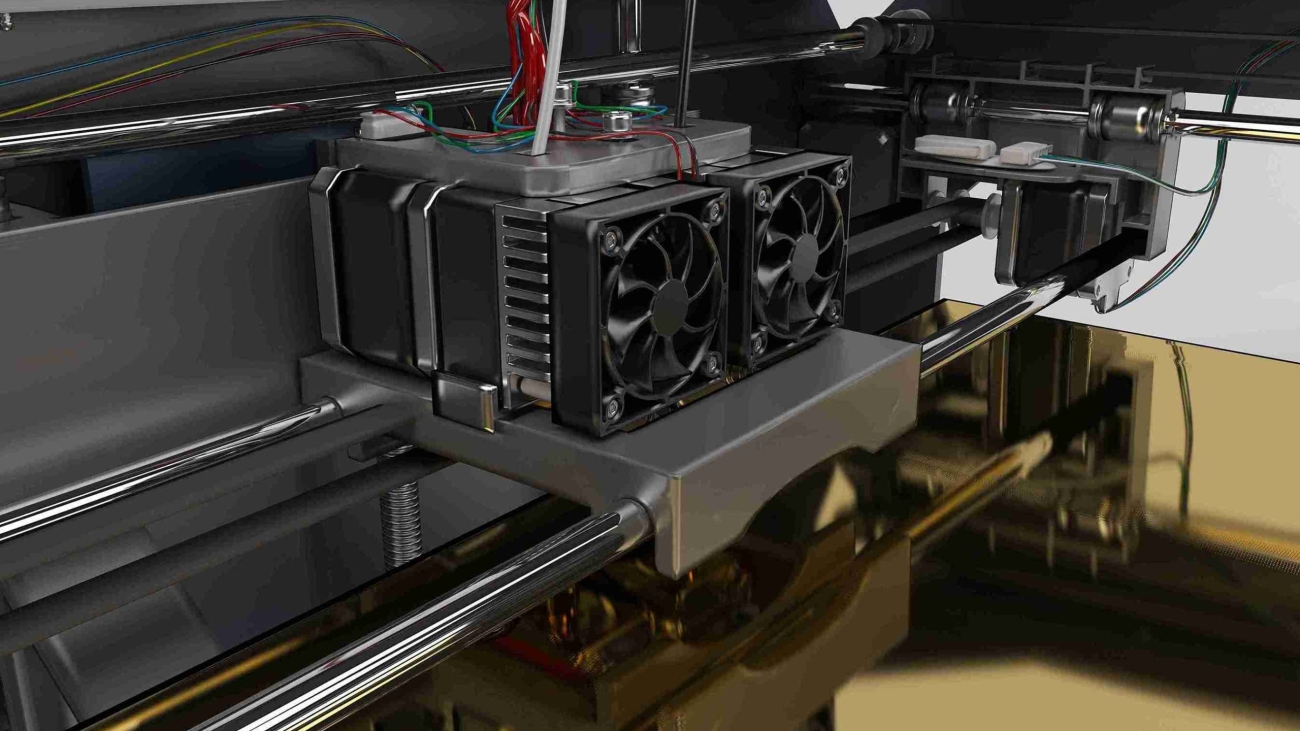
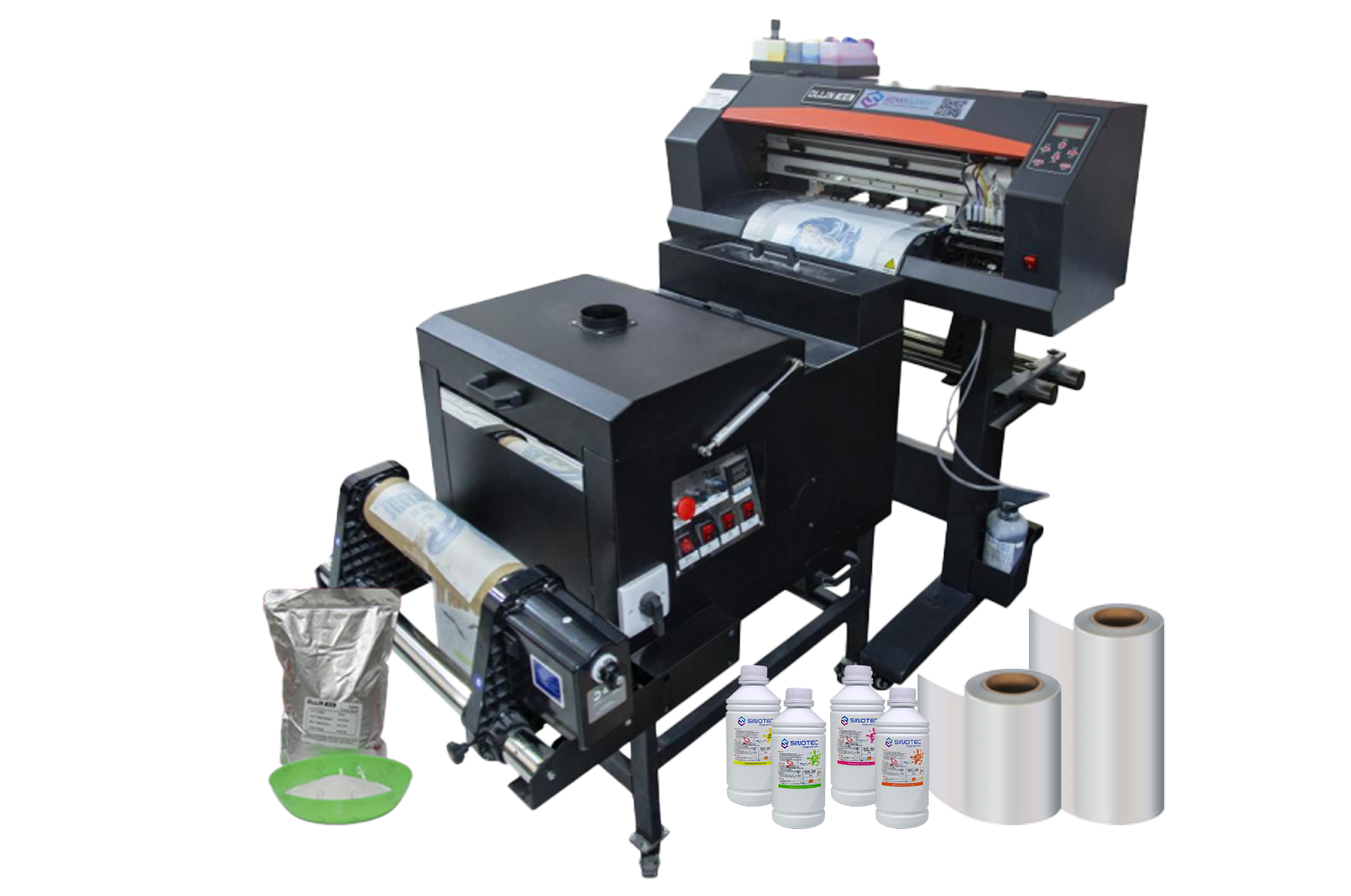
DTF Printing Machine

Lista de verificación de inicio de la máquina de impresión DTF: Lo que realmente afecta cada decisión sobre el equipo aguas abajo

Every equipment decision made at the procurement stage creates a chain of operational consequences that buyers often don’t fully account for until production is already underway. El DTF printing machine you select doesn’t just determine print quality — it shapes your ink consumption model, your pretreatment workflow, your curing equipment requirements, your staff training curve, and ultimately your per-unit cost structure. Getting this wrong early is expensive to correct later.

Print width is a good example of a decision that looks simple on a spec sheet but ripples downstream. A wider-format machine increases throughput per pass, which sounds like a win — but it also demands larger heat press equipment, more gang sheet planning discipline, and higher ink volume per job. Buyers sourcing for smaller custom order volumes sometimes default to a small DTF printer precisely because the operational footprint stays manageable and the capital outlay is lower, but they need to stress-test that choice against projected order growth before committing.

Ink system architecture is another area where the downstream effects are underestimated. White ink recirculation — or the absence of it — directly affects nozzle clogging frequency, maintenance intervals, and the true cost of machine downtime. A desktop DTF printer designed for low-volume environments may handle intermittent use better than a mid-range machine that requires consistent daily throughput to keep ink channels clear. That’s a workflow constraint, not just a hardware spec.

Before finalizing any supplier conversation, procurement teams should map these interdependencies explicitly:

  • Print width vs. available heat press capacity and gang sheet workflow
  • Ink system type vs. expected daily print volume and maintenance staffing
  • Film feed mechanism vs. roll media compatibility and substrate flexibility
  • RIP software compatibility vs. existing design and prepress infrastructure
  • Power and ventilation requirements vs. facility readiness
  • OEM/ODM customization options vs. branded output requirements

Suppliers who support specification customization — adjusting configurations to match a buyer’s actual production environment rather than pushing a standard SKU — tend to reduce this downstream friction considerably. The checklist above isn’t exhaustive, but it reflects where most procurement decisions create unintended operational costs when left unexamined at the sourcing stage.

DTF printing machine

Small DTF Printer vs. Full-Scale Setup: Matching Equipment Scale to Production Volume and Budget

Scale mismatch is one of the more avoidable procurement errors in DTF printing — and yet it happens consistently. Buyers either over-specify for a production volume that doesn’t justify the capital outlay, or they under-buy and find themselves bottlenecked within the first quarter of operation. Neither outcome is acceptable when the equipment decision anchors a broader fulfillment workflow.

A small DTF printer — typically a single-head unit with a narrower print bed — suits operations running limited daily volumes, short-run custom orders, or sampling workflows where flexibility matters more than throughput. The entry point for these units is substantially lower, both in acquisition cost and in facility requirements. A desktop DTF printer takes this further: compact enough for constrained production spaces, it removes the ventilation, power, and floor-space overhead that larger roll-fed systems demand. For procurement managers sourcing equipment for regional decorators, startup fulfillment centers, or pilot programs, these formats offer a lower-risk entry into DTF production without committing to industrial-grade infrastructure.

Full-scale setups tell a different story. Multi-head configurations, wider print widths, and integrated powder-shaking and curing systems are built for sustained daily output — the kind of volume where per-unit economics only work if the machine runs near capacity. The capital cost is higher, the lead time on sourcing and installation is longer, and the staffing requirements shift meaningfully. These aren’t drawbacks — they’re simply the operating realities of production-grade DTF printing machine investment.

Equipment TierTypical Use CaseKey Procurement Consideration
Desktop / Small FormatSampling, corto plazo, pilot programsLow overhead; evaluate upgrade path before committing
Mid-Range Single-HeadSmall-batch commercial productionBalance between throughput and operational cost
Multi-Head / Wide FormatHigh-volume fulfillment operationsFacility readiness and staffing must be pre-qualified

The practical question isn’t which tier is better — it’s which tier matches current volume with realistic growth headroom. Suppliers who offer modular configurations or phased upgrade paths give buyers considerably more room to scale without forcing a full equipment replacement cycle prematurely.

Desktop DTF Printer Procurement Criteria: Supplier Specs, Certifications, and What to Verify Before You Commit

Procurement decisions for a desktop DTF printer carry more risk than their compact footprint suggests. The unit cost may be lower than industrial-grade equipment, but the supplier relationship — and what it delivers in terms of documentation, post-sale support, and specification transparency — determines whether that machine earns its place in a production workflow or becomes an expensive liability within six months.

Start with certifications. Any DTF printing machine entering a regulated export market should carry CE marking for European distribution and FCC compliance for North American buyers at minimum. RoHS compliance matters too, particularly for buyers operating under corporate sustainability requirements or supplying retail chains with environmental sourcing policies. Suppliers who cannot produce current, verifiable certificates — not just logos on a product page — should be disqualified early in the evaluation process.

Specification verification is where most procurement errors happen. A supplier’s published spec sheet and the actual unit performance frequently diverge on print resolution, ink consumption rates, and duty cycle limits. Before committing, request third-party test reports or, where volume justifies it, arrange a factory sample run using your own artwork files. A small DTF printer marketed for commercial sampling should demonstrate consistent adhesion results across fabric types — not just on optimized demo substrates. If a supplier resists this, that tells you something.

The procurement checklist for this category should cover:

  • OEM/ODM capability — can the supplier adjust printhead configuration, ink system, or firmware to match your operational requirements
  • MOQ flexibility — especially relevant for buyers piloting a desktop DTF printer before scaling to higher-throughput configurations
  • Lead time commitments documented in writing, not quoted verbally during sales calls
  • Spare parts availability and documented service intervals for printheads and curing components
  • Export compliance support — HS code documentation, packing standards, and freight coordination capacity

Suppliers with established export infrastructure — the kind that handles customs documentation, manages QC at the production stage, and maintains responsive project coordination — reduce the operational burden on the buyer’s side considerably. That’s not a minor convenience. For cross-border procurement, it’s a structural advantage that compounds over the life of the supplier relationship.

DTF Printing Machine

Shaker, Curing Unit, Heat Press, and Ventilation: How to Source the Full DTF Workflow Stack Without Gaps

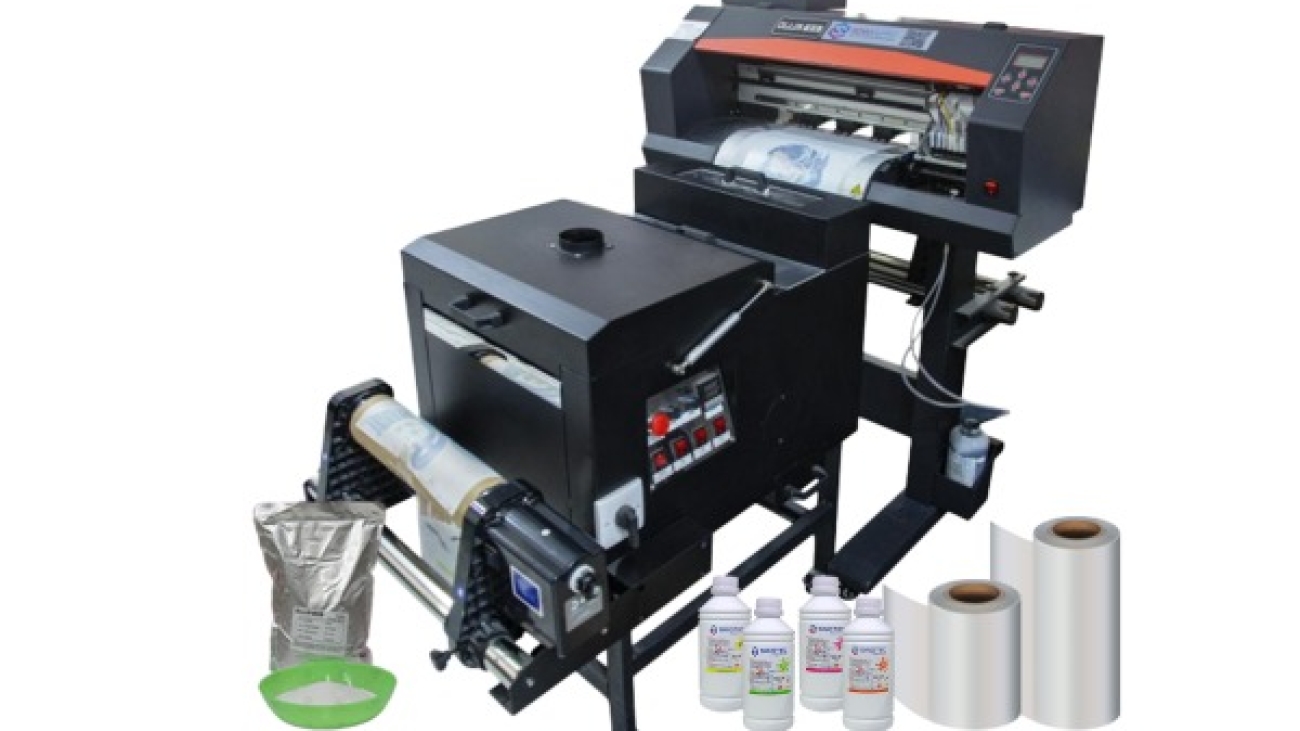
The DTF printing machine gets most of the attention in procurement conversations — but the workflow gaps that actually stall production almost always sit in the peripheral equipment. A shaker, a curing unit, a heat press, and a properly ventilated workspace aren’t optional add-ons. They’re load-bearing components of a functional DTF operation, and sourcing them as an afterthought creates real operational risk.

Start with the powder shaker and curing unit. These two are often bundled with mid-range and high-volume DTF systems, but buyers scaling from a desktop DTF printer configuration frequently discover that the bundled unit doesn’t match their actual throughput. The shaker needs to distribute adhesive powder evenly across the printed film — inconsistent coverage at this stage causes adhesion failures downstream, regardless of print quality. Curing unit specs, particularly temperature uniformity and belt speed, must align with the ink and film combinations the printer uses. Mismatches here don’t show up as obvious defects; they show up as garments failing after the first wash cycle.

Heat press sourcing deserves its own evaluation process. Pressure consistency, platen size relative to the print format, and temperature accuracy across the full platen surface are the criteria that matter. A small DTF printer running A4-width film doesn’t require the same press spec as a 60cm roll-fed system — but both need a press that holds calibration under continuous commercial use, not just in a demo setting.

  • Confirm that shaker belt dimensions match the film width your DTF printing machine outputs
  • Request curing unit temperature uniformity data, not just rated temperature ranges
  • Verify heat press platen size against your maximum print dimensions with margin
  • Specify ventilation requirements to your facility manager before equipment arrives — fume extraction is a compliance issue in most commercial environments, not a preference
  • Confirm that peripheral equipment lead times are coordinated with the main unit delivery, not treated as separate procurement tracks

Suppliers with integrated product lines — where the DTF printing machine, shaker, and curing components are designed and tested together — reduce compatibility risk considerably. For cross-border buyers, coordinating this full stack through a single supplier with export documentation capability also simplifies freight logistics and customs classification across multiple equipment categories.

Conclusión

The equipment itself is only half the decision — the peripheral stack around it determines whether your setup actually runs at production capacity or spends half its time compensating for compatibility gaps.

If there’s one thing worth repeating: don’t treat a DTF printing machine as a standalone purchase. Spec the shaker, curing unit, and heat press together, confirm temperature uniformity before you commit, and — especially for international buyers — coordinate lead times so nothing sits idle waiting on a component that got routed through a separate freight channel.

Get the full stack right from the start, and the production math takes care of itself.

Preguntas frecuentes

q: What is a DTF printing machine and how does it work?

A: A DTF printing machine prints designs onto a special PET film using water-based inks, then a hot-melt adhesive powder is applied and cured — the finished transfer is then pressed onto fabric using a heat press. Unlike screen printing, there are no screens to burn and no minimum run requirements, which makes it practical for short runs and custom orders without the setup overhead.

q: What materials can a DTF printing machine print on?

A: DTF transfers bond to a wide range of fabrics — cotton, poliéster, nylon, dril, cuero, and blends — without requiring the garment to be pre-treated. That versatility is one of the main reasons DTF has displaced DTG for buyers who work across multiple fabric types rather than cotton-only runs.

q: How much does a DTF printing machine cost?

A: Entry-level desktop units typically start in the low thousands, while production-grade wide-format DTF printing machines can run considerably higher — and that’s before you factor in the shaker, curing unit, and heat press that the full workflow actually requires. Budget for the complete peripheral stack upfront rather than discovering the gaps after delivery.

q: Why does a DTF printing machine need a powder shaker and curing oven?

A: The hot-melt adhesive powder won’t bond evenly to the film — or cure at the right melt point — without controlled agitation and heat. Skipping a dedicated shaker and curing unit and trying to improvise those steps is one of the fastest ways to end up with transfers that peel or crack after the first wash.

q: How long do DTF transfers last on fabric?

A: A properly cured DTF transfer — pressed at the correct temperature and pressure — typically holds up through dozens of wash cycles without significant cracking or fading. Durability drops noticeably when the curing step is rushed or the heat press temperature is inconsistent, so temperature uniformity across the platen matters more than most buyers expect.

q: Can a DTF printing machine replace a screen printing setup?

A: For short runs, multi-color designs, and on-demand fulfillment, a DTF printing machine is genuinely more efficient than screen printing — no film positives, no emulsion, no per-color setup cost. Screen printing still wins on unit economics at very high volumes for simple designs, so the honest answer depends entirely on your order profile.

q: Is a DTF printing machine worth it for small businesses?

A: For operations doing custom apparel, promotional merchandise, or print-on-demand — even at modest volumes — the economics tend to work in DTF’s favor faster than most people expect. The real calculation isn’t just the machine cost; it’s whether your order volume justifies owning the full production stack versus outsourcing transfers from a trade supplier.

q: How do I choose the right print width for a DTF printing machine?

A: Print width should match your most common substrate size — a 30cm unit handles standard garment graphics, while wider formats (60cm and above) open up all-over prints, cut-and-sew panels, and soft signage without tiling. Buyers sourcing through OEM channels — suppliers like SINOTEC who handle customized specifications — can often configure print width and ink channel layout to match a specific production use case rather than defaulting to a catalog spec.

Impresora UV

Compra de impresoras UV: Cómo calificar al proveedor adecuado

Qualifying a impresora ultravioleta supplier is not a single conversation — it’s a structured evaluation that separates vendors who can fulfill a one-time order from partners who can support long-term production demands. The stakes are higher than most buyers expect, particularly when the end application involves specialized substrates, tight color tolerances, or regulated industries where output consistency is non-negotiable.

Start with capability verification, not pricing. A supplier quoting aggressively on a commercial UV printer configuration means very little if they cannot demonstrate ink adhesion performance across the substrate range your operation actually uses. Request sample outputs on your specific materials — rigid boards, textured surfaces, curved panels — before any commercial discussion moves forward. Suppliers with genuine production depth will accommodate this without hesitation.

Certifications matter more at the industrial end of the market. When sourcing an industrial UV printer for high-volume or export-facing production, relevant compliance documentation — CE marking, RoHS conformity, or regional electrical safety standards — directly affects your ability to deploy equipment across different markets without regulatory friction. Ask for documentation upfront, not as an afterthought during contract review.

There are four operational criteria worth pressing on during supplier qualification:

  • Lead time transparency — confirmed production and shipping timelines, not estimated ranges that shift after deposit
  • OEM/ODM flexibility — whether the supplier can accommodate custom configurations, ink system modifications, or branded hardware specifications
  • After-sales infrastructure — availability of spare parts, firmware support, and technical response time for equipment faults
  • MOQ and order scalability — minimum order thresholds and whether pricing structures hold as volume increases

Suppliers like SINOTEC — operating out of China with an export-oriented fulfillment model — illustrate what responsive project coordination can look like at the sourcing stage: customized specifications managed before production, not corrected after delivery. That kind of upstream involvement reduces costly rework cycles and keeps procurement timelines intact.

One detail buyers routinely underweight: quality control protocols at the factory level. A supplier’s internal inspection process — print resolution checks, UV lamp output verification, substrate feed calibration — is a direct proxy for the consistency you’ll receive across repeat orders. Ask how defects are caught, not just how they’re handled after the fact.

What Actually Separates a Reliable UV Printer Supplier from a Risky One

Supplier reliability in the UV printer category isn’t something you can assess from a product listing alone. The gaps — the ones that cause missed deadlines, inconsistent output, or warranty disputes — almost always trace back to operational factors that never appear on a spec sheet.

Start with production transparency. A credible supplier should be able to walk you through their manufacturing process for a commercial UV printer: how print heads are sourced and tested, what substrate compatibility validation looks like, and whether QC checkpoints exist mid-production or only at final inspection. Suppliers who can only speak to the end result — not the process — are a procurement risk.

Certifications matter, but context matters more. CE, RoHS, and FCC markings confirm baseline compliance for target export markets. What they don’t confirm is whether a given supplier’s industrial UV printer line has been validated for the specific substrates, ink formulations, or duty cycles your operation requires. Push for documentation that’s specific to your use case, not just general compliance certificates attached to a product category.

  • Request production audit reports or third-party inspection records — not just supplier-authored datasheets
  • Confirm whether OEM/ODM customization is handled in-house or subcontracted, as subcontracting adds opacity to quality control
  • Clarify lead times for both standard and custom configurations — and whether those timelines hold during peak export periods
  • Ask specifically how the supplier handles specification deviations discovered post-production

Responsiveness during the pre-order phase is a reliable signal. Suppliers who engage seriously with technical questions before a purchase order is placed — adjusting specifications, flagging compatibility issues, coordinating on packaging or export documentation — tend to carry that same rigor into production. Suppliers who only become communicative after payment rarely improve from there.

The distinction between a manageable supplier relationship and a costly one often comes down to upstream involvement. Buyers sourcing through export-oriented suppliers — particularly those offering structured OEM support — benefit most when that coordination begins at the specification stage, not after the first shipment arrives with problems that were entirely avoidable.

Impresora UV

How to Evaluate Commercial UV Printer Specs Against Your Real Production Needs

Spec sheets for a commercial UV printer are designed to impress — and they usually succeed, at least on paper. The practical question for procurement managers is whether those specifications map to what production actually demands, week over week, at volume. That gap between headline specs and operational reality is where most sourcing decisions go wrong.

Print resolution is the obvious starting point, but it’s rarely the limiting factor. A UV printer rated at 1440 dpi is meaningless if the substrate handling system can’t maintain registration on rigid materials, or if the curing lamp intensity degrades faster than the manufacturer’s warranty implies. Buyers sourcing for high-throughput applications — signage, packaging prototypes, industrial components — should weight throughput speed and duty cycle far more heavily than peak resolution figures.

A few evaluation criteria tend to separate genuinely capable machines from those that look strong on a datasheet:

  • Printable area versus usable print area — some machines lose significant working space at the edges due to carriage mechanics
  • Ink system compatibility — whether the machine is locked to proprietary inks, and what that means for long-term consumable costs
  • Curing system type and lamp lifespan — UV LED systems run cooler and last longer than mercury-arc alternatives, which matters for heat-sensitive substrates
  • Maximum substrate thickness and weight — often understated in marketing materials but critical for industrial UV printer applications involving rigid or layered materials
  • Software integration — RIP software compatibility, file format support, and whether color profiles are included or sold separately

Duty cycle deserves particular attention. A machine rated for intermittent commercial use will degrade noticeably under continuous production schedules — and the cost of unplanned downtime in a production environment compounds fast. Buyers should request documentation on mean time between failures and ask suppliers directly how the machine performs under sustained load, not just during demonstration runs.

Suppliers with structured OEM and specification support — the kind that can adjust configurations to match a buyer’s substrate range or ink requirements before production — tend to surface these trade-offs early. That upstream technical engagement is worth factoring into supplier selection, not just the per-unit price.

Impresora UV

Industrial UV Printer Certifications, MOQs, and Lead Times: What to Demand Before You Commit

Certifications are not paperwork formalities — they are operational risk controls. For any Industrial UV Printer destined for a regulated production environment, the relevant compliance marks (CE for European markets, FCC for North American electrical standards, RoHS for hazardous substance restrictions) tell a buyer whether the machine can legally operate in their facility and whether the ink chemistry meets environmental obligations. Asking a supplier for certification documentation before signing a purchase order is standard practice; accepting verbal assurances in place of actual certificates is not.

Beyond compliance, UV printer certifications also signal something about the manufacturer’s internal quality discipline. A supplier who has maintained ISO 9001 certification across multiple audit cycles has demonstrated process consistency — which matters when you are ordering at volume and cannot inspect every unit before it ships.

MOQ structures vary considerably across the supplier landscape. Some manufacturers set minimum order quantities at a single unit for commercial-grade models, particularly where the machine price already reflects a significant capital commitment. Others — especially those offering OEM or customized specification builds — require minimum runs of three to five units before they will absorb tooling or configuration costs. Buyers sourcing a Commercial UV Printer for a multi-site rollout should negotiate MOQ terms early, since the threshold directly affects cash flow planning and phased deployment schedules.

  • Request written certification copies, not just model numbers listed on a spec sheet
  • Confirm whether certifications apply to the specific configuration being ordered, not just the base model
  • Clarify whether MOQ applies per SKU or across a combined order
  • Get lead time commitments in writing — standard production runs versus peak-season delays are rarely the same figure

Lead times deserve the same scrutiny. A UV printer supplier quoting four to six weeks under normal conditions may quietly extend that window during high-demand periods without proactive communication. Procurement managers should establish contractual lead time benchmarks with defined escalation clauses — and ask specifically whether the quoted timeline covers production only, or includes pre-shipment quality inspection and export documentation. Suppliers with established export workflows and dedicated project coordination tend to absorb those logistics variables more reliably than those handling international orders on an ad hoc basis.

Conclusión

The right UV printer purchase comes down to two things: honest spec verification and a supplier who treats lead times as a commitment, not an estimate.

So much of the frustration buyers run into — mismatched configurations, blown timelines, certification gaps — traces back to questions that weren’t asked early enough. Get those answers in writing before the order is placed, not after the deposit clears. Suppliers with real export infrastructure and dedicated project coordination will answer those questions without hesitation. The ones who hedge or deflect? That’s your answer too.

Do your homework upfront, and the hardware almost takes care of itself.

Preguntas frecuentes

q: What is a UV printer and how does it work?

A: A UV printer uses ultraviolet light to instantly cure — or harden — ink as it’s deposited onto a surface, rather than letting it air-dry or absorb into the material. That curing process is what makes UV printing so versatile: the ink bonds to almost any substrate, rigid or flexible, without soaking in. The result is sharp, durable output that traditional inkjet simply can’t replicate on non-porous materials.

q: What materials can a UV printer print on?

A: The substrate range is genuinely broad — wood, vaso, metal, acrílico, cuero, baldosa ceramica, fundas de móvil, and most rigid plastics are all fair game. Some UV printers also handle flexible materials like TPU or certain fabrics when paired with the right ink formulation. The main limitation is surface flatness and the machine’s Z-axis clearance (the maximum object height it can accommodate).

q: How much does a UV printer cost?

A: Entry-level desktop UV printers typically start in the low thousands, while mid-range flatbed units for commercial use often land somewhere between mid-five and low-six figures depending on print area and ink channel configuration. Industrial-grade wide-format UV printers can go considerably higher. The hardware price is only part of the equation — ink costs, maintenance contracts, and replacement lamp or LED components add up over the machine’s lifespan.

q: Is a UV printer worth it for small businesses?

A: It depends almost entirely on order volume and product mix. A UV printer earns its keep quickly when you’re producing customized promotional items, señalización, or personalized products at consistent volume — the per-unit cost drops fast once setup costs are absorbed. For very low-volume or highly irregular work, outsourcing UV print jobs often makes more financial sense than owning the equipment outright.

q: How long do UV printer prints last?

A: UV-cured prints are generally more resistant to fading, moisture, and abrasion than solvent or dye-based alternatives — outdoor-rated UV inks on properly prepared substrates can hold up for several years under direct exposure. Indoor applications with no UV stress typically last much longer. Longevity is also affected by surface prep, ink quality, and whether a protective varnish layer was applied during printing.

q: Can a UV printer print white ink?

A: Most commercial UV printers include a dedicated white ink channel — this is essential for printing on dark, transparent, or metallic surfaces where CMYK alone would be invisible or washed out. White ink does require more maintenance than color channels; it tends to settle and clog faster, so machines need regular circulation or purging cycles to keep it printing cleanly. Buyers sourcing through OEM or wholesale channels should confirm white ink channel support before finalizing specs.

q: Why is my UV printer leaving streaks or missing lines?

A: Streaking and banding almost always trace back to one of three culprits: clogged or partially blocked printheads, incorrect media height settings, or UV lamp output that’s degraded below effective curing intensity. Running a nozzle check and printhead cleaning cycle is the first step — if that doesn’t resolve it, check lamp hours against the manufacturer’s replacement threshold. Consistent environmental conditions (temperature and humidity) matter more than most buyers realize when it comes to UV ink behavior.

q: How do I choose the right UV printer for my application?

A: Start with your substrate requirements and maximum object dimensions, then work backward to print area, Z-axis clearance, and ink configuration. Resolution specs matter, but they’re often overstated in marketing — real-world output quality depends as much on ink chemistry and printhead type as on the DPI figure. Suppliers with genuine OEM and customization capability, like those coordinating export-oriented orders for international buyers, can often adjust configurations to match specific production requirements rather than forcing a standard SKU.

SEO Metadata Reference

SEO Title: Compra de impresoras UV: Cómo calificar al proveedor adecuado

Meta Description: Learn UV printer supplier qualification the right way — verify capabilities, check certifications, and avoid costly sourcing mistakes before signing anything.

eco solvent printing machine

Especificaciones de la máquina de impresión ecosolvente que realmente mueven la aguja en el retorno de la inversión

Specs on paper are cheap. Every supplier has a datasheet that looks impressive until you actually try to map it against a real production environment and realize half the numbers are best-case-scenario figures measured under lab conditions nobody operates in.

So here’s what actually matters when you’re evaluating an eco solvent printing machine for commercial ROI — and it’s not the headline resolution figure everyone leads with.

Print speed-to-quality ratio is the first real lever. A machine rated at 60 sqm/hr inproduction modemight drop to 28 sqm/hr the moment you push it to a quality tier your clients actually accept. That gap — between rated speed and usable speed — is where margins quietly disappear. Ask suppliers for output figures at draft, production, and high-quality modes separately. If they can only give you one number, that’s a red flag worth noting.

Ink consumption per square meter is the other number that procurement teams consistently underweight at the sourcing stage. Eco-solvent ink isn’t the cheapest consumable in your supply chain, and on a large eco solvent printer running banner and fleet graphics work at volume, a 15% difference in ink draw between two machines translates to a surprisingly significant annual cost delta — easily $8,000–$12,000 over a three-year run depending on throughput.

Then there’s media compatibility. Wider carriage width (1.6m vs. 1.8m vs. 2.5m+) isn’t just a size spec — it determines which substrate categories you can serve. An eco solvent digital printer that handles vinyl, lienzo, backlit film, and floor graphics without constant head-height recalibration keeps your setup time low and your operator frustration lower.

Spec CategoryWhat Buyers Usually CheckWhat Actually Drives ROI
Velocidad de impresiónMax rated sqm/hrUsable speed at production-quality mode
Ink SystemNumber of colorsInk consumption per sqm at working mode
Media WidthMax roll widthSubstrate range without manual reconfiguration
MantenimientoWarranty periodHead cleaning cycle frequency and ink waste volume

And the maintenance angle is genuinely underrated (most buyers don’t ask about it until they’re already losing hours to it). Printhead cleaning cycles that waste 3–5ml of ink per purge, multiplied across daily operations, add up fast. Suppliers who can provide documented maintenance schedules with real consumable cost breakdowns — not just warranty language — are the ones worth having a longer conversation with.

eco solvent printing machine

Which Eco Solvent Digital Printer Specs Translate Directly to Lower Cost-Per-Print

Spec sheets lie. Not deliberately — but a printer rated at 50 sqm/hr inproduction modeand one rated at 32 sqm/hr inquality modearen’t actually that far apart once you’re running real jobs on real substrates. The number that matters isn’t peak throughput. It’s throughput at the resolution your clients actually need.

So here’s where procurement managers tend to leave money on the table: they optimize for purchase price and ignore the specs that drive ongoing cost-per-print. A large eco solvent printer with a lower sticker price but a 4-pass minimum for acceptable outdoor quality will cost you more per square meter over 18 months than a mid-range unit hitting the same output in 2 passes. The math is unflattering and it compounds fast.

The specs that actually move the needle on cost-per-print:

  • Ink drop size (picoliters) — smaller drops (3–7pl variable) mean less ink wasted on coverage you don’t need
  • Pass count at working resolution — fewer passes at your target DPI = more output per shift
  • Printhead channel count — more channels per head reduces redundant passes on wide-format jobs
  • Ink consumption rate at production mode — documented ml/sqm figures, not marketing estimates
  • Drying and curing speed — a slow cure system bottlenecks your finishing line regardless of print speed

The drying spec is one buyers consistently underweight (especially on roll-to-roll setups where media piles up if the heater can’t keep pace). An eco solvent digital printer running at 35 sqm/hr with an underpowered heating array is effectively running slower than that — because your operator is waiting on the output end.

And ink system architecture matters more than color count alone. An 8-color system with poor channel isolation will still waste ink on every purge cycle. Suppliers who publish actual ml-per-purge figures — not justlow ink wastein the brochure — are telling you something real about how the machine was engineered. SINOTEC, for example, provides documented consumable specs as part of its OEM configuration process, which makes this comparison actually possible before you commit.

Bottom line: match the spec to the job type. Not the other way around.

Large Eco Solvent Printer Configurations: Matching Print Width and Throughput to Commercial Volume

Print width is one of those specs that looks simple on paper and turns into a real operational headache if you get it wrong at the procurement stage. A large eco solvent printer running a 3.2-meter carriage might sound like future-proofing — and sometimes it is — but if your average job is 1.6-meter banner stock, you’re heating a platen twice the size you need on every single run. That’s not a minor inefficiency. That compounds.

So here’s how to think about this practically. Commercial volume breaks into three rough tiers: high-mix/low-volume shops (señalización, event graphics, short runs), mid-volume production environments (fleet graphics, retail POS, recurring contracts), and dedicated high-throughput facilities running continuous shifts. Each tier has a different answer for optimal print width — and honestly, optimal throughput spec too.

Operation TypeRecommended Print WidthTarget ThroughputKey Configuration Priority
High-mix / short run1.6m – 1.8m20–35 sqm/hrMedia flexibility, fast job switching
Mid-volume production1.8m – 2.5m35–60 sqm/hrConsistent output quality, ink economy
High-throughput / continuous2.5m – 3.2m60–100+ sqm/hrDual-head arrays, automated media handling

And this is where buyer conversations with suppliers often go sideways. Procurement teams ask for the highest throughput number available — understandable — without asking what configuration produces that number. Peak throughput figures on an eco solvent digital printer spec sheet are almost always measured in draft or production mode, not in the print quality setting your actual clients will expect. Big difference. Worth asking explicitly.

Configuration matters beyond just the carriage. Dual-CMYK head layouts, tandem printing modes, and automated take-up systems are what separate a machine rated at 80 sqm/hr that actually delivers 80 sqm/hr from one that tops out at 55 under real conditions. Suppliers like SINOTEC who support OEM configuration give buyers the ability to spec these elements upfront — not retrofit them later at cost.

Fit the machine to the volume you have now, with a ceiling for where you’ll realistically be in two years. Not the theoretical maximum. That’s the procurement call that actually pays off.

eco solvent printing machine

Supplier Evaluation Criteria for Eco Solvent Printing Machines: Certifications, Lead Times, and OEM Flexibility

Certifications are not a formality. For procurement managers sourcing an eco solvent printing machine across borders, they’re the first real filter — and a lot of suppliers know how to look compliant without actually being compliant.

So here’s what to actually check. CE marking matters for European import. RoHS compliance tells you the electronics aren’t going to create a disposal headache three years from now. ISO 9001 certification on the manufacturing process — not just claimed, but audited — is the baseline for any serious volume order. And if you’re buying a large eco solvent printer destined for a North American market, confirm UL or ETL electrical certification before the unit ships, not after it clears customs (that mistake costs more than the freight).

Lead times are where a lot of sourcing decisions quietly fall apart. Standard production lead times from Chinese manufacturers on an eco solvent digital printer typically run 15 to 35 working days depending on configuration complexity and order volume. But that number assumes your specs are locked, your deposit is cleared, and there’s no CNY window or peak export season involved. Ask for a production schedule in writing. Ask what happens if a printhead is backordered — Epson i3200 heads, for instance, have had supply constraints that rippled into delivery delays across the industry.

OEM flexibility is where suppliers actually separate themselves. Not every manufacturer will touch custom firmware, rebadged control panels, or spec-built ink delivery systems. Suppliers like SINOTEC operate specifically within OEM and ODM frameworks, which means buyers can negotiate configurations upfront rather than inheriting a standard build and working around its limitations.

  • Minimum order quantities for OEM runs — know the threshold before you negotiate
  • Sample unit availability before full production commitment
  • Documentation support: CE declarations, test reports, user manuals in your market language
  • After-sales terms: parts warranty period, remote tech support, and local service partner availability

Rigid. That’s what a supplier with no OEM flexibility is. And that rigidity compounds every time your client brief changes.

Conclusión

Buying an eco solvent printing machine isn’t complicated — but buying the right one absolutely is. Ink compatibility, manejo de medios, and supplier flexibility aren’t checkbox items; they’re the difference between a machine that earns its place on your floor and one that quietly drains your margins through workarounds and downtime.

OEM flexibility matters more than most buyers realize until it’s too late.

So before you commit: push your supplier on configurations, ask for a sample unit, and get the after-sales terms in writing. The specs on a datasheet are just the starting point — what happens after the invoice is where the real story begins.

Preguntas frecuentes

q: What is an eco solvent printing machine and how is it different from a regular solvent printer?

A: An eco solvent printing machine uses a milder, petroleum-derived ink that produces far fewer volatile organic compounds than traditional harsh-solvent printers — so you can run it in a standard workspace without industrial ventilation. The trade-off is that eco solvent inks are slightly less aggressive on media adhesion, but for most commercial signage and vehicle wrap applications, the difference is negligible.

q: How long does eco solvent ink actually last on outdoor prints?

A: Unlaminated, you’re realistically looking at 2–3 years of outdoor durability before fading becomes noticeable. Add a UV-protective laminate and that figure jumps to 5+ years — which is why most professional print shops laminate anything going on a vehicle or storefront.

q: How much does an eco solvent printing machine cost?

A: Entry-level desktop units start around $3,000–$5,000, but a production-grade wide-format eco solvent printer — something from Roland, Mimaki, or a configurable OEM unit — will run anywhere from $12,000 to $40,000 depending on print width, speed, and ink configuration. Don’t anchor on sticker price alone; ink cost per liter and head replacement intervals are where the real margin math happens.

q: Can I use third-party inks in an eco solvent printing machine?

A: Technically yes, practically — it depends on the machine’s firmware and whether your supplier locks the ink system. Some OEM-configured units, particularly those sourced through suppliers like SINOTEC that offer open ink system options, give you that flexibility from the start. Going third-party on a locked system risks voiding your warranty and, worse, clogging printheads that cost $800–$2,000 to replace.

q: Why does my eco solvent printer keep clogging printheads?

A: Nine times out of ten it’s one of three things: the machine sat idle for too long without a maintenance flush, the ambient temperature dropped below the ink’s operating range (most eco solvent inks want 64–86°F), or there’s an ink compatibility issue. Run a nozzle check every morning before printing — it takes 90 seconds and saves you from a $1,500 head replacement.

q: Is an eco solvent printing machine worth it for a small print shop?

A: For a shop doing vehicle wraps, pancartas, or retail POS graphics — absolutely. The output quality is strong enough for high-margin work, and you’re not dealing with the safety overhead of aggressive solvent systems. Where it gets dicey is if your volume is genuinely low; a machine sitting idle eats ink through maintenance cycles and the ROI math gets ugly fast.

q: What media can an eco solvent printing machine print on?

A: The range is broad — vinyl (cast and calendered), banner material, lienzo, coated paper, window film, and most transfer substrates. What it won’t handle is uncoated textiles or rigid boards thicker than roughly 1mm, since eco solvent is a roll-fed format. If you’re regularly printing on rigid substrates, you’d need a UV flatbed in your lineup.

q: How do I choose between a 64-inch and a 54-inch eco solvent printing machine?

A: Print width should follow your most common job size, not your wishful thinking about future jobs. A 64-inch machine costs more to buy, more to maintain, and wastes media if 80% of your work fits in 54 inches — but if vehicle wraps are a core service, the extra width isn’t optional, it’s essential. Map your actual order history before you spec the machine.

DTF

Hoja de ruta para la selección de máquinas de impresión textil: DTF, Sublimación, o inyección de tinta de gran formato?

Understanding Your Textile Printing Machine Options: DTF vs Sublimation vs Wide-Format Inkjet Performance

OK so here’s the thing nobody tells you when you’re shopping for your first textile printer: the technology you pick matters way more than the brand name on the front. I learned this the hard way after spending six grand on a machine that was technically great but totally wrong for what I actually needed to print.

Direct-to-film (DTF) has basically taken over the custom apparel world in the last couple years — and for good reason. You print your design onto a special film, dust it with adhesive powder, cure it, then heat-press it onto pretty much any fabric. Algodón, poliéster, mezclas, even leather if you’re feeling adventurous. The initial investment runs anywhere from $3,000 to $15,000 depending on width and speed, but here’s what sold me: you can print white ink. Sounds simple, but that one feature opens up dark garments in a way other methods just can’t touch.

Sublimation is the other heavy hitter. Different beast entirely.

It only works on polyester or poly-coated surfaces (think mugs, fundas de móvil, those weirdly popular car seat covers), but when it works, the colors are insane. Like, genuinely more vibrant than anything DTF can produce. The ink turns into gas under heat and bonds at a molecular level with the fabric — so it never cracks, never peels, never fades in the wash. But you’re locked into light-colored poly fabrics. That’s the trade-off.

Then there’s wide-format inkjet, which is basically a Graphic Printing Machine that someone convinced to print on fabric instead of vinyl banners. These things are massive (some hit 64 pulgadas de ancho), crazy fast, and they’ll handle soft signage, flags, backdrops, trade show graphics. Not really for t-shirts unless you’re doing all-over prints or cutting and sewing custom patterns. Think industrial scale — I’ve seen shops running 500-yard orders on these.

Each technology has its lane. DTF for custom apparel with no minimums. Sublimation for poly products with permanent, photo-quality color. Wide-format for big textile runs where speed matters more than garment versatility. Choose based on what you’re actually selling, not what sounds coolest.

Which Graphic Printing Machine Technology Actually Matches Your Production Volume and Fabric Types

I watched a startup blow $40,000 on a dye-sublimation setup last year because someone told them it wasthe future of textile printing.They were printing mostly cotton tees. Sublimation doesn’t work on cotton. At all. The machine sat there for three months before they sold it at a loss.

Impresoras ecosolventes

So let’s talk real numbers and actual fabric compatibility, because the Graphic Printing Machine you pick needs to match what you’re physically printing — not what you think you might print someday.

DTG (direct-to-garment) handles low-to-medium volume really well. estamos hablando 20-200 pieces per day if you’re running efficiently. Algodón, cotton blends, anything with natural fibers — DTG loves that stuff. Poliéster? Not so much. The ink sits on top instead of bonding, and you get this weird plasticky feel. I’ve seen shops push 300 shirts in a day on a good industrial DTG unit, but you’re babysitting the thing constantly (white underbase clogs, print heads need cleaning, the usual drama). Best for on-demand operations or small custom runs where setup time matters more than raw speed.

Dye-sublimation is the opposite animal. High volume only makes sense here — you need at least 100-piece runs to justify the setup. But if you’re doing polyester all day (athletic wear, performance fabrics, artículos promocionales), nothing touches it for permanence. The color literally becomes part of the fabric. I tested a sublimated jersey that went through 50 wash cycles with zero fade. Zero. la captura? Polyester only. Maybe poly-blends if you’re OK with muted colors on the natural fiber percentage.

Screen printing still wins for massive runs — 500+ pieces of the same design. Algodón, poly, mezclas, doesn’t matter much. And honestly, for simple 1-3 color jobs on heavy fabric like hoodies or canvas bags, nothing beats the durability. Setup time kills you on small orders, aunque. Anything under 50 pieces and you’re losing money on labor.

Wide-format textile printers (the ones that look like they belong in a print shop, not a garment factory) are for soft signage, pancartas, trade show backdrops — basically anything that’s fabric but not a garment. These run 100+ yards per hour on polyester or treated cotton. Not your tool for t-shirts unless you’re cutting and sewing custom patterns afterward.

Match the technology to your actual daily workload. Not your dream workload. Your actual orders from last month.

Real-World Cost Breakdown: Comparing Initial Investment and Per-Print Economics for DTF, Sublimación, and Inkjet Systems

I burned through $18,000 learning this the hard way, so let me save you the tuition.

Máquina de impresión de pancartas

DTF printers look cheap up front — you can get a decent A3 setup for around $4,500 — but the consumables will murder you if you’re not careful. Polvo, película, tinta, hot-melt adhesive sheets. I was paying $0.85 per print for an 11×15 transfer once you factor everything in. That’s before labor. The break-even point for me was around 40-50 shirts per design, which worked great for local sports teams but tanked my margins on custom one-offs. And the film waste? You’re throwing away at least 15% on trimming and failed prints while you dial in your settings.

Sublimation is the opposite math. Entry cost is lower — a solid 13-inch Sawgrass setup runs about $2,800 — and your per-print cost drops to maybe $0.30 for an average design (ink and paper, that’s it). But here’s the catch: polyester only. White polyester, ideally. I watched a friend buy a $12,000 wide-format sublimation printer forcustom activewearand then realize 60% of his inquiries were for cotton hoodies. Expensive mistake.

Technology Initial Investment Cost Per Print (11×15) Break-Even Volume
DTF (A3 system) $4,500–$8,000 $0.75–$1.20 40–60 units/design
Sublimación (13″ impresora) $2,800–$5,500 $0.25–$0.45 20–30 units/design
Modified Inkjet (Epson ET-8550) $600–$1,200 $0.15–$0.30 10–20 units/design

Modified inkjet setups — basically hacking an Epson EcoTank with sublimation or pigment inks — are how most people actually start. Low upfront cost. Stupidly cheap per print. But you’re limited to 13×19 max, and if you’re running a graphic printing machine all day, the printheads will clog on you every 6-8 weeks (ask me how I know). Fine for side hustles. Not fine for production.

So calculate your monthly volume first, then work backward to the technology. Not the other way around.

Matching Textile Printing Machine Capabilities to Your Business Model — Custom Orders, High Volume, or Multi-Substrate Flexibility

I watched a guy drop $48,000 on a DTG flatbed last year becauseit looked professional— then realize three months later he was doing 90% custom tote bags and maybe 12 T-shirts a month. Wrong machine. Completely wrong.

Your business model dictates the tech stack, not the other way around. If you’re running a print-on-demand storefront with 200 SKUs and orders trickling in one or two at a time, you need a different textile printing machine than someone cranking out 500 identical hoodies for a corporate client. And both of those are wildly different from a contract printer doing fashion samples on silk one day and canvas totes the next.

Custom orders — the Etsy crowd, the wedding favor people, the guy who makes ironic dad hats — need speed-to-first-print and low setup waste. DTG wins here. You’re not doing prepress. You’re not mixing Pantone inks. You upload a file, hit print, cure it, done. A single-head DTG can handle 8–12 custom garments an hour if you’re moving. The per-unit cost sucks compared to screen printing, but setup time is zero, so your margins still work on one-offs.

High-volume shops — think merch for bands, company uniforms, bulk blanks for resellers — should be looking at automatic screen presses or hybrid UV-DTF systems. Once you’re past 50 units per design, screen printing demolishes everything on cost per piece. An 8-color auto can do 250+ shirts an hour. But setup takes 45 minutes and you’re eating the cost of screens, so anything under 24 units doesn’t pencil out. (I’ve seen shops refuse orders under 48 pieces for this exact reason.)

Multi-substrate flexibility is where it gets weird. If you’re printing on cotton y poliéster y madera y ceramic — yeah, sublimation or a modded graphic printing machine with pigment inks is your only real play. You lose some color vibrancy on natural fibers, but you gain the ability to say yes to almost any substrate. A 13-inch sublimation printer with a heat press will handle fabric, tazas, mouse pads, and metal prints. Jack of all trades. Master of none — but sometimes that’s exactly what a startup needs.

Conclusión

Here’s the truth: most people overthink this decision. If you’re printing on cotton and doing small batches, DTG is still king. High volume on polyester blends? Screen or UV-DTF wins every time. The Textile Printing Machine that’sbestis whichever one matches your actual order mix — not the one with the flashiest spec sheet.

I’ve watched shops drop $40K on equipment that sits idle because they chased capability instead of capacity. Start with your real numbers: what substrates are you actually printing on, what’s your average order size, and how fast do you need to scale. Those three answers will narrow your field to maybe two machines.

And if you’re still torn? Rent first. Most distributors offer 30-day trials now. Run your actual jobs through it before you sign anything.

Preguntas frecuentes

q: How much does a Textile Printing Machine actually cost?

A: Entry-level DTG machines start around $15K (Epson F2100 territory), mid-range direct-to-film setups run $25K–$45K, and industrial screen printing automatics can hit $80K–$150K. The real cost isn’t the machine though — it’s the consumables, maintenance contracts, and whether you’re financing or paying cash. I’ve seen shops spend more on ink and pretreatment in year two than they did on the equipment itself.

q: What’s the difference between DTG and DTF printing?

A: DTG (direct-to-garment) prints straight onto fabric using modified inkjet tech — think of it like a giant printer that eats t-shirts. DTF (direct-to-film) prints onto a special film first, then heat-transfers that image onto the garment. DTG gives you softer prints on cotton but needs pretreatment; DTF works on damn near anything (poliéster, nylon, cuero) but feels slightly thicker.

q: Can I run a Textile Printing Machine from home?

A: Technically yes, but your neighbors might hate you. Most machines need dedicated 220V power, proper ventilation (those fumes are no joke), and climate control — humidity kills print quality fast. I know three people running DTG setups in converted garages, and all of them wish they’d gone straight to a commercial space. The noise alone from a conveyor dryer will end friendships.

q: How long does it take to print one shirt?

A: A DTG Textile Printing Machine takes 2–4 minutes per shirt depending on design complexity (full-color photorealistic images eat more time). Screen printing is way faster once you’re set up — maybe 20 seconds per piece — but setup eats an hour. UV-DTF is the sweet spot for speed: 30–45 seconds per transfer, no pretreatment needed.

q: What fabrics work best with textile printing machines?

A: 100% cotton is still the gold standard for DTG — the ink bonds beautifully and the hand-feel stays soft. Poly-cotton blends (50/50 o 60/40) work but you’ll see some color shift and need white underbase. Straight polyester needs either sublimation equipment or DTF transfers; trying to DTG print on poly is like writing with a Sharpie on wax paper.

q: Is buying a used Textile Printing Machine worth the risk?

A: Depends entirely on the print head hours and maintenance records. A two-year-old machine with 500 hours and documented cleaning logs? Solid deal at 40% off retail. A five-year-old unit with mystery service history and aworks great!” description on Facebook Marketplace? Pass — you’re buying someone else’s expensive problem. Always get a tech inspection before you wire money.

q: Why do some prints crack or fade after washing?

A: Usually it’s a curing issue — you didn’t hit the right temperature long enough, or your conveyor dryer speed was too fast. Cheap ink matters too (I learned this the expensive way with a bulk supplier in 2026). The other culprit is fabric prep: oil, sizing chemicals, or fabric softener residue will wreck ink adhesion no matter how perfect your Textile Printing Machine settings are.

Impresora de inyección de tinta

Lo que realmente hace una impresora de inyección de tinta grande (Y por qué las especificaciones son más importantes que la marca)

La mayoría de los compradores se fijan primero en las marcas. Ese es el punto de partida equivocado.

A large inkjet printer works by propelling microscopic droplets of ink — sometimes as small as 2 picolitros: a través de un cabezal de impresión y sobre un sustrato con suficiente precisión para contener líneas finas, gradientes, y detalles fotográficos en anchos que una máquina de escritorio no podría alcanzar. estamos hablando 24 pulgadas, 44 pulgadas, 60 pulgadas de ancho. Algunos sistemas alimentados por bobina son aún más anchos. La tecnología central parece bastante simple, pero las variables que subyacen a esa descripción básica son las que provocan que los compradores se quemen constantemente.: tamaño de gota, configuración del cabezal de impresión, química de la tinta, manejo de medios, y el método de secado interactúan de maneras que las hojas de especificaciones no siempre explican claramente.

Esto es lo que pasa con las especificaciones: no son sólo números para impresionarte en una feria comercial.. A commercial inkjet printer running aqueous dye inks will produce stunning color on coated photo paper and look completely washed out on uncoated banner material. Swap to a solvent or latex ink system and suddenly you’ve got outdoor durability, but your fine-art reproduction quality takes a hit. Neither is universally better. It depends entirely on what you’re printing, how often, and on what surface.

And thelarge plotter printercategory specifically adds another layer of complexity — these machines are built around precision drafting and technical output, where dimensional accuracy matters more than color gamut. An architectural firm printing CAD drawings has almost nothing in common with a print shop running retail signage, even if both are using a 36-inch wide-format machine from the same product family.

The table below breaks down the primary spec categories that actually affect real-world output quality — not the marketing highlights, but the functional differences worth comparing before you commit to a purchase:

Spec CategoryWhy It MattersWhat to Look For
Print Resolution (PPP)Determines fine detail and edge sharpness1200 DPI minimum for photo/graphic work
Ink TypeAffects durability, color range, and media compatibilityMatch ink chemistry to your primary substrate
Printhead TechnologyImpacts speed, consistency, and maintenance costPiezo vs. thermal — piezo tends to last longer
Max Print WidthSets the ceiling on your output format optionsBuy wider than your current largest job requires
Media HandlingDetermines substrate flexibility and workflow speedRoll-to-roll vs. flatbed vs. hybrid configurations

Print Width, Resolución, and Ink Systems — The Three Numbers You Can’t Ignore

Three numbers. That’s really what separates a machine that fits your operation from one that becomes an expensive paperweight six months in. Print width, resolution, and ink system — get all three right, and almost everything else is just fine-tuning.

Print width is the obvious one, but buyers consistently underestimate it. The rule of thumb that actually holds up in practice: buy wider than your biggest current job demands. If your largest regular output is 42 pulgadas, look at a 54- or 60-inch machine. Por qué? Because the moment you start turning away a client because your large inkjet printer can’t physically fit their banner, you’ve already lost more than the machine’s cost differential. A large plotter printer running at 60 inches doesn’t cost dramatically more to operate than a 44-inch model — but the ceiling it removes from your revenue potential is significant.

Resolution is where people get tangled up in specs that don’t always translate to real-world results. Honest answer: 1200 DPI is a reasonable floor for graphics and photo work, but the printhead technology matters just as much as the number itself. A machine printing at 1200 DPI with a well-calibrated piezo head — Epson’s PrecisionCore architecture is a good reference point here — will outperform a thermal system rated at 2400 DPI that’s running with clogged nozzles. So don’t chase the bigger number blindly.

Ink chemistry is where things get genuinely complicated (and where a lot of buyers make expensive mistakes). Aqueous inks are excellent for indoor photo and fine art output but will fade or bleed on outdoor substrates. UV-curable inks adhere to rigid materials — acrylic, aluminum composite, foam board — and cure instantly under UV lamps, which speeds up workflow considerably. Solvent and eco-solvent inks sit somewhere in the middle: outdoor-durable, flexible enough for vehicle wraps, and compatible with a wide range of vinyl media. Any commercial inkjet printer running outdoor signage or fleet graphics work almost certainly needs solvent or UV capability.

Match the ink system to your primary substrate first. Everything else follows from that decision.

Impresora de inyección de tinta

Where a Large Plotter Printer Fits vs. Where It Doesn’t

Fit matters more than features. A large plotter printer sitting in the wrong environment is just an expensive dust collector — and that’s not an exaggeration if you’re a small print shop running maybe 10-15 wide-format jobs a week on a machine built for 10x that volume.

So where does a large inkjet printer genuinely earn its keep? Commercial print shops, architectural firms, interior design studios, event production companies, and any operation doing consistent wide-format output at scale. These are environments where the throughput justifies the footprint, the maintenance overhead, and the media costs. A commercial inkjet printer running at near-capacity is a completely different value proposition than one sitting idle three days out of five.

Not every buyer fits that profile, aunque.

A freelance photographer who occasionally prints exhibition pieces doesn’t need a 64-inch roll-fed beast — a desktop photo printer at a fraction of the cost handles that workload without the ink maintenance headaches that come with machines left idle for extended periods (and yes, clogged heads are a real operational cost, not just an inconvenience). Same logic applies to small marketing teams who send maybe two or three banner jobs a year to an outside vendor. Outsourcing those runs is almost always cheaper than ownership when volume is that low.

But when volume crosses a certain threshold — say, daily print runs, consistent substrate variety, or tight turnaround requirements — in-house wide-format production starts making serious financial sense. Buyers sourcing through suppliers like SINOTEC often hit this crossover point when they’re scaling a regional print operation or building out commercial production capacity for OEM or contract work.

  • High fit: print shops, trade show producers, empresas de señalización, architectural visualization studios
  • Low fit: occasional-use creative freelancers, small offices with minimal visual output needs
  • Gray zone: mid-size marketing departments — depends entirely on monthly print volume and turnaround sensitivity

Honest answer? Most buyers overestimate their volume and underestimate their maintenance commitment. Know your actual monthly square footage before you commit to anything.

Impresora de inyección de tinta

How to Match a Commercial Inkjet Printer to Your Real-World Output Needs

Matching the machine to the actual job — not the job you imagine you’ll have six months from now — is where most buyers go wrong. The spec sheet looks great. The demo print looks great. And then the printer sits at 40% utilization because the workload never materialized the way the purchase justification said it would.

So here’s a more grounded way to think about it. Start with your dominant output type, not your maximum output type. A commercial inkjet printer built around textile or backlit film production has a completely different ink system and media handling setup than one optimized for CAD drawings or technical schematics. These aren’t interchangeable — not without real performance trade-offs.

Three variables actually matter most when you’re trying to match a large inkjet printer to real commercial workloads:

  • Media range — how many substrate types does your operation actually run per month? (If the honest answer ismostly one or two,” you don’t need a hybrid machine.)
  • Speed vs. quality balance — production signage can tolerate faster, lower-pass printing; fine art reproduction or architectural rendering cannot
  • Ink system durability — pigment-based systems hold up better for outdoor applications; dye-based systems punch harder on color gamut for indoor display work

A large plotter printer in a high-volume technical environment — think engineering firms running daily blueprint output — has almost nothing in common with a wide-format unit serving a trade show graphics shop, even if both machines print at 60 pulgadas de ancho. Same category. Completely different animal.

Buyers sourcing at scale, particularly those working with OEM-focused suppliers on customized builds, often find that nailing the ink system first simplifies every other decision downstream. Get that wrong and you’re fighting the machine on every job.

Not complicated. Just specific. The buyers who get this right are the ones who audit their actual job logs — real substrate types, real turnaround windows, real monthly square footage — before they ever open a product catalog.

Conclusión

The spec sheet is not your friend here. What actually matters — ink system, substrate range, real duty cycle — lives in your own job logs, not in a manufacturer’s marketing copy.

Buying a large inkjet printer without auditing your actual workload first is how businesses end up with expensive hardware that fights them on every run. Pigment or dye, roll-fed or flatbed, 44-inch or 64-inch — none of those calls are hard once you know what you’re genuinely printing, how often, and on what.

Get specific before you get shopping.

Preguntas frecuentes

q: What is a large inkjet printer actually used for in a commercial setting?

A: Large inkjet printers handle output that desktop units can’t — think banners, trade show graphics, rotulaciones de vehículos, architectural drawings, fine art reproductions, and wide-format photography. The defining factor is print width, typically 24 inches and up, which is what separates them from standard office hardware. Most commercial buyers are running roll media, though flatbed configurations handle rigid substrates like foam board, acrílico, and aluminum composite.

q: How much does a large inkjet printer cost?

A: Entry-level wide-format machines from brands like Epson or Canon start around $1,500–$3,000 for 24-inch models, but production-grade large inkjet printers — 44-inch to 64-inch roll-fed units — run $10,000 to $30,000+. Flatbed UV systems can push past $80,000 depending on bed size and ink configuration. The hardware price is only part of it; tinta, media, and maintenance contracts stack up fast.

q: What’s the difference between pigment and dye ink in a large inkjet printer?

A: Pigment ink sits on top of the substrate and resists UV fading — it’s what you want for outdoor signage or archival prints. Dye ink absorbs into the media and produces more vibrant color on coated papers, but it fades faster under direct light. Choosing the wrong ink system for your primary use case is one of the most expensive mistakes buyers make.

q: How long do large inkjet prints actually last outdoors?

A: Unlaminated outdoor prints using quality pigment ink typically hold for 1–3 years under direct sun exposure. Add a UV-resistant laminate and that number climbs to 5–7 years on most vinyl substrates. Dye-based output degrades significantly faster — sometimes within months in high-UV environments — which is why substrate and ink pairing matters before you quote a client on durability.

q: Can a large inkjet printer handle rigid materials like wood or metal?

A: Roll-fed printers can’t — that’s a flatbed UV inkjet job. Flatbed large inkjet printers use UV-curable ink that bonds directly to rigid surfaces including aluminum, vaso, madera, baldosa ceramica, and even some plastics. If rigid media is a core part of your workload, a hybrid flatbed (which handles both roll and rigid) is worth the premium over a roll-only unit.

q: Why do large inkjet printers have such high running costs?

A: Ink is the main culprit — wide-format machines consume it fast, and OEM cartridges aren’t cheap. A 64-inch production printer running full-coverage graphics can burn through hundreds of dollars in ink per day at volume. Add printhead maintenance, waste ink tanks, and media costs, and your cost-per-square-foot calculation looks very different from the spec sheet’s headline number. Buyers sourcing through OEM/ODM channels — suppliers like SINOTEC that work directly with manufacturers — sometimes find better ink pricing on compatible systems without sacrificing output quality.

q: How do I know what size large inkjet printer I actually need?

A: Pull your last three months of job logs and find your most common output width — then buy one size up from that. Most shops think they need a 64-inch machine when a 44-inch unit would handle 90% of their actual volume with lower media waste and faster pass speeds. Overbuying on width is a real thing, and it costs you in media costs on every job that doesn’t fill the bed.

q: Is it worth buying a used large inkjet printer instead of new?

A: It depends almost entirely on the printhead hours — that’s the number sellers don’t always volunteer. A used large inkjet printer with low head hours and documented maintenance can be a solid buy at 40–60% off retail. Skip anything with no service history, clogged heads, or a discontinued ink system; the repair and consumables situation turns ugly fast, and manufacturer support on discontinued models is essentially nonexistent.