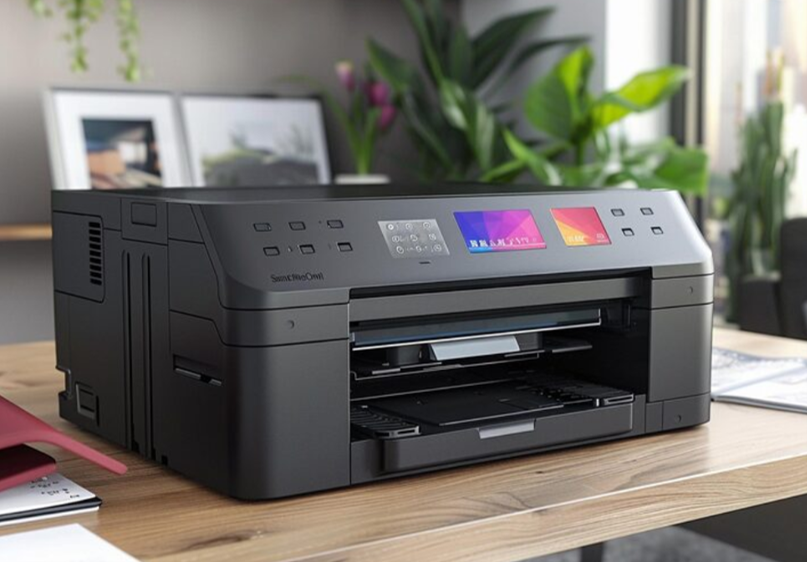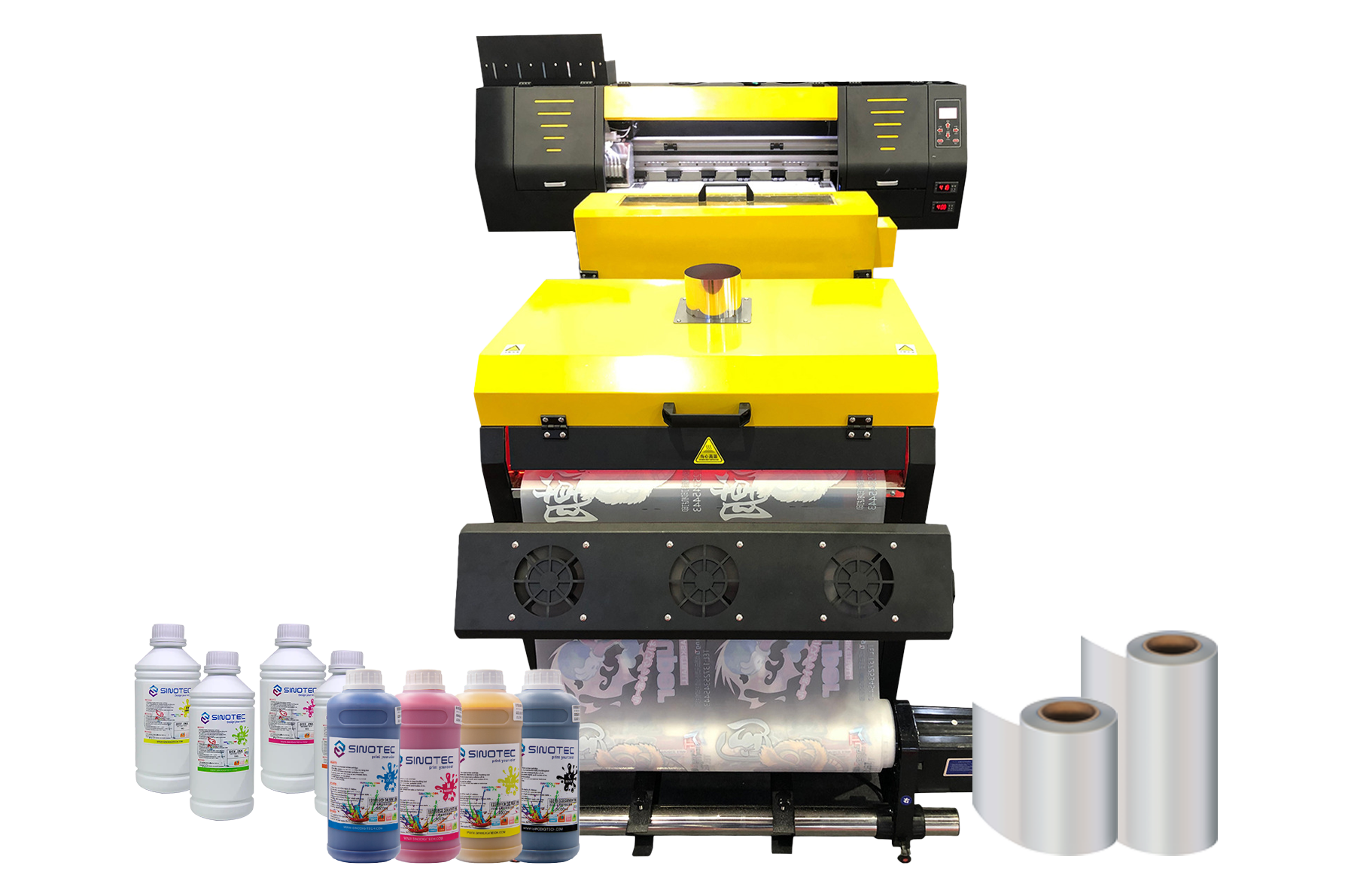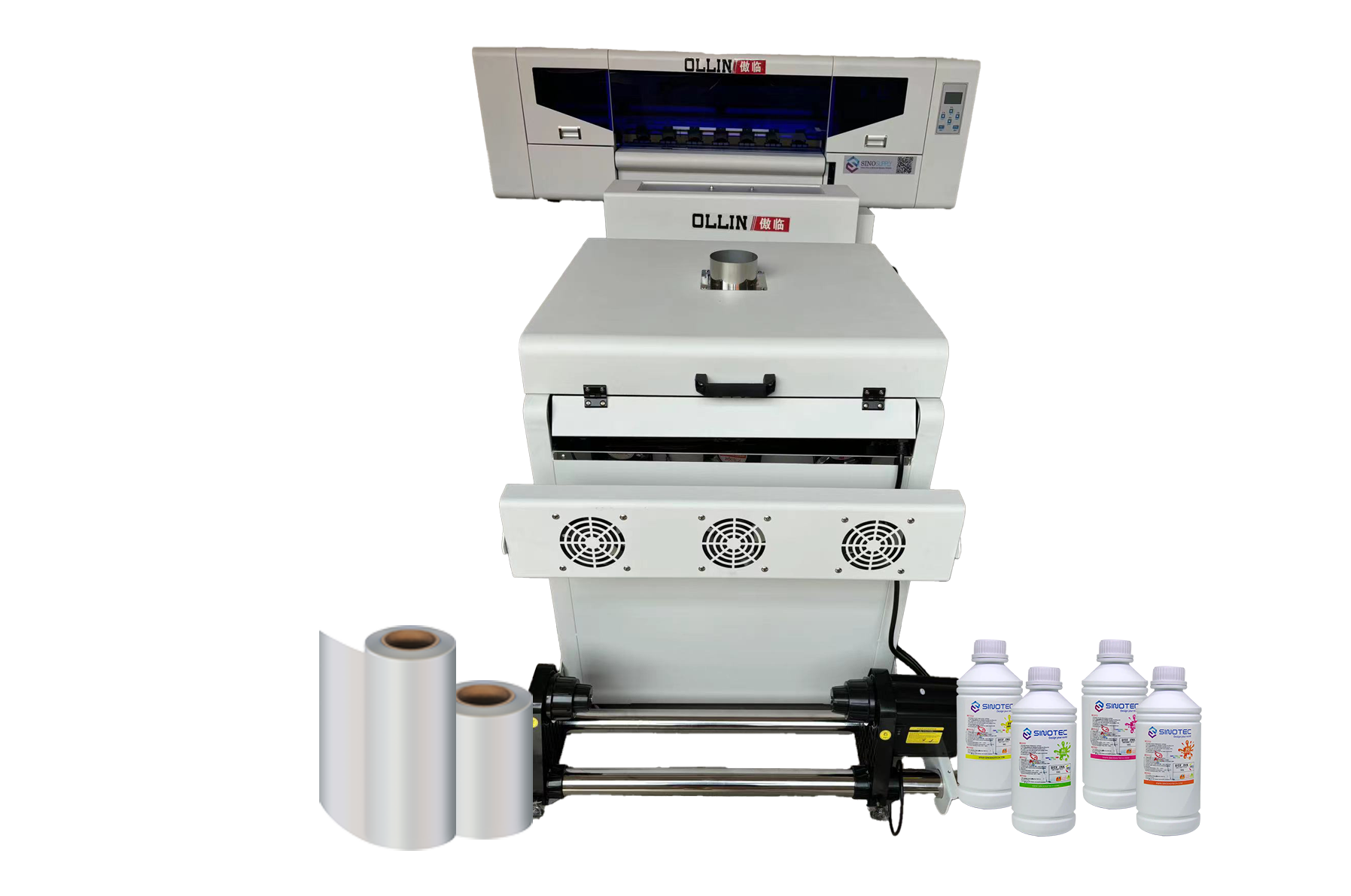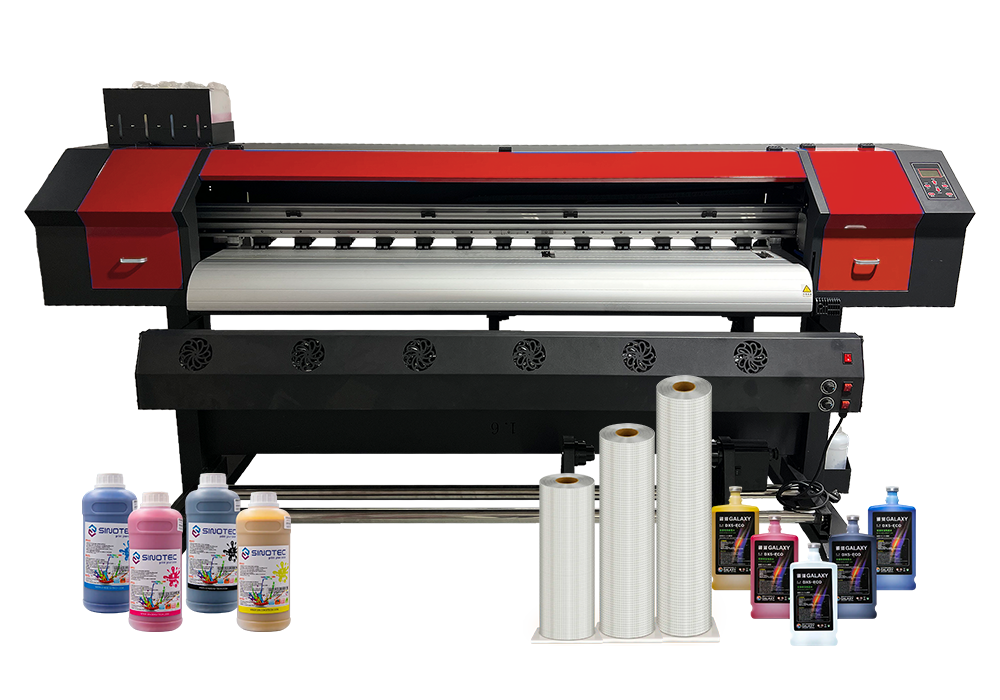
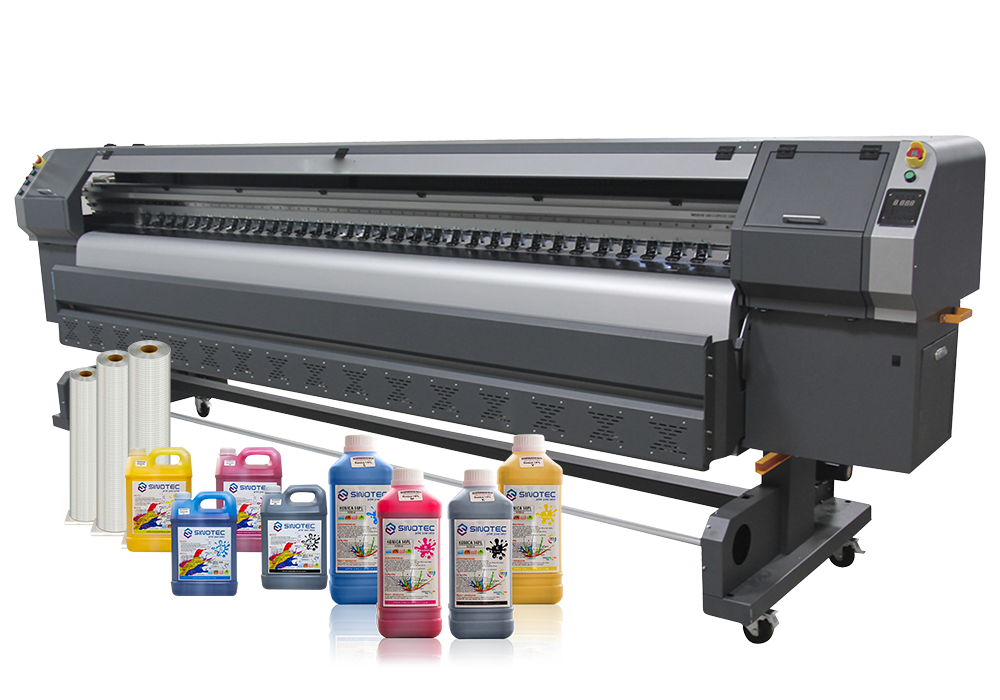
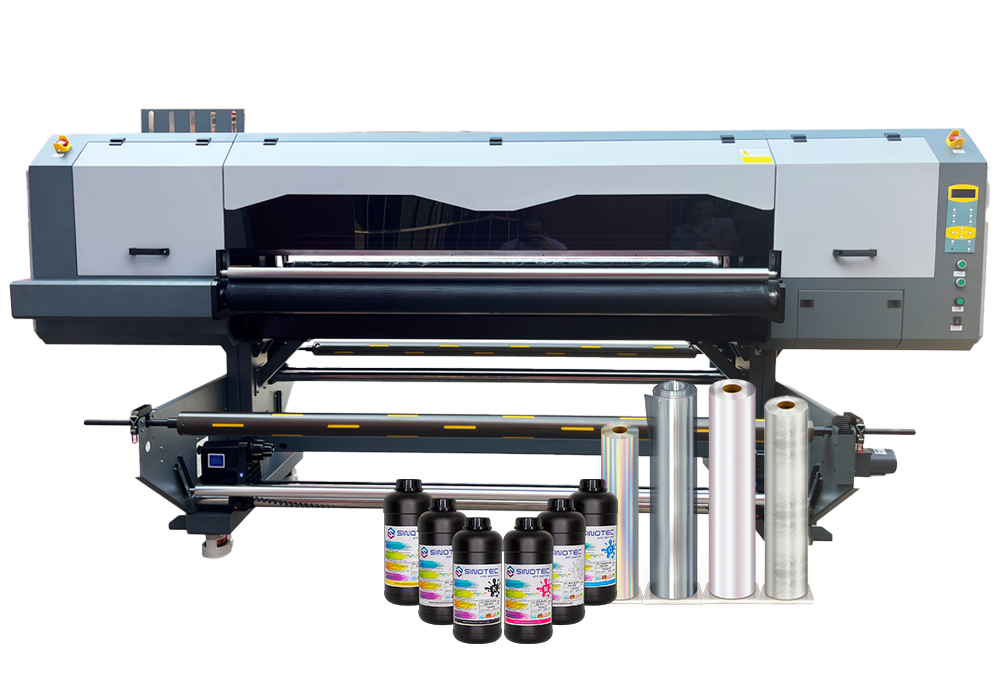
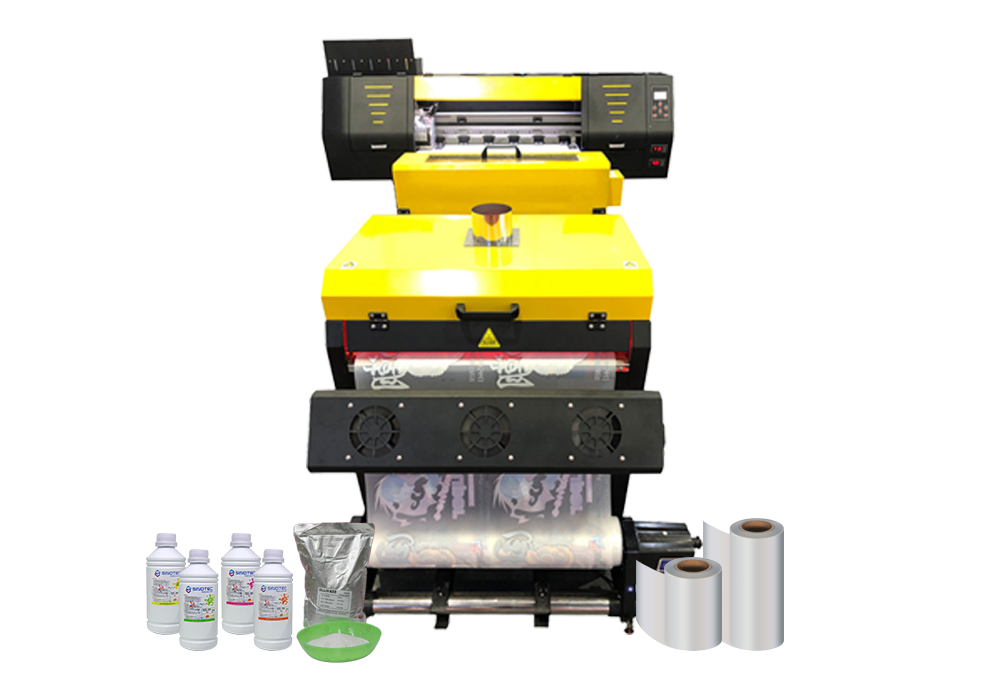
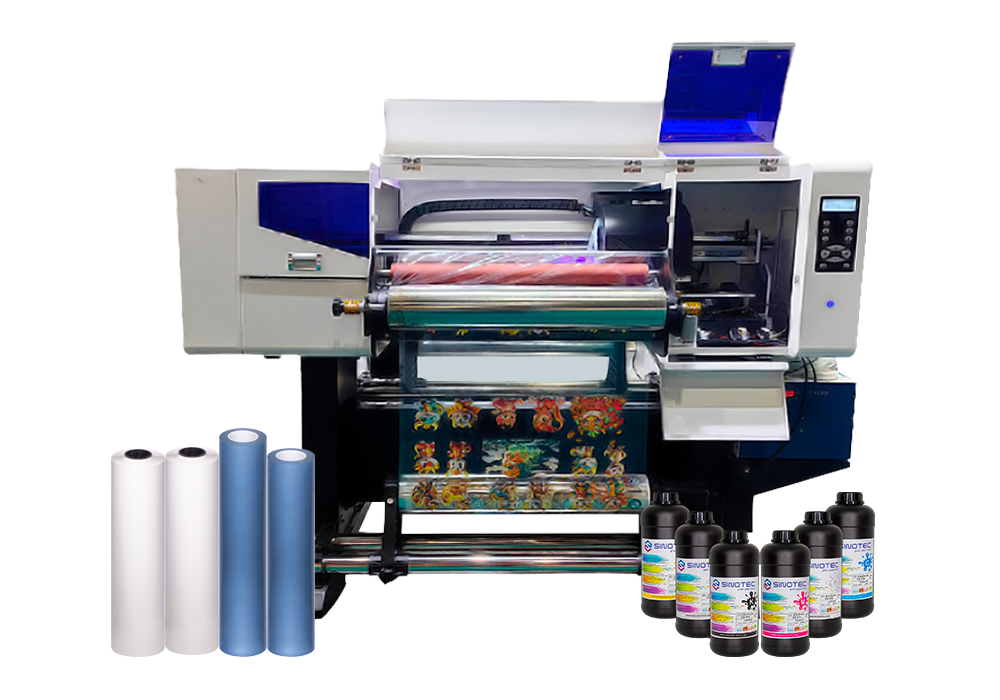
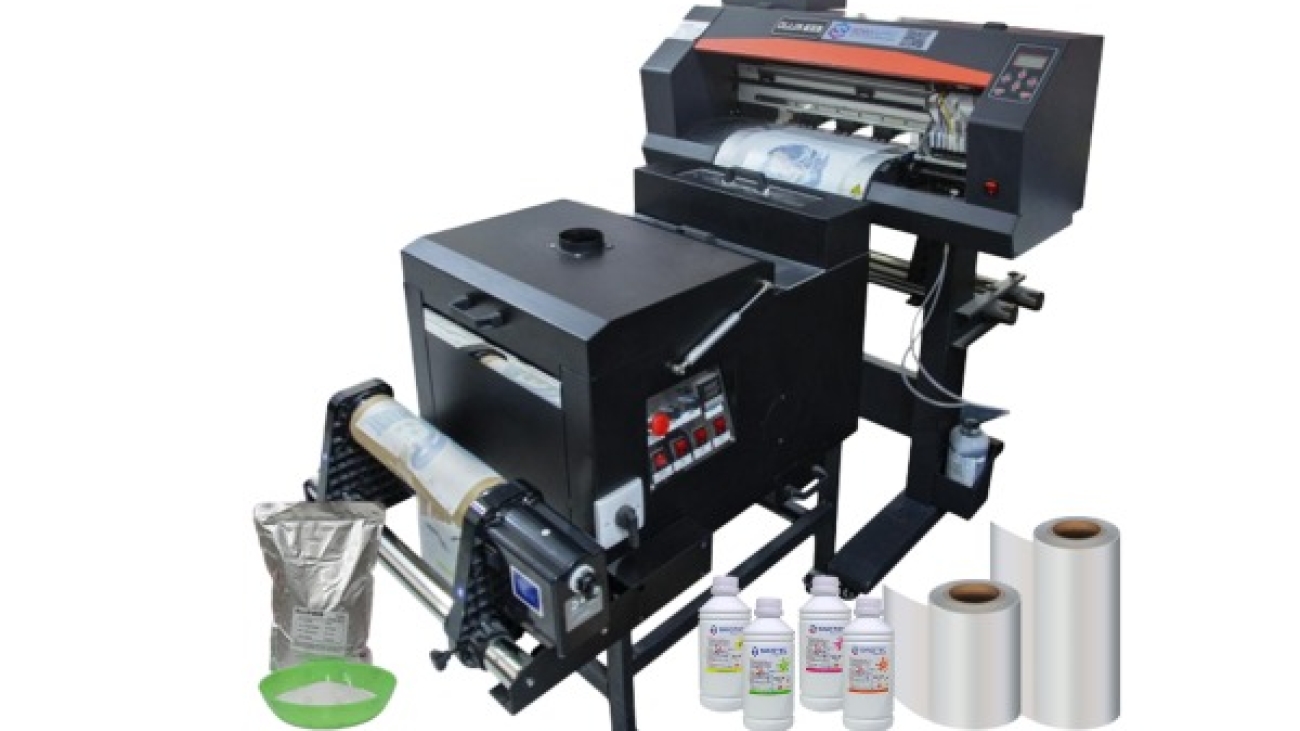
DTF printer with a powder shaker and curing unit for textile transfers

Hoja de ruta para la selección de máquinas de impresión textil: DTF, Sublimación, o inyección de tinta de gran formato?

Comprensión de las opciones de su máquina de impresión textil: DTF vs Sublimation vs Wide-Format Inkjet Performance

OK so here’s the thing nobody tells you when you’re shopping for your first textile printer: La tecnología que elijas importa mucho más que el nombre de la marca en el frente.. Aprendí esto de la manera más difícil después de gastar seis mil dólares en una máquina que era técnicamente excelente pero totalmente incorrecta para lo que realmente necesitaba imprimir..

Directo a película (DTF) Básicamente se ha apoderado del mundo de la ropa personalizada en los últimos años, y por una buena razón.. Imprimes tu diseño en una película especial., espolvoréelo con polvo adhesivo, curarlo, luego presiónelo con calor sobre prácticamente cualquier tela. Algodón, poliéster, mezclas, incluso cuero si te sientes aventurero. La inversión inicial va desde $3,000 a $15,000 dependiendo del ancho y la velocidad, pero esto es lo que me vendió: puedes imprimir tinta blanca. Suena simple, but that one feature opens up dark garments in a way other methods just can’t touch.

Sublimation is the other heavy hitter. Different beast entirely.

It only works on polyester or poly-coated surfaces (think mugs, fundas de móvil, those weirdly popular car seat covers), but when it works, the colors are insane. Like, genuinely more vibrant than anything DTF can produce. The ink turns into gas under heat and bonds at a molecular level with the fabric — so it never cracks, never peels, never fades in the wash. But you’re locked into light-colored poly fabrics. That’s the trade-off.

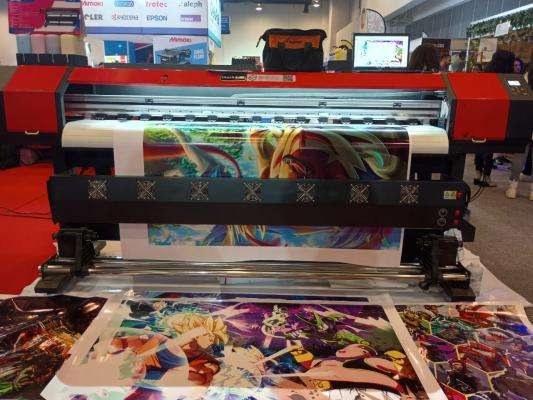
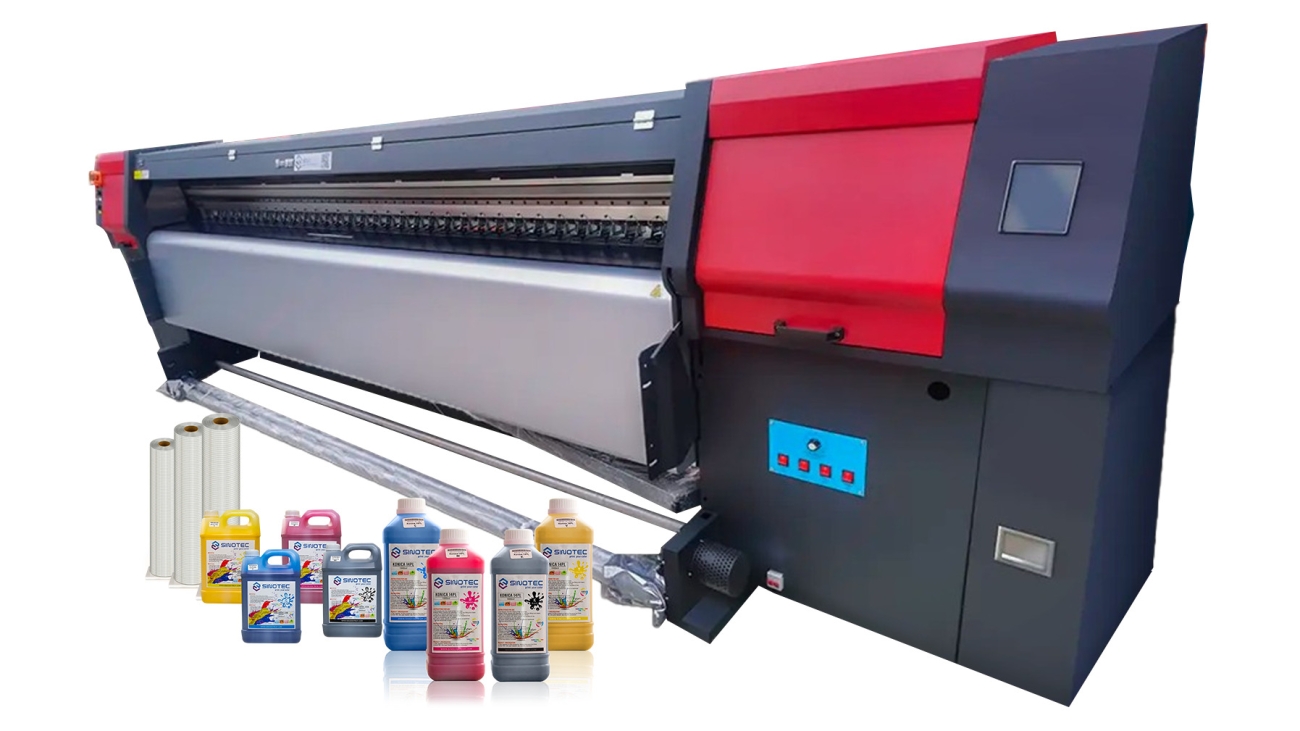
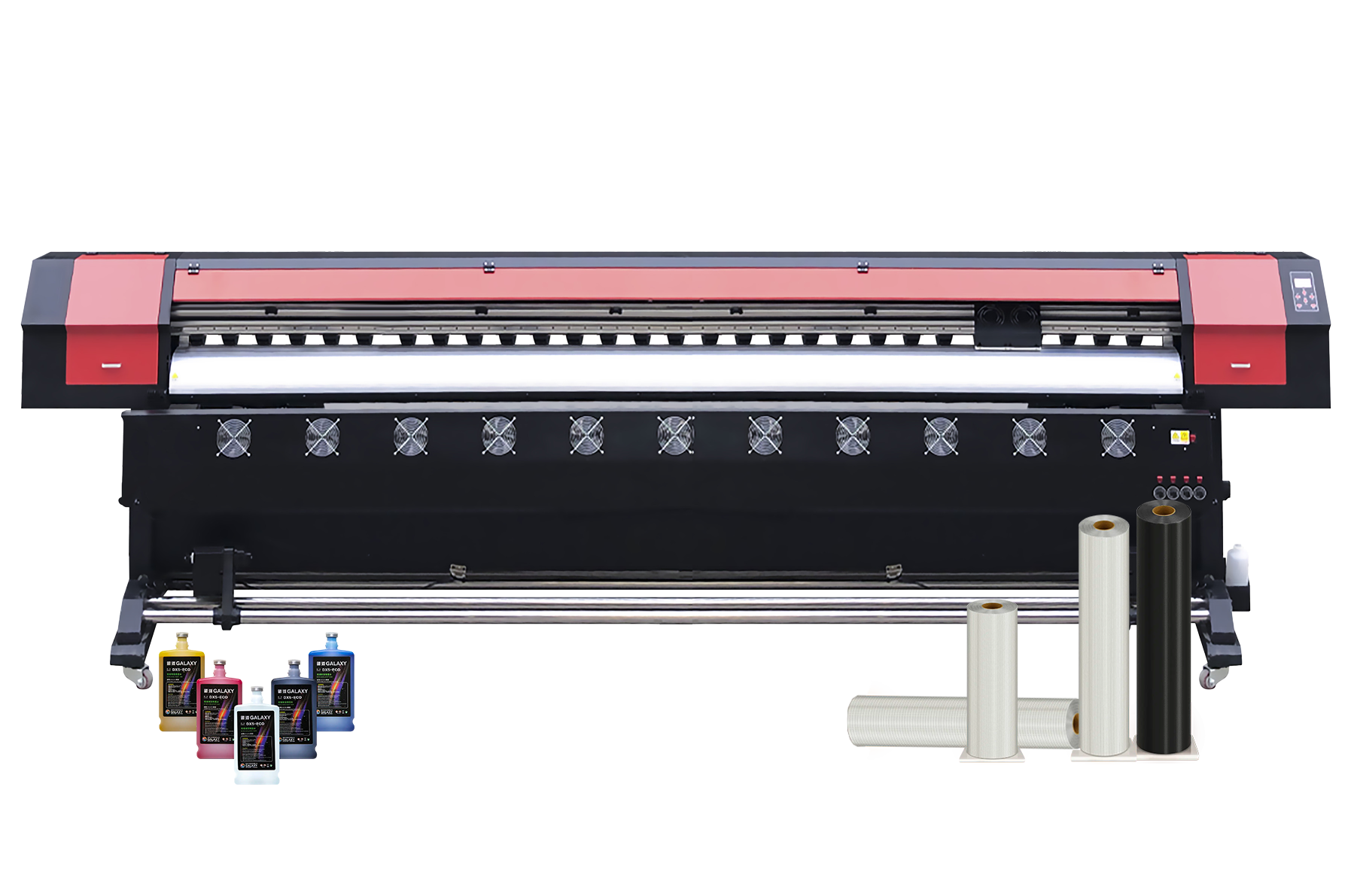
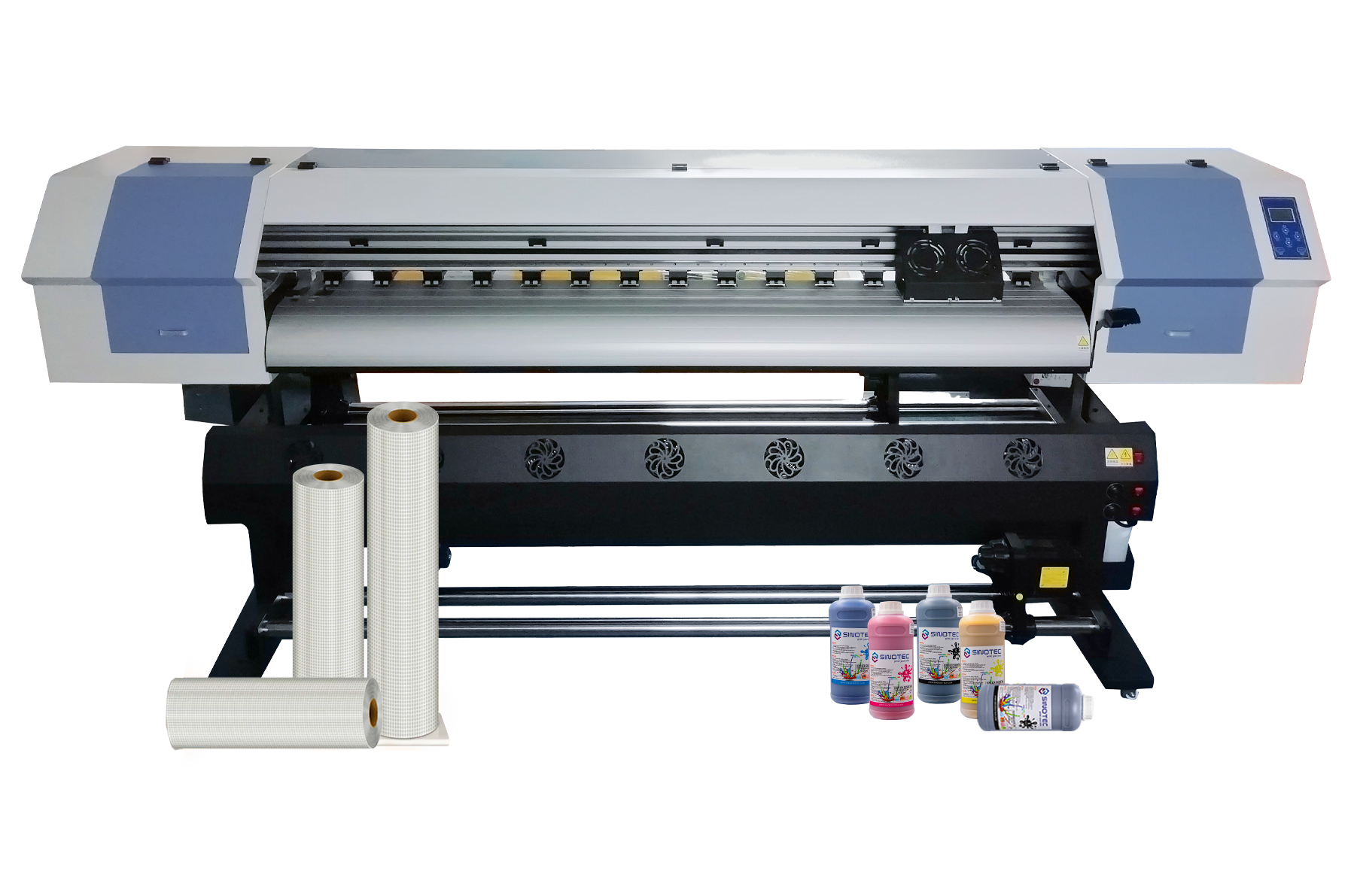
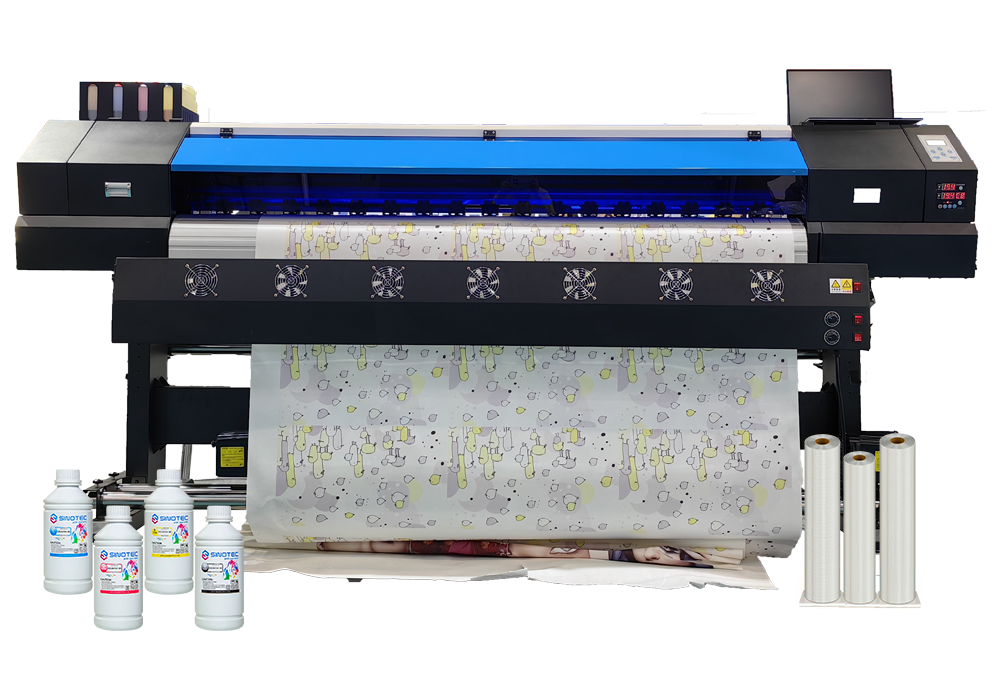
Then there’s wide-format inkjet, which is basically a Graphic Printing Machine that someone convinced to print on fabric instead of vinyl banners. These things are massive (some hit 64 pulgadas de ancho), crazy fast, and they’ll handle soft signage, flags, backdrops, trade show graphics. Not really for t-shirts unless you’re doing all-over prints or cutting and sewing custom patterns. Think industrial scale — I’ve seen shops running 500-yard orders on these.

Each technology has its lane. DTF for custom apparel with no minimums. Sublimation for poly products with permanent, photo-quality color. Wide-format for big textile runs where speed matters more than garment versatility. Choose based on what you’re actually selling, not what sounds coolest.

Which Graphic Printing Machine Technology Actually Matches Your Production Volume and Fabric Types

I watched a startup blow $40,000 on a dye-sublimation setup last year because someone told them it was “the future of textile printing.” They were printing mostly cotton tees. Sublimation doesn’t work on cotton. At all. The machine sat there for three months before they sold it at a loss.
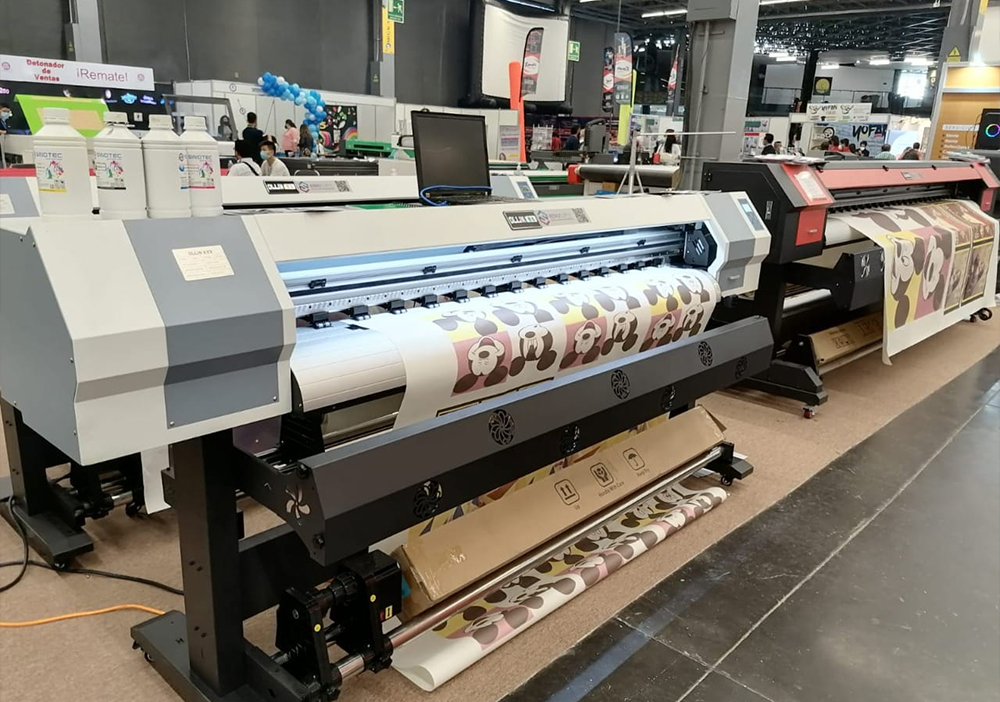
Impresoras ecosolventes

So let’s talk real numbers and actual fabric compatibility, because the Graphic Printing Machine you pick needs to match what you’re physically printing — not what you think you might print someday.

DTG (direct-to-garment) handles low-to-medium volume really well. estamos hablando 20-200 pieces per day if you’re running efficiently. Algodón, cotton blends, anything with natural fibers — DTG loves that stuff. Poliéster? Not so much. The ink sits on top instead of bonding, and you get this weird plasticky feel. I’ve seen shops push 300 shirts in a day on a good industrial DTG unit, but you’re babysitting the thing constantly (white underbase clogs, print heads need cleaning, the usual drama). Best for on-demand operations or small custom runs where setup time matters more than raw speed.

Dye-sublimation is the opposite animal. High volume only makes sense here — you need at least 100-piece runs to justify the setup. But if you’re doing polyester all day (athletic wear, performance fabrics, artículos promocionales), nothing touches it for permanence. The color literally becomes part of the fabric. I tested a sublimated jersey that went through 50 wash cycles with zero fade. Zero. la captura? Polyester only. Maybe poly-blends if you’re OK with muted colors on the natural fiber percentage.

Screen printing still wins for massive runs — 500+ pieces of the same design. Algodón, poly, mezclas, doesn’t matter much. And honestly, for simple 1-3 color jobs on heavy fabric like hoodies or canvas bags, nothing beats the durability. Setup time kills you on small orders, aunque. Anything under 50 pieces and you’re losing money on labor.

Wide-format textile printers (the ones that look like they belong in a print shop, not a garment factory) are for soft signage, pancartas, trade show backdrops — basically anything that’s fabric but not a garment. These run 100+ yards per hour on polyester or treated cotton. Not your tool for t-shirts unless you’re cutting and sewing custom patterns afterward.

Match the technology to your actual daily workload. Not your dream workload. Your actual orders from last month.

Real-World Cost Breakdown: Comparing Initial Investment and Per-Print Economics for DTF, Sublimación, and Inkjet Systems

I burned through $18,000 learning this the hard way, so let me save you the tuition.
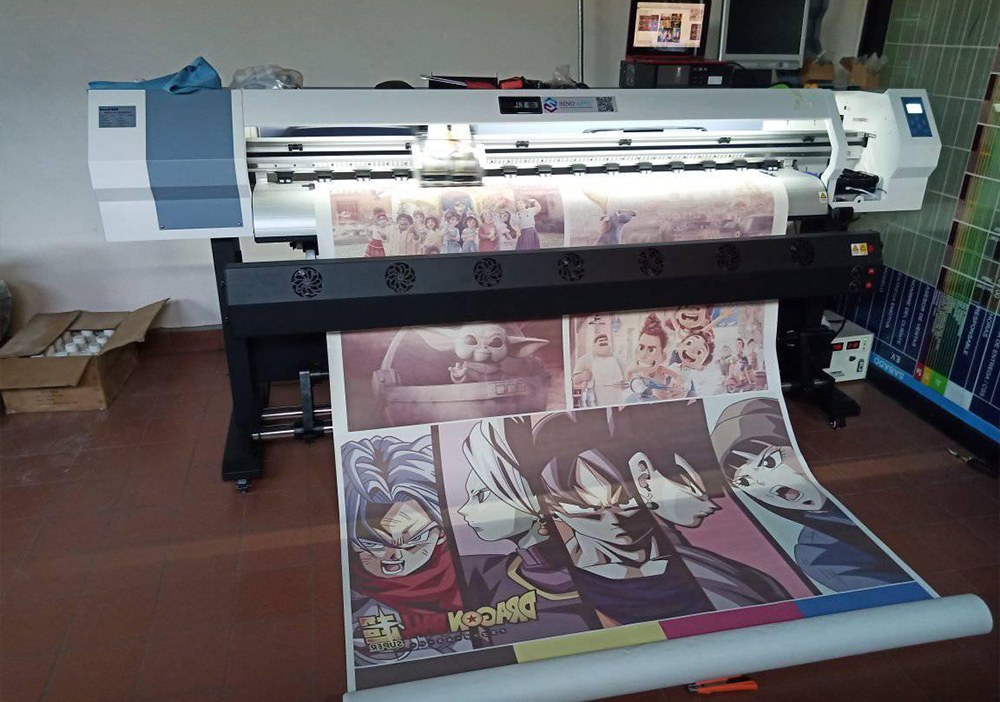
Máquina de impresión de pancartas

DTF printers look cheap up front — you can get a decent A3 setup for around $4,500 — but the consumables will murder you if you’re not careful. Polvo, película, tinta, hot-melt adhesive sheets. I was paying $0.85 per print for an 11×15 transfer once you factor everything in. That’s before labor. The break-even point for me was around 40-50 shirts per design, which worked great for local sports teams but tanked my margins on custom one-offs. And the film waste? You’re throwing away at least 15% on trimming and failed prints while you dial in your settings.

Sublimation is the opposite math. Entry cost is lower — a solid 13-inch Sawgrass setup runs about $2,800 — and your per-print cost drops to maybe $0.30 for an average design (ink and paper, that’s it). But here’s the catch: polyester only. White polyester, ideally. I watched a friend buy a $12,000 wide-format sublimation printer for “custom activewear” and then realize 60% of his inquiries were for cotton hoodies. Expensive mistake.

Technology Initial Investment Cost Per Print (11×15) Break-Even Volume
DTF (A3 system) $4,500–$8,000 $0.75–$1.20 40–60 units/design
Sublimación (13″ impresora) $2,800–$5,500 $0.25–$0.45 20–30 units/design
Modified Inkjet (Epson ET-8550) $600–$1,200 $0.15–$0.30 10–20 units/design

Modified inkjet setups — basically hacking an Epson EcoTank with sublimation or pigment inks — are how most people actually start. Low upfront cost. Stupidly cheap per print. But you’re limited to 13×19 max, and if you’re running a graphic printing machine all day, the printheads will clog on you every 6-8 weeks (ask me how I know). Fine for side hustles. Not fine for production.

So calculate your monthly volume first, then work backward to the technology. Not the other way around.

Matching Textile Printing Machine Capabilities to Your Business Model — Custom Orders, High Volume, or Multi-Substrate Flexibility

I watched a guy drop $48,000 on a DTG flatbed last year because “it looked professional” — then realize three months later he was doing 90% custom tote bags and maybe 12 T-shirts a month. Wrong machine. Completely wrong.

Your business model dictates the tech stack, not the other way around. If you’re running a print-on-demand storefront with 200 SKUs and orders trickling in one or two at a time, you need a different textile printing machine than someone cranking out 500 identical hoodies for a corporate client. And both of those are wildly different from a contract printer doing fashion samples on silk one day and canvas totes the next.

Custom orders — the Etsy crowd, the wedding favor people, the guy who makes ironic dad hats — need speed-to-first-print and low setup waste. DTG wins here. You’re not doing prepress. You’re not mixing Pantone inks. You upload a file, hit print, curarlo, done. A single-head DTG can handle 8–12 custom garments an hour if you’re moving. The per-unit cost sucks compared to screen printing, but setup time is zero, so your margins still work on one-offs.

High-volume shops — think merch for bands, company uniforms, bulk blanks for resellers — should be looking at automatic screen presses or hybrid UV-DTF systems. Once you’re past 50 units per design, screen printing demolishes everything on cost per piece. An 8-color auto can do 250+ shirts an hour. But setup takes 45 minutes and you’re eating the cost of screens, so anything under 24 units doesn’t pencil out. (I’ve seen shops refuse orders under 48 pieces for this exact reason.)

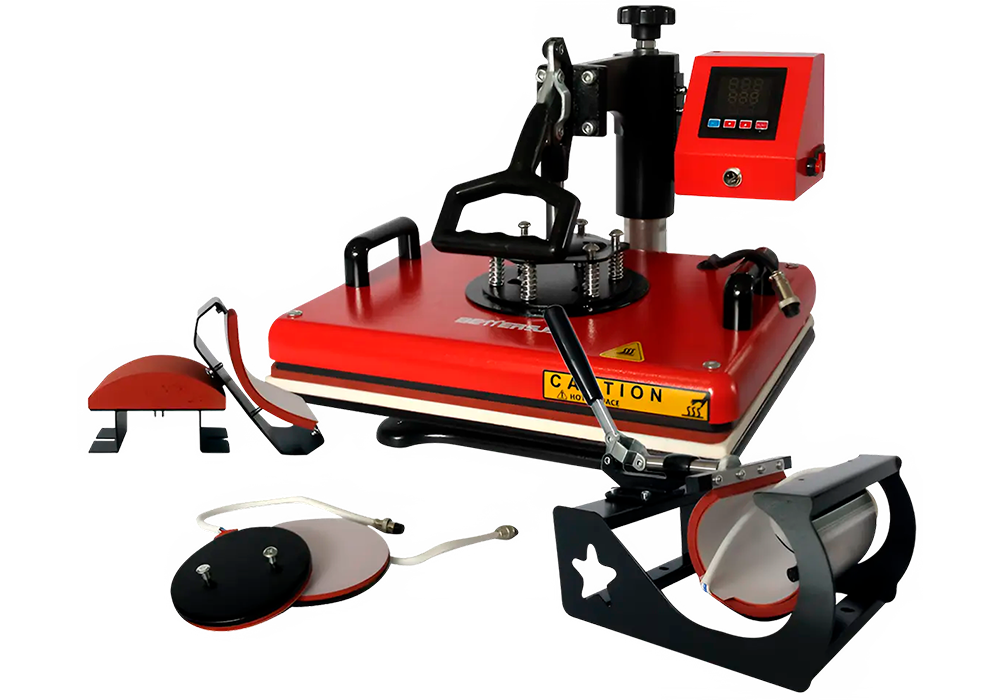
Multi-substrate flexibility is where it gets weird. If you’re printing on cotton y poliéster y madera y ceramic — yeah, sublimation or a modded graphic printing machine with pigment inks is your only real play. You lose some color vibrancy on natural fibers, but you gain the ability to say yes to almost any substrate. A 13-inch sublimation printer with a heat press will handle fabric, tazas, mouse pads, and metal prints. Jack of all trades. Master of none — but sometimes that’s exactly what a startup needs.

Conclusión

Here’s the truth: most people overthink this decision. If you’re printing on cotton and doing small batches, DTG is still king. High volume on polyester blends? Screen or UV-DTF wins every time. The Textile Printing Machine that’s “best” is whichever one matches your actual order mix — not the one with the flashiest spec sheet.

I’ve watched shops drop $40K on equipment that sits idle because they chased capability instead of capacity. Start with your real numbers: what substrates are you actually printing on, what’s your average order size, and how fast do you need to scale. Those three answers will narrow your field to maybe two machines.

And if you’re still torn? Rent first. Most distributors offer 30-day trials now. Run your actual jobs through it before you sign anything.

Preguntas frecuentes

q: How much does a Textile Printing Machine actually cost?

A: Entry-level DTG machines start around $15K (Epson F2100 territory), mid-range direct-to-film setups run $25K–$45K, and industrial screen printing automatics can hit $80K–$150K. The real cost isn’t the machine though — it’s the consumables, contratos de mantenimiento, and whether you’re financing or paying cash. I’ve seen shops spend more on ink and pretreatment in year two than they did on the equipment itself.

q: What’s the difference between DTG and DTF printing?

A: DTG (direct-to-garment) prints straight onto fabric using modified inkjet tech — think of it like a giant printer that eats t-shirts. DTF (direct-to-film) prints onto a special film first, then heat-transfers that image onto the garment. DTG gives you softer prints on cotton but needs pretreatment; DTF works on damn near anything (poliéster, nylon, cuero) but feels slightly thicker.

q: Can I run a Textile Printing Machine from home?

A: Technically yes, but your neighbors might hate you. Most machines need dedicated 220V power, proper ventilation (those fumes are no joke), and climate control — humidity kills print quality fast. I know three people running DTG setups in converted garages, and all of them wish they’d gone straight to a commercial space. The noise alone from a conveyor dryer will end friendships.

q: How long does it take to print one shirt?

A: A DTG Textile Printing Machine takes 2–4 minutes per shirt depending on design complexity (full-color photorealistic images eat more time). Screen printing is way faster once you’re set up — maybe 20 seconds per piece — but setup eats an hour. UV-DTF is the sweet spot for speed: 30–45 seconds per transfer, no pretreatment needed.

q: What fabrics work best with textile printing machines?

A: 100% cotton is still the gold standard for DTG — the ink bonds beautifully and the hand-feel stays soft. Poly-cotton blends (50/50 o 60/40) work but you’ll see some color shift and need white underbase. Straight polyester needs either sublimation equipment or DTF transfers; trying to DTG print on poly is like writing with a Sharpie on wax paper.

q: Is buying a used Textile Printing Machine worth the risk?

A: Depends entirely on the print head hours and maintenance records. A two-year-old machine with 500 hours and documented cleaning logs? Solid deal at 40% off retail. A five-year-old unit with mystery service history and a “works great!” description on Facebook Marketplace? Pass — you’re buying someone else’s expensive problem. Always get a tech inspection before you wire money.

q: Why do some prints crack or fade after washing?

A: Usually it’s a curing issue — you didn’t hit the right temperature long enough, or your conveyor dryer speed was too fast. Cheap ink matters too (I learned this the expensive way with a bulk supplier in 2026). The other culprit is fabric prep: oil, sizing chemicals, or fabric softener residue will wreck ink adhesion no matter how perfect your Textile Printing Machine settings are.
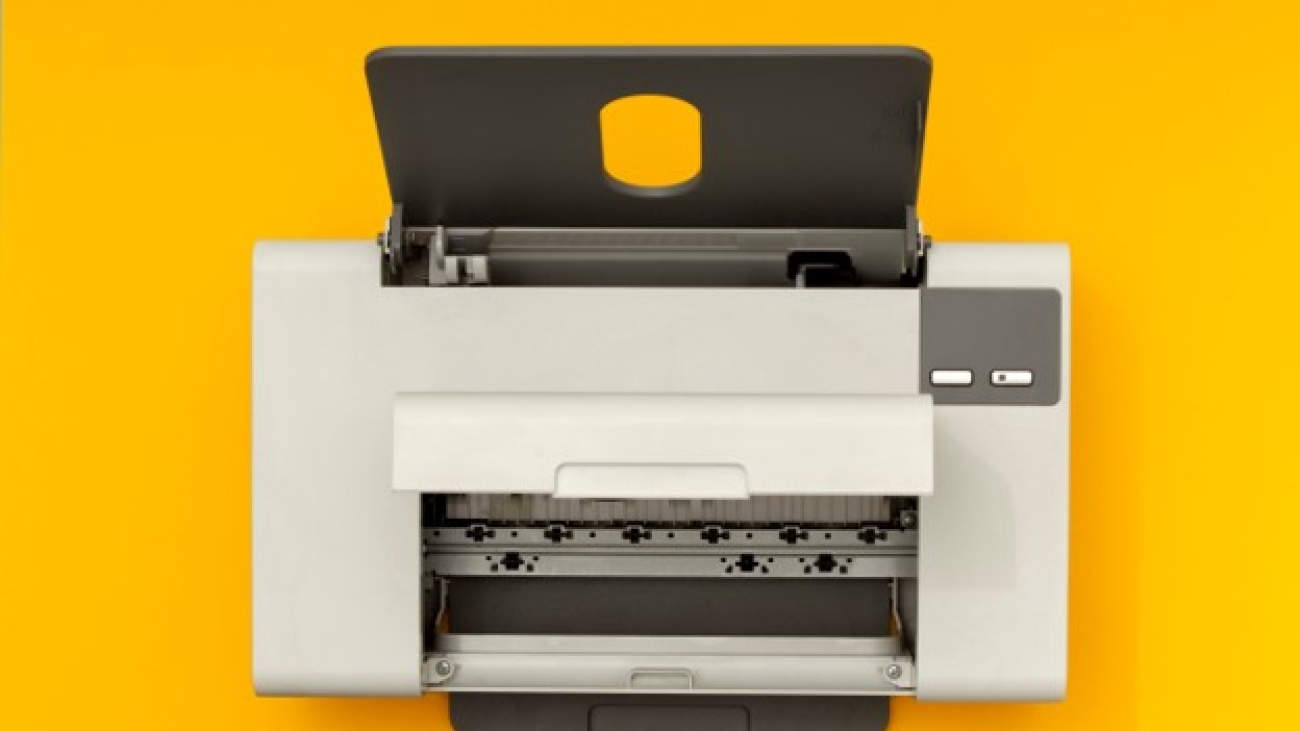
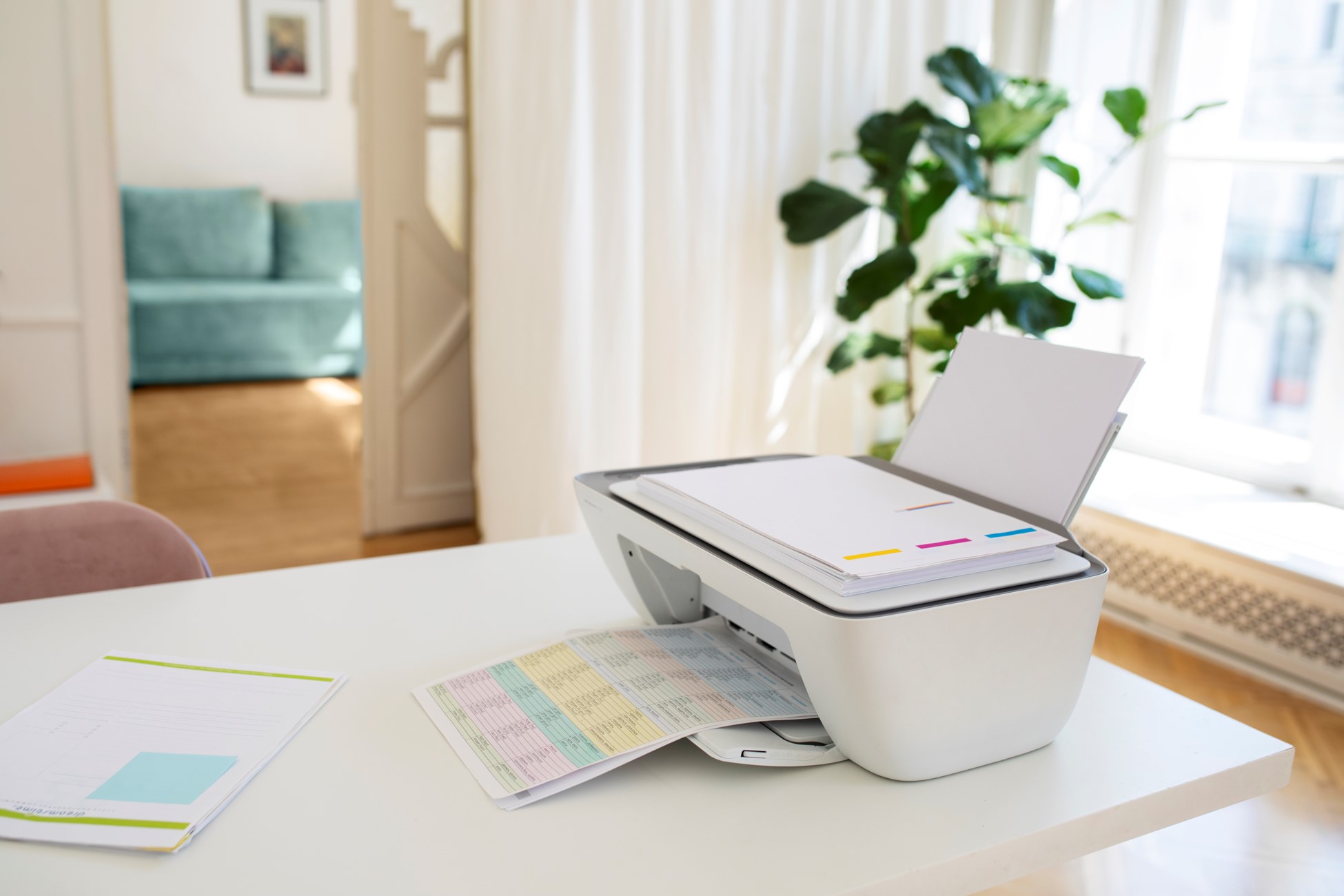
Impresora de inyección de tinta

Lo que realmente hace una impresora de inyección de tinta grande (Y por qué las especificaciones son más importantes que la marca)

La mayoría de los compradores se fijan primero en las marcas. Ese es el punto de partida equivocado.

A large inkjet printer works by propelling microscopic droplets of ink — sometimes as small as 2 picolitros: a través de un cabezal de impresión y sobre un sustrato con suficiente precisión para contener líneas finas, gradientes, y detalles fotográficos en anchos que una máquina de escritorio no podría alcanzar. estamos hablando 24 pulgadas, 44 pulgadas, 60 pulgadas de ancho. Algunos sistemas alimentados por bobina son aún más anchos. La tecnología central parece bastante simple, pero las variables que subyacen a esa descripción básica son las que provocan que los compradores se quemen constantemente.: tamaño de gota, configuración del cabezal de impresión, química de la tinta, manejo de medios, y el método de secado interactúan de maneras que las hojas de especificaciones no siempre explican claramente.

Esto es lo que pasa con las especificaciones: no son sólo números para impresionarte en una feria comercial.. A commercial inkjet printer running aqueous dye inks will produce stunning color on coated photo paper and look completely washed out on uncoated banner material. Swap to a solvent or latex ink system and suddenly you’ve got outdoor durability, but your fine-art reproduction quality takes a hit. Neither is universally better. It depends entirely on what you’re printing, how often, and on what surface.

And the “large plotter printer” category specifically adds another layer of complexity — these machines are built around precision drafting and technical output, where dimensional accuracy matters more than color gamut. An architectural firm printing CAD drawings has almost nothing in common with a print shop running retail signage, even if both are using a 36-inch wide-format machine from the same product family.

The table below breaks down the primary spec categories that actually affect real-world output quality — not the marketing highlights, but the functional differences worth comparing before you commit to a purchase:

Spec CategoryWhy It MattersWhat to Look For
Print Resolution (PPP)Determines fine detail and edge sharpness1200 DPI minimum for photo/graphic work
Ink TypeAffects durability, color range, and media compatibilityMatch ink chemistry to your primary substrate
Printhead TechnologyImpacts speed, consistency, and maintenance costPiezo vs. thermal — piezo tends to last longer
Max Print WidthSets the ceiling on your output format optionsBuy wider than your current largest job requires
Media HandlingDetermines substrate flexibility and workflow speedRoll-to-roll vs. flatbed vs. hybrid configurations

Print Width, Resolución, and Ink Systems — The Three Numbers You Can’t Ignore

Three numbers. That’s really what separates a machine that fits your operation from one that becomes an expensive paperweight six months in. Print width, resolution, and ink system — get all three right, and almost everything else is just fine-tuning.

Print width is the obvious one, but buyers consistently underestimate it. The rule of thumb that actually holds up in practice: buy wider than your biggest current job demands. If your largest regular output is 42 pulgadas, look at a 54- or 60-inch machine. Por qué? Because the moment you start turning away a client because your large inkjet printer can’t physically fit their banner, you’ve already lost more than the machine’s cost differential. A large plotter printer running at 60 inches doesn’t cost dramatically more to operate than a 44-inch model — but the ceiling it removes from your revenue potential is significant.

Resolution is where people get tangled up in specs that don’t always translate to real-world results. Honest answer: 1200 DPI is a reasonable floor for graphics and photo work, but the printhead technology matters just as much as the number itself. A machine printing at 1200 DPI with a well-calibrated piezo head — Epson’s PrecisionCore architecture is a good reference point here — will outperform a thermal system rated at 2400 DPI that’s running with clogged nozzles. So don’t chase the bigger number blindly.

Ink chemistry is where things get genuinely complicated (and where a lot of buyers make expensive mistakes). Aqueous inks are excellent for indoor photo and fine art output but will fade or bleed on outdoor substrates. UV-curable inks adhere to rigid materials — acrylic, aluminum composite, foam board — and cure instantly under UV lamps, which speeds up workflow considerably. Solvent and eco-solvent inks sit somewhere in the middle: outdoor-durable, flexible enough for vehicle wraps, and compatible with a wide range of vinyl media. Any commercial inkjet printer running outdoor signage or fleet graphics work almost certainly needs solvent or UV capability.

Match the ink system to your primary substrate first. Everything else follows from that decision.

Impresora de inyección de tinta

Where a Large Plotter Printer Fits vs. Where It Doesn’t

Fit matters more than features. A large plotter printer sitting in the wrong environment is just an expensive dust collector — and that’s not an exaggeration if you’re a small print shop running maybe 10-15 wide-format jobs a week on a machine built for 10x that volume.

So where does a large inkjet printer genuinely earn its keep? Commercial print shops, architectural firms, interior design studios, event production companies, and any operation doing consistent wide-format output at scale. These are environments where the throughput justifies the footprint, the maintenance overhead, and the media costs. A commercial inkjet printer running at near-capacity is a completely different value proposition than one sitting idle three days out of five.

Not every buyer fits that profile, aunque.

A freelance photographer who occasionally prints exhibition pieces doesn’t need a 64-inch roll-fed beast — a desktop photo printer at a fraction of the cost handles that workload without the ink maintenance headaches that come with machines left idle for extended periods (and yes, clogged heads are a real operational cost, not just an inconvenience). Same logic applies to small marketing teams who send maybe two or three banner jobs a year to an outside vendor. Outsourcing those runs is almost always cheaper than ownership when volume is that low.

But when volume crosses a certain threshold — say, daily print runs, consistent substrate variety, or tight turnaround requirements — in-house wide-format production starts making serious financial sense. Buyers sourcing through suppliers like SINOTEC often hit this crossover point when they’re scaling a regional print operation or building out commercial production capacity for OEM or contract work.

  • High fit: print shops, trade show producers, empresas de señalización, architectural visualization studios
  • Low fit: occasional-use creative freelancers, small offices with minimal visual output needs
  • Gray zone: mid-size marketing departments — depends entirely on monthly print volume and turnaround sensitivity

Honest answer? Most buyers overestimate their volume and underestimate their maintenance commitment. Know your actual monthly square footage before you commit to anything.

Impresora de inyección de tinta

How to Match a Commercial Inkjet Printer to Your Real-World Output Needs

Matching the machine to the actual job — not the job you imagine you’ll have six months from now — is where most buyers go wrong. The spec sheet looks great. The demo print looks great. And then the printer sits at 40% utilization because the workload never materialized the way the purchase justification said it would.

So here’s a more grounded way to think about it. Start with your dominant output type, not your maximum output type. A commercial inkjet printer built around textile or backlit film production has a completely different ink system and media handling setup than one optimized for CAD drawings or technical schematics. These aren’t interchangeable — not without real performance trade-offs.

Three variables actually matter most when you’re trying to match a large inkjet printer to real commercial workloads:

  • Media range — how many substrate types does your operation actually run per month? (If the honest answer is “mostly one or two,” you don’t need a hybrid machine.)
  • Speed vs. quality balance — production signage can tolerate faster, lower-pass printing; fine art reproduction or architectural rendering cannot
  • Ink system durability — pigment-based systems hold up better for outdoor applications; dye-based systems punch harder on color gamut for indoor display work

A large plotter printer in a high-volume technical environment — think engineering firms running daily blueprint output — has almost nothing in common with a wide-format unit serving a trade show graphics shop, even if both machines print at 60 pulgadas de ancho. Same category. Completely different animal.

Buyers sourcing at scale, particularly those working with OEM-focused suppliers on customized builds, often find that nailing the ink system first simplifies every other decision downstream. Get that wrong and you’re fighting the machine on every job.

Not complicated. Just specific. The buyers who get this right are the ones who audit their actual job logs — real substrate types, real turnaround windows, real monthly square footage — before they ever open a product catalog.

Conclusión

The spec sheet is not your friend here. What actually matters — ink system, substrate range, real duty cycle — lives in your own job logs, not in a manufacturer’s marketing copy.

Buying a large inkjet printer without auditing your actual workload first is how businesses end up with expensive hardware that fights them on every run. Pigment or dye, roll-fed or flatbed, 44-inch or 64-inch — none of those calls are hard once you know what you’re genuinely printing, how often, and on what.

Get specific before you get shopping.

Preguntas frecuentes

q: What is a large inkjet printer actually used for in a commercial setting?

A: Large inkjet printers handle output that desktop units can’t — think banners, trade show graphics, rotulaciones de vehículos, architectural drawings, fine art reproductions, and wide-format photography. The defining factor is print width, typically 24 inches and up, which is what separates them from standard office hardware. Most commercial buyers are running roll media, though flatbed configurations handle rigid substrates like foam board, acrílico, and aluminum composite.

q: How much does a large inkjet printer cost?

A: Entry-level wide-format machines from brands like Epson or Canon start around $1,500–$3,000 for 24-inch models, but production-grade large inkjet printers — 44-inch to 64-inch roll-fed units — run $10,000 a $30,000+. Flatbed UV systems can push past $80,000 depending on bed size and ink configuration. The hardware price is only part of it; tinta, media, and maintenance contracts stack up fast.

q: What’s the difference between pigment and dye ink in a large inkjet printer?

A: Pigment ink sits on top of the substrate and resists UV fading — it’s what you want for outdoor signage or archival prints. Dye ink absorbs into the media and produces more vibrant color on coated papers, but it fades faster under direct light. Choosing the wrong ink system for your primary use case is one of the most expensive mistakes buyers make.

q: How long do large inkjet prints actually last outdoors?

A: Unlaminated outdoor prints using quality pigment ink typically hold for 1–3 years under direct sun exposure. Add a UV-resistant laminate and that number climbs to 5–7 years on most vinyl substrates. Dye-based output degrades significantly faster — sometimes within months in high-UV environments — which is why substrate and ink pairing matters before you quote a client on durability.

q: Can a large inkjet printer handle rigid materials like wood or metal?

A: Roll-fed printers can’t — that’s a flatbed UV inkjet job. Flatbed large inkjet printers use UV-curable ink that bonds directly to rigid surfaces including aluminum, vaso, madera, baldosa ceramica, and even some plastics. If rigid media is a core part of your workload, a hybrid flatbed (which handles both roll and rigid) is worth the premium over a roll-only unit.

q: Why do large inkjet printers have such high running costs?

A: Ink is the main culprit — wide-format machines consume it fast, and OEM cartridges aren’t cheap. A 64-inch production printer running full-coverage graphics can burn through hundreds of dollars in ink per day at volume. Add printhead maintenance, waste ink tanks, and media costs, and your cost-per-square-foot calculation looks very different from the spec sheet’s headline number. Buyers sourcing through OEM/ODM channels — suppliers like SINOTEC that work directly with manufacturers — sometimes find better ink pricing on compatible systems without sacrificing output quality.

q: How do I know what size large inkjet printer I actually need?

A: Pull your last three months of job logs and find your most common output width — then buy one size up from that. Most shops think they need a 64-inch machine when a 44-inch unit would handle 90% of their actual volume with lower media waste and faster pass speeds. Overbuying on width is a real thing, and it costs you in media costs on every job that doesn’t fill the bed.

q: Is it worth buying a used large inkjet printer instead of new?

A: It depends almost entirely on the printhead hours — that’s the number sellers don’t always volunteer. A used large inkjet printer with low head hours and documented maintenance can be a solid buy at 40–60% off retail. Skip anything with no service history, clogged heads, or a discontinued ink system; the repair and consumables situation turns ugly fast, and manufacturer support on discontinued models is essentially nonexistent.

DTF printer with a powder shaker and curing unit for textile transfers

Cómo funcionan realmente la sublimación y la impresión DTF y por qué es importante la diferencia

La sublimación y el DTF no son lo mismo y confundirlos le costará dinero, tiempo, y un montón de espacios en blanco arruinados. Entonces, analicemos lo que sucede dentro de cada proceso., Porque la química importa más de lo que la mayoría de la gente cree..

A sublimation printer works by converting solid dye into gas under heat — skipping the liquid phase entirely. Ese gas se une directamente con las fibras de poliéster. (o superficies duras recubiertas de polímero) alrededor de 375 a 400 °F, convirtiéndose en parte del propio material. No sentarse encima. Dentro de ella. Es por eso que las impresiones por sublimación no parecen nada cuando las tocas: no hay ninguna capa de tinta que se despegue o se agriete.. la captura? Sólo funciona en colores claros., sustratos pesados ​​​​de poliéster. Algodón? Olvídalo. A 100% La camiseta de algodón te dará una imagen fantasma descolorida., no es una impresión vibrante.

DTF (directo a película) funciona de manera completamente diferente. A DTF garment printer deposits ink onto a special film, lo espolvorea con polvo adhesivo termofusible, lo cura, then transfers the whole thing onto fabric using a heat press. It sticks to almost anything: cotton, mezclas, dark fabrics, superficies texturizadas. That flexibility is genuinely useful. But the transfer layer sits on top of the fabric, and you can feel it — some buyers love the texture, others don’t.

Here’s where it gets interesting for product diversification. The same thermal-transfer logic that drives garment printing shows up in completely different market segments. How a Phone Case Printer Vending machine operates — heating a pre-printed film onto a case shell — borrows from the same fundamental transfer mechanics. And the conversation around Phone Case Printer Vending Machine vs. traditional retail setups often comes down to exactly this: transfer quality and substrate compatibility. How Countries Embrace Phone Case Printer technology also varies wildly — markets in Southeast Asia lean toward high-volume vending kiosks, while European buyers often prioritize print durability specs. Top Spots for Profitable Phone Case printing operations tend to cluster around high foot traffic and customization demand, not just equipment cost.

For straight garment work, a sublimation t shirt printer dominates when you’re running polyester sportswear or branded merch at scale. Soft hand-feel, zero cracking, wash durability that actually holds up past 50 cycles. Suppliers like SINOTEC who handle OEM spec work for international buyers see this distinction constantly — clients ordering sublimation setups for activewear and DTF rigs for fashion blanks. Different tools. Different jobs. Neither one is universally better.

Pick the wrong process and you’re not just wasting supplies. You’re reprinting entire runs.

The Sublimation T-Shirt Printer: What It Does Well and Where It Hits a Wall

Polyester is where a sublimation t shirt printer is basically unbeatable. Full stop. The dye bonds at a molecular level with the fabric — not sitting on top of it, not cracking off after a dozen washes — and the result is a print that genuinely outlasts the shirt itself in most cases. Sportswear brands, team kits, branded activewear runs: this is the machine’s home territory, and it owns it.

But here’s the wall, and it’s a hard one. Natural fibers. Algodón, linen, bamboo blends — sublimation dye has almost nothing to bond with on those materials, so the color either fades fast or never saturates properly to begin with. A DTF garment printer sidesteps that problem entirely by applying a film transfer that sticks regardless of fiber content, which is exactly why fashion-forward buyers running cotton streetwear blanks keep landing on DTF setups instead. Different chemistry. Different use case.

The substrate limitation trips up a lot of first-time buyers who see the print quality on a polyester sample and assume it’ll translate to everything in their catalog. It won’t. (This is also why understanding your actual product mix before buying any equipment matters more than any spec sheet comparison.)

There are also considerations beyond the garment itself. How a Phone Case Printer Vending operation handles substrate diversity is actually a useful comparison point here — those machines are engineered around a fixed substrate, which is why they work so cleanly. A sublimation printer runs best when you’ve similarly locked down your material choices. Versatility isn’t really the pitch. Consistency is.

  • Polyester and poly-blend fabrics: excellent color saturation, wash durability past 50+ cycles
  • Cotton and natural fibers: poor dye bonding, not recommended without a polymer coating pre-treatment
  • Hard substrates (tazas, paneles, cases): works well with the right heat press setup
  • White or very light base colors required — sublimation can’t print on dark fabric effectively

So the honest summary is this: a sublimation printer is a precision tool, not a catch-all. Know your substrate. Know your volume. Buy accordingly.

DTF garment printer

The DTF Garment Printer: Broader Fabric Range, Different Trade-Offs

DTF — direct-to-film — solves the problem that sublimation simply can’t. Dark fabrics. Algodón. Textured blends. All the stuff that sends a sublimation t shirt printer sideways is basically fair game for DTF, because the process works differently at a fundamental level: ink gets printed onto a release film, a hot-melt adhesive powder gets applied, the film cures, and then the whole transfer gets heat-pressed onto the garment. No dye migration. No substrate dependency. Just ink sitting on top of the fabric, bonded through adhesive.

That’s genuinely useful. But it comes with trade-offs that buyers routinely underestimate.

The feel is different — a DTF transfer has a slight hand to it, a texture you can run your finger across. On a premium cotton tee it’s usually fine. On athletic polyester that needs to breathe and flex? It can feel restrictive, especially on larger prints. And wash durability, while solid in the 30–40 cycle range for quality transfers, doesn’t quite match what a good sublimation setup delivers on poly fabric. The dye-bonded-into-fiber result of sublimation just ages more gracefully on the right substrate.

So what’s the DTF garment printer actually good for? Honestly, short runs on mixed fabrics. Custom one-offs. Shops that can’t afford to tell customers “sorry, we only do light-colored polyester.” The flexibility is the product.

There’s also a cost-per-print reality worth flagging (especially for anyone running volume). DTF film, polvo, and ink together add up faster than sublimation consumables at scale. For a high-output operation printing hundreds of identical polyester jerseys, sublimation wins on economics. For a shop doing 10-unit mixed orders every week, DTF makes more sense operationally.

  • Works on cotton, dark fabrics, and blended materials — sublimation cannot
  • Slight surface texture on finished prints; more noticeable on stretch fabrics
  • Durabilidad del lavado: strong, but typically trails sublimation-on-poly over 50+ cycles
  • Higher consumable cost per print at volume
  • No base color restriction — dark garments are fine

And for context: suppliers like SINOTEC who handle commercial-grade digital print equipment see both technologies move steadily — which tells you neither has “won.” They serve different buyers with different constraints.

DTF garment printer

Sublimation Printer vs. Impresora DTF: Matching the Right Technology to Your Production Goals

OK so here’s the honest framing nobody gives you upfront: choosing between a sublimation printer and a DTF garment printer is less about which technology is “better” and almost entirely about what your order book actually looks like week to week.

Production volume changes everything. A sublimation t shirt printer running polyester blanks at scale — think 200+ units of the same design — delivers cost-per-print economics that DTF simply can’t touch at that quantity. The ink bonds into the fiber itself, so there’s no film layer, no texture, no peel risk after 60 wash cycles. But drop that same sublimation setup in front of a cotton tee or a dark-colored garment, and you’ve got a problem. It just doesn’t work.

Not a workaround problem. A physics problem.

DTF flips the constraint. It handles cotton, darks, blends — materials that sublimation ignores entirely — which is why retail customization shops tend to lean toward it. The tradeoff is consumable cost at volume and a slight surface texture that’s noticeable on stretch fabrics (athletes notice it; casual buyers usually don’t). So the math only tips toward DTF when your orders are mixed, corto plazo, or fabric-diverse.

And this is where it gets interesting for anyone thinking beyond garments. The same decision logic applies to adjacent markets — how a phone case printer vending setup gets specified, por ejemplo, or how phone case printer vending machine vs. traditional retail kiosk models get evaluated by operators. Sublimation dominates phone case printing because the substrates are polymer-coated and the output is flawless. Understanding how countries embrace phone case printer deployments in high-traffic retail shows the same pattern: sublimation where the substrate cooperates, UV or DTF where it doesn’t.

Top spots for profitable phone case customization — airports, malls, tourist districts — almost universally run sublimation-based equipment. That’s not coincidence.

FactorImpresora de sublimaciónDTF Garment Printer
Fabric compatibilityPoliéster, polymer-coated onlyAlgodón, mezclas, dark fabrics
Best order sizeHigh-volume, uniform runsCorto plazo, mixed orders
Durabilidad del lavadoExcelente (50+ cycles)Strong, slightly lower
Consumable cost at volumeLowerHigher
Surface feelNo texture — ink is in the fiberSlight film texture

Conclusión

The substrate question settles everything. If your production runs polyester blanks or polymer-coated cases at any real volume, a sublimation printer earns its place fast — lower consumable costs, zero surface texture, and wash durability that holds up past 50 cycles. That’s a hard combination to beat.

Cotton-heavy catalog? Mixed short runs? Go DTF and don’t look back.

But if your substrate list cooperates, don’t overthink it. The high-traffic retail spots running sublimation equipment aren’t doing it by accident — they’re doing it because the math works, the output is clean, and the repeat order economics make sense at scale.

Preguntas frecuentes

q: What is a sublimation printer and how does it actually work?

A: A sublimation printer uses heat to convert solid dye into gas — skipping the liquid phase entirely — which then bonds directly into the surface of a polymer-coated or polyester substrate. The result is ink that’s technically inside the material, not sitting on top of it, which is why the surface feels completely smooth and the color doesn’t crack or peel.

q: What materials can a sublimation printer print on?

A: Polyester fabric and polymer-coated hard substrates are your lanes — think mugs with a polymer coating, fundas de móvil, aluminum panels, and polyester jerseys. Cotton won’t work; the dye has nothing to bond to and you’ll get a faded, washed-out result that looks terrible after one cycle in the wash. Stick to substrates with at least 65% polyester content for fabric, and look for “sublimation ready” labeling on hard goods.

q: How much does a sublimation printer cost?

A: Entry-level desktop units — like the Epson EcoTank converted setups or the Sawgrass Virtuoso SG500 — run between $300 y $600. Wide-format production sublimation printers (think 44-inch roll-fed machines from Epson or Mimaki) jump to $3,000–$15,000+ depending on throughput. For commercial buyers sourcing OEM-configured units through suppliers like SINOTEC, per-unit pricing on bulk orders can shift the economics significantly compared to retail channels.

q: Why does my sublimation printer produce faded or dull colors?

A: Nine times out of ten it’s a temperature or time issue at the heat press — sublimation needs 375–400°F for most substrates, and even 10 degrees low will kill your vibrancy. Wrong substrate is the other culprit; if the material isn’t polyester or polymer-coated, the dye has nowhere to bond and the color just sits on the surface weakly before fading. Also check your ICC color profiles — printing without the right profile for your specific paper and ink combination will throw off your output every time.

q: How long do sublimation prints actually last?

A: On polyester garments, a properly done sublimation print holds up well past 50 wash cycles without noticeable fading — that’s one of its biggest advantages over screen printing at volume. Hard substrate prints (tazas, paneles) are essentially permanent under normal use. UV exposure is the real enemy outdoors, so for signage or outdoor apparel, factor in a UV-protective laminate or coating.

q: Can I use a regular inkjet printer for sublimation?

A: Some Epson EcoTank models (the ET-2800 series, for example) can be converted using third-party sublimation ink — but you’re voiding your warranty and the results vary enough that it’s not a reliable production setup. A purpose-built sublimation printer uses printheads and ink delivery systems calibrated for sublimation dye, which means more consistent output and fewer clogging headaches. For anything beyond hobby-level runs, the converted inkjet route gets expensive in wasted transfers fast.

q: Is a sublimation printer worth it for small businesses?

A: If your product catalog is polyester-heavy — custom sportswear, branded merchandise, personalized home goods — the consumable cost per print is low enough that a sublimation printer pays for itself quicker than most people expect. The math gets harder if you’re running mixed-substrate orders with a lot of cotton, because you’ll need a second printing solution anyway. Honestly, the businesses that struggle with sublimation ROI are usually the ones who bought the printer before locking down a consistent substrate lineup.

q: How do I stop my sublimation prints from ghosting?

A: Ghosting happens when the transfer paper shifts slightly during or after pressing — even a millimeter of movement while the substrate is still hot creates a blurry double-image effect. Use heat-resistant tape to anchor all four corners of the transfer before pressing, and don’t peel the paper until the substrate has cooled enough that the dye is fully set. A quality heat press with even platen pressure helps too; uneven pressure is a ghosting accelerator that people underestimate.

Enrutador CNC versus grabador láser

Enrutador CNC versus. Grabador láser: Comparación integral de precisión, Velocidad & Idoneidad del material

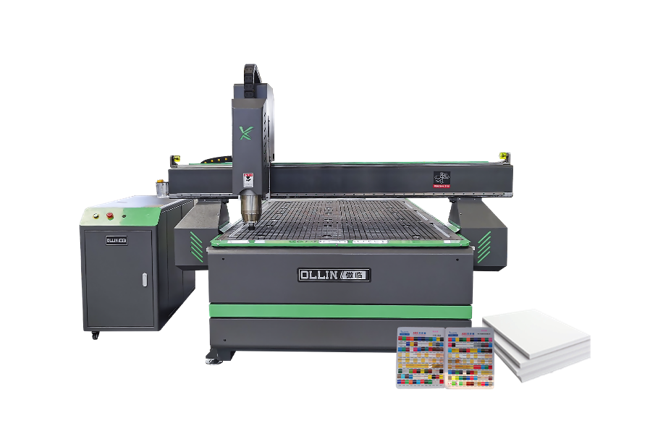
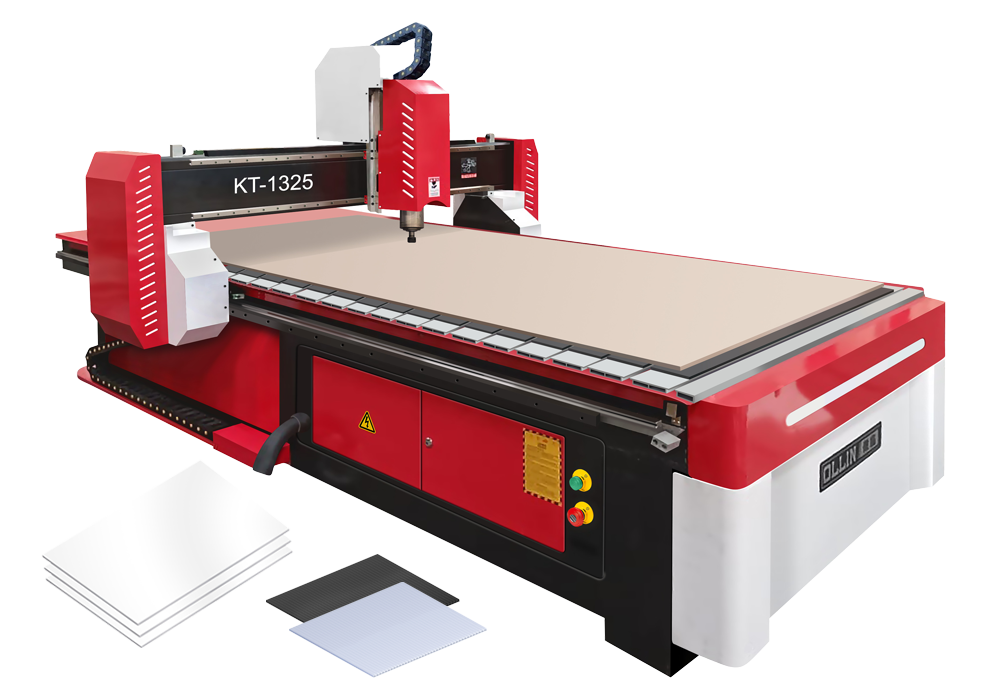
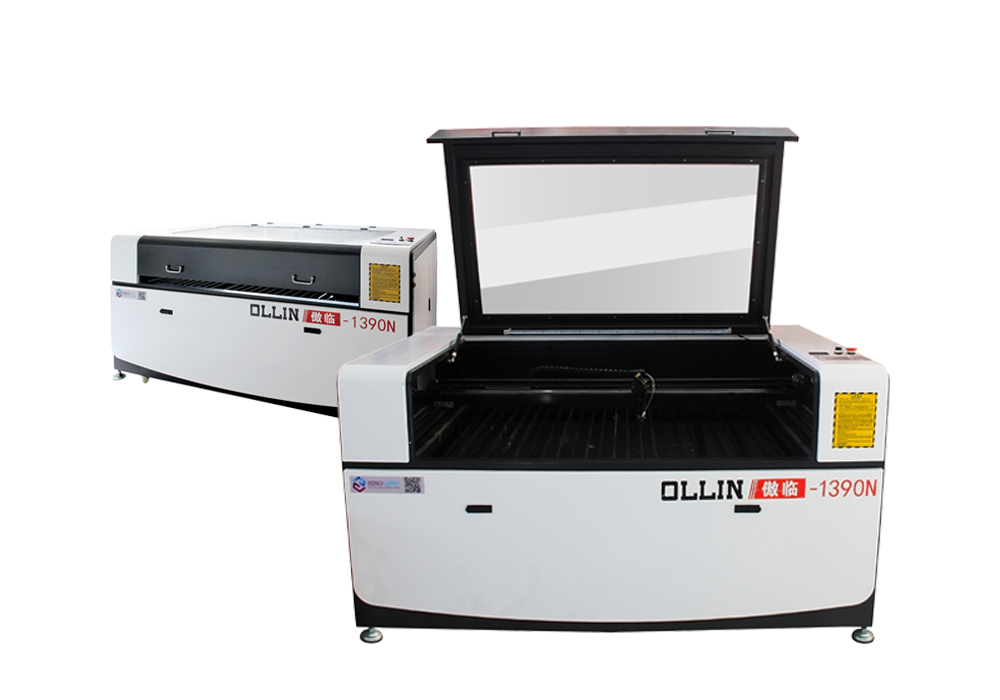
A medida que crece la demanda de fabricación digital y personalizada, La elección de las herramientas de grabado y corte adecuadas es cada vez más crucial para las empresas.. El enrutador cnc y laser engraving machineare just two of many examples of such tools used in advertisement, carpintería, producción de muebles, artesanía e industria. Si bien ambas máquinas funcionan según el control por computadora., sus principios operativos, Las posibilidades de procesamiento y los materiales que pueden utilizar difieren entre sí..

CNC Router and Laser Engraving Machine Working Principle Comparison

Understanding the principles behind a CNC Router and Laser engraving machine allows manufacturers to determine which technology suits their production needs. El equipo de enrutador CNC se basa principalmente en la tecnología de corte mecánico, mientras que la máquina de grabado láser aplica energía concentrada para grabar y cortar el material.. Cada tipo de tecnología de procesamiento tiene como resultado diversas ventajas relacionadas con la profundidad de corte., calidad de la superficie, tasa de producción, y capacidades de uso.

Mechanical Cutting Method of CNC Router Equipment

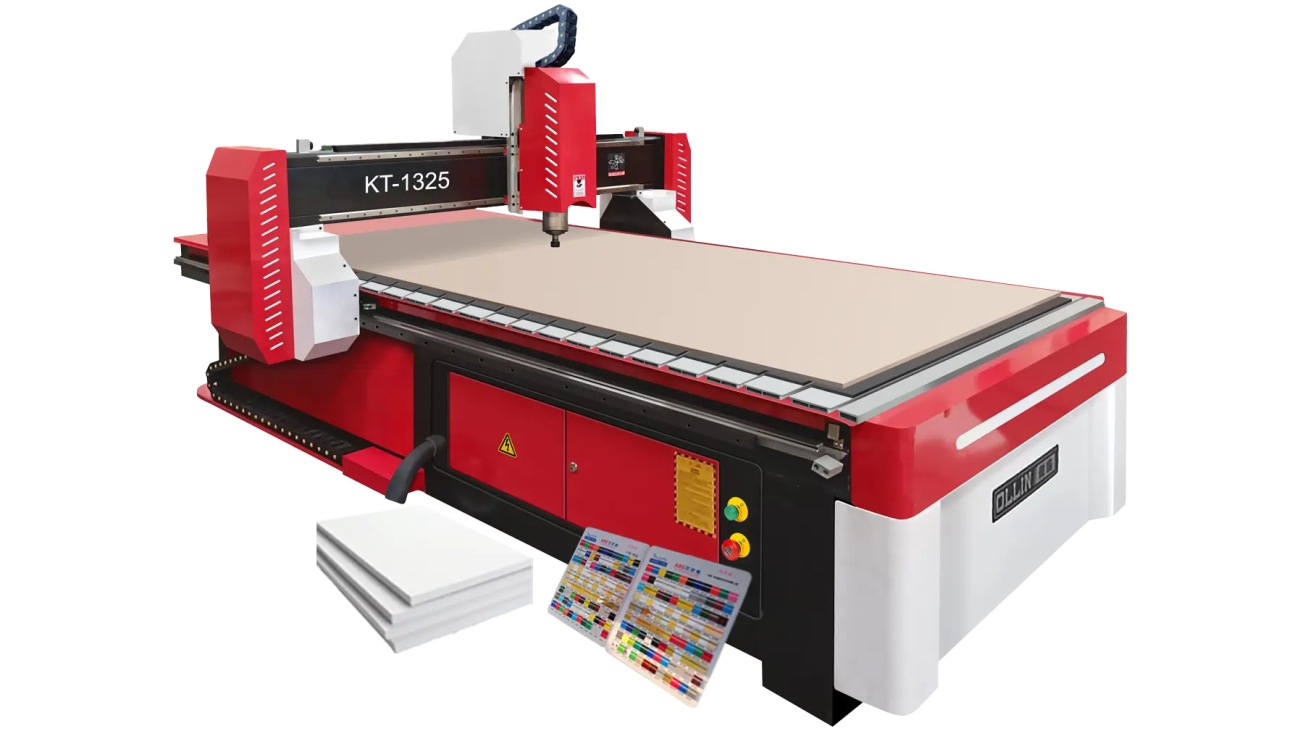
The CNC Router cuts and removes materials using rotating cutting tools controlled by computer software thus creating different forms, patterns, and designs. Mechanical processing technology offers powerful cutting strength with the possibility of deep engraving, drilling, and 3D carving. CNC Routers have a wide variety of applications in woodworking, sign making, acrylic cutting, plastic fabrication, and manufacturing due to high stability and capability of working with thick materials.

Non-Contact Processing Technology of Laser Engraving Machine

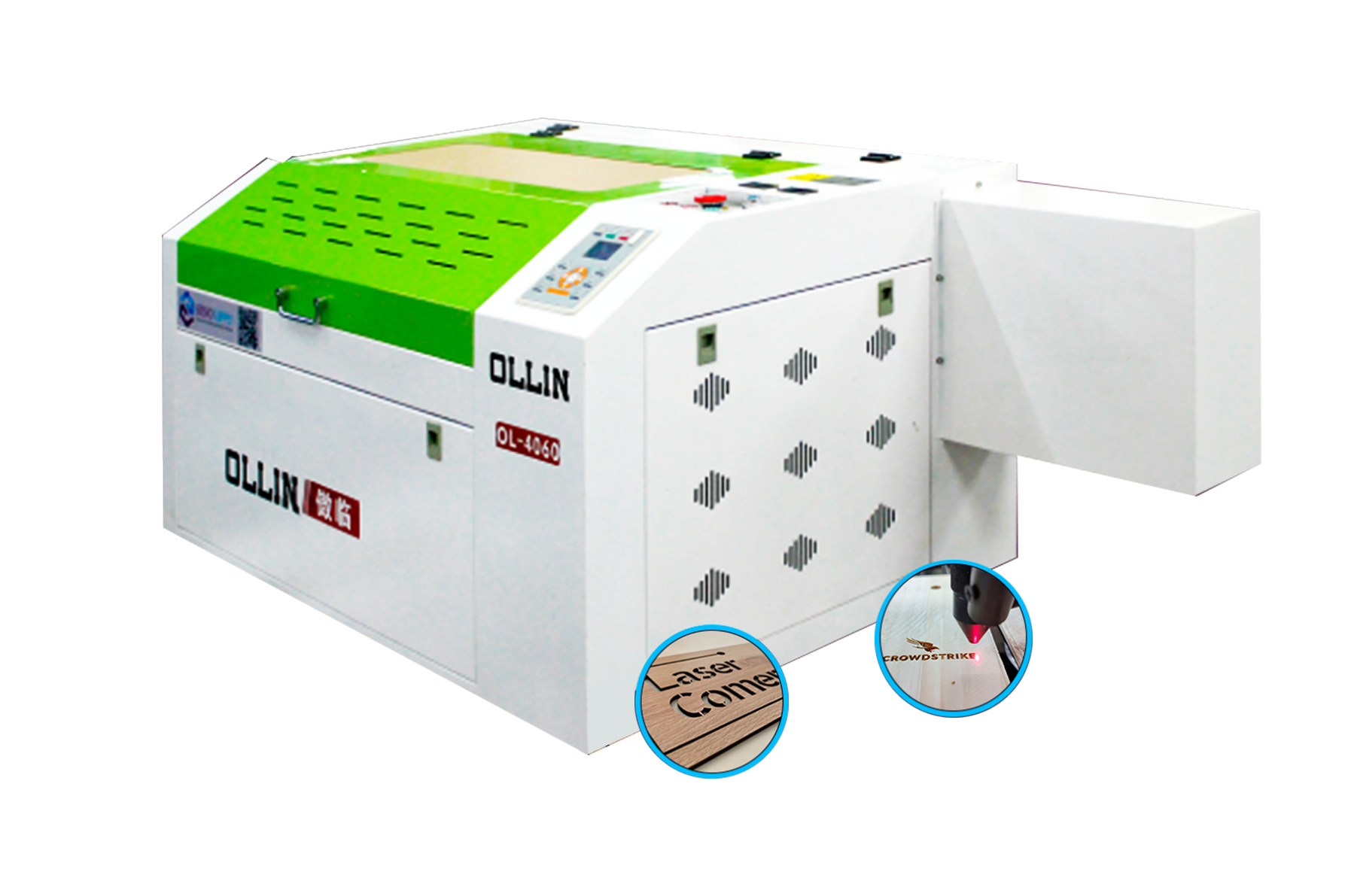
Laser Engraving machine uses a focused laser beam that makes an engraving, marking or cutting of any object without any physical contact. The laser technology enables such machines to make detailed patterns while at the same time minimizing the risk of mechanical damage and distortion of the surface. As a result of its high precision and flexibility, laser machinery is used widely for making customized gifts, signs, decorative items, leather processing, acrylic products and others.

Different Production Results Between Two Technologies

The major distinction between the two is that the processing effect is different. The CNC Router machines are more appropriate to use in cases where the materials need to be removed, cut, and shaped in three dimensions whereas the laser machines provide cleaner and detailed engravings. It is important for companies to analyze the nature of their products before making a decision about the most appropriate manufacturing technology to use.

Enrutador CNC versus grabador láser

Enrutador CNC versus. Laser Engraving Machine Precision Comparison

Accuracy is one of the determiners of product quality, manufacturing processes, and customer satisfaction. CNC Router and Laser engraving machines both offer good accuracy in processing products, but each is better in a specific application where it shines. It is mostly recommended when the need for strong cutting is high, while laser engraving machine is suitable for detailed engraving works.

CNC Router Performance in Deep Cutting Accuracy

A CNC Router performs excellently when working on thick and hard materials due to the ability of the cutting tools to offer stable performance in such conditions. Modern CNC Routers with advanced control systems and strong spindle motors will do deep cutting with accurate performance results. CNC Router is thus good for furniture manufacturing, industrial parts, and advertisement materials.

Laser Engraving Machine Advantages in Fine Detail Processing

With a Laser engraving machine, users can easily accomplish high-quality precision while processing tiny texts, complex graphics, and other designs on the surface. The thin laser beam enables the manufacturers to get high-resolution engraving effect without any physical contact with the material. This feature makes laser engraving machine very convenient for processing personalizable items, decorative panels, electronic markers, and many other industries.

Choosing Precision Based on Application Requirements

It should be noted that the perfect selection of either CNC Router or Laser engraving machine depends on the production target itself. While deep cutting, material shaping, and removing large volumes of the material will be better accomplished by using CNC Router, laser engraving machine would give much better results in case of fine engraving and creating smooth edges.

CNC Router and Laser Engraving Machine Speed Performance Comparison

Another aspect that business organizations consider when assessing processing equipment is production speed. The efficiency of operation of both the CNC Router and the Laser engraving machine depends on various aspects such as the nature of material, complexity of design, depth of cut, and machine design. CNC Router machines are efficient in large scale cutting while the laser machines are quick in processing when it comes to engraving and light cutting jobs.

CNC Router Efficiency for Large-Scale Material Processing

The CNC Router machine is very effective in processing material where the project requires larger workpieces and continual material cutting. These machines have sufficient power spindle capacity and automated control mechanisms, which make it efficient in cutting wood panels, acrylics, plástico, and composite materials. Such machines are often employed in industries with regular production such as manufacture of furniture, advertisement boards, and interior design.

Laser Engraving Machine Speed for Customized Production

Laser engraving machine is a great choice in terms of speed for precision engraving and small-batch customization. The absence of physical cutting means no necessity for frequent replacement and adjustment of tools. This increases the speed of production process and enables the business to make custom designs, logos, patterns and marking on the surface of a product. If the company needs customized products, then laser technology is a good solution for increasing the speed of production.

Production Efficiency Comparison for Different Industries

In regards to the speed aspect of CNC Router and Laser engraving machine, it is heavily determined by the manufacturing environment. CNC Routers are better for large-scale operations and large material cutting, whereas lasers are better for quick and accurate engraving. The choice of equipment should be made based on the number of orders, design of the products and nature of materials.

Enrutador CNC versus grabador láser

CNC Router and Laser Engraving Machine Material Suitability Comparison

Compatibility of materials is one of the main factors that should be taken into account during the selection of manufacturing equipment. The CNC Router and the laser engraving machine work with different types of materials. The CNC Router machine can be used for processing thick and hard materials whereas the laser works well with materials requiring detailed engraving and cutting.

Materials Suitable for CNC Router Applications

The CNC Router machine can work with rigid materials, such as wood, MDF, acrílico, CLORURO DE POLIVINILO, paneles compuestos de aluminio, and plastics. Due to the mechanical cutting principle, it is possible to make deep cuts, grooves, and 3D structures with the help of the machine. The CNC Router machines are extensively used in the manufacturing of furniture, cabinets, advertising signs, etc.. De este modo, CNC Router machines are useful for processing thick materials.

Materials Suitable for Laser Engraving Machine Applications

Laser engraving machine can be used to work on such materials as wood, acrílico, cuero, plástico, vaso, coated metal and other materials where detailing needs to be done. As laser cutting involves minimum physical pressure, it ensures that clean lines and detailed patterns are possible even when working on delicate materials. Such characteristics have made laser machines quite common in the field of personalized gifts, decorations, embalaje, electronic marking and other creative fields.

Selecting Equipment According to Material Characteristics

The decision on whether to go for a CNC Router or Laser engraving machine has to be made with consideration of the characteristics of the materials to be processed. It is always advisable that hard and thick materials be processed using CNC Router because of its strong cutting ability whereas thin materials and designs are best suited for lasers.

Conclusión

The CNC Router and Laser engraving machine technology both have their own advantages when it comes to contemporary manufacturing process. CNC Router machines give good cutting power, deep machining capability, and great performance for rigid materials, while laser engraving machines have precise detail accuracy, flexible customization, and good engraving effects. The selection of suitable equipment depends on the need of the company and the material used. With the help of proper equipment, the company will increase its efficiency, broaden its product range, and get improved manufacturing results. For businesses looking for professional CNC processing and laser engraving solutions, exploring reliable equipment options from experienced suppliers such as SINOTEC | Equipos de publicidad digital & Consumibles.

Impresora ecosolvente i3200

Epson XP600 frente a. Cabezal de impresión i3200: Guía de selección de cabezales de impresión para impresoras de gran formato

Elegir el cabezal de impresión adecuado se convierte en una de las consideraciones clave a la hora de adquirir una impresora de gran formato. El cabezal de impresión afecta la calidad de impresión., velocidad de impresión, uso de tinta, y confiabilidad de la impresora. Hay muchas tecnologías populares en Epson., incluyendo el Impresora ecosolvente XP600 y Impresora ecosolvente i3200. En el caso de que una empresa esté buscando el adecuado impresora de alta resolución, Resulta fácil comparar la impresora ecosolvente xp600 con la impresora ecosolvente i3200.

Ser un proveedor profesional de soluciones de impresión digital., SinoDigitech se concentra en crear innovadoras impresoras ecosolventes con rendimiento estable, producción eficiente, y opciones de personalización. Sus soluciones de impresión de gran formato están creadas para la satisfacción de diferentes clientes.’ necesidades, Desde pequeñas empresas de publicidad hasta grandes imprentas..

Impresora Ecosolvente Epson XP600 vs.. Impresora ecosolvente i3200: Diferencias clave entre cabezales de impresión

Identificar las disparidades entre los cabezales de impresión de Epson XP600 e i3200 ayuda a los consumidores a elegir las máquinas según la capacidad de producción., necesidades de imagen, e inversión financiera. Aunque ambos cabezales de impresión tienen características similares para ofrecer excelentes resultados en impresión de inyección de tinta., cada uno ofrece beneficios únicos en cuanto a eficiencia y rendimiento. La selección de cabezales de impresión adecuados ayudaría a aumentar la producción y minimizar los gastos de las imprentas profesionales..

La impresora ecosolvente XP600 ofrece soluciones de impresión asequibles

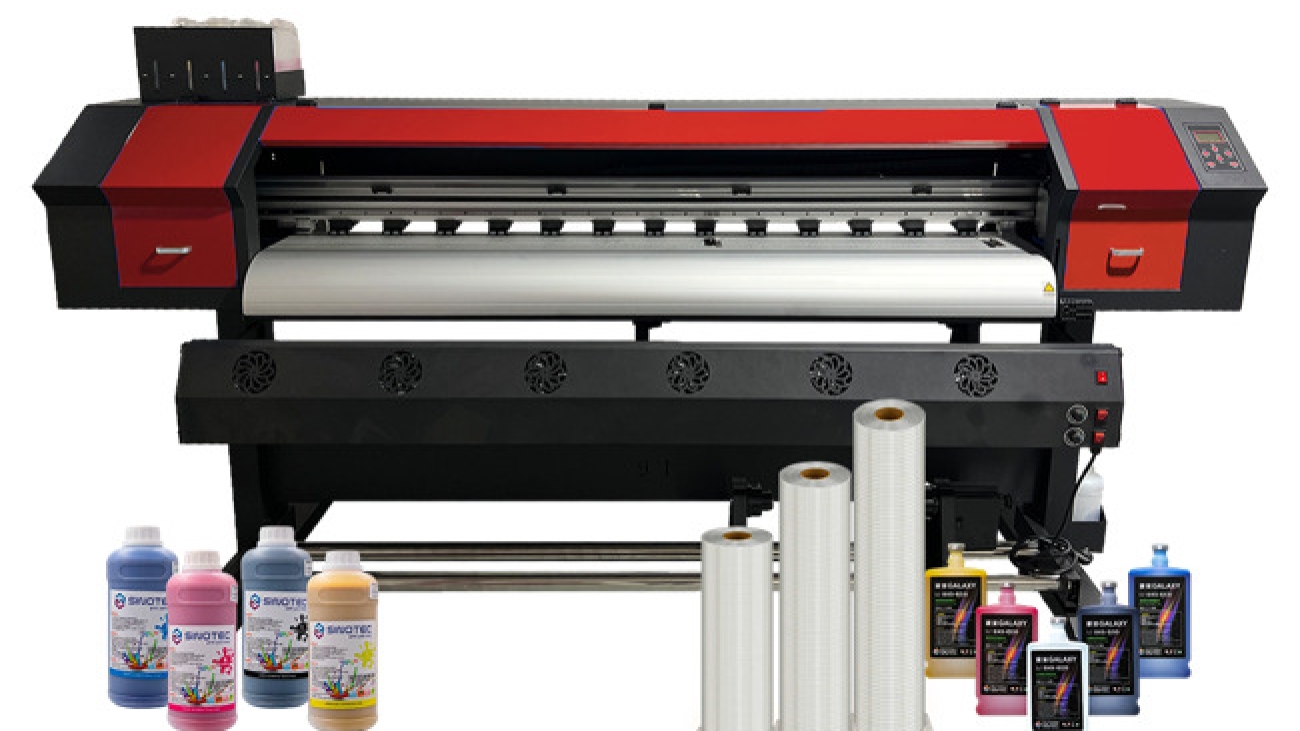
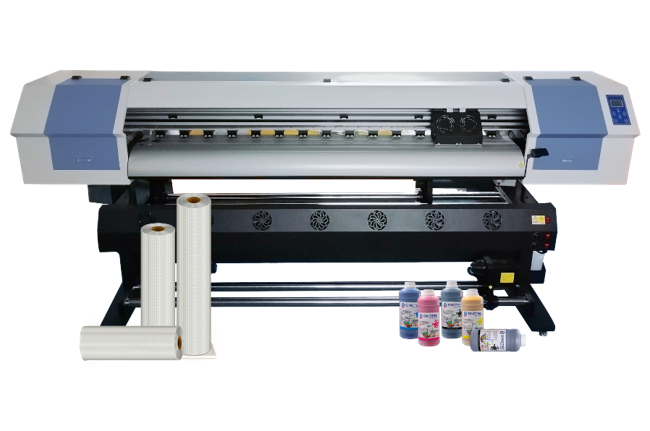
Una impresora ecosolvente xp600 es la mejor opción para organizaciones que requieren impresiones de calidad con una inversión moderada. Esta impresora viene con la tecnología de cabezal de impresión Epson XP600 que permite una transición de color suave y una reproducción detallada de imágenes para carteles., pegatinas, pancartas, y gráficos promocionales. Es el dispositivo perfecto para imprentas pequeñas y medianas que requieren una impresora confiable de alta resolución con facilidad de uso y bajo mantenimiento..

La impresora ecosolvente i3200 proporciona mayor capacidad de producción

Los principales beneficios de la impresora ecosolvente i3200 son la alta velocidad de impresión y la productividad.. Debido a la presencia de boquillas adicionales y un mejor rendimiento de distribución de tinta., comparado con el modelo XP600, El cabezal de impresión de Epson i3200 puede proporcionar una impresión más eficiente. Las impresoras de gran formato basadas en esta tecnología se utilizan habitualmente en el sector comercial., aplicaciones de publicidad y rotulación de vehículos, así como en tareas de impresión industrial.

El rendimiento de la impresora de alta resolución depende de la selección del cabezal de impresión

Para crear imágenes de alta calidad utilizando una impresora de alta resolución, es necesario utilizar cabezales de impresión avanzados y mecanismos confiables., Entrega de tinta precisa y sistemas de impresión óptimos.. Tanto la tecnología XP600 como la i3200 permiten obtener resultados impresionantes si la impresora se configura correctamente. A la hora de comprar una impresora ecosolvente se deben tener en cuenta aspectos como el volumen de impresión., Necesita velocidad y presupuesto..

Impresora ecosolvente xp600

Comparación técnica entre los cabezales de impresión XP600 e i3200 para impresoras de gran formato

Varios criterios importantes, como la velocidad., rendimiento de resolución, mantenimiento, y la rentabilidad deben tenerse en cuenta al comparar una impresora ecosolvente xp600 y una impresora ecosolvente i3200. Estas dos tecnologías de cabezales de impresión son igualmente efectivas en la impresión profesional de gran formato.; sin embargo, debido a varias características de diseño, Se pueden utilizar en diferentes casos.. Conocer las diferencias entre las dos tecnologías permite a las empresas seleccionar una impresora de alta resolución que proporcionaría una mayor productividad..

Diferencias de velocidad de impresión y productividad entre XP600 e i3200

La principal ventaja de una impresora ecosolvente i3200 es su alta productividad en comparación con otras soluciones, incluidos los dispositivos basados ​​en XP600.. El cabezal de impresión Epson i3200 ofrece una mayor cantidad de boquillas y un suministro de tinta más rápido, por lo tanto, Hace que la impresora sea más productiva cuando se trata de completar grandes proyectos publicitarios.. Al mismo tiempo, una impresora ecosolvente xp600 se centra principalmente en proporcionar un rendimiento equilibrado y precios asequibles.

Calidad de imagen y precisión del color de las impresoras ecosolventes

Las impresoras XP600 e i3200 te brindarán imágenes detalladas y colores suaves en tu trabajo para fines profesionales. El uso de cualquiera de los cabezales de impresión le permitirá imprimir textos de calidad., gráficos, e imágenes en diversos medios. Cabe señalar que se prefiere el uso de la tecnología i3200 para impresiones comerciales costosas., ya que tiene estabilidad a alto volumen, mientras que XP600 sigue siendo bueno en su rango de precios.

Requisitos de mantenimiento y estabilidad de impresión a largo plazo

La mantenibilidad juega un papel importante a la hora de elegir su máquina de impresión ecosolvente. Una impresora ecosolvente xp600 le proporciona reemplazos fáciles y bajos gastos para el mantenimiento inicial. Una impresora ecosolvente i3200 es elegida por aquellas personas que necesitan que sus impresoras funcionen de manera estable incluso en condiciones de trabajo difíciles..

Aplicaciones de la impresora ecosolvente XP600 y la impresora ecosolvente i3200

Las imprentas tienen sus propias necesidades de producción., Es por eso que la elección de las tecnologías de impresora XP600 o i3200 depende en gran medida de los escenarios de aplicación.. El uso de XP600 e i3200 dará como resultado un rendimiento confiable junto con la tinta ecosolvente adecuada y una impresora de gran formato.. SinoDigitech se especializa en el desarrollo de soluciones de impresión para diversas aplicaciones comerciales., lo que nos permite elegir impresoras según las necesidades reales de producción de los clientes..

Aplicaciones de producción de publicidad y señalización

Las empresas de publicidad necesitan una impresora confiable de alta resolución para crear pancartas, pósters, stickers y displays de promociones. La impresora ecosolvente Xp600 ayudará a un pequeño estudio de publicidad a obtener imágenes de calidad y controlar los costes.. Para fabricantes de señalización a gran escala que se ocupan de pedidos en curso, La impresora ecosolvente i3200 es más adecuada debido a su mayor eficiencia y rápida productividad.

Rotulación de vehículos e impresión gráfica para exteriores

Para rotulación de vehículos, Se necesitan impresoras capaces de producir impresiones de alta calidad con buena reproducción del color.. las impresoras, es decir., Impresoras ecosolventes XP600 y i3200, son adecuados para tinta ecosolvente, lo que proporciona una buena adherencia sobre vinilo y otros materiales flexibles. Si es necesario producir una gran cantidad de gráficos para vehículos., entonces se puede utilizar la impresora de alta resolución basada en i3200. Sin embargo, Las impresoras XP600 son útiles si es necesario realizar impresiones personalizadas.

Proyectos de decoración de interiores e impresión comercial.

Fondos de pantalla personalizados, gráficos interiores, y decoraciones son las últimas tendencias en el negocio de la impresión y decoración.; de este modo, Las imprentas necesitan impresoras ecosolventes.. Una impresora ecosolvente xp600 es ideal para quienes necesitan producir productos personalizados, mientras que una impresora ecosolvente i3200 es perfecta para proyectos de decoración más grandes que requieren entregas rápidas. Elegir una impresora adecuada ayudará a las empresas a mejorar sus procesos de trabajo.

Impresora ecosolvente i3200

Cómo elegir entre la impresora ecosolvente XP600 y la impresora ecosolvente i3200

Decidir qué cabezal de impresión utilizar dependerá de la escala de operaciones, volumen previsto, y consideraciones de crecimiento futuro. En lugar de concentrarse sólo en el costo de la máquina, hay que evaluar la velocidad de impresión, costo de funcionamiento, versatilidad, y asistencia técnica. Una impresora profesional de alta resolución debe tener una capacidad de impresión estable, Fácil operación y valor a largo plazo para imprentas comerciales..

Elija XP600 para empresas de impresión flexibles y de nivel básico

Las empresas emergentes y las empresas que ingresan al mundo de la impresión digital generalmente tienden a optar por una impresora ecosolvente xp600 debido al equilibrio entre rendimiento y costo de inversión.. Esta configuración es ideal para nuevas empresas de impresión., pequeñas empresas de publicidad, y aquellos que realizan trabajos de impresión personalizados. Gracias a la calidad de impresión fiable y al mantenimiento sencillo, La tecnología XP600 ayuda a las nuevas empresas de impresión a hacer crecer su mercado sin altos costos operativos.

Elija i3200 para producción comercial de alto volumen

Las altas demandas de producción normalmente implican que la impresora ecosolvente i3200 se adaptará a dicha empresa debido a su alta productividad y rendimiento profesional.. El funcionamiento continuo con una calidad constante de la imagen impresa es el principal requisito para las plantas de impresión comerciales., Casas productoras de publicidad y aplicaciones industriales.. El cabezal de impresión i3200 se convierte en la elección correcta para la empresa que busca una impresora escalable de alta resolución.

Considere las opciones de personalización y soporte profesional del fabricante

El fabricante de impresoras profesionales se convierte en punto crítico a la hora de comprar una impresora de gran formato. Servicios OEM y ODM, configuración personalizada de la máquina, El soporte técnico y las buenas opciones de precios están disponibles con la ayuda de un fabricante de impresoras profesional.. SinoDigitech ofrece soluciones de impresoras ecosolventes de acuerdo con las diferentes necesidades del mercado para elegir las máquinas de impresión adecuadas para los clientes globales..

Conclusión

La limpieza adecuada de los cabezales de impresión y el mantenimiento de la impresora son algunos de los aspectos importantes que le ayudarán a garantizar la longevidad de sus cabezales de impresión y a mantener un alto rendimiento de impresión en impresoras de gran formato.. Con un mantenimiento adecuado y prácticas correctas, Podrás minimizar los problemas en la impresión., aumentar la eficiencia de producción, ahorrar dinero, y garantizar un buen rendimiento de su impresora. Para soluciones de impresión profesionales de gran formato, equipo de impresión avanzado, y tecnología de impresión confiable diseñada para diversas aplicaciones industriales, visita SINOTEC | Equipos de publicidad digital & Consumibles.

Limpieza del cabezal de impresión

Mantenimiento del cabezal de impresión & Guía de limpieza para impresoras de gran formato: Clave para prolongar la vida útil del cabezal de impresión

Las impresoras de gran formato son muy utilizadas en el campo de la publicidad., embalaje, textiles, señalización, y decoración industrial debido a la capacidad de la impresora para imprimir imágenes de alta calidad. El cabezal de impresión forma parte integral del proceso de impresión por inyección de tinta.; por lo tanto, su funcionalidad impacta directamente en la calidad de impresión. Polvo, tinta seca, y otros problemas pueden provocar boquillas obstruidas, que afectan el rendimiento del cabezal de impresión. Por eso, La limpieza y el mantenimiento regulares del cabezal de impresión son importantes para aumentar su vida útil y garantizar un funcionamiento adecuado..

Why Printhead Cleaning Matters for Large Format Printers

The printhead is designed to precisely control ink drops during the printing process. Porque en él están instaladas miles de microboquillas., Incluso una pequeña contaminación puede influir en los resultados finales.. La limpieza periódica del cabezal de impresión es necesaria para mantener el buen rendimiento del equipo., para garantizar un flujo suave de tinta y proporcionar un trabajo confiable de la impresora diseñada para gran formato.

Prevent Nozzle Clogging and Printing Defects

The nozzle clogging is one of the most frequent problems of the large format printer, especially in case of continuous work or in case of idle machine during some period of time. Como resultado, dried ink and deposits in the channel of nozzles can lead to missing lines, non-even colors and unclear pictures. Printhead cleaning will help to avoid such problems by removing ink deposits from nozzles.

Maintain Printing Quality and Color Accuracy

The quality of a print depends on accurate ink distribution and good color reproduction. Dull colors, blurry prints, and other types of poor print quality result from the printhead malfunction. The printhead should be able to distribute ink uniformly in order to produce a high-quality output regardless of the material that you are printing on. The large format printers are used not only for producing prints and advertising graphics but also for textile decoration or packaging purposes.

Extend Printhead Lifespan and Reduce Costs

The printhead is a highly valuable element of a large format printer, and therefore, extending its lifetime will help reduce costs. Inefficient printhead cleaning causes damage due to the dried ink, dust, and incorrect operation of the machine. Implementing a preventive maintenance plan will let businesses notice possible issues at an early stage and save money spent on regular replacement of the printhead.

Limpieza del cabezal de impresión

Common Causes of Printhead Problems in Large Format Printers

Knowing the causes of printhead failure allows operators to develop more efficient maintenance strategies for their printer. The surrounding environment, the quality of ink used, and operator behavior during the use of printers can affect the efficiency of printing processes. Knowing the potential causes of such malfunctions will enable businesses to avoid them by taking precautionary measures and maintaining the efficiency of large format printers.

Dried Ink and Ink Residue Accumulation

One of the most frequent printhead issues related to the blockage of nozzles is connected with dried ink. It occurs due to the fact that ink becomes thick and creates deposits preventing the proper flow of ink. The problem of dried ink mostly concerns specialty printers and those which are not used regularly.

Dust and Environmental Contamination

Environmental conditions influence printhead performance. Dust particles, fibers, and other contaminants may get stuck near the printhead and interfere with ink spraying. Unsuitable temperature or humidity levels may cause ink drying and increase the need for maintenance. Environmental conditions control is a part of printer maintenance and minimizes the risk of contamination. Clean production conditions and appropriate operating environment make it possible to achieve stable operation of large format printers and extend their lifespan.

Incorrect Ink Usage and Maintenance Methods

Unsuitable ink use or incorrect printhead maintenance may have a negative effect on printhead performance. Low-quality ink, inappropriate storage, or incompatible materials may lead to the formation of contaminants in the ink supply system and increased clogging risks. Además, harsh cleaning techniques may cause damage to delicate printhead parts. Operators should use proper techniques and appropriate ink to effectively clean printheads without causing unnecessary damage.

Effective Printer Maintenance Practices to Protect Printheads

The full printer maintenance process requires the following actions to be undertaken regularly: inspection, cleaning and operation of the printer. It is very important to conduct preventive maintenance of large format printers since it provides production efficiency and prevents any failure.

Perform Regular Nozzle Checks and Cleaning

Printhead check enables operators to examine their condition prior to encountering any problems with printing. With the help of test patterns one will be able to detect any malfunction such as missing nozzles, incorrect ink spraying, etc.. Following the result obtained during an inspection, proper printhead cleaning should be done in order to bring the printhead back to its normal functioning.

Maintain Capping Station and Printer Components

These include the capping station and wiper system that are responsible for automatic cleaning functions. They aid in protecting the printhead when the printer is in standby mode by removing excess ink from the printhead in the process. When such parts get contaminated, their effectiveness will be compromised leading to ink build up within the printhead. Inspection and cleaning of these parts form part of proper printer maintenance routines aimed at ensuring smooth operations and extending the life of the printing machine.

Follow Proper Shutdown and Storage Procedures

The right shutdown and storage techniques are critical in the protection of printheads, particularly where large format printers will not be used for a long period of time. Wrong shutdown technique could result in ink getting trapped within the nozzles causing clogging. Using the right storage method ensures continued flow of ink and proper state of the printhead. Such preventive measures minimize restart problems and maintenance needs.

Limpieza del cabezal de impresión

How Professional Large Format Printing Solutions Improve Reliability

Efficient printing machinery helps minimize the risks of experiencing maintenance issues. The modern generation of large format printers uses sophisticated ink delivery systems and advanced printhead technology, which can operate continuously. Using efficient printhead cleaning and printer maintenance practices, professional printing solutions help increase efficiency and minimize the costs of operation.

Support Stable Printing Performance

The stable performance of printheads is crucial for those businesses that operate on a continuous production basis. Modern large format printers are developed to offer efficient ink delivery, high-quality images, and reliable operation in various tasks. Using efficient maintenance techniques, these systems will be able to decrease the risks of printing interruptions and maximize the efficiency of the process. Professional printing solutions are used in advertising, textil, embalaje, and industrial manufacturing industries.

Reduce Downtime with Preventive Maintenance

Unanticipated printer problems will lead to increased downtime and cost in terms of production efficiency. Through preventive printer maintenance, the business is able to foresee any potential problems and fix them without affecting the process of production. By doing cleaning, inspections and taking care of the components, the risks of unexpected problems is greatly minimized. This is important for businesses using large format printers everyday.

Improve Long-Term Printing Value

The use of quality printing equipment will enable the business to experience efficient operations and reduced maintenance costs in future. Equipment which has a stable printhead system and the right ink solution will make the operations easier for the business. Coupled with good printhead cleaning, this equipment will offer value for money for both commercial and industrial printing purposes.

Conclusión

La limpieza adecuada de los cabezales de impresión y el mantenimiento de la impresora son algunos de los aspectos importantes que le ayudarán a garantizar la longevidad de sus cabezales de impresión y a mantener un alto rendimiento de impresión en impresoras de gran formato.. Con un mantenimiento adecuado y prácticas correctas, Podrás minimizar los problemas en la impresión., aumentar la eficiencia de producción, ahorrar dinero, y garantizar un buen rendimiento de su impresora. Para soluciones de impresión profesionales de gran formato, equipo de impresión avanzado, y tecnología de impresión confiable diseñada para diversas aplicaciones industriales, visita SINOTEC | Equipos de publicidad digital & Consumibles.