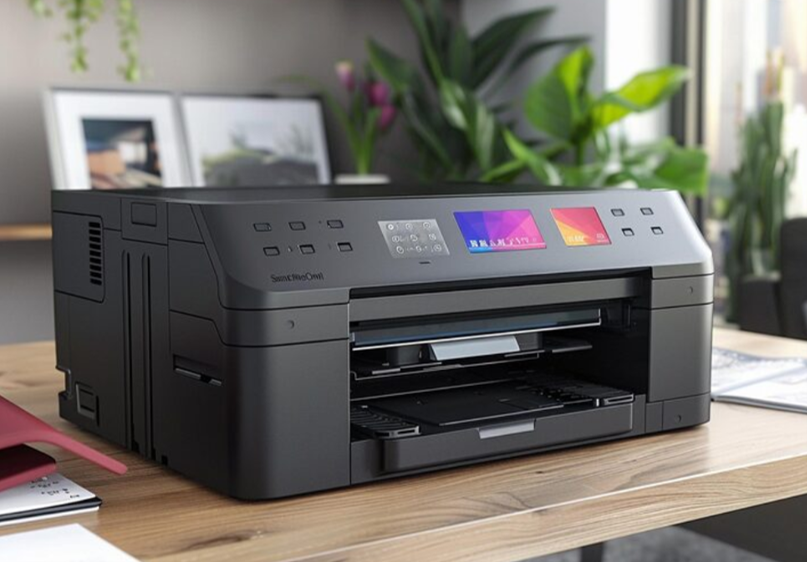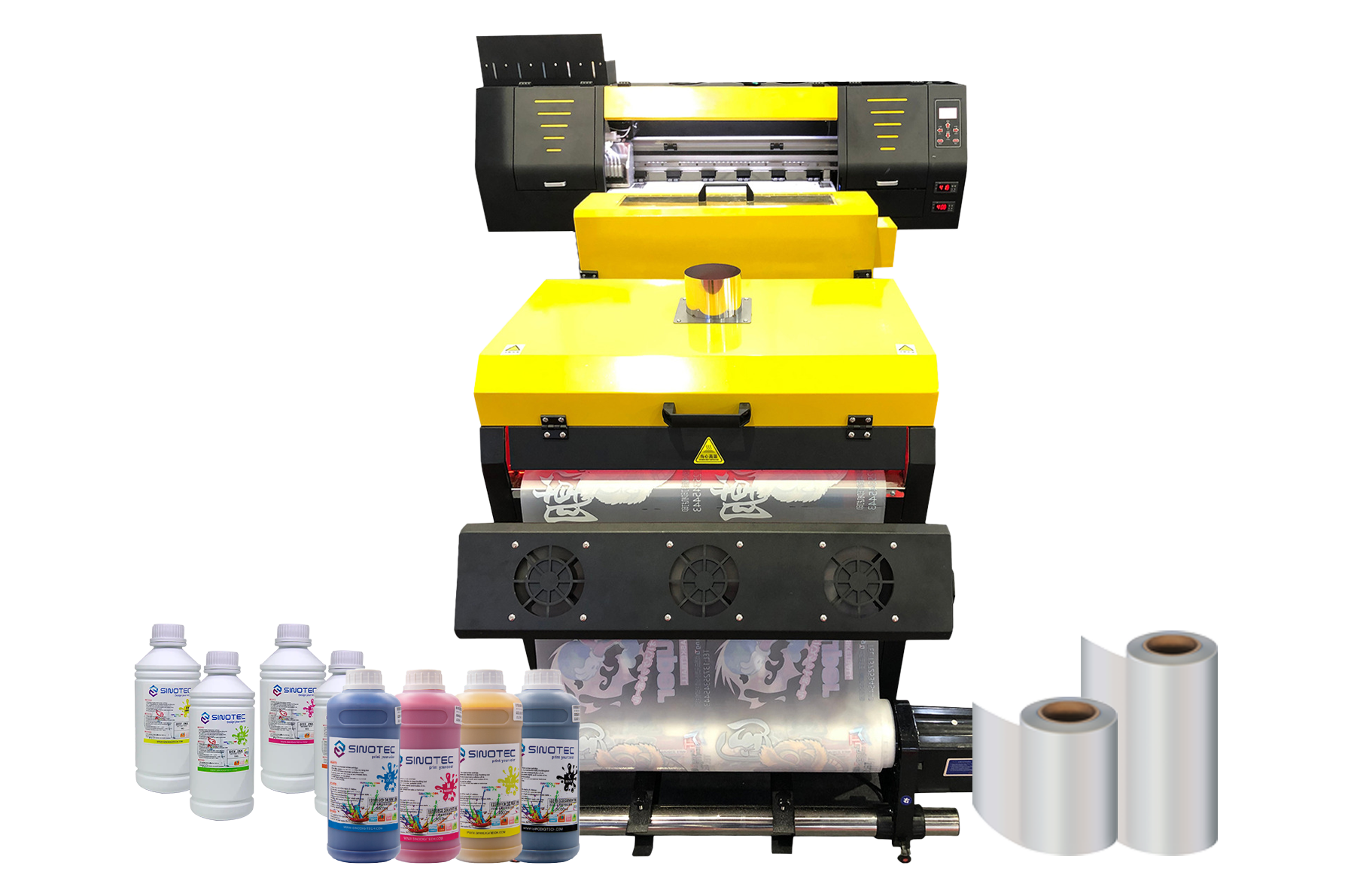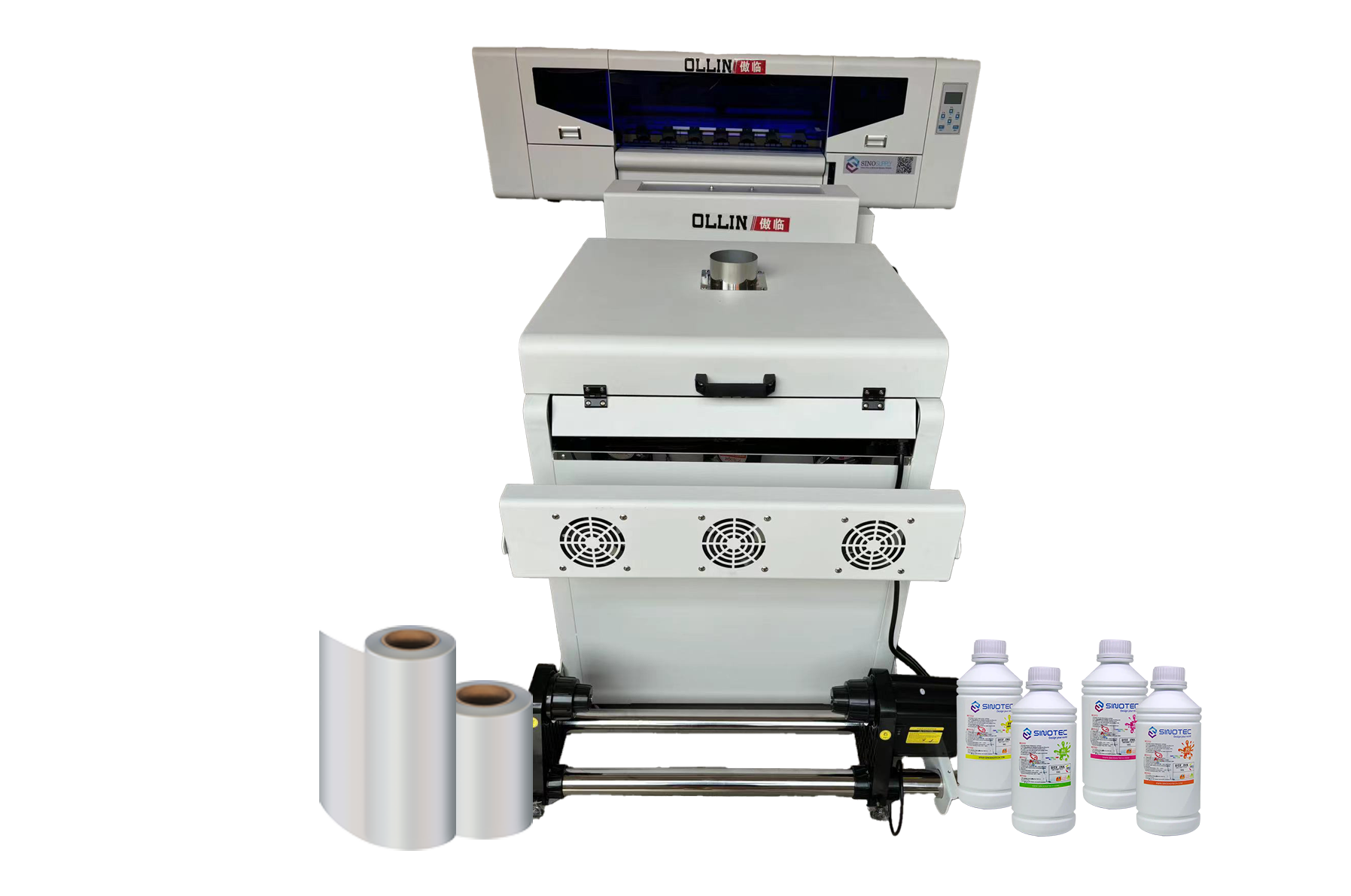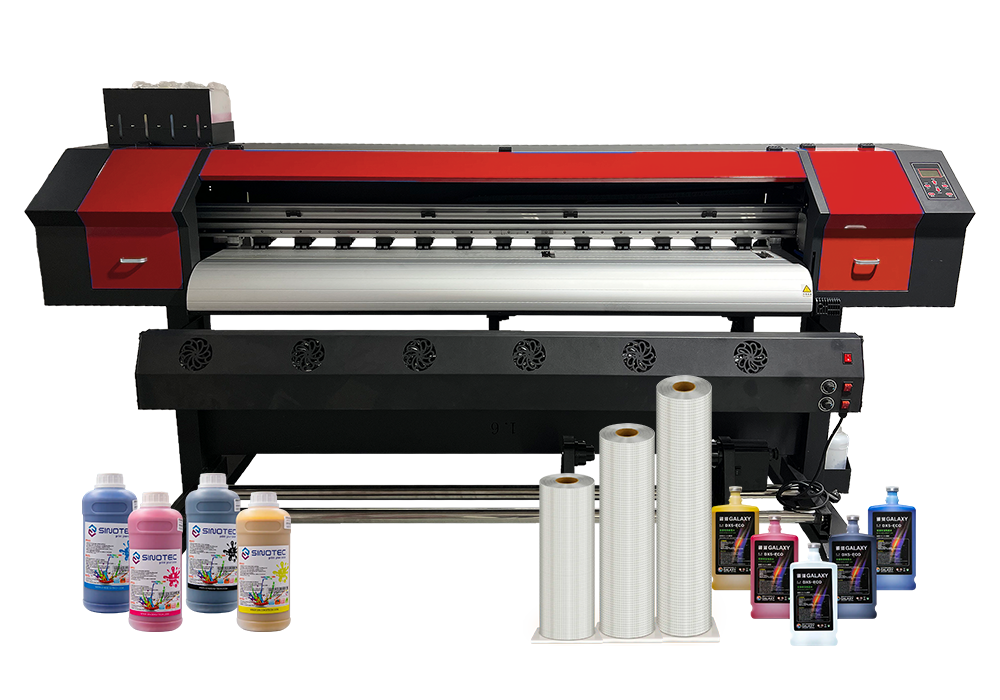
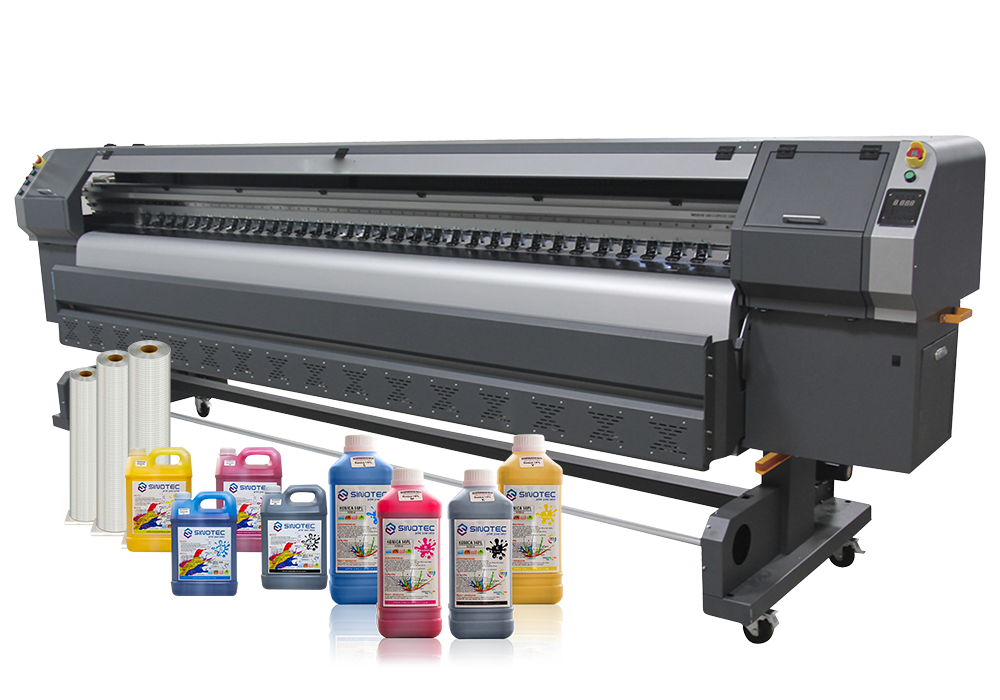
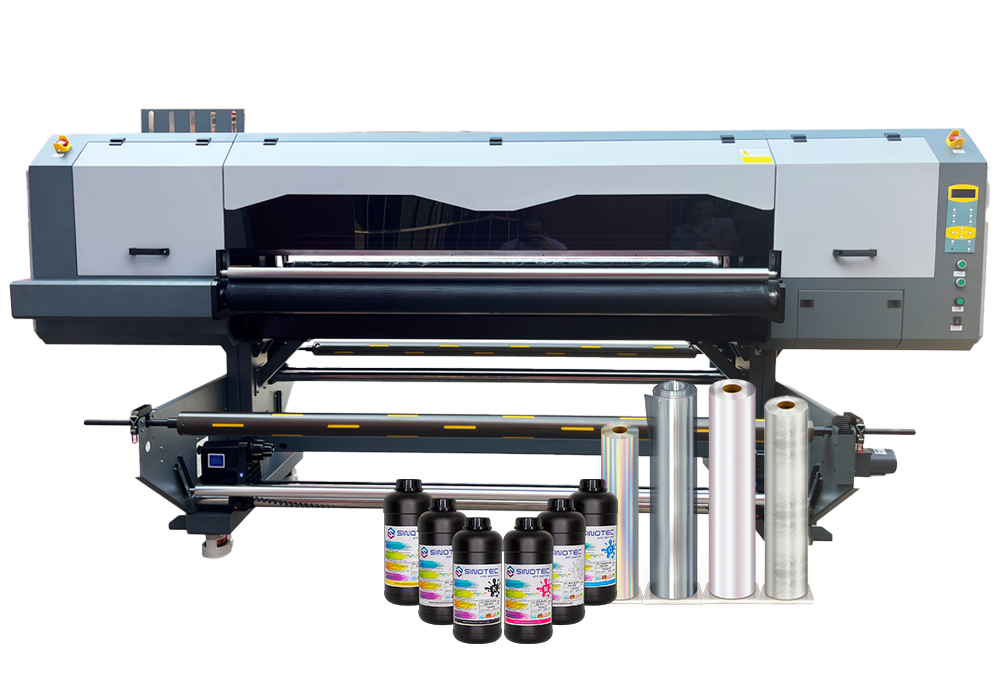
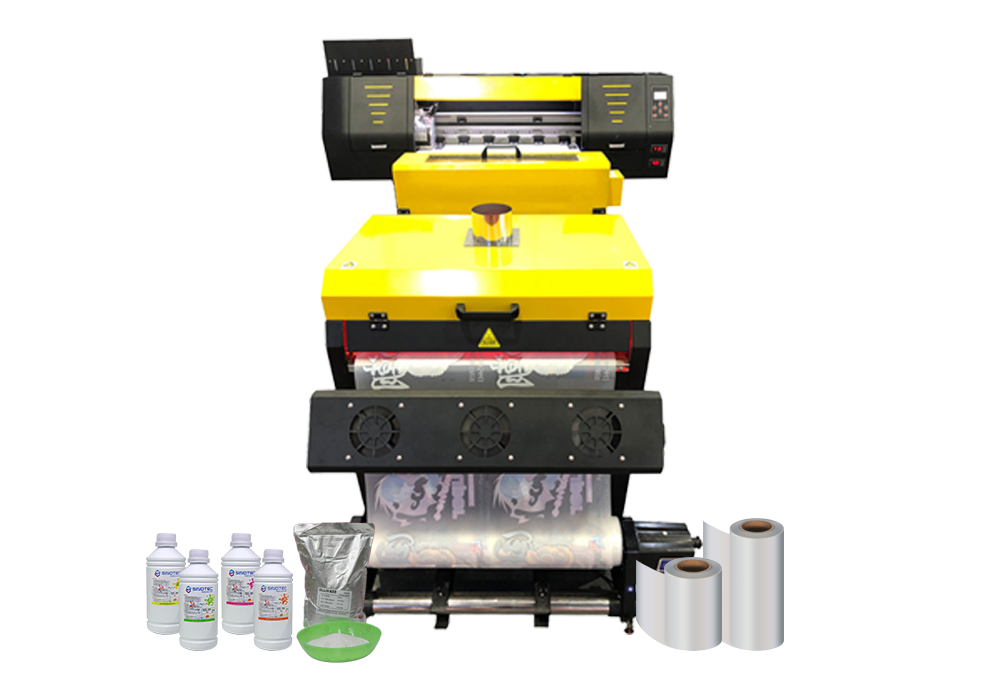
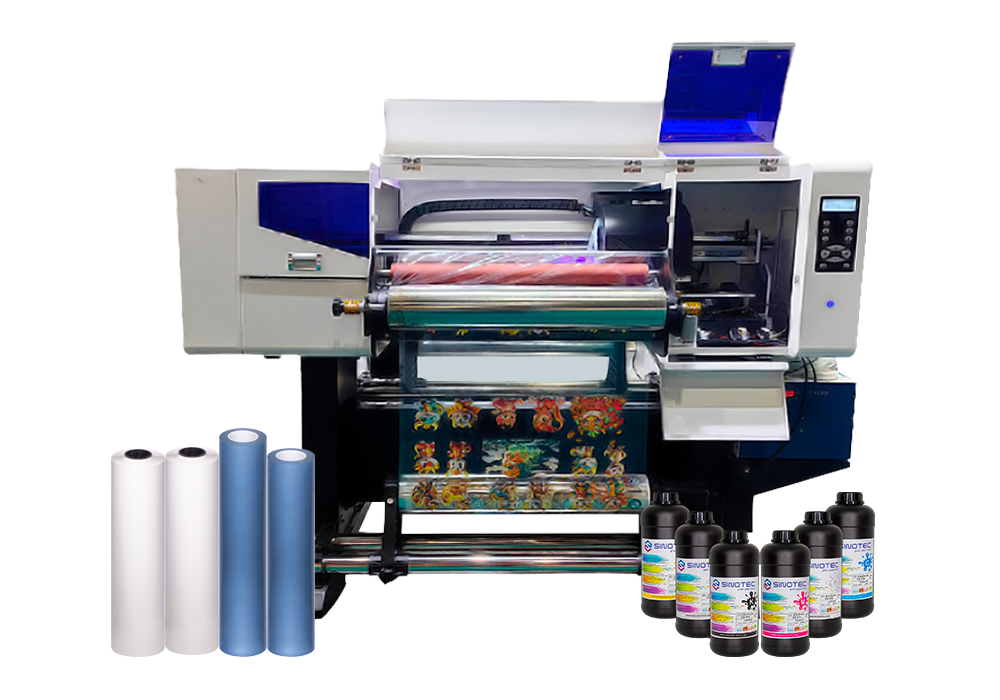
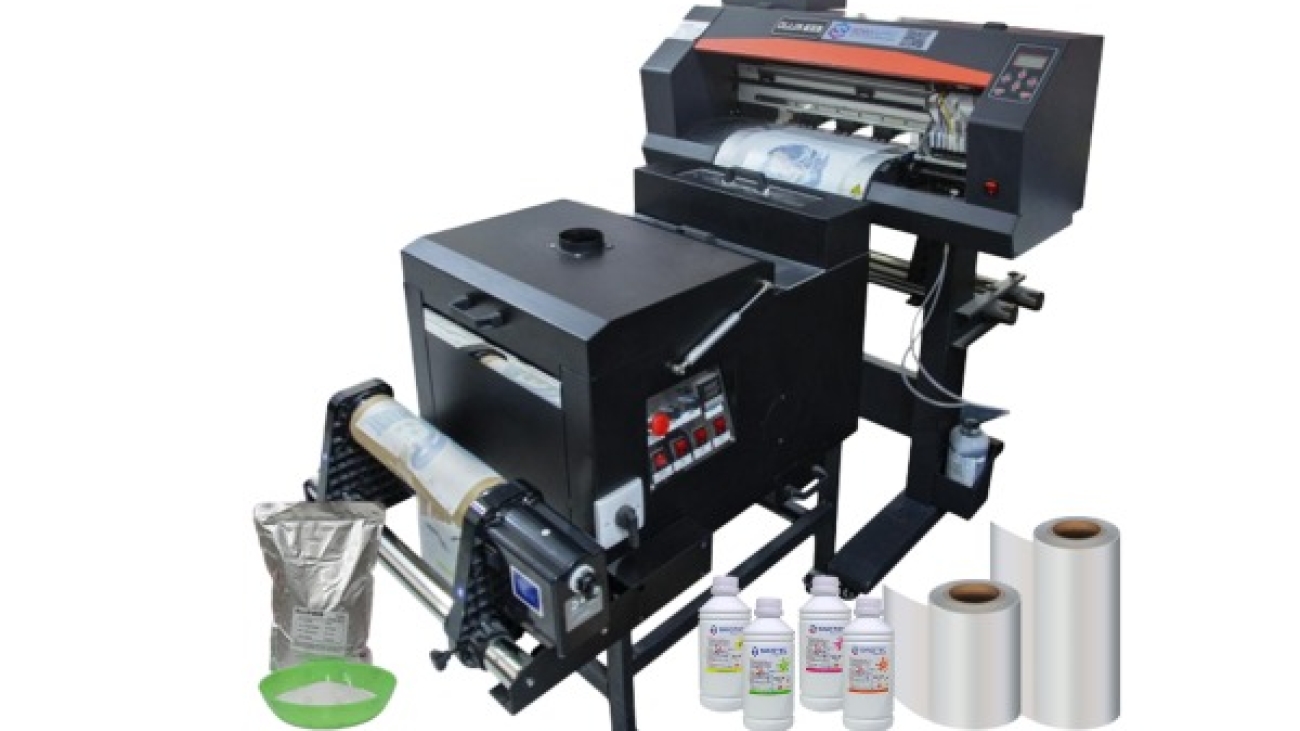
DTF printer with a powder shaker and curing unit for textile transfers

Roteiro de seleção de máquinas de impressão têxtil: DTF, Sublimação, ou jato de tinta de grande formato?

Compreendendo as opções da sua máquina de impressão têxtil: DTF vs Sublimation vs Wide-Format Inkjet Performance

OK so here’s the thing nobody tells you when you’re shopping for your first textile printer: a tecnologia que você escolhe é muito mais importante do que o nome da marca na frente. Aprendi isso da maneira mais difícil, depois de gastar seis mil em uma máquina que era tecnicamente ótima, mas totalmente errada para o que eu realmente precisava para imprimir.

Direto para filme (DTF) basicamente conquistou o mundo do vestuário personalizado nos últimos dois anos - e por um bom motivo. Você imprime seu design em um filme especial, polvilhe com pó adesivo, cure isso, em seguida, pressione-o com calor em praticamente qualquer tecido. Algodão, poliéster, misturas, até mesmo couro se você estiver se sentindo aventureiro. O investimento inicial varia de $3,000 para $15,000 dependendo da largura e velocidade, mas aqui está o que me vendeu: você pode imprimir tinta branca. Parece simples, but that one feature opens up dark garments in a way other methods just can’t touch.

Sublimation is the other heavy hitter. Different beast entirely.

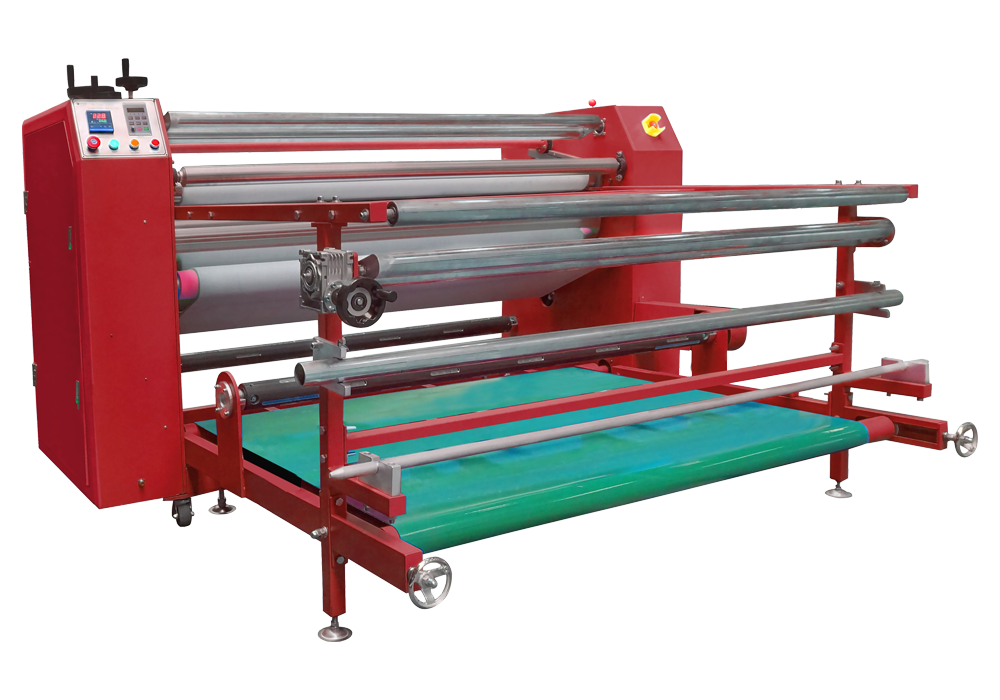
It only works on polyester or poly-coated surfaces (think mugs, phone cases, those weirdly popular car seat covers), but when it works, the colors are insane. Like, genuinely more vibrant than anything DTF can produce. The ink turns into gas under heat and bonds at a molecular level with the fabric — so it never cracks, never peels, never fades in the wash. But you’re locked into light-colored poly fabrics. That’s the trade-off.

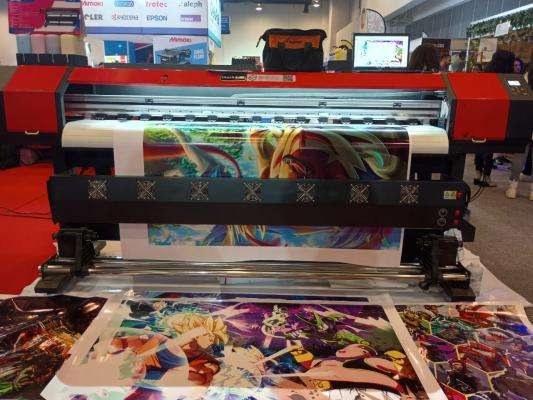
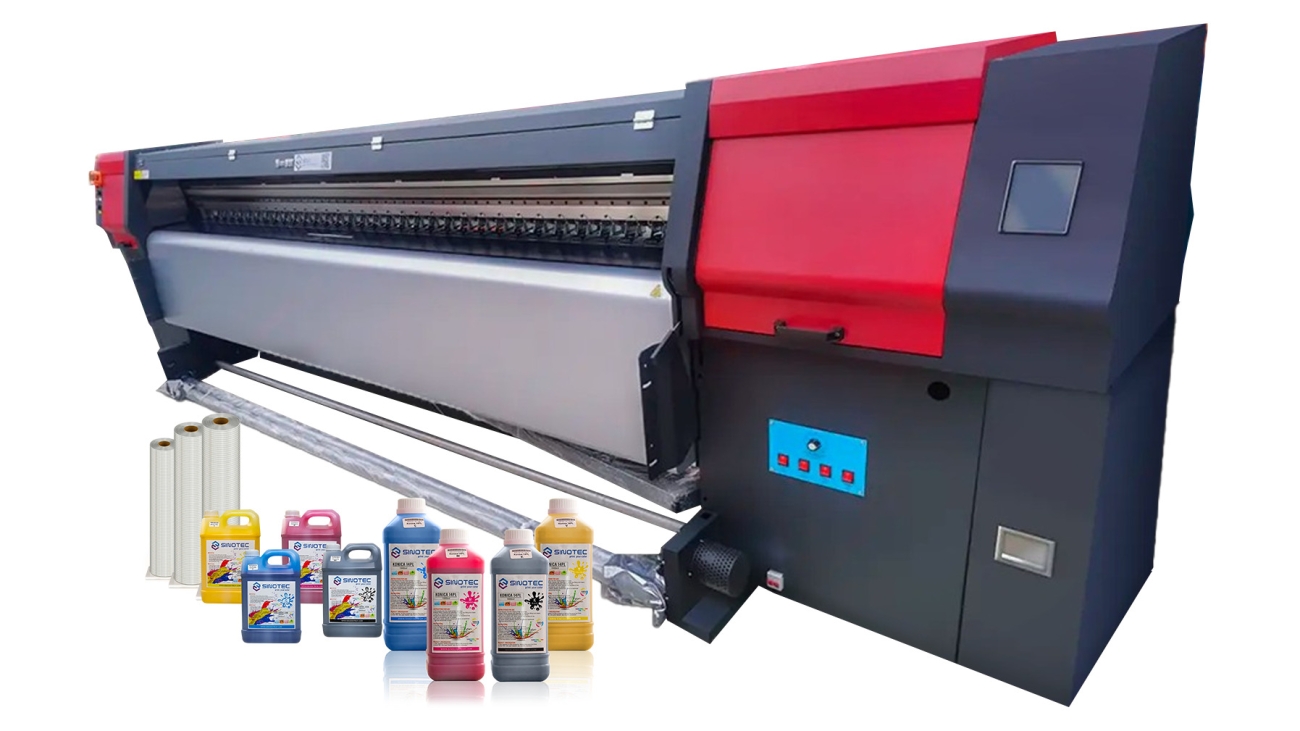
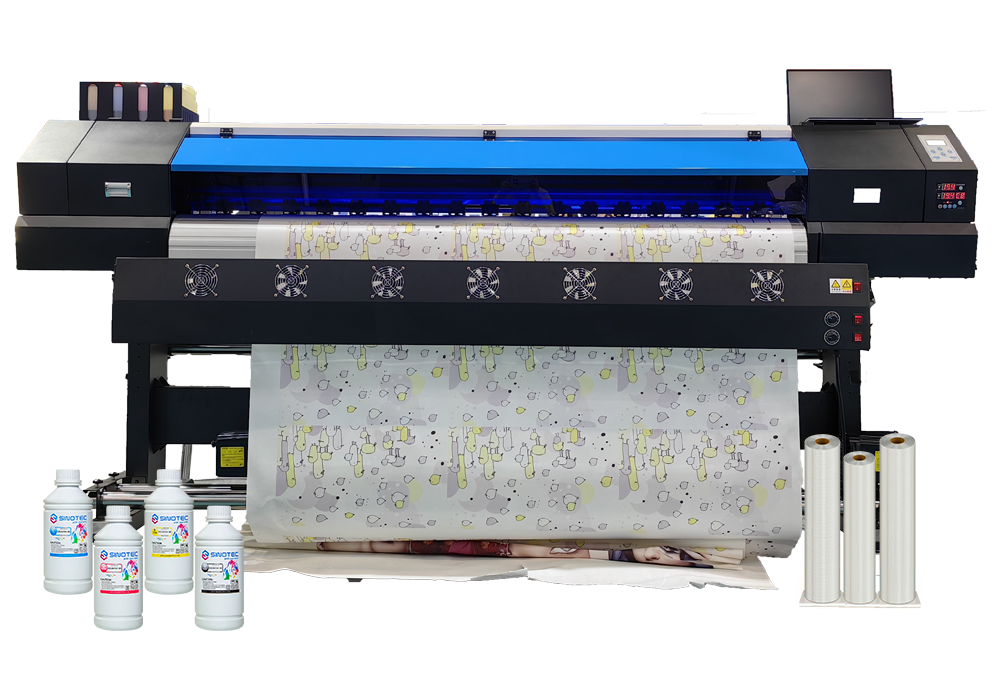
Then there’s wide-format inkjet, which is basically a Graphic Printing Machine that someone convinced to print on fabric instead of vinyl banners. These things are massive (some hit 64 polegadas de largura), crazy fast, and they’ll handle soft signage, flags, backdrops, trade show graphics. Not really for t-shirts unless you’re doing all-over prints or cutting and sewing custom patterns. Think industrial scale — I’ve seen shops running 500-yard orders on these.

Each technology has its lane. DTF for custom apparel with no minimums. Sublimation for poly products with permanent, photo-quality color. Wide-format for big textile runs where speed matters more than garment versatility. Choose based on what you’re actually selling, not what sounds coolest.

Which Graphic Printing Machine Technology Actually Matches Your Production Volume and Fabric Types

I watched a startup blow $40,000 on a dye-sublimation setup last year because someone told them it was “the future of textile printing.” They were printing mostly cotton tees. Sublimation doesn’t work on cotton. At all. The machine sat there for three months before they sold it at a loss.
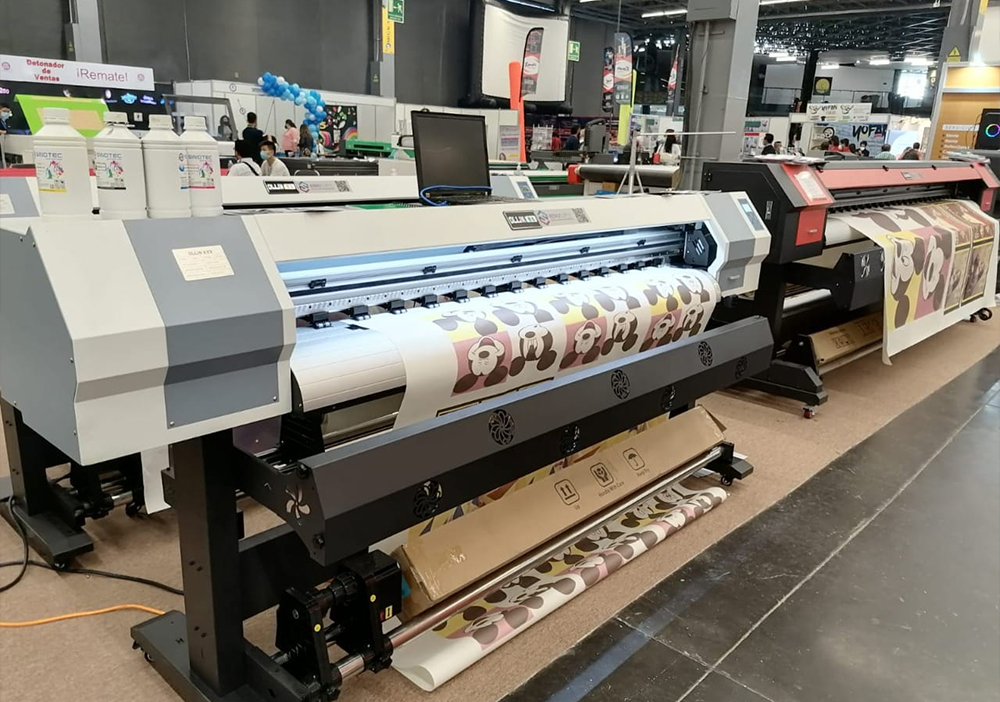
Impressoras eco solvente

So let’s talk real numbers and actual fabric compatibility, because the Graphic Printing Machine you pick needs to match what you’re physically printing — not what you think you might print someday.

DTG (direct-to-garment) handles low-to-medium volume really well. Estamos conversando 20-200 pieces per day if you’re running efficiently. Algodão, cotton blends, anything with natural fibers — DTG loves that stuff. Polyester? Not so much. The ink sits on top instead of bonding, and you get this weird plasticky feel. I’ve seen shops push 300 shirts in a day on a good industrial DTG unit, but you’re babysitting the thing constantly (white underbase clogs, print heads need cleaning, the usual drama). Best for on-demand operations or small custom runs where setup time matters more than raw speed.

Dye-sublimation is the opposite animal. High volume only makes sense here — you need at least 100-piece runs to justify the setup. But if you’re doing polyester all day (athletic wear, performance fabrics, promotional items), nothing touches it for permanence. The color literally becomes part of the fabric. I tested a sublimated jersey that went through 50 wash cycles with zero fade. Zero. A captura? Polyester only. Maybe poly-blends if you’re OK with muted colors on the natural fiber percentage.

Screen printing still wins for massive runs — 500+ pieces of the same design. Algodão, poly, misturas, doesn’t matter much. And honestly, for simple 1-3 color jobs on heavy fabric like hoodies or canvas bags, nothing beats the durability. Setup time kills you on small orders, no entanto. Anything under 50 pieces and you’re losing money on labor.

Wide-format textile printers (the ones that look like they belong in a print shop, not a garment factory) are for soft signage, bandeiras, trade show backdrops — basically anything that’s fabric but not a garment. These run 100+ yards per hour on polyester or treated cotton. Not your tool for t-shirts unless you’re cutting and sewing custom patterns afterward.

Match the technology to your actual daily workload. Not your dream workload. Your actual orders from last month.

Real-World Cost Breakdown: Comparing Initial Investment and Per-Print Economics for DTF, Sublimação, and Inkjet Systems

I burned through $18,000 learning this the hard way, so let me save you the tuition.
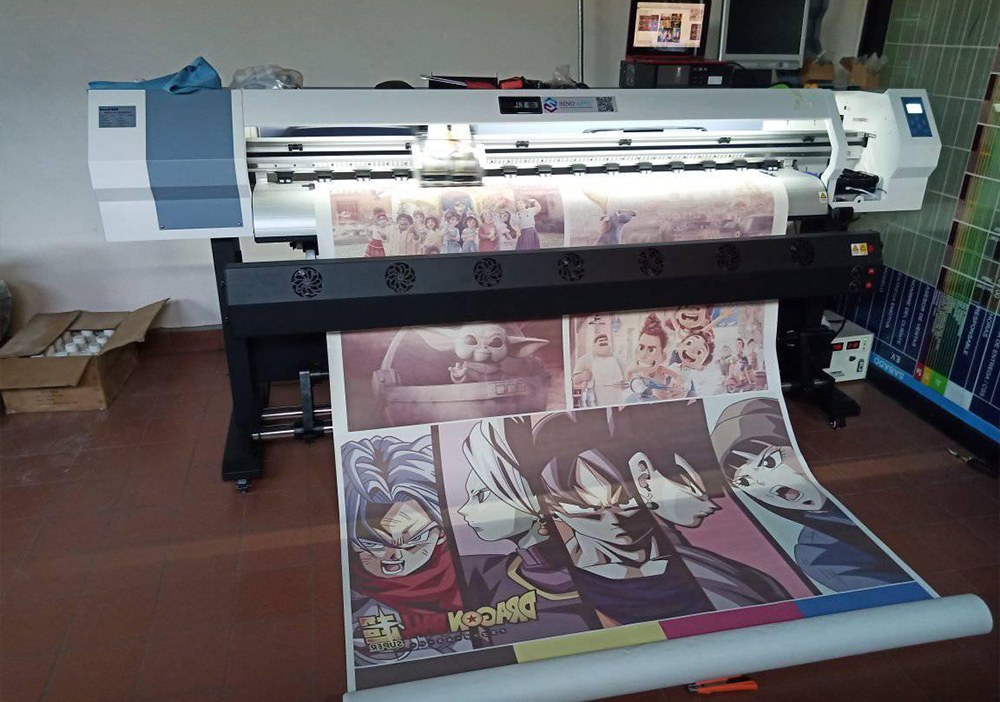
Banner printing machine

DTF printers look cheap up front — you can get a decent A3 setup for around $4,500 — but the consumables will murder you if you’re not careful. Powder, film, ink, hot-melt adhesive sheets. I was paying $0.85 per print for an 11×15 transfer once you factor everything in. That’s before labor. The break-even point for me was around 40-50 shirts per design, which worked great for local sports teams but tanked my margins on custom one-offs. And the film waste? You’re throwing away at least 15% on trimming and failed prints while you dial in your settings.

Sublimation is the opposite math. Entry cost is lower — a solid 13-inch Sawgrass setup runs about $2,800 — and your per-print cost drops to maybe $0.30 for an average design (ink and paper, that’s it). But here’s the catch: polyester only. White polyester, ideally. I watched a friend buy a $12,000 wide-format sublimation printer for “custom activewear” and then realize 60% of his inquiries were for cotton hoodies. Expensive mistake.

Technology Initial Investment Cost Per Print (11×15) Break-Even Volume
DTF (A3 system) $4,500–$8,000 $0.75–$1.20 40–60 units/design
Sublimação (13″ impressora) $2,800–$5,500 $0.25–$0.45 20–30 units/design
Modified Inkjet (Epson ET-8550) $600–$1,200 $0.15–$0.30 10–20 units/design

Modified inkjet setups — basically hacking an Epson EcoTank with sublimation or pigment inks — are how most people actually start. Low upfront cost. Stupidly cheap per print. But you’re limited to 13×19 max, and if you’re running a graphic printing machine all day, the printheads will clog on you every 6-8 weeks (ask me how I know). Fine for side hustles. Not fine for production.

So calculate your monthly volume first, then work backward to the technology. Not the other way around.

Matching Textile Printing Machine Capabilities to Your Business Model — Custom Orders, High Volume, or Multi-Substrate Flexibility

I watched a guy drop $48,000 on a DTG flatbed last year because “it looked professional” — then realize three months later he was doing 90% custom tote bags and maybe 12 T-shirts a month. Wrong machine. Completely wrong.

Your business model dictates the tech stack, not the other way around. If you’re running a print-on-demand storefront with 200 SKUs and orders trickling in one or two at a time, you need a different textile printing machine than someone cranking out 500 identical hoodies for a corporate client. And both of those are wildly different from a contract printer doing fashion samples on silk one day and canvas totes the next.

Custom orders — the Etsy crowd, the wedding favor people, the guy who makes ironic dad hats — need speed-to-first-print and low setup waste. DTG wins here. You’re not doing prepress. You’re not mixing Pantone inks. You upload a file, hit print, cure isso, done. A single-head DTG can handle 8–12 custom garments an hour if you’re moving. The per-unit cost sucks compared to screen printing, but setup time is zero, so your margins still work on one-offs.

High-volume shops — think merch for bands, company uniforms, bulk blanks for resellers — should be looking at automatic screen presses or hybrid UV-DTF systems. Once you’re past 50 units per design, screen printing demolishes everything on cost per piece. An 8-color auto can do 250+ shirts an hour. But setup takes 45 minutes and you’re eating the cost of screens, so anything under 24 units doesn’t pencil out. (I’ve seen shops refuse orders under 48 pieces for this exact reason.)

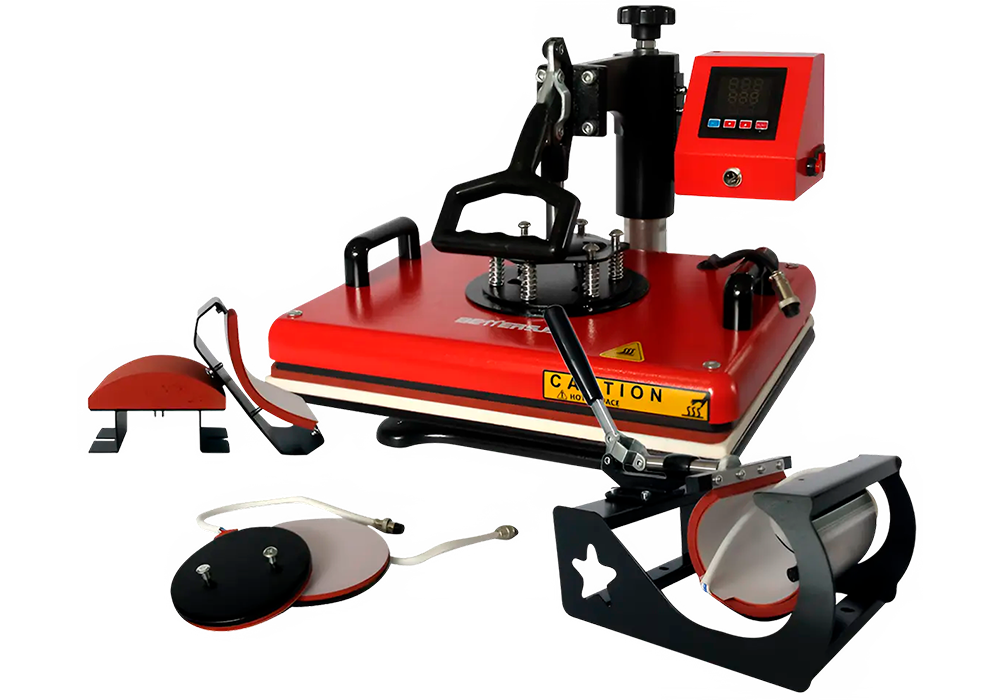
Multi-substrate flexibility is where it gets weird. If you’re printing on cotton e poliéster e madeira e ceramic — yeah, sublimation or a modded graphic printing machine with pigment inks is your only real play. You lose some color vibrancy on natural fibers, but you gain the ability to say yes to almost any substrate. A 13-inch sublimation printer with a heat press will handle fabric, canecas, mouse pads, and metal prints. Jack of all trades. Master of none — but sometimes that’s exactly what a startup needs.

Conclusão

Here’s the truth: most people overthink this decision. If you’re printing on cotton and doing small batches, DTG is still king. High volume on polyester blends? Screen or UV-DTF wins every time. The Textile Printing Machine that’s “best” is whichever one matches your actual order mix — not the one with the flashiest spec sheet.

I’ve watched shops drop $40K on equipment that sits idle because they chased capability instead of capacity. Start with your real numbers: what substrates are you actually printing on, what’s your average order size, and how fast do you need to scale. Those three answers will narrow your field to maybe two machines.

And if you’re still torn? Rent first. Most distributors offer 30-day trials now. Run your actual jobs through it before you sign anything.

Frequently Asked Questions

P: How much does a Textile Printing Machine actually cost?

UM: Entry-level DTG machines start around $15K (Epson F2100 territory), mid-range direct-to-film setups run $25K–$45K, and industrial screen printing automatics can hit $80K–$150K. The real cost isn’t the machine though — it’s the consumables, maintenance contracts, and whether you’re financing or paying cash. I’ve seen shops spend more on ink and pretreatment in year two than they did on the equipment itself.

P: What’s the difference between DTG and DTF printing?

UM: DTG (direct-to-garment) prints straight onto fabric using modified inkjet tech — think of it like a giant printer that eats t-shirts. DTF (direct-to-film) prints onto a special film first, then heat-transfers that image onto the garment. DTG gives you softer prints on cotton but needs pretreatment; DTF works on damn near anything (poliéster, nylon, couro) but feels slightly thicker.

P: Can I run a Textile Printing Machine from home?

UM: Technically yes, but your neighbors might hate you. Most machines need dedicated 220V power, proper ventilation (those fumes are no joke), and climate control — humidity kills print quality fast. I know three people running DTG setups in converted garages, and all of them wish they’d gone straight to a commercial space. The noise alone from a conveyor dryer will end friendships.

P: How long does it take to print one shirt?

UM: A DTG Textile Printing Machine takes 2–4 minutes per shirt depending on design complexity (full-color photorealistic images eat more time). Screen printing is way faster once you’re set up — maybe 20 seconds per piece — but setup eats an hour. UV-DTF is the sweet spot for speed: 30–45 seconds per transfer, no pretreatment needed.

P: What fabrics work best with textile printing machines?

UM: 100% cotton is still the gold standard for DTG — the ink bonds beautifully and the hand-feel stays soft. Poly-cotton blends (50/50 or 60/40) work but you’ll see some color shift and need white underbase. Straight polyester needs either sublimation equipment or DTF transfers; trying to DTG print on poly is like writing with a Sharpie on wax paper.

P: Is buying a used Textile Printing Machine worth the risk?

UM: Depends entirely on the print head hours and maintenance records. A two-year-old machine with 500 hours and documented cleaning logs? Solid deal at 40% off retail. A five-year-old unit with mystery service history and a “works great!” description on Facebook Marketplace? Pass — you’re buying someone else’s expensive problem. Always get a tech inspection before you wire money.

P: Why do some prints crack or fade after washing?

UM: Usually it’s a curing issue — you didn’t hit the right temperature long enough, or your conveyor dryer speed was too fast. Cheap ink matters too (I learned this the expensive way with a bulk supplier in 2026). The other culprit is fabric prep: oil, sizing chemicals, or fabric softener residue will wreck ink adhesion no matter how perfect your Textile Printing Machine settings are.
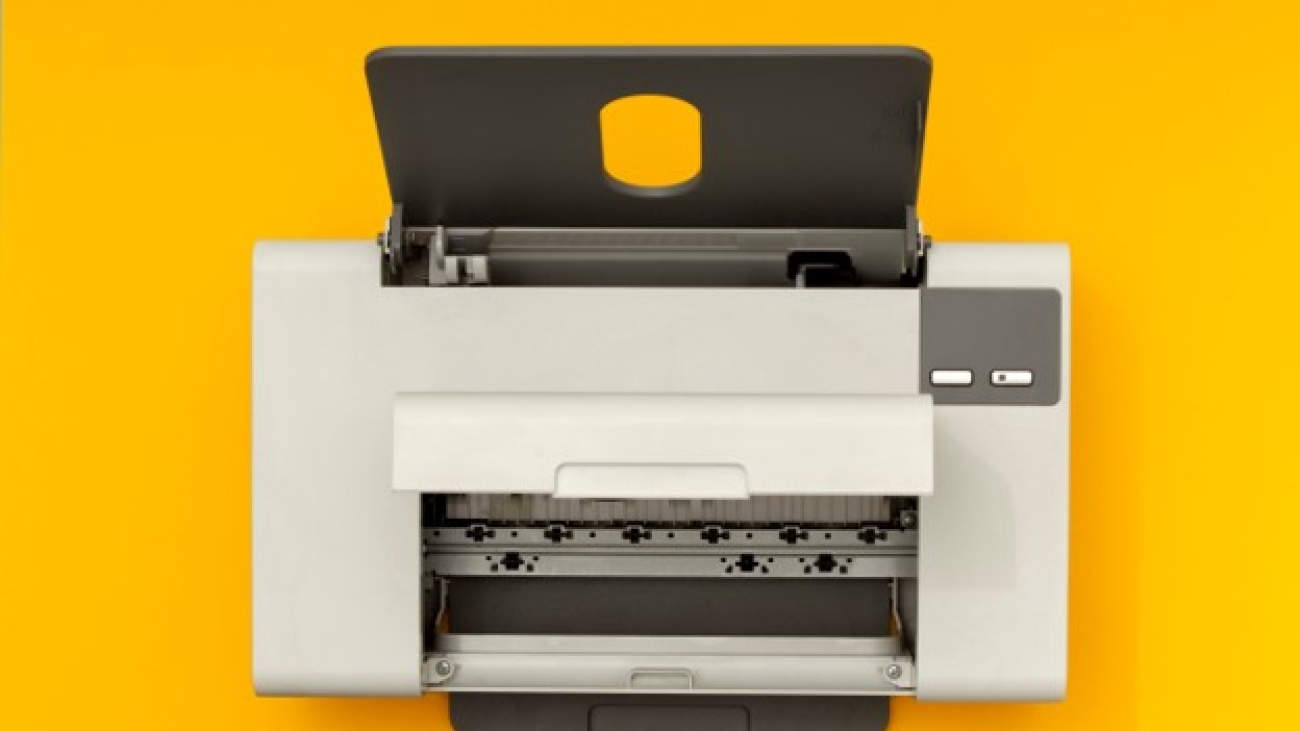
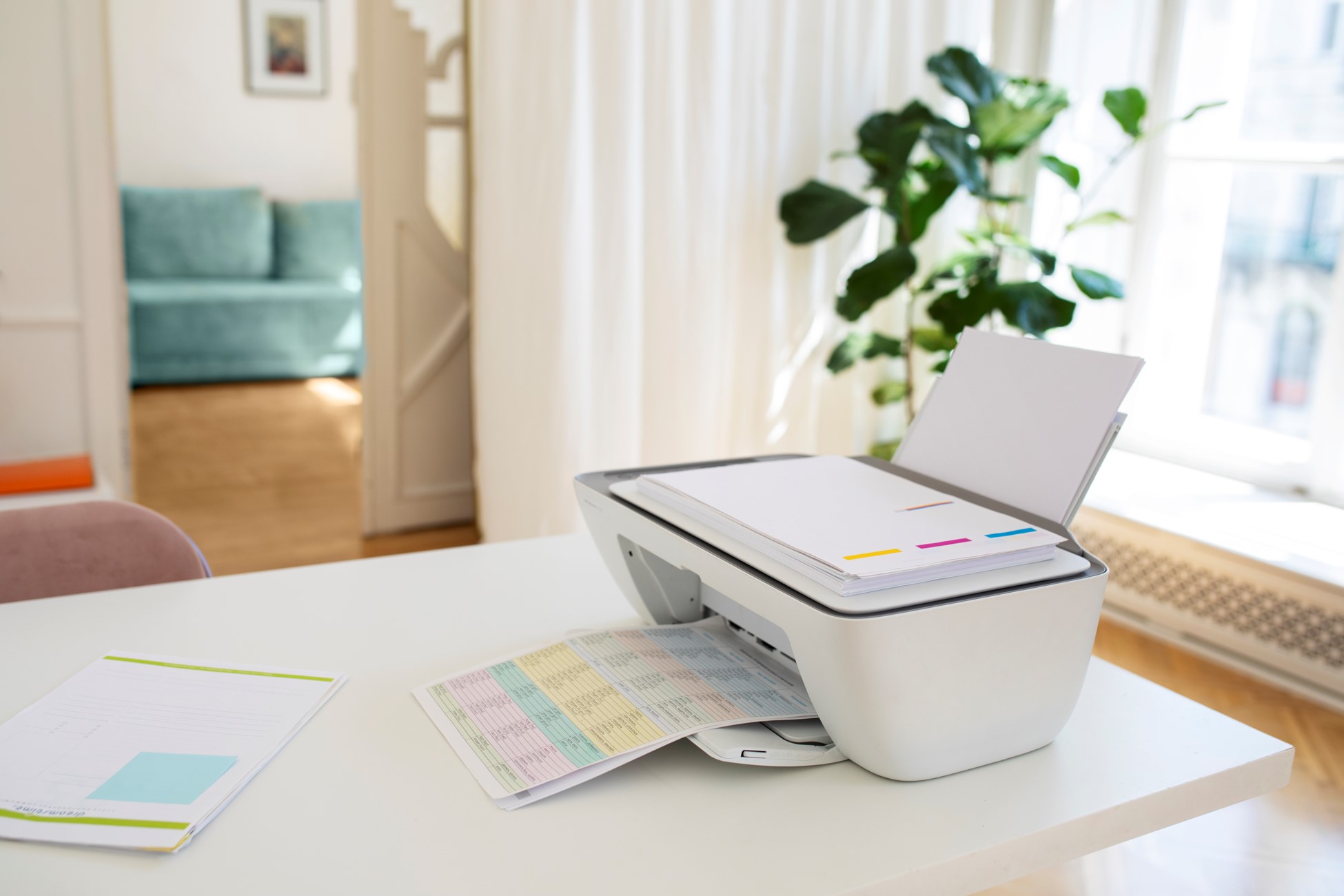
Impressora jato de tinta

O que uma grande impressora jato de tinta realmente faz (E por que as especificações são mais importantes do que a marca)

A maioria dos compradores se fixa primeiro nos nomes das marcas. Esse é o ponto de partida errado.

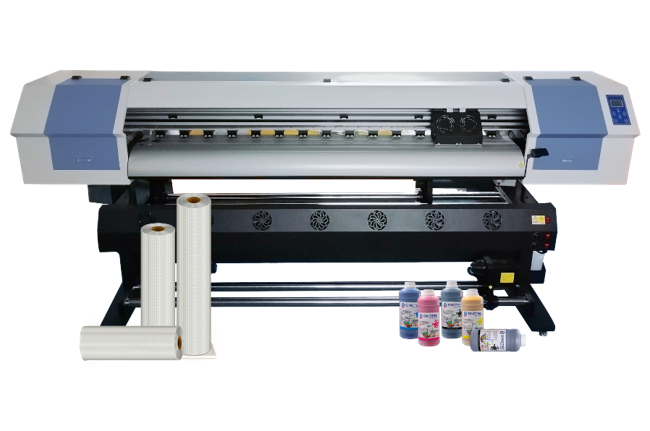
UM large inkjet printer works by propelling microscopic droplets of ink — sometimes as small as 2 picolitros – através de um cabeçote de impressão e em um substrato com precisão suficiente para reter linhas finas, gradientes, e detalhes fotográficos em larguras que uma máquina desktop não poderia alcançar. Estamos conversando 24 polegadas, 44 polegadas, 60 polegadas de largura. Alguns sistemas alimentados por rolo vão ainda mais longe. A tecnologia principal parece bastante simples, mas as variáveis ​​abaixo dessa descrição básica são onde os compradores consistentemente se queimam: tamanho da gota, configuração do cabeçote de impressão, química da tinta, manipulação de mídia, e o método de secagem interagem de maneiras que as folhas de especificações nem sempre explicam claramente.

Então, aqui está a questão das especificações: elas não são apenas números para impressionar você em uma feira comercial. UM commercial inkjet printer running aqueous dye inks will produce stunning color on coated photo paper and look completely washed out on uncoated banner material. Swap to a solvent or latex ink system and suddenly you’ve got outdoor durability, but your fine-art reproduction quality takes a hit. Neither is universally better. It depends entirely on what you’re printing, how often, and on what surface.

And the “large plotter printer” category specifically adds another layer of complexity — these machines are built around precision drafting and technical output, where dimensional accuracy matters more than color gamut. An architectural firm printing CAD drawings has almost nothing in common with a print shop running retail signage, even if both are using a 36-inch wide-format machine from the same product family.

The table below breaks down the primary spec categories that actually affect real-world output quality — not the marketing highlights, but the functional differences worth comparing before you commit to a purchase:

Spec CategoryWhy It MattersWhat to Look For
Print Resolution (DPI)Determines fine detail and edge sharpness1200 DPI minimum for photo/graphic work
Ink TypeAffects durability, color range, and media compatibilityMatch ink chemistry to your primary substrate
Printhead TechnologyImpacts speed, consistency, and maintenance costPiezo vs. thermal — piezo tends to last longer
Max Print WidthSets the ceiling on your output format optionsBuy wider than your current largest job requires
Media HandlingDetermines substrate flexibility and workflow speedRoll-to-roll vs. flatbed vs. hybrid configurations

Print Width, Resolution, and Ink Systems — The Three Numbers You Can’t Ignore

Three numbers. That’s really what separates a machine that fits your operation from one that becomes an expensive paperweight six months in. Print width, resolution, and ink system — get all three right, and almost everything else is just fine-tuning.

Print width is the obvious one, but buyers consistently underestimate it. The rule of thumb that actually holds up in practice: buy wider than your biggest current job demands. If your largest regular output is 42 polegadas, look at a 54- or 60-inch machine. Why? Because the moment you start turning away a client because your large inkjet printer can’t physically fit their banner, you’ve already lost more than the machine’s cost differential. A large plotter printer running at 60 inches doesn’t cost dramatically more to operate than a 44-inch model — but the ceiling it removes from your revenue potential is significant.

Resolution is where people get tangled up in specs that don’t always translate to real-world results. Honest answer: 1200 DPI is a reasonable floor for graphics and photo work, but the printhead technology matters just as much as the number itself. A machine printing at 1200 DPI with a well-calibrated piezo head — Epson’s PrecisionCore architecture is a good reference point here — will outperform a thermal system rated at 2400 DPI that’s running with clogged nozzles. So don’t chase the bigger number blindly.

Ink chemistry is where things get genuinely complicated (and where a lot of buyers make expensive mistakes). Aqueous inks are excellent for indoor photo and fine art output but will fade or bleed on outdoor substrates. UV-curable inks adhere to rigid materials — acrylic, aluminum composite, foam board — and cure instantly under UV lamps, which speeds up workflow considerably. Solvent and eco-solvent inks sit somewhere in the middle: outdoor-durable, flexible enough for vehicle wraps, and compatible with a wide range of vinyl media. Any commercial inkjet printer running outdoor signage or fleet graphics work almost certainly needs solvent or UV capability.

Match the ink system to your primary substrate first. Everything else follows from that decision.

Impressora jato de tinta

Where a Large Plotter Printer Fits vs. Where It Doesn’t

Fit matters more than features. A large plotter printer sitting in the wrong environment is just an expensive dust collector — and that’s not an exaggeration if you’re a small print shop running maybe 10-15 wide-format jobs a week on a machine built for 10x that volume.

So where does a large inkjet printer genuinely earn its keep? Commercial print shops, architectural firms, interior design studios, event production companies, and any operation doing consistent wide-format output at scale. These are environments where the throughput justifies the footprint, the maintenance overhead, and the media costs. A commercial inkjet printer running at near-capacity is a completely different value proposition than one sitting idle three days out of five.

Not every buyer fits that profile, no entanto.

A freelance photographer who occasionally prints exhibition pieces doesn’t need a 64-inch roll-fed beast — a desktop photo printer at a fraction of the cost handles that workload without the ink maintenance headaches that come with machines left idle for extended periods (and yes, clogged heads are a real operational cost, not just an inconvenience). Same logic applies to small marketing teams who send maybe two or three banner jobs a year to an outside vendor. Outsourcing those runs is almost always cheaper than ownership when volume is that low.

But when volume crosses a certain threshold — say, daily print runs, consistent substrate variety, or tight turnaround requirements — in-house wide-format production starts making serious financial sense. Buyers sourcing through suppliers like SINOTEC often hit this crossover point when they’re scaling a regional print operation or building out commercial production capacity for OEM or contract work.

  • High fit: print shops, trade show producers, empresas de sinalização, architectural visualization studios
  • Low fit: occasional-use creative freelancers, small offices with minimal visual output needs
  • Gray zone: mid-size marketing departments — depends entirely on monthly print volume and turnaround sensitivity

Honest answer? Most buyers overestimate their volume and underestimate their maintenance commitment. Know your actual monthly square footage before you commit to anything.

Impressora jato de tinta

How to Match a Commercial Inkjet Printer to Your Real-World Output Needs

Matching the machine to the actual job — not the job you imagine you’ll have six months from now — is where most buyers go wrong. The spec sheet looks great. The demo print looks great. And then the printer sits at 40% utilization because the workload never materialized the way the purchase justification said it would.

So here’s a more grounded way to think about it. Start with your dominant output type, not your maximum output type. A commercial inkjet printer built around textile or backlit film production has a completely different ink system and media handling setup than one optimized for CAD drawings or technical schematics. These aren’t interchangeable — not without real performance trade-offs.

Three variables actually matter most when you’re trying to match a large inkjet printer to real commercial workloads:

  • Media range — how many substrate types does your operation actually run per month? (If the honest answer is “mostly one or two,” you don’t need a hybrid machine.)
  • Speed vs. quality balance — production signage can tolerate faster, lower-pass printing; fine art reproduction or architectural rendering cannot
  • Ink system durability — pigment-based systems hold up better for outdoor applications; dye-based systems punch harder on color gamut for indoor display work

A large plotter printer in a high-volume technical environment — think engineering firms running daily blueprint output — has almost nothing in common with a wide-format unit serving a trade show graphics shop, even if both machines print at 60 polegadas de largura. Same category. Completely different animal.

Buyers sourcing at scale, particularly those working with OEM-focused suppliers on customized builds, often find that nailing the ink system first simplifies every other decision downstream. Get that wrong and you’re fighting the machine on every job.

Not complicated. Just specific. The buyers who get this right are the ones who audit their actual job logs — real substrate types, real turnaround windows, real monthly square footage — before they ever open a product catalog.

Conclusão

The spec sheet is not your friend here. What actually matters — ink system, substrate range, real duty cycle — lives in your own job logs, not in a manufacturer’s marketing copy.

Buying a large inkjet printer without auditing your actual workload first is how businesses end up with expensive hardware that fights them on every run. Pigment or dye, roll-fed or flatbed, 44-inch or 64-inch — none of those calls are hard once you know what you’re genuinely printing, how often, and on what.

Get specific before you get shopping.

Frequently Asked Questions

P: What is a large inkjet printer actually used for in a commercial setting?

UM: Large inkjet printers handle output that desktop units can’t — think banners, trade show graphics, envelopamento de veículos, architectural drawings, fine art reproductions, and wide-format photography. The defining factor is print width, typically 24 inches and up, which is what separates them from standard office hardware. Most commercial buyers are running roll media, though flatbed configurations handle rigid substrates like foam board, acrílico, and aluminum composite.

P: How much does a large inkjet printer cost?

UM: Entry-level wide-format machines from brands like Epson or Canon start around $1,500–$3,000 for 24-inch models, but production-grade large inkjet printers — 44-inch to 64-inch roll-fed units — run $10,000 para $30,000+. Flatbed UV systems can push past $80,000 depending on bed size and ink configuration. The hardware price is only part of it; ink, media, and maintenance contracts stack up fast.

P: What’s the difference between pigment and dye ink in a large inkjet printer?

UM: Pigment ink sits on top of the substrate and resists UV fading — it’s what you want for outdoor signage or archival prints. Dye ink absorbs into the media and produces more vibrant color on coated papers, but it fades faster under direct light. Choosing the wrong ink system for your primary use case is one of the most expensive mistakes buyers make.

P: How long do large inkjet prints actually last outdoors?

UM: Unlaminated outdoor prints using quality pigment ink typically hold for 1–3 years under direct sun exposure. Add a UV-resistant laminate and that number climbs to 5–7 years on most vinyl substrates. Dye-based output degrades significantly faster — sometimes within months in high-UV environments — which is why substrate and ink pairing matters before you quote a client on durability.

P: Can a large inkjet printer handle rigid materials like wood or metal?

UM: Roll-fed printers can’t — that’s a flatbed UV inkjet job. Flatbed large inkjet printers use UV-curable ink that bonds directly to rigid surfaces including aluminum, vidro, madeira, ceramic tile, and even some plastics. If rigid media is a core part of your workload, a hybrid flatbed (which handles both roll and rigid) is worth the premium over a roll-only unit.

P: Why do large inkjet printers have such high running costs?

UM: Ink is the main culprit — wide-format machines consume it fast, and OEM cartridges aren’t cheap. A 64-inch production printer running full-coverage graphics can burn through hundreds of dollars in ink per day at volume. Add printhead maintenance, waste ink tanks, and media costs, and your cost-per-square-foot calculation looks very different from the spec sheet’s headline number. Buyers sourcing through OEM/ODM channels — suppliers like SINOTEC that work directly with manufacturers — sometimes find better ink pricing on compatible systems without sacrificing output quality.

P: How do I know what size large inkjet printer I actually need?

UM: Pull your last three months of job logs and find your most common output width — then buy one size up from that. Most shops think they need a 64-inch machine when a 44-inch unit would handle 90% of their actual volume with lower media waste and faster pass speeds. Overbuying on width is a real thing, and it costs you in media costs on every job that doesn’t fill the bed.

P: Is it worth buying a used large inkjet printer instead of new?

UM: It depends almost entirely on the printhead hours — that’s the number sellers don’t always volunteer. A used large inkjet printer with low head hours and documented maintenance can be a solid buy at 40–60% off retail. Skip anything with no service history, clogged heads, or a discontinued ink system; the repair and consumables situation turns ugly fast, and manufacturer support on discontinued models is essentially nonexistent.

DTF printer with a powder shaker and curing unit for textile transfers

Como a sublimação e a impressão DTF realmente funcionam – e por que a diferença é importante

Sublimação e DTF não são a mesma coisa – e confundi-los custará dinheiro, tempo, e uma pilha de espaços em branco arruinados. Então, vamos detalhar o que está acontecendo dentro de cada processo, porque a química é mais importante do que a maioria das pessoas imagina.

UM sublimation printer works by converting solid dye into gas under heat — skipping the liquid phase entirely. Esse gás se liga diretamente às fibras de poliéster (ou superfícies duras revestidas com polímero) em torno de 375–400°F, tornando-se parte do próprio material. Não sentado em cima. Dentro dele. É por isso que as impressões por sublimação não parecem nada quando você as toca – não há camada de tinta para descascar ou rachar. A captura? Só funciona em cores claras, substratos pesados ​​em poliéster. Algodão? Esqueça. UM 100% camiseta de algodão lhe dará o fantasma desbotado de uma imagem, não é uma impressão vibrante.

DTF — direto para filme — funciona de maneira completamente diferente. UM DTF garment printer deposits ink onto a special film, espana com pó adesivo termofusível, cura isso, then transfers the whole thing onto fabric using a heat press. It sticks to almost anything: cotton, misturas, dark fabrics, textured surfaces. That flexibility is genuinely useful. But the transfer layer sits on top of the fabric, and you can feel it — some buyers love the texture, others don’t.

Here’s where it gets interesting for product diversification. The same thermal-transfer logic that drives garment printing shows up in completely different market segments. How a Phone Case Printer Vending machine operates — heating a pre-printed film onto a case shell — borrows from the same fundamental transfer mechanics. And the conversation around Phone Case Printer Vending Machine vs. traditional retail setups often comes down to exactly this: transfer quality and substrate compatibility. How Countries Embrace Phone Case Printer technology also varies wildly — markets in Southeast Asia lean toward high-volume vending kiosks, while European buyers often prioritize print durability specs. Top Spots for Profitable Phone Case printing operations tend to cluster around high foot traffic and customization demand, not just equipment cost.

For straight garment work, um sublimation t shirt printer dominates when you’re running polyester sportswear or branded merch at scale. Soft hand-feel, zero cracking, wash durability that actually holds up past 50 cycles. Suppliers like SINOTEC who handle OEM spec work for international buyers see this distinction constantly — clients ordering sublimation setups for activewear and DTF rigs for fashion blanks. Different tools. Different jobs. Neither one is universally better.

Pick the wrong process and you’re not just wasting supplies. You’re reprinting entire runs.

The Sublimation T-Shirt Printer: What It Does Well and Where It Hits a Wall

Polyester is where a sublimation t shirt printer is basically unbeatable. Full stop. The dye bonds at a molecular level with the fabric — not sitting on top of it, not cracking off after a dozen washes — and the result is a print that genuinely outlasts the shirt itself in most cases. Sportswear brands, team kits, branded activewear runs: this is the machine’s home territory, and it owns it.

But here’s the wall, and it’s a hard one. Natural fibers. Algodão, linen, bamboo blends — sublimation dye has almost nothing to bond with on those materials, so the color either fades fast or never saturates properly to begin with. A DTF garment printer sidesteps that problem entirely by applying a film transfer that sticks regardless of fiber content, which is exactly why fashion-forward buyers running cotton streetwear blanks keep landing on DTF setups instead. Different chemistry. Different use case.

The substrate limitation trips up a lot of first-time buyers who see the print quality on a polyester sample and assume it’ll translate to everything in their catalog. It won’t. (This is also why understanding your actual product mix before buying any equipment matters more than any spec sheet comparison.)

There are also considerations beyond the garment itself. How a Phone Case Printer Vending operation handles substrate diversity is actually a useful comparison point here — those machines are engineered around a fixed substrate, which is why they work so cleanly. A sublimation printer runs best when you’ve similarly locked down your material choices. Versatility isn’t really the pitch. Consistency is.

  • Polyester and poly-blend fabrics: excellent color saturation, wash durability past 50+ cycles
  • Cotton and natural fibers: poor dye bonding, not recommended without a polymer coating pre-treatment
  • Hard substrates (canecas, panels, cases): works well with the right heat press setup
  • White or very light base colors required — sublimation can’t print on dark fabric effectively

So the honest summary is this: a sublimation printer is a precision tool, not a catch-all. Know your substrate. Know your volume. Buy accordingly.

DTF garment printer

The DTF Garment Printer: Broader Fabric Range, Different Trade-Offs

DTF — direct-to-film — solves the problem that sublimation simply can’t. Dark fabrics. Algodão. Textured blends. All the stuff that sends a sublimation t shirt printer sideways is basically fair game for DTF, because the process works differently at a fundamental level: ink gets printed onto a release film, a hot-melt adhesive powder gets applied, the film cures, and then the whole transfer gets heat-pressed onto the garment. No dye migration. No substrate dependency. Just ink sitting on top of the fabric, bonded through adhesive.

That’s genuinely useful. But it comes with trade-offs that buyers routinely underestimate.

The feel is different — a DTF transfer has a slight hand to it, a texture you can run your finger across. On a premium cotton tee it’s usually fine. On athletic polyester that needs to breathe and flex? It can feel restrictive, especially on larger prints. And wash durability, while solid in the 30–40 cycle range for quality transfers, doesn’t quite match what a good sublimation setup delivers on poly fabric. The dye-bonded-into-fiber result of sublimation just ages more gracefully on the right substrate.

So what’s the DTF garment printer actually good for? Honestly, short runs on mixed fabrics. Custom one-offs. Shops that can’t afford to tell customers “sorry, we only do light-colored polyester.” The flexibility is the product.

There’s also a cost-per-print reality worth flagging (especially for anyone running volume). DTF film, powder, and ink together add up faster than sublimation consumables at scale. For a high-output operation printing hundreds of identical polyester jerseys, sublimation wins on economics. For a shop doing 10-unit mixed orders every week, DTF makes more sense operationally.

  • Works on cotton, dark fabrics, and blended materials — sublimation cannot
  • Slight surface texture on finished prints; more noticeable on stretch fabrics
  • Wash durability: strong, but typically trails sublimation-on-poly over 50+ cycles
  • Higher consumable cost per print at volume
  • No base color restriction — dark garments are fine

And for context: suppliers like SINOTEC who handle commercial-grade digital print equipment see both technologies move steadily — which tells you neither has “won.” They serve different buyers with different constraints.

DTF garment printer

Sublimation Printer vs. Impressora DTF: Matching the Right Technology to Your Production Goals

OK so here’s the honest framing nobody gives you upfront: choosing between a sublimation printer and a DTF garment printer is less about which technology is “better” and almost entirely about what your order book actually looks like week to week.

Production volume changes everything. A sublimation t shirt printer running polyester blanks at scale — think 200+ units of the same design — delivers cost-per-print economics that DTF simply can’t touch at that quantity. The ink bonds into the fiber itself, so there’s no film layer, no texture, no peel risk after 60 wash cycles. But drop that same sublimation setup in front of a cotton tee or a dark-colored garment, and you’ve got a problem. It just doesn’t work.

Not a workaround problem. A physics problem.

DTF flips the constraint. It handles cotton, darks, blends — materials that sublimation ignores entirely — which is why retail customization shops tend to lean toward it. The tradeoff is consumable cost at volume and a slight surface texture that’s noticeable on stretch fabrics (athletes notice it; casual buyers usually don’t). So the math only tips toward DTF when your orders are mixed, short-run, or fabric-diverse.

And this is where it gets interesting for anyone thinking beyond garments. The same decision logic applies to adjacent markets — how a phone case printer vending setup gets specified, for instance, or how phone case printer vending machine vs. traditional retail kiosk models get evaluated by operators. Sublimation dominates phone case printing because the substrates are polymer-coated and the output is flawless. Understanding how countries embrace phone case printer deployments in high-traffic retail shows the same pattern: sublimation where the substrate cooperates, UV or DTF where it doesn’t.

Top spots for profitable phone case customization — airports, malls, tourist districts — almost universally run sublimation-based equipment. That’s not coincidence.

FactorImpressora de sublimaçãoDTF Garment Printer
Fabric compatibilityPolyester, polymer-coated onlyAlgodão, misturas, dark fabrics
Best order sizeHigh-volume, uniform runsShort-run, mixed orders
Wash durabilityExcellent (50+ cycles)Strong, slightly lower
Consumable cost at volumeLowerHigher
Surface feelNo texture — ink is in the fiberSlight film texture

Conclusão

The substrate question settles everything. If your production runs polyester blanks or polymer-coated cases at any real volume, a sublimation printer earns its place fast — lower consumable costs, zero surface texture, and wash durability that holds up past 50 cycles. That’s a hard combination to beat.

Cotton-heavy catalog? Mixed short runs? Go DTF and don’t look back.

But if your substrate list cooperates, don’t overthink it. The high-traffic retail spots running sublimation equipment aren’t doing it by accident — they’re doing it because the math works, the output is clean, and the repeat order economics make sense at scale.

Frequently Asked Questions

P: What is a sublimation printer and how does it actually work?

UM: A sublimation printer uses heat to convert solid dye into gas — skipping the liquid phase entirely — which then bonds directly into the surface of a polymer-coated or polyester substrate. The result is ink that’s technically inside the material, not sitting on top of it, which is why the surface feels completely smooth and the color doesn’t crack or peel.

P: What materials can a sublimation printer print on?

UM: Polyester fabric and polymer-coated hard substrates are your lanes — think mugs with a polymer coating, phone cases, aluminum panels, and polyester jerseys. Cotton won’t work; the dye has nothing to bond to and you’ll get a faded, washed-out result that looks terrible after one cycle in the wash. Stick to substrates with at least 65% polyester content for fabric, and look for “sublimation ready” labeling on hard goods.

P: How much does a sublimation printer cost?

UM: Entry-level desktop units — like the Epson EcoTank converted setups or the Sawgrass Virtuoso SG500 — run between $300 e $600. Wide-format production sublimation printers (think 44-inch roll-fed machines from Epson or Mimaki) jump to $3,000–$15,000+ depending on throughput. For commercial buyers sourcing OEM-configured units through suppliers like SINOTEC, per-unit pricing on bulk orders can shift the economics significantly compared to retail channels.

P: Why does my sublimation printer produce faded or dull colors?

UM: Nine times out of ten it’s a temperature or time issue at the heat press — sublimation needs 375–400°F for most substrates, and even 10 degrees low will kill your vibrancy. Wrong substrate is the other culprit; if the material isn’t polyester or polymer-coated, the dye has nowhere to bond and the color just sits on the surface weakly before fading. Also check your ICC color profiles — printing without the right profile for your specific paper and ink combination will throw off your output every time.

P: How long do sublimation prints actually last?

UM: On polyester garments, a properly done sublimation print holds up well past 50 wash cycles without noticeable fading — that’s one of its biggest advantages over screen printing at volume. Hard substrate prints (canecas, panels) are essentially permanent under normal use. UV exposure is the real enemy outdoors, so for signage or outdoor apparel, factor in a UV-protective laminate or coating.

P: Can I use a regular inkjet printer for sublimation?

UM: Some Epson EcoTank models (the ET-2800 series, for example) can be converted using third-party sublimation ink — but you’re voiding your warranty and the results vary enough that it’s not a reliable production setup. A purpose-built sublimation printer uses printheads and ink delivery systems calibrated for sublimation dye, which means more consistent output and fewer clogging headaches. For anything beyond hobby-level runs, the converted inkjet route gets expensive in wasted transfers fast.

P: Is a sublimation printer worth it for small businesses?

UM: If your product catalog is polyester-heavy — custom sportswear, branded merchandise, personalized home goods — the consumable cost per print is low enough that a sublimation printer pays for itself quicker than most people expect. The math gets harder if you’re running mixed-substrate orders with a lot of cotton, because you’ll need a second printing solution anyway. Honestly, the businesses that struggle with sublimation ROI are usually the ones who bought the printer before locking down a consistent substrate lineup.

P: How do I stop my sublimation prints from ghosting?

UM: Ghosting happens when the transfer paper shifts slightly during or after pressing — even a millimeter of movement while the substrate is still hot creates a blurry double-image effect. Use heat-resistant tape to anchor all four corners of the transfer before pressing, and don’t peel the paper until the substrate has cooled enough that the dye is fully set. A quality heat press with even platen pressure helps too; uneven pressure is a ghosting accelerator that people underestimate.

Roteador CNC vs Gravador a Laser

Roteador CNC vs.. Gravador a laser: Comparação abrangente de precisão, Velocidade & Adequação de materiais

À medida que a demanda por fabricação digital e personalizada está crescendo, a escolha de ferramentas adequadas de gravação e corte está se tornando cada vez mais crucial para as empresas. O Roteador CNC e máquina de gravação a lasersão apenas dois dos muitos exemplos de tais ferramentas usadas em publicidade, carpintaria, produção de móveis, artesanato e indústria. Embora ambas as máquinas funcionem com base no controle do computador, seus princípios de funcionamento, as possibilidades de processamento e os materiais que podem usar diferem entre si.

Comparação do princípio de funcionamento do roteador CNC e da máquina de gravação a laser

Compreender os princípios por trás de uma fresadora CNC e uma máquina de gravação a laser permite que os fabricantes determinem qual tecnologia atende às suas necessidades de produção. O equipamento CNC Router depende principalmente da tecnologia de corte mecânico, enquanto a máquina de gravação a laser aplica energia concentrada para gravar e cortar o material. Cada tipo de tecnologia de processamento resulta em diversas vantagens relacionadas à profundidade de corte, qualidade da superfície, taxa de produção, e capacidades de uso.

Método de corte mecânico de equipamento roteador CNC

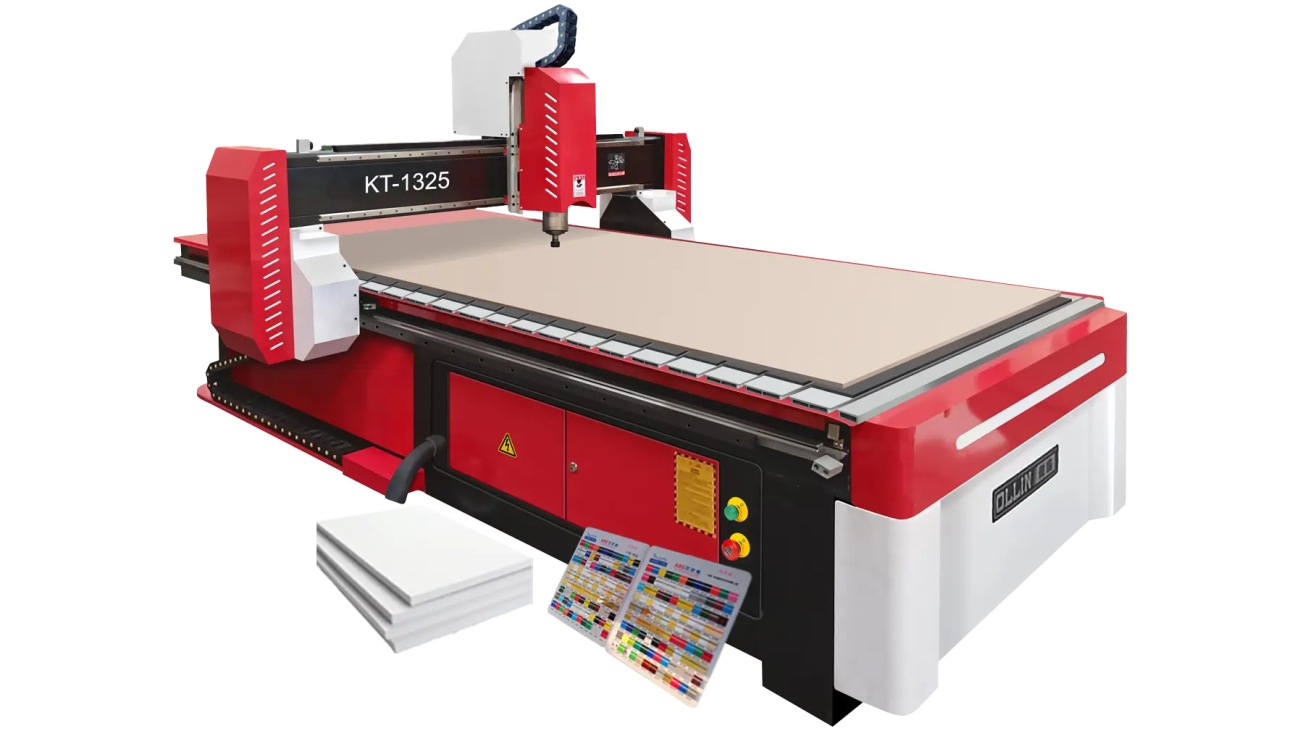
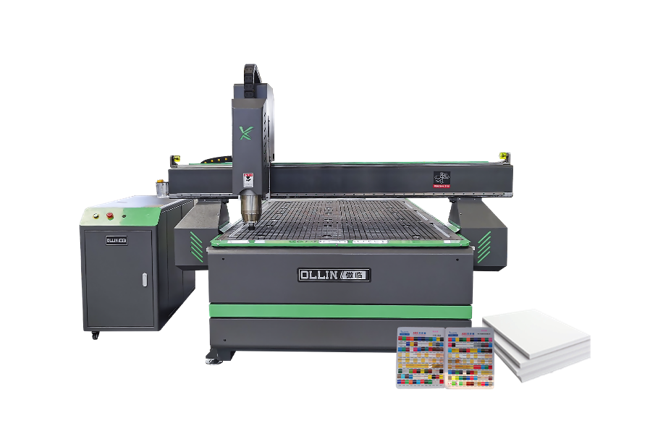
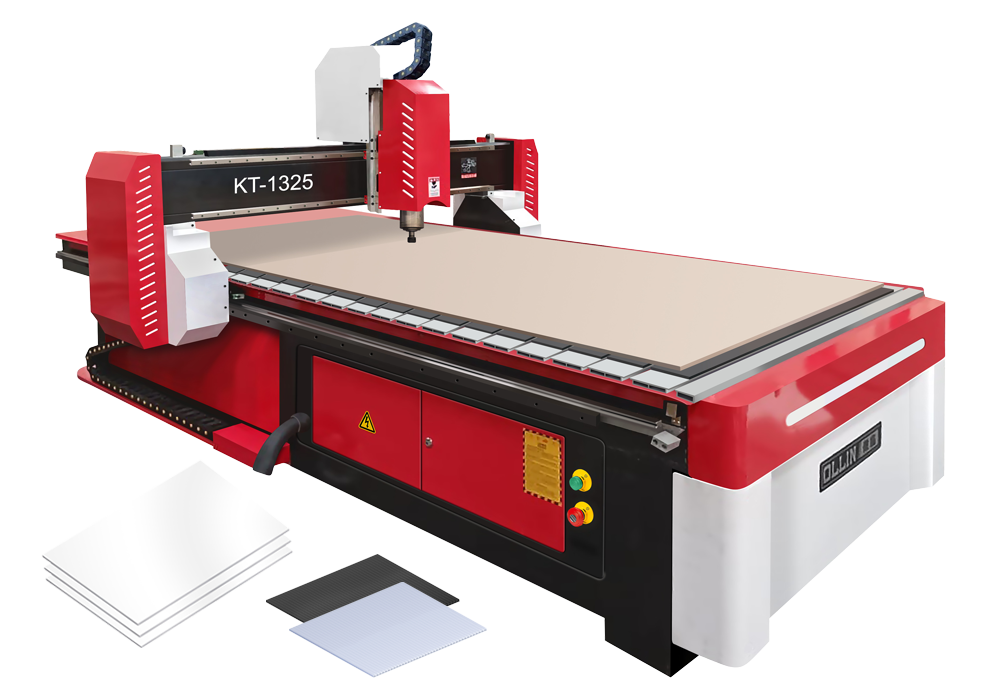
O roteador CNC corta e remove materiais usando ferramentas de corte rotativas controladas por software de computador, criando assim diferentes formas, padrões, e desenhos. A tecnologia de processamento mecânico oferece uma poderosa resistência ao corte com a possibilidade de gravação profunda, perfuração, e escultura 3D. Os roteadores CNC têm uma ampla variedade de aplicações em marcenaria, fabricação de sinais, corte acrílico, fabricação de plástico, e fabricação devido à alta estabilidade e capacidade de trabalhar com materiais espessos.

Tecnologia de processamento sem contato de máquina de gravação a laser

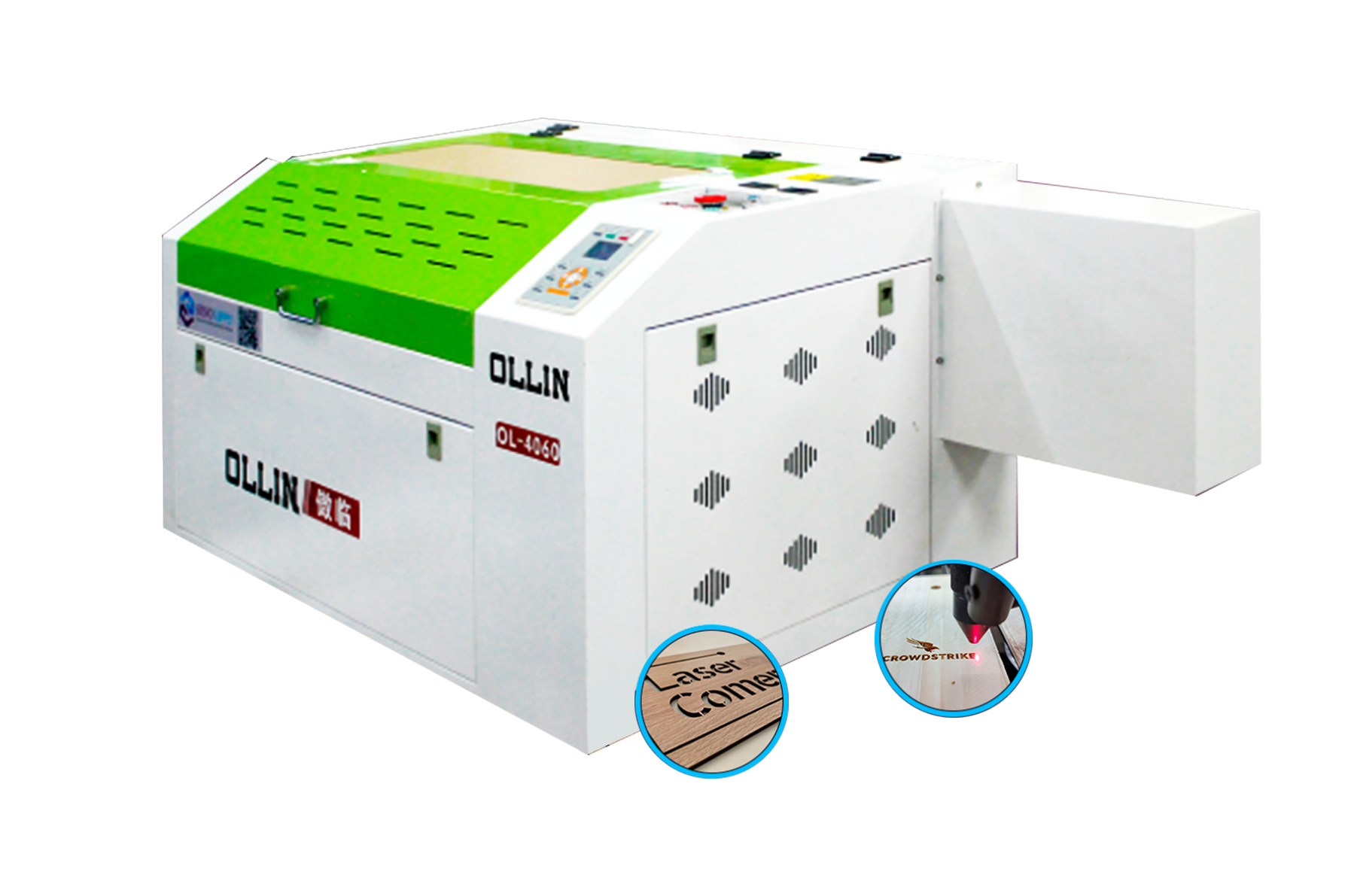
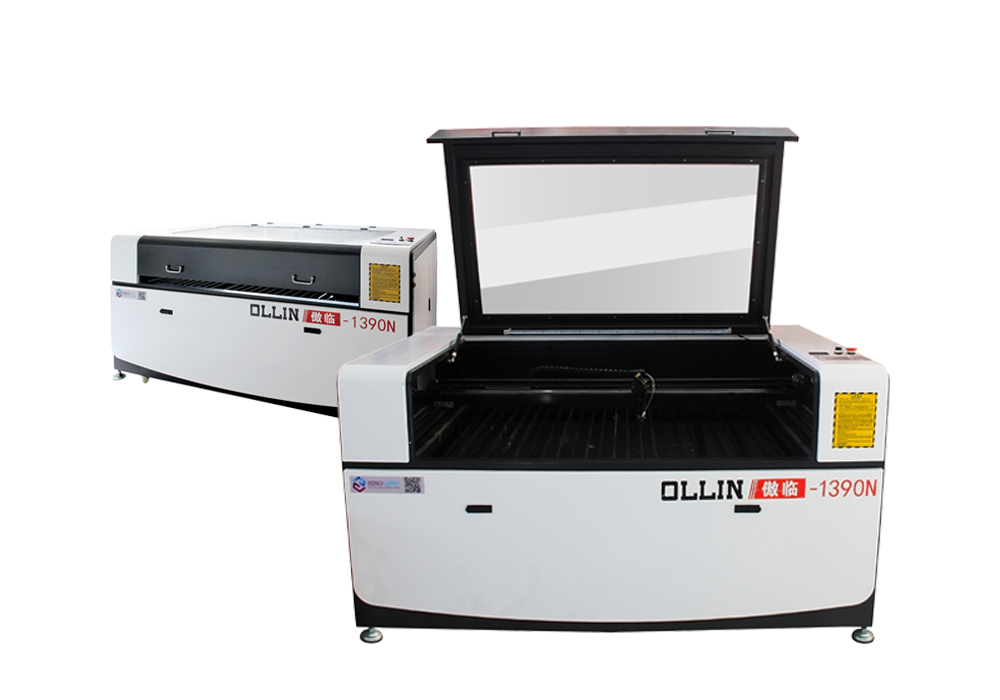
A máquina de gravação a laser usa um feixe de laser focado que faz uma gravação, marcação ou corte de qualquer objeto sem qualquer contato físico. A tecnologia laser permite que essas máquinas criem padrões detalhados e, ao mesmo tempo, minimizem o risco de danos mecânicos e distorção da superfície.. Como resultado de sua alta precisão e flexibilidade, máquinas a laser são amplamente utilizadas para fazer presentes personalizados, sinais, itens decorativos, processamento de couro, produtos acrílicos e outros.

Diferentes resultados de produção entre duas tecnologias

A principal distinção entre os dois é que o efeito de processamento é diferente. As máquinas CNC Router são mais adequadas para uso em casos onde os materiais precisam ser removidos, corte, e moldado em três dimensões, enquanto as máquinas a laser proporcionam gravações mais limpas e detalhadas. É importante que as empresas analisem a natureza dos seus produtos antes de tomarem uma decisão sobre a tecnologia de fabrico mais adequada a utilizar..

Roteador CNC vs Gravador a Laser

Roteador CNC vs.. Comparação de precisão de máquinas de gravação a laser

A precisão é um dos determinantes da qualidade do produto, processos de fabricação, e satisfação do cliente. As máquinas de gravação a laser e roteador CNC oferecem boa precisão no processamento de produtos, mas cada um é melhor em uma aplicação específica onde brilha. É principalmente recomendado quando a necessidade de corte forte é alta, enquanto a máquina de gravação a laser é adequada para trabalhos de gravação detalhados.

Desempenho do roteador CNC com precisão de corte profundo

Uma fresadora CNC tem um desempenho excelente ao trabalhar em materiais espessos e duros devido à capacidade das ferramentas de corte de oferecer desempenho estável em tais condições.. Roteadores CNC modernos com sistemas de controle avançados e motores de fuso potentes farão cortes profundos com resultados de desempenho precisos. O roteador CNC é, portanto, bom para a fabricação de móveis, peças industriais, e materiais publicitários.

Vantagens da máquina de gravação a laser no processamento de detalhes finos

Com uma máquina de gravação a laser, os usuários podem facilmente obter precisão de alta qualidade ao processar textos minúsculos, gráficos complexos, e outros designs na superfície. O fino feixe de laser permite que os fabricantes obtenham efeito de gravação de alta resolução sem qualquer contato físico com o material. Este recurso torna a máquina de gravação a laser muito conveniente para processar itens personalizáveis, painéis decorativos, marcadores eletrônicos, e muitas outras indústrias.

Escolhendo a precisão com base nos requisitos da aplicação

Deve-se notar que a seleção perfeita entre roteador CNC ou máquina de gravação a laser depende do próprio objetivo de produção. Durante o corte profundo, modelagem de materiais, e a remoção de grandes volumes de material será melhor realizada usando a fresadora CNC, a máquina de gravação a laser daria resultados muito melhores no caso de gravação fina e criação de bordas suaves.

Comparação de desempenho de velocidade de roteador CNC e máquina de gravação a laser

Outro aspecto que as organizações empresariais consideram ao avaliar equipamentos de processamento é a velocidade de produção.. A eficiência de operação do roteador CNC e da máquina de gravação a laser depende de vários aspectos, como a natureza do material, complexidade do design, profundidade de corte, e projeto de máquinas. As máquinas roteadoras CNC são eficientes em cortes em grande escala, enquanto as máquinas a laser são rápidas no processamento quando se trata de trabalhos de gravação e corte leve.

Eficiência do roteador CNC para processamento de materiais em grande escala

A máquina CNC Router é muito eficaz no processamento de materiais onde o projeto requer peças maiores e corte contínuo de material. Estas máquinas têm capacidade de fuso de potência suficiente e mecanismos de controle automatizados, o que o torna eficiente no corte de painéis de madeira, acrílicos, plástico, e materiais compósitos. Tais máquinas são frequentemente empregadas em indústrias com produção regular, como fabricação de móveis, painéis publicitários, e design de interiores.

Velocidade da máquina de gravação a laser para produção personalizada

A máquina de gravação a laser é uma ótima escolha em termos de velocidade para gravação de precisão e personalização de pequenos lotes. A ausência de corte físico significa que não há necessidade de substituição e ajuste frequente de ferramentas. Isso aumenta a velocidade do processo de produção e permite que a empresa faça designs personalizados, logotipos, padrões e marcações na superfície de um produto. Se a empresa precisa de produtos customizados, então a tecnologia laser é uma boa solução para aumentar a velocidade de produção.

Comparação de eficiência de produção para diferentes indústrias

No que diz respeito ao aspecto da velocidade do roteador CNC e da máquina de gravação a laser, é fortemente determinado pelo ambiente de fabricação. Os roteadores CNC são melhores para operações em grande escala e corte de grandes materiais, enquanto os lasers são melhores para gravação rápida e precisa. A escolha do equipamento deverá ser feita com base no número de pedidos, design dos produtos e natureza dos materiais.

Roteador CNC vs Gravador a Laser

Comparação de adequação de material de roteador CNC e máquina de gravação a laser

A compatibilidade dos materiais é um dos principais fatores que devem ser levados em consideração na seleção do equipamento de fabricação.. A fresadora CNC e a máquina de gravação a laser trabalham com diferentes tipos de materiais. A máquina roteadora CNC pode ser usada para processar materiais grossos e duros, enquanto o laser funciona bem com materiais que exigem gravação e corte detalhados.

Materiais adequados para aplicações de roteador CNC

A máquina CNC Router pode trabalhar com materiais rígidos, como madeira, MDF, acrílico, PVC, painéis compostos de alumínio, e plásticos. Devido ao princípio de corte mecânico, é possível fazer cortes profundos, ranhuras, e estruturas 3D com a ajuda da máquina. As máquinas CNC Router são amplamente utilizadas na fabricação de móveis, armários, letreiros publicitários, etc.. Por isso, Máquinas CNC Router são úteis para processar materiais grossos.

Materiais adequados para aplicações em máquinas de gravação a laser

A máquina de gravação a laser pode ser usada para trabalhar em materiais como madeira, acrílico, couro, plástico, vidro, metal revestido e outros materiais onde o detalhamento precisa ser feito. Como o corte a laser envolve pressão física mínima, garante que linhas limpas e padrões detalhados sejam possíveis mesmo ao trabalhar em materiais delicados. Tais características tornaram as máquinas a laser bastante comuns na área de brindes personalizados., decorações, embalagem, marcação eletrônica e outros campos criativos.

Seleção de equipamentos de acordo com as características do material

A decisão de optar por uma fresadora CNC ou uma máquina de gravação a laser deve ser tomada levando em consideração as características dos materiais a serem processados.. É sempre aconselhável que materiais duros e grossos sejam processados ​​usando uma fresadora CNC devido à sua forte capacidade de corte, enquanto materiais e designs finos são mais adequados para lasers..

Conclusão

A tecnologia do roteador CNC e da máquina de gravação a laser têm suas próprias vantagens quando se trata do processo de fabricação contemporâneo. As máquinas roteadoras CNC oferecem bom poder de corte, capacidade de usinagem profunda, e ótimo desempenho para materiais rígidos, enquanto as máquinas de gravação a laser têm precisão de detalhes precisos, personalização flexível, e bons efeitos de gravação. A seleção do equipamento adequado depende da necessidade da empresa e do material utilizado. Com a ajuda de equipamentos adequados, a empresa aumentará sua eficiência, ampliar sua gama de produtos, e obter melhores resultados de fabricação. Para empresas que procuram soluções profissionais de processamento CNC e gravação a laser, explorando opções de equipamentos confiáveis ​​de fornecedores experientes, como SINOTEC | Equipamento de publicidade digital & Consumíveis.

impressora i3200 eco-solvente

Epson XP600 versus. Cabeça de impressão i3200: Guia de seleção de cabeçotes de impressão para impressoras de grande formato

A escolha do cabeçote de impressão apropriado torna-se uma das principais considerações na compra de uma impressora de grande formato. O cabeçote de impressão afeta a qualidade de impressão, velocidade de impressão, uso de tinta, e confiabilidade da impressora. Existem muitas tecnologias populares na Epson, including the XP600 eco solvent printer e impressora i3200 eco-solvente. In the case where a company is looking for the appropriate high resolution printer, torna-se fácil comparar a impressora eco solvente xp600 com a impressora eco solvente i3200.

Ser um fornecedor profissional de soluções de impressão digital, SinoDigitech se concentra na criação de impressoras eco solventes inovadoras com desempenho estável, produção eficiente, e opções de personalização. Suas soluções de impressoras de grande formato são criadas para a satisfação de diversos clientes’ precisa, variando de pequenas empresas de publicidade a grandes empresas de impressão.

Impressora Epson XP600 Eco Solvente vs.. Impressora solvente i3200 Eco: Key Printhead Differences

Identifying the disparities between the printheads of the Epson XP600 and i3200 helps consumers pick out machines depending on production capacity, image needs, and financial investment. Though both printheads have similar features for delivering excellent results in inkjet printing, each one offers unique benefits regarding efficiency and performance. The selection of proper prinheads would help increase production and minimize expenses for professional printing firms.

XP600 Eco Solvent Printer Offers Affordable Printing Solutions

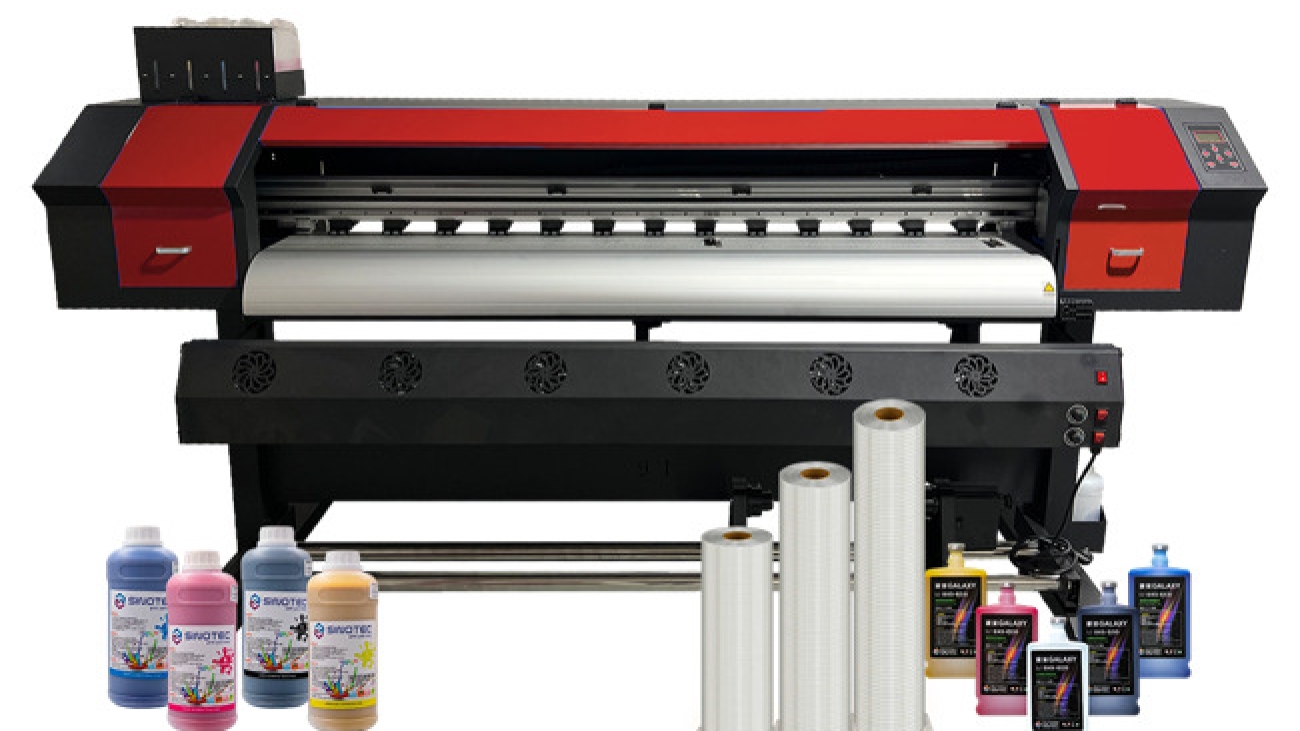
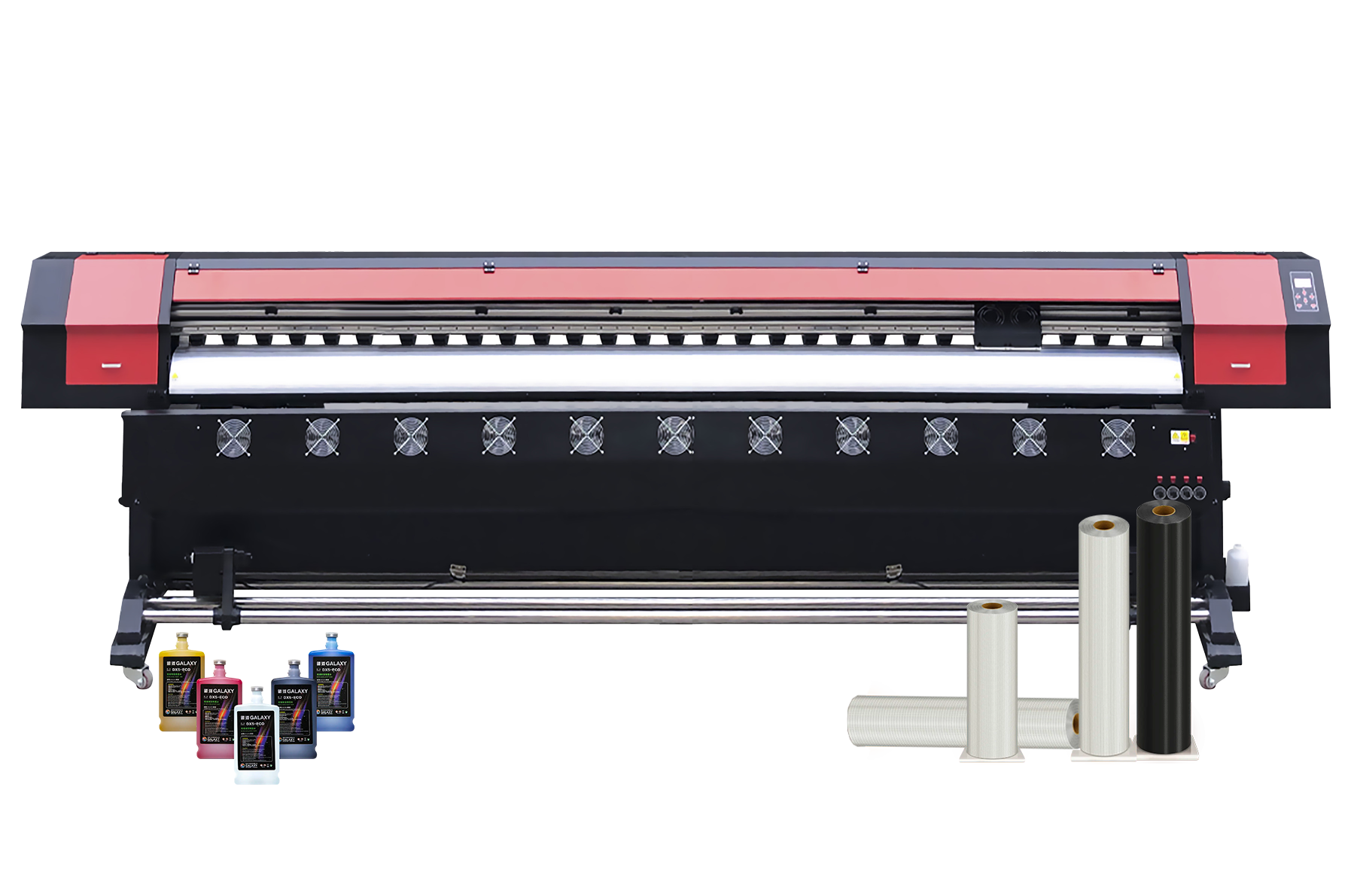
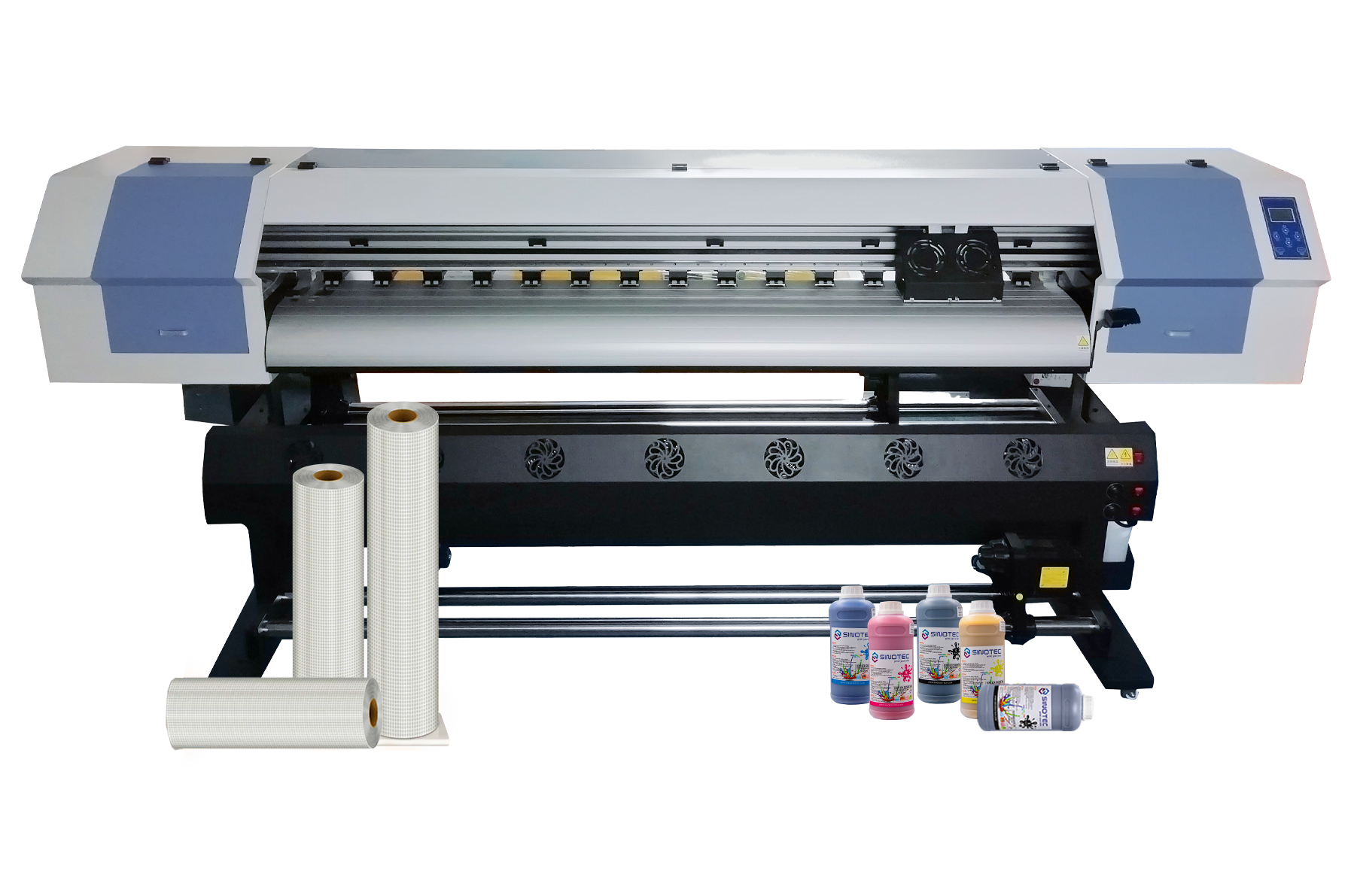
An xp600 eco solvent printer is the best option for organizations that require quality prints within moderate investment. This printer comes with Epson XP600 prinhead technology which enables smooth color transition and detailed image reproduction for posters, stickers, bandeiras, and promotional graphics. It is the perfect device for small to medium printing firms that require a reliable high resolution printer with ease of use and low maintenance.

i3200 Eco Solvent Printer Provides Higher Production Capacity

The main benefits of i3200 eco solvent printer are high printing speeds and productivity. Due to the presence of additional nozzles and better ink distribution performance, compared to XP600 model, the printhead of Epson i3200 can provide more efficient printing. Large format printers based on this technology are commonly used in commercial, advertising and vehicle wrapping applications, as well as in industrial printing tasks.

High Resolution Printer Performance Depends on Printhead Selection

To create high-quality images using high resolution printer it is necessary to use advanced printheads as well as reliable mechanics, precise ink delivery and optimal printing systems. Both XP600 and i3200 technologies allow getting impressive results if the printer is set up correctly. When buying an eco solvent printer one should take into account such aspects as printing volume, needed speed and budget.

xp600 eco solvent printer

Technical Comparison Between XP600 and i3200 Printheads for Large Format Printers

Several major criteria such as speed, resolution performance, maintenance, and cost efficiency have to be considered while comparing an xp600 eco solvent printer and an i3200 eco solvent printer. These two printhead technologies are equally effective in professional large format printing; however, due to various design features, they can be utilized in different cases. Knowing the differences between the two technologies allows businesses to select a high resolution printer which would provide higher productivity.

Printing Speed and Productivity Differences Between XP600 and i3200

The main advantage of an i3200 eco solvent printer is high productivity compared to other solutions including XP600-based devices. Epson i3200 printhead offers a greater number of nozzles and faster ink supply, portanto, it makes the printer more productive when it comes to completing large advertising projects. Ao mesmo tempo, an xp600 eco solvent printer is mostly focused on providing balanced performance and affordable prices.

Image Quality and Color Accuracy of Eco Solvent Printers

XP600 and i3200 printers will give you detailed images and smooth colors in your work for professional purposes. The use of either printhead will allow you to print quality texts, graphics, and images on various media. It should be noted that the use of i3200 technology is preferred for expensive commercial prints, as it has stability at high volume, while XP600 is still good in its price range.

Maintenance Requirements and Long-Term Printing Stability

Maintainability plays a big role when choosing your eco solvent printing machine. An xp600 eco solvent printer provides you with easy replacements and low expenses for the initial maintenance. An i3200 eco solvent printer is chosen by those people who need their printers to work stably even under heavy working conditions.

Applications of XP600 Eco Solvent Printer and i3200 Eco Solvent Printer

Printing companies have their own production needs, which is why choosing XP600 or i3200 printer technologies depends much on the application scenarios. The use of XP600 and i3200 will result in reliable performance along with proper eco solvent ink and large format printer. SinoDigitech specializes in developing printing solutions for various commercial applications, which allows us to choose printers according to real production needs of customers.

Advertising and Signage Production Applications

Advertising companies need a reliable high resolution printer to make banners, cartazes, stickers and promotions displays. Xp600 eco solvent printer will help a small advertisement studio to get quality pictures while controlling costs. For large scale signage manufactures that deal with ongoing orders, i3200 eco solvent printer is more suitable due to its higher efficiency and fast productivity.

Vehicle Wrapping and Outdoor Graphic Printing

For vehicle wrapping, printers capable of producing high-quality prints with good color reproduction are needed. The printers, i.e., XP600 and i3200 eco solvent printers, are suitable for eco solvent ink, which gives good adhesion on vinyl and other flexible materials. If there is a need for producing a huge amount of vehicle graphics, then one can use the i3200-based high resolution printer. No entanto, XP600 printers are useful if one needs to make customized prints.

Indoor Decoration and Commercial Printing Projects

Customized wallpapers, interior graphics, and decorations are the latest trends in printing and decoration business; thus, the printing companies need eco solvent printers. An xp600 eco solvent printer is ideal for those who need to produce personalized products, whereas an i3200 eco solvent printer is perfect for larger decoration projects that require quick turnarounds. Choosing a proper printer will help businesses enhance their work processes.

impressora i3200 eco-solvente

How to Choose Between XP600 Eco Solvent Printer and i3200 Eco Solvent Printer

Deciding which printhead to use will depend on the scale of operations, anticipated volume, and future growth considerations. Rather than concentrating only on machine cost, one must assess the printing speed, running cost, versatility, and technical assistance. A professional high resolution printer must have stable printing capability, easy operation and value in the long run for commercial printing firms.

Choose XP600 for Entry-Level and Flexible Printing Businesses

Start-ups and businesses entering the world of digital printing usually tend to opt for an xp600 eco solvent printer because of the balance of performance versus investment cost. This setup is ideal for new printing businesses, small advertising firms, and those undertaking custom printing jobs. Due to the reliable printing quality and simple maintenance, XP600 technology helps new printing businesses grow their market without high operating costs.

Choose i3200 for High-Volume Commercial Production

High demands in production usually imply that i3200 eco solvent printer will suit such company due to its high productivity and professional performance. Continuous operation with consistent quality of printed image is the main requirement for commercial printing plants, advertising production houses and industrial applications. i3200 printhead becomes the right choice for the company looking for scalable high resolution printer.

Consider Professional Manufacturer Support and Customization Options

Professional printer manufacturer becomes critical point when buying large format printer. OEM and ODM services, customized machine setup, technical support and good pricing options become available with the help of professional printer manufacturer. SinoDigitech provides eco solvent printer solutions according to the different market needs to choose appropriate printing machines for global customers.

Conclusão

A limpeza adequada dos cabeçotes de impressão e a manutenção da impressora são alguns dos aspectos importantes que ajudarão você a garantir a longevidade dos seus cabeçotes de impressão e manter o alto desempenho de impressão em impressoras de grande formato.. Com manutenção adequada e práticas corretas, você será capaz de minimizar os problemas na impressão, aumentar a eficiência da produção, economizar dinheiro, e garanta um bom desempenho da sua impressora. Para soluções profissionais de impressão em grandes formatos, equipamento de impressão avançado, e tecnologia de impressora confiável projetada para diversas aplicações industriais, visita SINOTEC | Equipamento de publicidade digital & Consumíveis.

Limpeza do cabeçote de impressão

Manutenção do cabeçote de impressão & Guia de limpeza para impressoras de grande formato: Chave para prolongar a vida útil do cabeçote de impressão

As impressoras de grande formato são amplamente utilizadas na área de publicidade, embalagem, têxteis, sinalização, e decoração da indústria devido à capacidade da impressora de imprimir imagens de alta qualidade. A cabeça de impressão é parte integrante do processo de impressão a jato de tinta; portanto, sua funcionalidade impacta diretamente a qualidade de impressão. Pó, tinta de secagem, e outros problemas podem levar a bicos entupidos, que afetam o desempenho da cabeça de impressão. Por isso, a limpeza e manutenção regulares do cabeçote de impressão são importantes para aumentar sua vida útil e garantir o funcionamento adequado.

Por que a limpeza do cabeçote de impressão é importante para impressoras de grande formato

O cabeçote de impressão foi projetado para controlar com precisão as gotas de tinta durante o processo de impressão. Porque milhares de micro bicos estão instalados nele, mesmo pouca contaminação pode influenciar nos resultados finais. A limpeza regular do cabeçote de impressão é necessária para manter o bom desempenho do equipamento, para garantir um fluxo suave de tinta e fornecer um trabalho confiável da impressora destinada a grandes formatos.

Evite entupimento dos bicos e defeitos de impressão

O entupimento dos bicos é um dos problemas mais frequentes da impressora de grande formato, especialmente em caso de trabalho contínuo ou em caso de máquina ociosa durante algum período de tempo. Como resultado, tinta seca e depósitos no canal dos bicos podem causar falta de linhas, cores irregulares e imagens pouco nítidas. A limpeza do cabeçote de impressão ajudará a evitar esses problemas, removendo depósitos de tinta dos bicos.

Mantenha a qualidade de impressão e a precisão das cores

A qualidade de uma impressão depende da distribuição precisa da tinta e de uma boa reprodução de cores. Cores opacas, impressões borradas, e outros tipos de baixa qualidade de impressão resultam do mau funcionamento do cabeçote de impressão. O cabeçote de impressão deve ser capaz de distribuir a tinta uniformemente para produzir uma saída de alta qualidade, independentemente do material em que você está imprimindo.. As impressoras de grande formato são utilizadas não apenas para produzir impressões e gráficos publicitários, mas também para decoração têxtil ou embalagens..

Aumente a vida útil do cabeçote de impressão e reduza custos

A cabeça de impressão é um elemento altamente valioso de uma impressora de grande formato, e portanto, prolongar sua vida útil ajudará a reduzir custos. A limpeza ineficiente do cabeçote de impressão causa danos devido à tinta seca, pó, e operação incorreta da máquina. A implementação de um plano de manutenção preventiva permitirá que as empresas percebam possíveis problemas numa fase inicial e poupem dinheiro gasto na substituição regular da cabeça de impressão.

Limpeza do cabeçote de impressão

Causas comuns de problemas com cabeçotes de impressão em impressoras de grande formato

Conhecer as causas da falha do cabeçote de impressão permite que os operadores desenvolvam estratégias de manutenção mais eficientes para suas impressoras. O ambiente circundante, a qualidade da tinta usada, e o comportamento do operador durante o uso de impressoras pode afetar a eficiência dos processos de impressão. Conhecer as causas potenciais de tais avarias permitirá às empresas evitá-las, tomando medidas de precaução e mantendo a eficiência das impressoras de grande formato..

Acumulação de tinta seca e resíduos de tinta

Um dos problemas mais frequentes do cabeçote de impressão relacionado ao entupimento dos bicos está relacionado à tinta seca. Ocorre porque a tinta fica espessa e cria depósitos que impedem o fluxo adequado da tinta.. O problema da tinta seca diz respeito principalmente às impressoras especializadas e às que não são utilizadas regularmente.

Poeira e Contaminação Ambiental

As condições ambientais influenciam o desempenho do cabeçote de impressão. Partículas de poeira, fibras, e outros contaminantes podem ficar presos perto do cabeçote de impressão e interferir na pulverização da tinta. Níveis inadequados de temperatura ou umidade podem causar secagem da tinta e aumentar a necessidade de manutenção. O controle das condições ambientais faz parte da manutenção da impressora e minimiza o risco de contaminação. Condições de produção limpas e ambiente operacional adequado tornam possível alcançar uma operação estável de impressoras de grande formato e prolongar sua vida útil.

Uso incorreto de tinta e métodos de manutenção

O uso inadequado de tinta ou a manutenção incorreta do cabeçote de impressão podem ter um efeito negativo no desempenho do cabeçote de impressão. Tinta de baixa qualidade, armazenamento inadequado, ou materiais incompatíveis podem levar à formação de contaminantes no sistema de fornecimento de tinta e aumentar os riscos de entupimento. Adicionalmente, técnicas de limpeza severas podem causar danos às peças delicadas do cabeçote de impressão. Os operadores devem usar técnicas adequadas e tinta apropriada para limpar eficazmente os cabeçotes de impressão sem causar danos desnecessários.

Práticas eficazes de manutenção de impressoras para proteger cabeçotes de impressão

O processo completo de manutenção da impressora exige que as seguintes ações sejam realizadas regularmente: inspeção, limpeza e operação da impressora. É muito importante realizar a manutenção preventiva de impressoras de grande formato, pois proporciona eficiência na produção e evita qualquer falha..

Realize verificações e limpezas regulares dos bicos

A verificação do cabeçote de impressão permite que os operadores examinem sua condição antes de encontrarem qualquer problema com a impressão. Com a ajuda de padrões de teste, será possível detectar qualquer mau funcionamento, como falta de bicos, pulverização de tinta incorreta, etc.. Seguindo o resultado obtido durante uma inspeção, a limpeza adequada do cabeçote de impressão deve ser feita para que o cabeçote de impressão volte ao seu funcionamento normal.

Manter a estação de cobertura e os componentes da impressora

Estes incluem a estação de nivelamento e o sistema de limpeza que são responsáveis ​​pelas funções de limpeza automática. Eles ajudam a proteger o cabeçote de impressão quando a impressora está no modo de espera, removendo o excesso de tinta do cabeçote no processo. Quando essas peças ficam contaminadas, sua eficácia será comprometida, levando ao acúmulo de tinta no cabeçote de impressão. A inspeção e a limpeza dessas peças fazem parte das rotinas adequadas de manutenção da impressora, destinadas a garantir um bom funcionamento e prolongar a vida útil da máquina de impressão..

Siga os procedimentos adequados de desligamento e armazenamento

As técnicas corretas de desligamento e armazenamento são essenciais para a proteção dos cabeçotes de impressão, particularmente onde impressoras de grande formato não serão usadas por um longo período de tempo. A técnica de desligamento incorreta pode fazer com que a tinta fique presa nos bicos, causando entupimento. Usar o método de armazenamento correto garante o fluxo contínuo de tinta e o estado adequado do cabeçote de impressão. Tais medidas preventivas minimizam problemas de reinício e necessidades de manutenção.

Limpeza do cabeçote de impressão

Como as soluções profissionais de impressão em grandes formatos melhoram a confiabilidade

Máquinas de impressão eficientes ajudam a minimizar os riscos de problemas de manutenção. A geração moderna de impressoras de grande formato utiliza sistemas sofisticados de fornecimento de tinta e tecnologia avançada de cabeçote de impressão, que pode operar continuamente. Usando práticas eficientes de limpeza de cabeçotes de impressão e manutenção de impressoras, soluções de impressão profissionais ajudam a aumentar a eficiência e minimizar os custos de operação.

Suporta desempenho de impressão estável

O desempenho estável das cabeças de impressão é crucial para as empresas que operam numa base de produção contínua. As impressoras modernas de grande formato são desenvolvidas para oferecer entrega eficiente de tinta, imagens de alta qualidade, e operação confiável em diversas tarefas. Usando técnicas de manutenção eficientes, estes sistemas serão capazes de diminuir os riscos de interrupções de impressão e maximizar a eficiência do processo. Soluções de impressão profissional são usadas em publicidade, têxtil, embalagem, e indústrias de manufatura industrial.

Reduza o tempo de inatividade com manutenção preventiva

Problemas imprevistos da impressora levarão ao aumento do tempo de inatividade e dos custos em termos de eficiência de produção. Através da manutenção preventiva da impressora, a empresa é capaz de prever quaisquer problemas potenciais e resolvê-los sem afetar o processo de produção. Ao fazer a limpeza, inspeções e cuidados com os componentes, os riscos de problemas inesperados são bastante minimizados. Isto é importante para empresas que utilizam impressoras de grande formato todos os dias.

Melhore o valor da impressão a longo prazo

O uso de equipamentos de impressão de qualidade permitirá que a empresa experimente operações eficientes e custos de manutenção reduzidos no futuro. Equipamentos que possuem um sistema de cabeçote de impressão estável e a solução de tinta certa facilitarão as operações para o negócio. Juntamente com uma boa limpeza da cabeça de impressão, este equipamento oferecerá uma boa relação custo-benefício para fins de impressão comercial e industrial.

Conclusão

A limpeza adequada dos cabeçotes de impressão e a manutenção da impressora são alguns dos aspectos importantes que ajudarão você a garantir a longevidade dos seus cabeçotes de impressão e manter o alto desempenho de impressão em impressoras de grande formato.. Com manutenção adequada e práticas corretas, você será capaz de minimizar os problemas na impressão, aumentar a eficiência da produção, economizar dinheiro, e garanta um bom desempenho da sua impressora. Para soluções profissionais de impressão em grandes formatos, equipamento de impressão avançado, e tecnologia de impressora confiável projetada para diversas aplicações industriais, visita SINOTEC | Equipamento de publicidade digital & Consumíveis.